Перейти к основному содержанию
Присоединяйся к сообществу ремонтников - Создай аккаунт

LeapFrog Scribble and Write Display Screen Replacement

Выберете то, что вам нужно

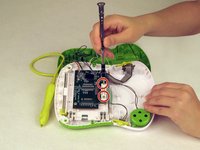
    1. LeapFrog Scribble and Write Display Screen Replacement, Display Screen: шаг 1, изображение 1 из 2 LeapFrog Scribble and Write Display Screen Replacement, Display Screen: шаг 1, изображение 2 из 2
      • Turn your toy over.

      • Use a Phillips screwdriver to remove the nine case screws from the back of the toy.

      • Be careful to keep track of the screws.

      Спросите у FixBot

      Добавить комментарий

    2. LeapFrog Scribble and Write Display Screen Replacement: шаг 2, изображение 1 из 1
      • Carefully remove the back of the toy..

      Спросите у FixBot

      Добавить комментарий

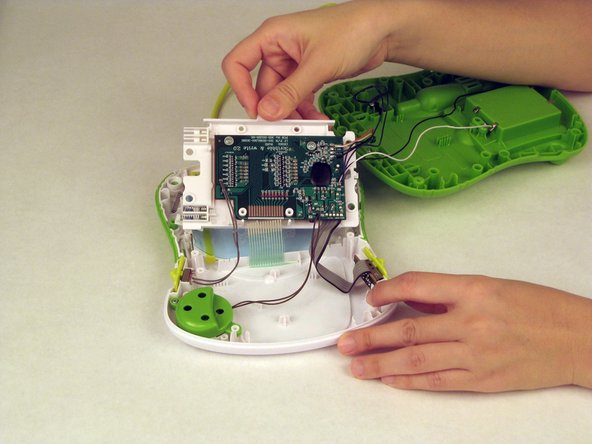
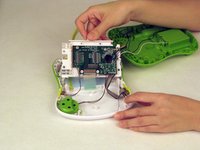
    3. LeapFrog Scribble and Write Display Screen Replacement: шаг 3, изображение 1 из 2 LeapFrog Scribble and Write Display Screen Replacement: шаг 3, изображение 2 из 2
      • Use a Philips screwdriver to remove the two screws attached to the motherboard.

      • Remove the motherboard.

      Спросите у FixBot

      Добавить комментарий

    4. LeapFrog Scribble and Write Display Screen Replacement: шаг 4, изображение 1 из 2 LeapFrog Scribble and Write Display Screen Replacement: шаг 4, изображение 2 из 2
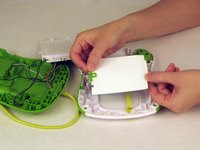
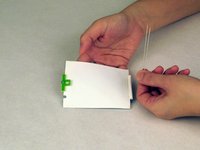
      • Remove the screen.

      • Remove the two pins from the bottom of the screen.

      Спросите у FixBot

      Добавить комментарий

    5. LeapFrog Scribble and Write Display Screen Replacement: шаг 5, изображение 1 из 1
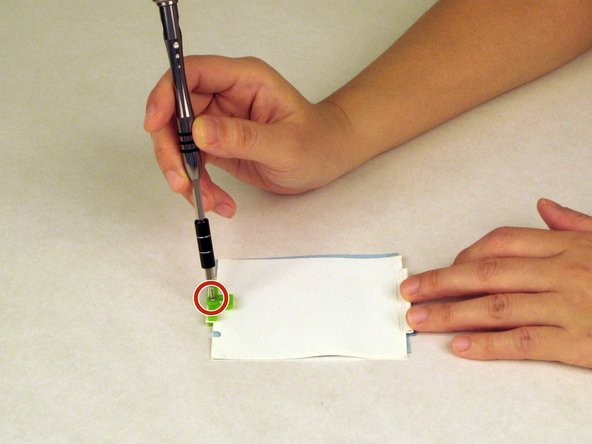
      • Use a Phillips screwdriver to remove the screw from the green clip that holds the two screen layers together.

      Спросите у FixBot

      Добавить комментарий

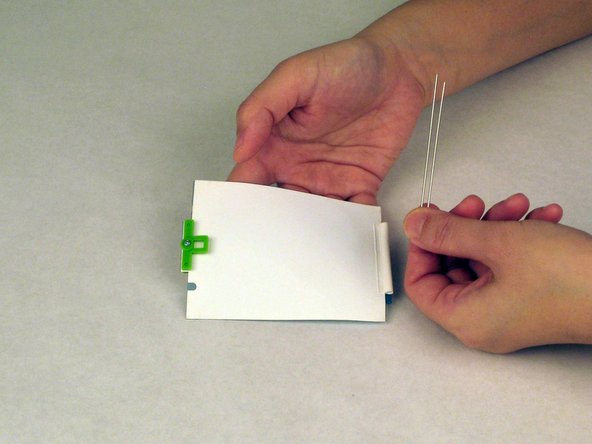
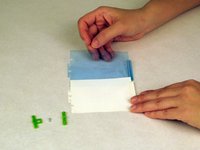
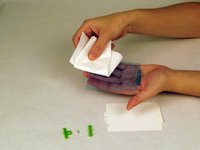
    6. LeapFrog Scribble and Write Display Screen Replacement: шаг 6, изображение 1 из 2 LeapFrog Scribble and Write Display Screen Replacement: шаг 6, изображение 2 из 2
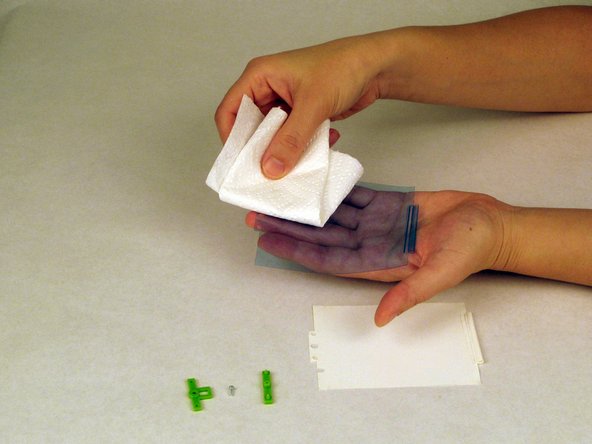
      • Separate the blue and the white films.

      • Clean both films with paper towel.

      • Make sure there are no dirty spots before putting the films back together.

      Спросите у FixBot

      Добавить комментарий

Заключение

To reassemble your device, follow these instructions in reverse order.

Отменить: Я не выполнил это руководство.

2 человек успешно провели ремонт по этому руководству.

Shang

Участник с: 02/10/16

328 Репутация

Автор 3 руководств

Команда

USF Tampa, Team 1-5, Nance Spring 2016 Участник USF Tampa, Team 1-5, Nance Spring 2016

USFT-NANCE-S16S1G5

3 членов

Автор 20 руководств

0 Комментарии к руководству

Добавить комментарий

Статистика просмотров:

За последние 24 часов: 4

За последние 7 дней: 13

За последние 30 дней: 64

За всё время: 5,157