Введение
Is your receiver screen cracked, broken, or pixelated? Try replacing the screen to solve this problem.
Выберете то, что вам нужно
-
-
-
Remove the battery cover on the back of the LCD monitor by unscrewing one 5mm Phillips #1 screw.
-
Slide the battery out of the housing. Lightly tap the opposite end of the monitor if the battery does not come right out.
 Спросите у FixBot
-
-
-
Remove the four 6mm Phillips #1 screws on the back of the LCD monitor.
-
-
-
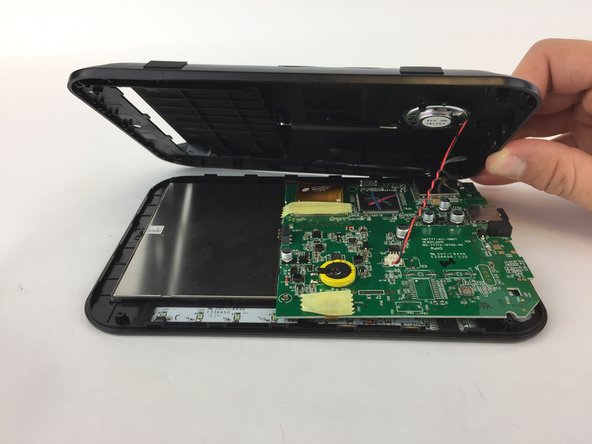
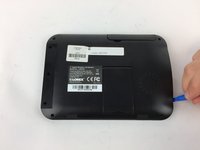
Using a plastic opening tool, gently separate the back panel from the front panel, working the tool around the panel to disconnect it.
-
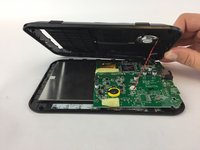
Carefully remove the back panel
-
-
-
-
-
-
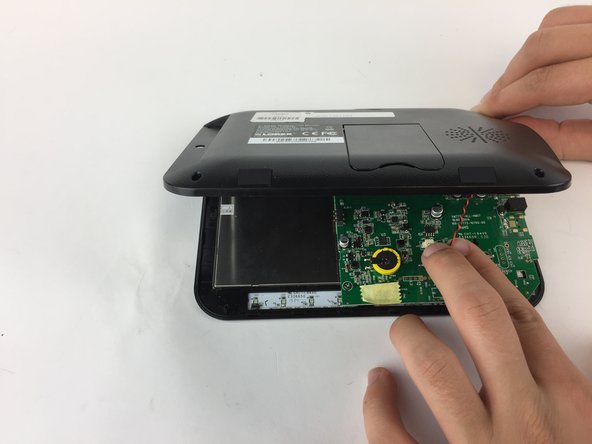
Locate the motherboard and carefully pull the red and black speaker wires out of their harness.
-
-
-
Remove the two 5mm Phillips #1 screws that are holding the motherboard in place.
-
-
Инструмент, используемый на этом этапе:Tweezers$4.99
-
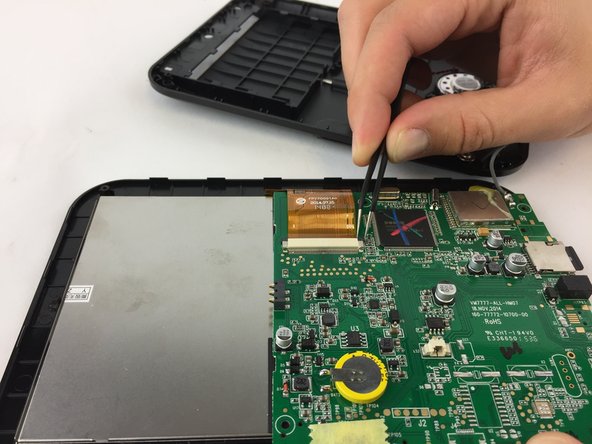
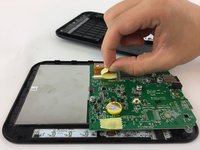
Peel away the yellow tape that is covering the large harness.
-
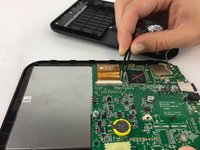
Use needle-nosed tweezers to pull out the black tabs that are holding the film in the harness and gently pull the film out of the harness.
-
-
-
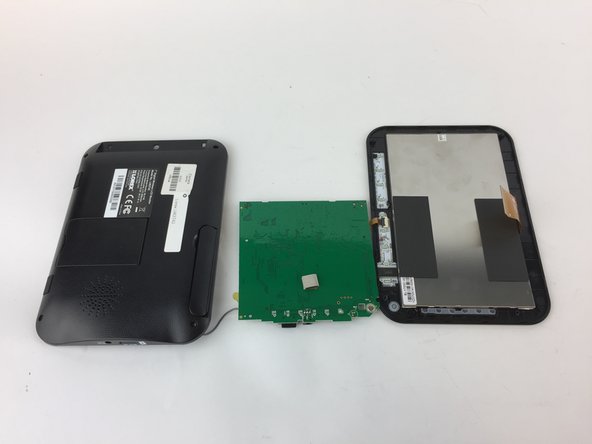
Flip the back panel and motherboard over to reveal the back of the LCD monitor
-
-
-
The LCD monitor will easily come out of the front casing of the monitor.
-
-



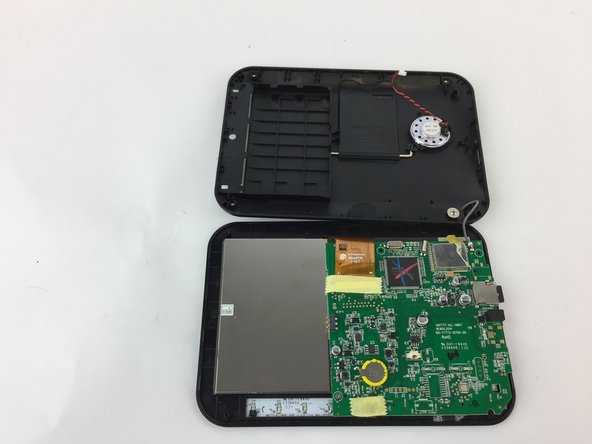
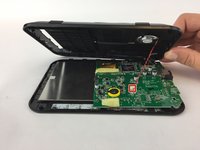
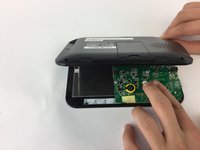
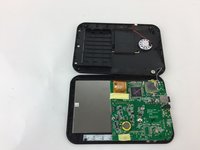




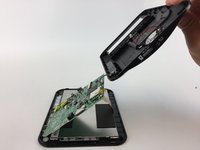
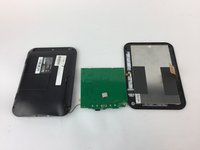

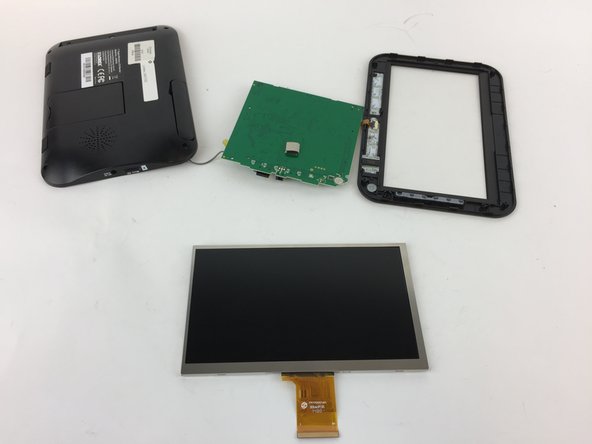
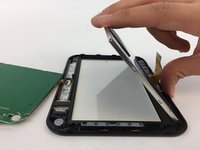
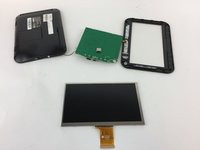
To reassemble your device, follow these instructions in reverse order.
Отменить: Я не выполнил это руководство.
Еще один человек закончил это руководство.

Команда

USF Tampa, Team 16-1, Eyestone Fall 2016 Участник USF Tampa, Team 16-1, Eyestone Fall 2016
USFT-EYESTONE-F16S16G1
4 членов
Автор 18 руководств
4 Комментарии к руководству
I need the price list of this Lorex LW2742 LCD Display Replacement
I have the Lorex and I need a new ftat flexible cable, the number on the cable is S13821. This cable broke off as i did not use Ifixit at first.
I have the Lorex and I need a new flat flexible cable, the idea here was to get to the DC supply and remove the plug in component as it was damage because of constant useage of plug in in and out. The Flat Flexible Cable Number is S13821
I have a Loren 7'' wireless monitor and I need to get a replacement battery model 4170102 where can I get one
