Введение
Replacing the optical drive is straight forward and all you need is a Phillips head screw driver. Use this guide to replace the optical drive in your Mac Pro.
Выберете то, что вам нужно
-
-
-
-
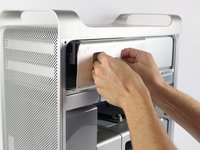
Firmly grasp the handles of the shown compartment and pull out firmly to remove the optical drive bay.
-
-
-
Firmly hold each of the two connectors and pull them out of their respective sockets.
-
-
-
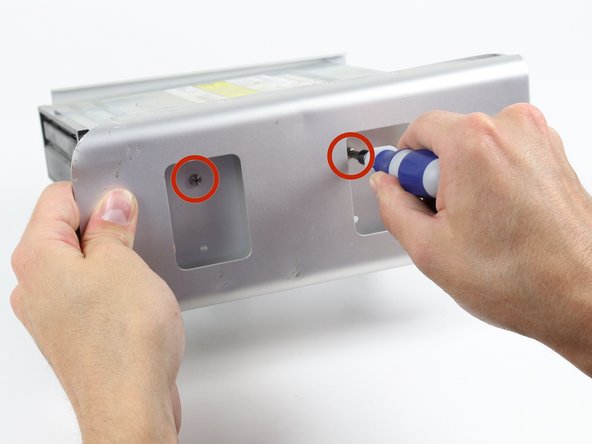
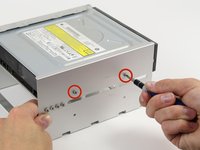
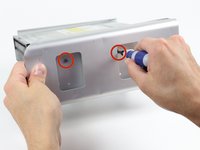
Unscrew the shown two 6-32 type screws on each side of the optical drive.
-
-
-
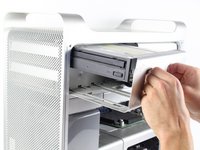
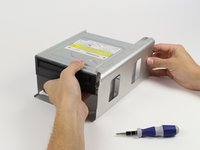
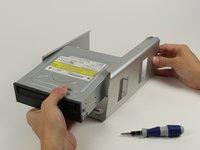
Firmly grasp the optical drive and pull it out of its enclosure.
-

 Спросите у FixBot






To reassemble your device, follow these instructions in reverse order.
Отменить: Я не выполнил это руководство.
21 человек успешно провели ремонт по этому руководству.

Команда

Cal Poly, Team 6-24, Maness Fall 2014 Участник Cal Poly, Team 6-24, Maness Fall 2014
CPSU-MANESS-F14S6G24
4 членов
Автор 25 руководств
10 Комментарии к руководству
Thanks! It had been a long time since I'd been inside my towers! Easy-peasy!
I am having problems with the new optical drive not being able to eject and close without my help. Any thoughts?
Did you take off the front of the tray?
Awesome!!! Worked like a charm! Drive is totally busted. Do you have a link or a suggestion for an optical drive for a late 2009 Mac pro? Thanks either way!
The unit holding the optical drive will NOT pull out at all and I and really pulling on it and wiggling it. All other videos show it popping out with little force. What am I doing wrong?
