Выберете то, что вам нужно
-
-
Use the plastic opening tool to separate the back cover plate from the front.
-
Insert the plastic opening tool in between the back plate cover and the top cover, then slide along edges to pry open.
 Спросите у FixBot
-
-
-
Locate the two ribbons attached to the device's motherboard.
-
Flip the small black plastic catches down by using the small end of the spudger.
-
Remove the ribbons by gently pulling them away from the motherboard.
-
-
-
-
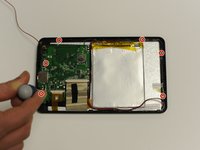
Remove the two screws from the motherboard.
-
Remove the four screws and metal holds from the edge of the device.
-
-
-
Remove the motherboard by gently pulling it away from the bottom of the device.
-


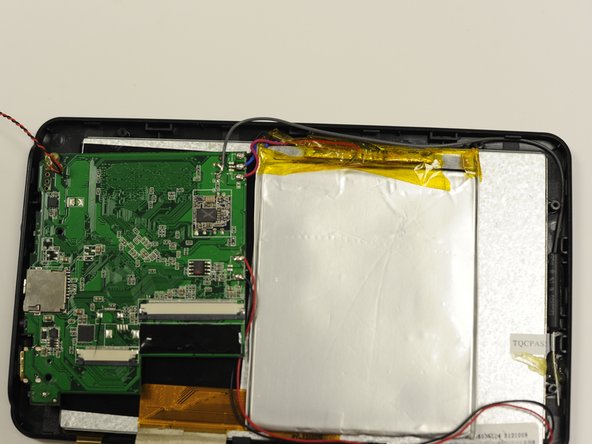

To reassemble your device, follow these instructions in reverse order.
Отменить: Я не выполнил это руководство.
Еще один человек закончил это руководство.

Команда

University of Alabama, Team 1-3, Naidoo Spring 2015 Участник University of Alabama, Team 1-3, Naidoo Spring 2015
UA-NAIDOO-S15S1G3
4 членов
Автор 4 руководств
