Перейти к основному содержанию
Присоединяйся к сообществу ремонтников - Создай аккаунт

Maze Speed SSB-508 Screen Replacement

Выберете то, что вам нужно

    1. Maze Speed SSB-508 Screen Replacement, Motherboard: шаг 1, изображение 1 из 3 Maze Speed SSB-508 Screen Replacement, Motherboard: шаг 1, изображение 2 из 3 Maze Speed SSB-508 Screen Replacement, Motherboard: шаг 1, изображение 3 из 3
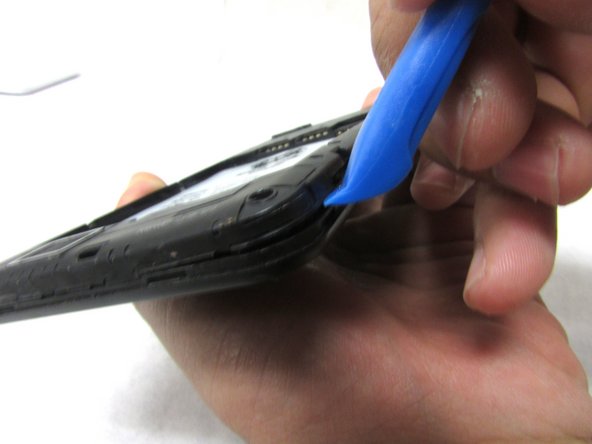
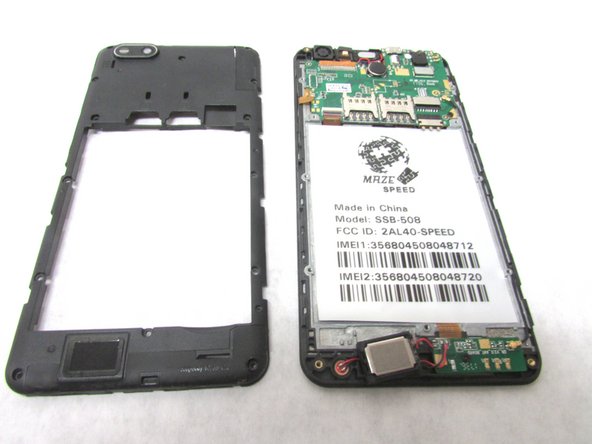
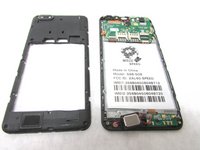
      • Remove the back cover by inserting the plastic opening tool at the bottom left corner of the device.

      Спросите у FixBot

      Добавить комментарий

    2. Maze Speed SSB-508 Screen Replacement: шаг 2, изображение 1 из 2 Maze Speed SSB-508 Screen Replacement: шаг 2, изображение 2 из 2
      • Remove fifteen 2mm Phillips #00 screws.

      Спросите у FixBot

      Добавить комментарий

    3. Maze Speed SSB-508 Screen Replacement: шаг 3, изображение 1 из 3 Maze Speed SSB-508 Screen Replacement: шаг 3, изображение 2 из 3 Maze Speed SSB-508 Screen Replacement: шаг 3, изображение 3 из 3
      • Lift the plastic opening tool up at the bottom left corner to create the gap.

      • Repeat this through all corners to remove the internal casing.

      Спросите у FixBot

      Добавить комментарий

    4. Maze Speed SSB-508 Screen Replacement: шаг 4, изображение 1 из 3 Maze Speed SSB-508 Screen Replacement: шаг 4, изображение 2 из 3 Maze Speed SSB-508 Screen Replacement: шаг 4, изображение 3 из 3
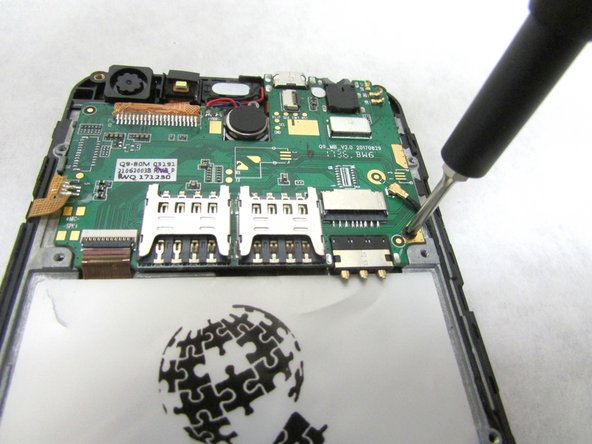
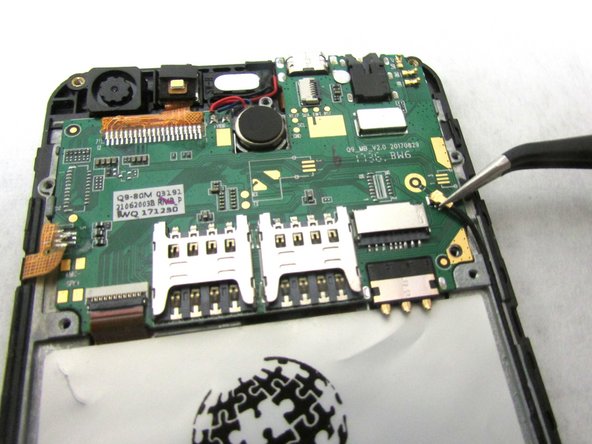
      • Unscrew the 2mm screw at the bottom right of the motherboard.

      • Remove the internal antenna casing from the motherboard.

      Спросите у FixBot

      Добавить комментарий

    5. Maze Speed SSB-508 Screen Replacement: шаг 5, изображение 1 из 2 Maze Speed SSB-508 Screen Replacement: шаг 5, изображение 2 из 2
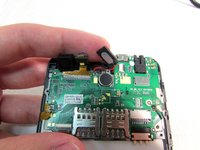
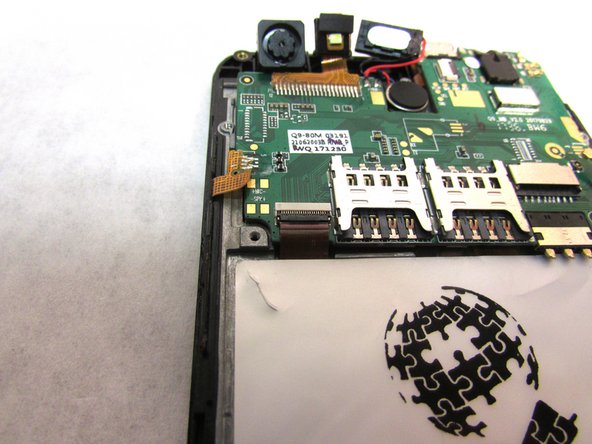
      • Unplug the speaker at the top of the motherboard.

      Спросите у FixBot

      Добавить комментарий

    6. Maze Speed SSB-508 Screen Replacement: шаг 6, изображение 1 из 2 Maze Speed SSB-508 Screen Replacement: шаг 6, изображение 2 из 2
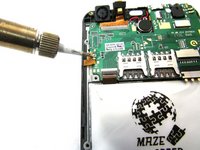
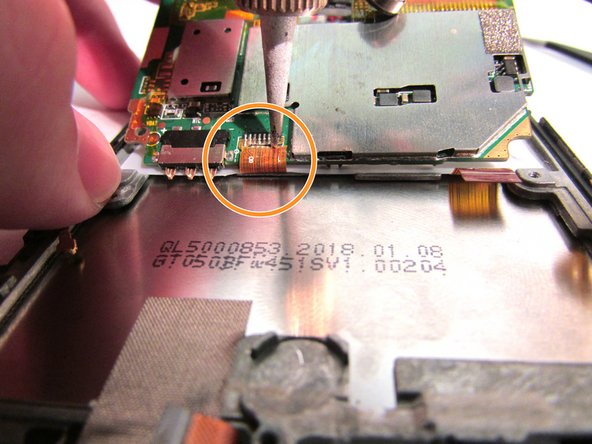
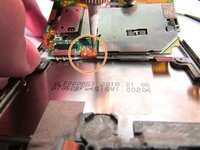
      • Desolder the gold ribbon that is connected to the motherboard at the bottom left corner.

      Спросите у FixBot

      Добавить комментарий

    7. Maze Speed SSB-508 Screen Replacement: шаг 7, изображение 1 из 3 Maze Speed SSB-508 Screen Replacement: шаг 7, изображение 2 из 3 Maze Speed SSB-508 Screen Replacement: шаг 7, изображение 3 из 3
      Инструмент, используемый на этом этапе:
      Tweezers
      $4.99
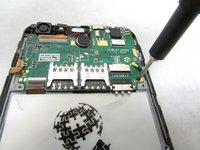
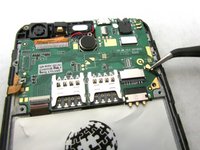
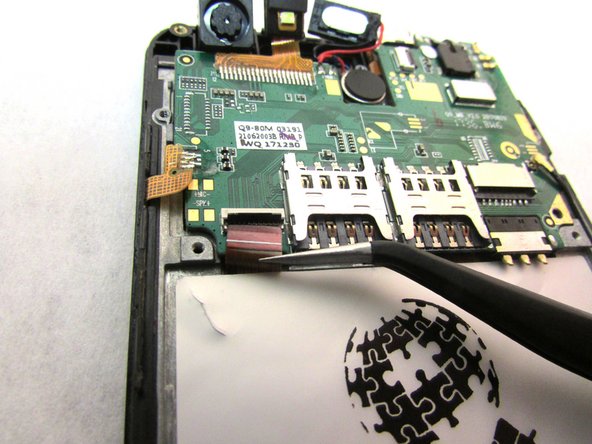
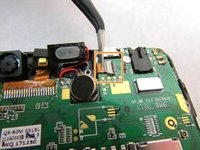
      • Use tweezers to remove cable from the ZIF connectors located at the bottom left of the motherboard.

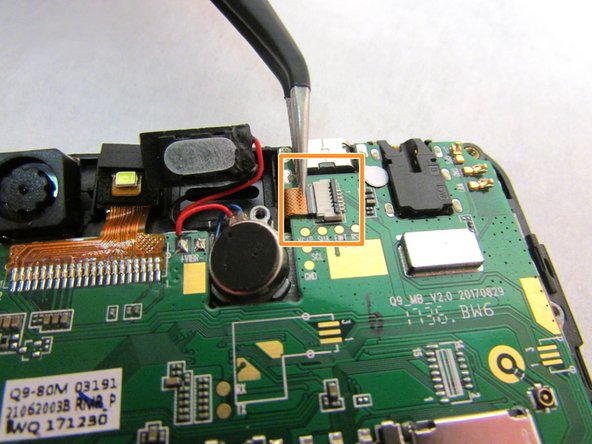
      • Use the tweezers to remove the second cable from ZIF connector located to the right of the speaker that you unplugged in step five.

      • ZIF connector stands for Zero Insertion Force. Flip the small locking tap before removing the cable.

      Спросите у FixBot

      Добавить комментарий

    8. Maze Speed SSB-508 Screen Replacement: шаг 8, изображение 1 из 2 Maze Speed SSB-508 Screen Replacement: шаг 8, изображение 2 из 2
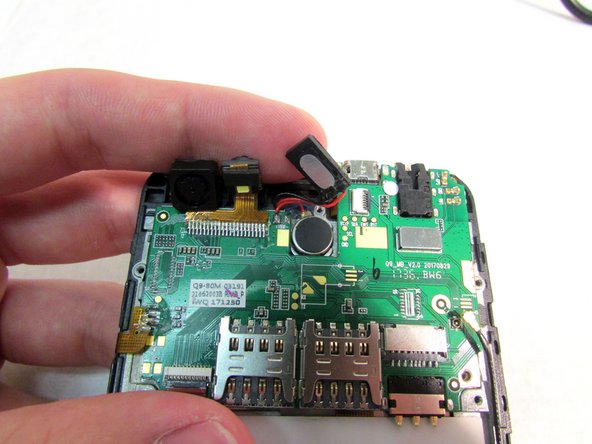
      • At this point, the motherboard should be able to be lifted up from the bottom.

      • Use the tweezers to dislodge the speaker.

      • After the speaker is dislodged, flip the motherboard up so that you can see the cable.

      • Using a soldering tool, desolder the cable from the back of the motherboard.

      Спросите у FixBot

      Добавить комментарий

    9. Maze Speed SSB-508 Screen Replacement: шаг 9, изображение 1 из 1
      • Remove the motherboard from the back.

      Спросите у FixBot

      Добавить комментарий

    1. Maze Speed SSB-508 Screen Replacement, Screen: шаг 10, изображение 1 из 2 Maze Speed SSB-508 Screen Replacement, Screen: шаг 10, изображение 2 из 2
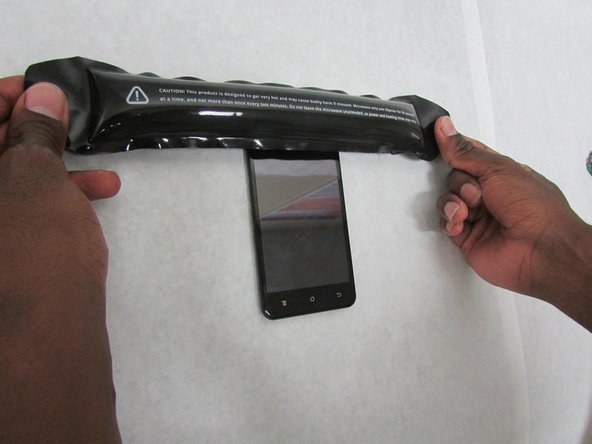
      • Apply the heated iOpener to all sides of the screen (left, right, top, and bottom) for 90 seconds (or more if necessary) to soften the adhesive.

      Спросите у FixBot

      Добавить комментарий

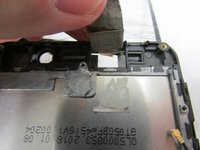
    2. Maze Speed SSB-508 Screen Replacement: шаг 11, изображение 1 из 3 Maze Speed SSB-508 Screen Replacement: шаг 11, изображение 2 из 3 Maze Speed SSB-508 Screen Replacement: шаг 11, изображение 3 из 3
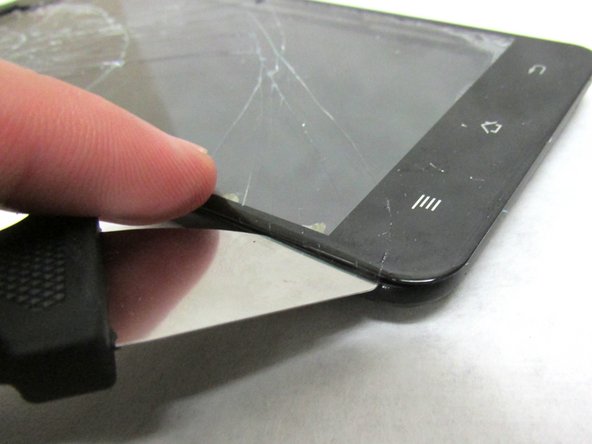
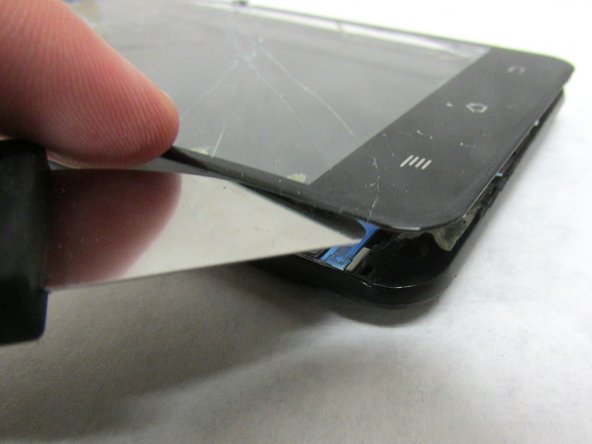
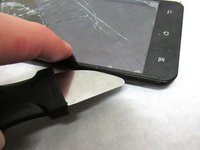
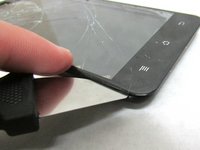
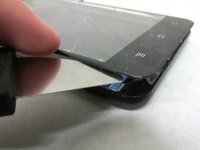
      • Use a Jimmy's flexible steel blade to separate the screen from the frame. Insert the blade between the frame and screen then carefully lift using the blade.

      • Gently lift the glass screen and remove from the frame.

      Спросите у FixBot

      Добавить комментарий

    3. Maze Speed SSB-508 Screen Replacement: шаг 12, изображение 1 из 3 Maze Speed SSB-508 Screen Replacement: шаг 12, изображение 2 из 3 Maze Speed SSB-508 Screen Replacement: шаг 12, изображение 3 из 3
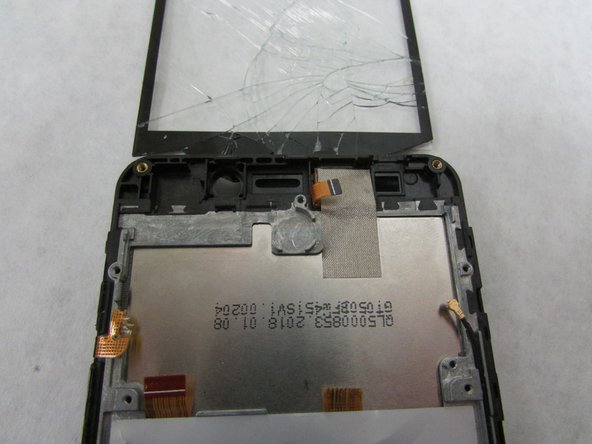
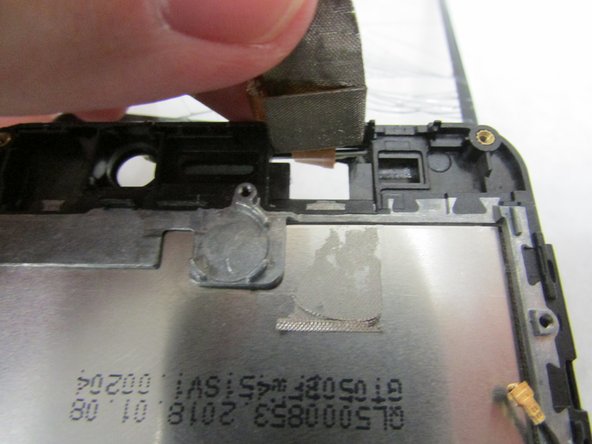
      • There will be a thin flat cable at the top of the screen in which you need to carefully peel back.

      Спросите у FixBot

      Добавить комментарий

    4. Maze Speed SSB-508 Screen Replacement: шаг 13, изображение 1 из 1
      • Move the connecting wire through the hole at the top frame.

      • Then, remove the glass screen and replace with the new one.

      Спросите у FixBot

      Добавить комментарий

Заключение

To reassemble your device, follow these instructions carefully in reverse order.

Отменить: Я не выполнил это руководство.

Jun Soo Kim

Участник с: 07/08/19

385 Репутация

Автор 3 руководств

Команда

0 Комментарии к руководству

Добавить комментарий

Статистика просмотров:

За последние 24 часов: 3

За последние 7 дней: 6

За последние 30 дней: 36

За всё время: 1,433