Введение
This guide will show you how to remove the Microsoft Band 2 battery in case the battery dies out, a common problem in the Band 2.
Выберете то, что вам нужно
-
-
Peel back the metal cover on the end of the watchband.
 Спросите у FixBot
-
-
-
Use a T3 Torx screwdriver to unscrew the four 6 mm screws on the corners of the metal cover plate.
-
-
-
-
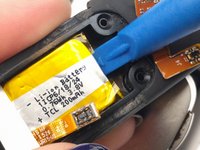
Use the plastic opening tool to pry off the metal cover plate.
-
-
Инструмент, используемый на этом этапе:Tweezers$4.99
-
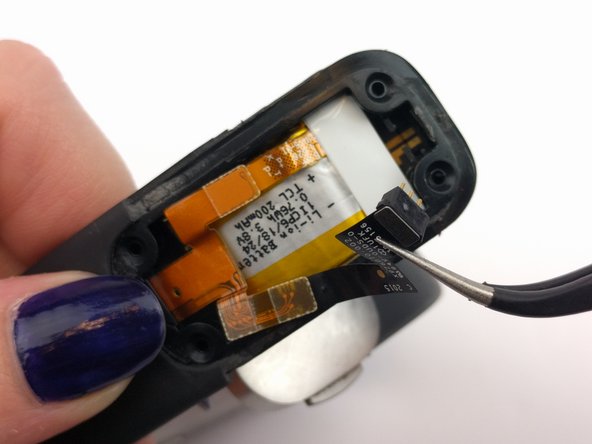
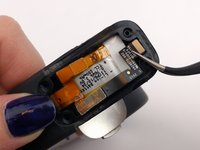
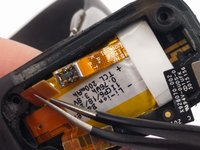
Detach the black ribbon cable by using the tweezers.
-
-
-
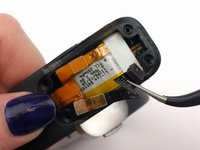
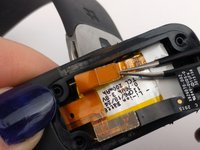
Detach the orange press-fit (or "pop") connector by using the tweezers.
-






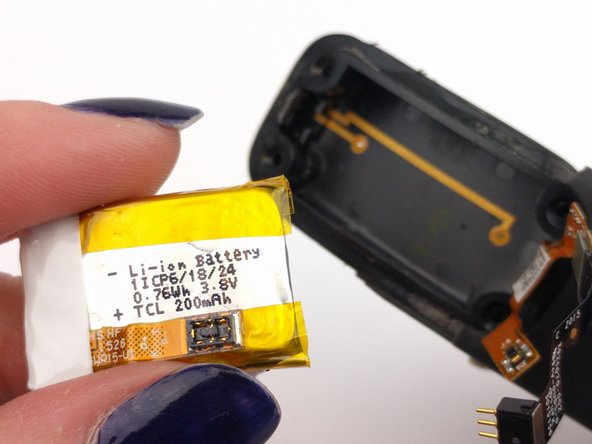
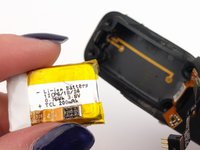
To reassemble your device, follow these instructions in reverse order.
Отменить: Я не выполнил это руководство.
20 человек успешно провели ремонт по этому руководству.

Команда

USF Tampa, Team S1-G5, Leahy Spring 2017 Участник USF Tampa, Team S1-G5, Leahy Spring 2017
USFT-LEAHY-S17S1G5
3 членов
Автор 5 руководств
14 Комментарии к руководству
My Band 2 is not charging and it showing empty battery with AC plugin Icon, but after longtime its not charging . In this case if I replace the battery is it will work or not?
Notes: did not turn on.
Microsoft band guide works well - I managed to remove the battery easily - but where do I get a new battery from ?
TWO WORDS:
THANK YOU!
(A++++)
Somebody know where to buy battery replacement?
;)
The only place i found was ebay:
Batteries can be found on ebay. I was surprised to see the band come back to life. I found the “pop” connector difficult to align properly. Almost lost patience with it. Got it on, reassembled and it powered up.
