Перейти к основному содержанию
Присоединяйся к сообществу ремонтников - Создай аккаунт

Microsoft Band 2 Defective Battery Connection/Ribbon Replacement

Выберете то, что вам нужно

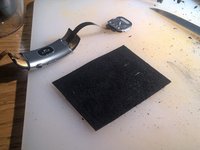
    1. Microsoft Band 2 Defective Battery Connection/Ribbon Replacement, Defective battery connection/ribbon: шаг 1, изображение 1 из 3 Microsoft Band 2 Defective Battery Connection/Ribbon Replacement, Defective battery connection/ribbon: шаг 1, изображение 2 из 3 Microsoft Band 2 Defective Battery Connection/Ribbon Replacement, Defective battery connection/ribbon: шаг 1, изображение 3 из 3
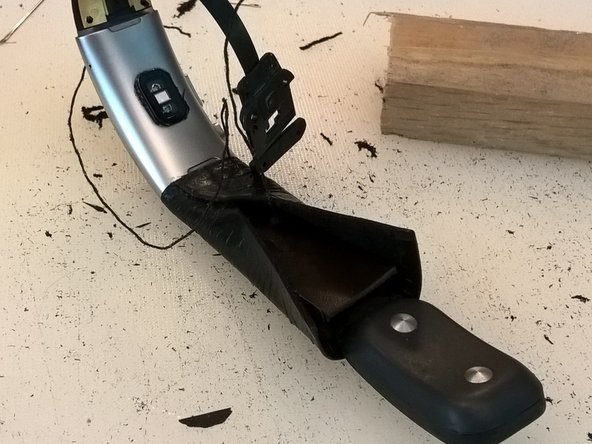
      • Carve away *almost* all of the rubber of the straps. (Leave the rubber surrounding the battery/heart rate clasp end.)

      Спросите у FixBot

      Добавить комментарий

    2. Microsoft Band 2 Defective Battery Connection/Ribbon Replacement: шаг 2, изображение 1 из 3 Microsoft Band 2 Defective Battery Connection/Ribbon Replacement: шаг 2, изображение 2 из 3 Microsoft Band 2 Defective Battery Connection/Ribbon Replacement: шаг 2, изображение 3 из 3
      • Partly dissassemble the battery clasp end: pry up the silver clasp face that is taped down, unscrew the four T3 Torx , remove that cover, remove the battery

      Спросите у FixBot

      Добавить комментарий

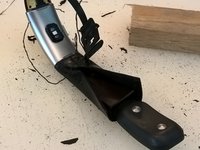
    3. Microsoft Band 2 Defective Battery Connection/Ribbon Replacement: шаг 3, изображение 1 из 2 Microsoft Band 2 Defective Battery Connection/Ribbon Replacement: шаг 3, изображение 2 из 2
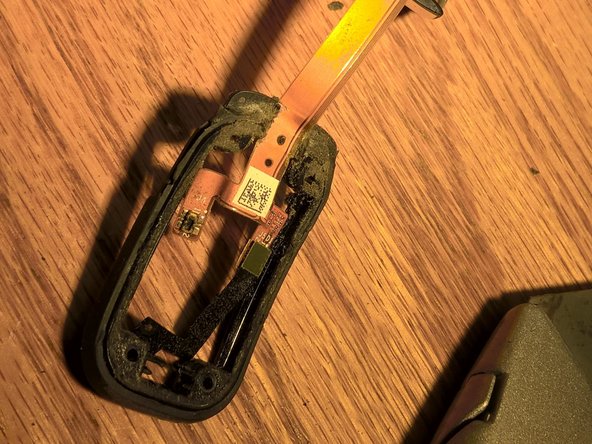
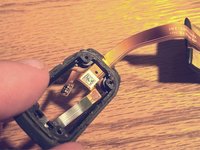
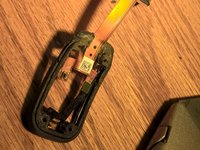
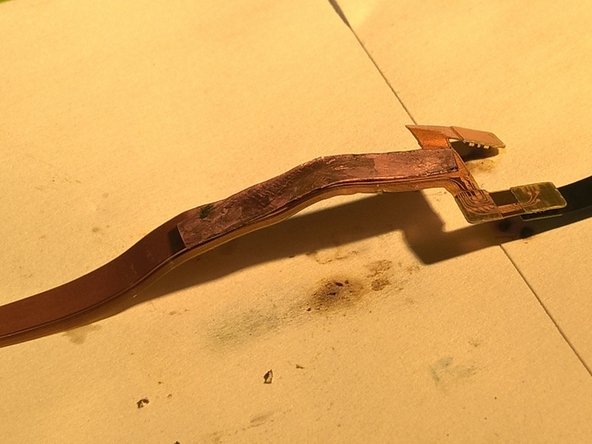
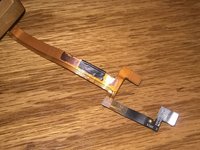
      • Remove the plastic 'sandwiching' the ribbon as it travels into the clasp end, with a Dremel or knife. (Picture 2 illustrates the removed plastic.)

      Спросите у FixBot

      Добавить комментарий

    4. Microsoft Band 2 Defective Battery Connection/Ribbon Replacement: шаг 4, изображение 1 из 2 Microsoft Band 2 Defective Battery Connection/Ribbon Replacement: шаг 4, изображение 2 из 2
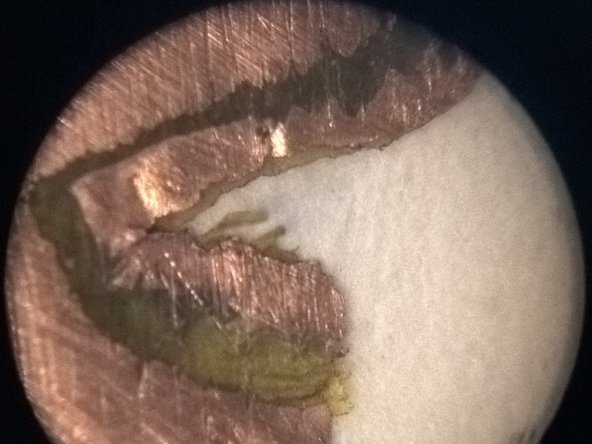
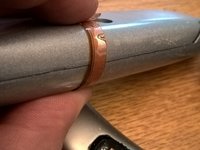
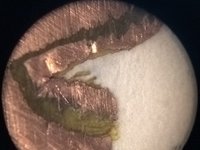
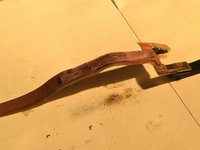
      • Sand the ribbon to expose the conductors on both sides. Be careful to keep the insulator in between the two conductors intact, so they don't short. The second picture shows a 10x image of the layers of copper and insulator.

      Спросите у FixBot

      Добавить комментарий

    5. Microsoft Band 2 Defective Battery Connection/Ribbon Replacement: шаг 5, изображение 1 из 3 Microsoft Band 2 Defective Battery Connection/Ribbon Replacement: шаг 5, изображение 2 из 3 Microsoft Band 2 Defective Battery Connection/Ribbon Replacement: шаг 5, изображение 3 из 3
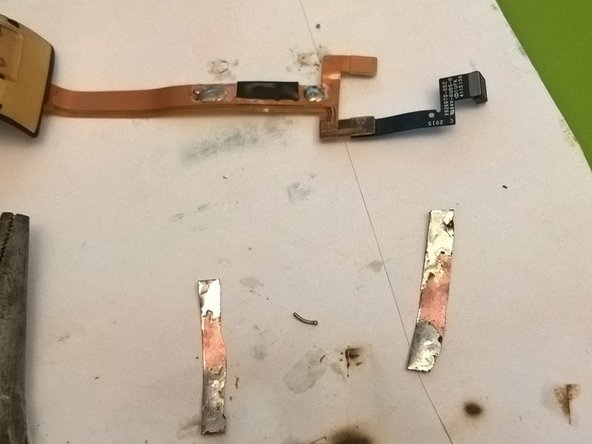
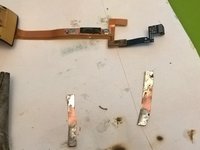
      • Wrap the repaired break with insulating tape. Sand away outer insulator on both sides to make soldering locations for jumper strips.

      Спросите у FixBot

      Добавить комментарий

    6. Microsoft Band 2 Defective Battery Connection/Ribbon Replacement: шаг 6, изображение 1 из 1
      • Use Sugru to wrap/stabilize the repair and integrate it into the clasp end's rubber.

      Спросите у FixBot

      Добавить комментарий

    7. Microsoft Band 2 Defective Battery Connection/Ribbon Replacement: шаг 7, изображение 1 из 1
      • Drill two holes into clasp-end plastic tabs, and two holes on each side of watch face's 'shoulders', as anchor points for thread to fasten strap leather. (Hole locations are the black dots on the gold metal near the silver casing.)

      Спросите у FixBot

      Добавить комментарий

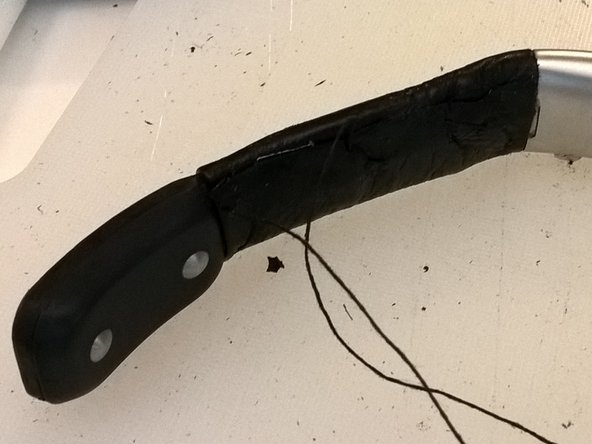
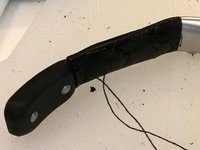
    8. Microsoft Band 2 Defective Battery Connection/Ribbon Replacement: шаг 8, изображение 1 из 3 Microsoft Band 2 Defective Battery Connection/Ribbon Replacement: шаг 8, изображение 2 из 3 Microsoft Band 2 Defective Battery Connection/Ribbon Replacement: шаг 8, изображение 3 из 3
      • Build new leather straps; fasten using thread through holes & glue.

      Спросите у FixBot

      Добавить комментарий

Заключение

Your Band 2 should (!) hold a charge now. Not sure how durable this repair is.

Отменить: Я не выполнил это руководство.

2 человек успешно провели ремонт по этому руководству.

Kirk McDermid

Участник с: 08/20/17

171 Репутация

1 руководство автора

0 Комментарии к руководству

Добавить комментарий

Статистика просмотров:

За последние 24 часов: 2

За последние 7 дней: 8

За последние 30 дней: 38

За всё время: 3,696