Перейти к основному содержанию
Присоединяйся к сообществу ремонтников - Создай аккаунт

Microtek ScanMaker 5900 New Bulb Replacement

Выберете то, что вам нужно

  1. Microtek ScanMaker 5900 New Bulb Replacement, Remove serial port connection: шаг 1, изображение 1 из 3 Microtek ScanMaker 5900 New Bulb Replacement, Remove serial port connection: шаг 1, изображение 2 из 3 Microtek ScanMaker 5900 New Bulb Replacement, Remove serial port connection: шаг 1, изображение 3 из 3
    • Loosen the screws on the serial port by turning them counter clockwise by hand.

    • After loosening the screws, pull the serial port out.

    Спросите у FixBot

    Добавить комментарий

  2. Microtek ScanMaker 5900 New Bulb Replacement, Remove Lid: шаг 2, изображение 1 из 3 Microtek ScanMaker 5900 New Bulb Replacement, Remove Lid: шаг 2, изображение 2 из 3 Microtek ScanMaker 5900 New Bulb Replacement, Remove Lid: шаг 2, изображение 3 из 3
    • Lift lid to its vertical position.

    • Pull lid straight up to remove it from the scanner.

    Спросите у FixBot

    Добавить комментарий

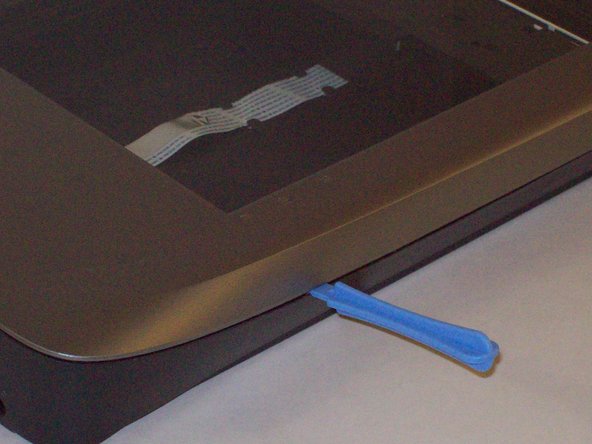
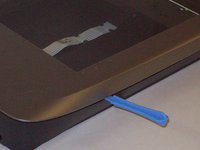
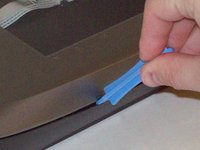
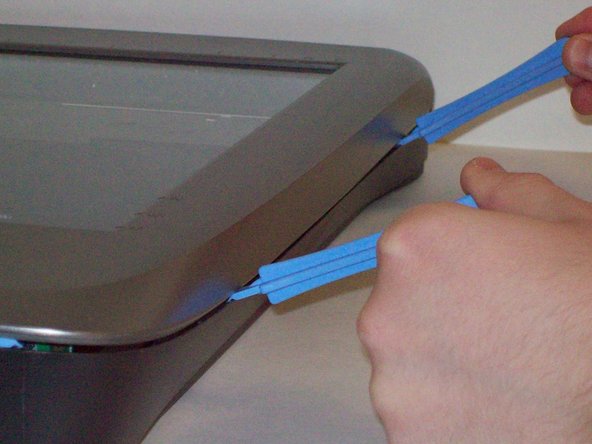
  3. Microtek ScanMaker 5900 New Bulb Replacement, Detach plastic latches: шаг 3, изображение 1 из 3 Microtek ScanMaker 5900 New Bulb Replacement, Detach plastic latches: шаг 3, изображение 2 из 3 Microtek ScanMaker 5900 New Bulb Replacement, Detach plastic latches: шаг 3, изображение 3 из 3
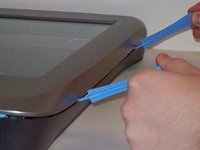
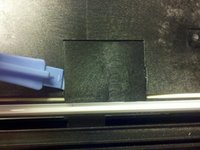
    • Push the plastic opening tools into the crack between the top and the bottom of the chassis.

    Спросите у FixBot

    Добавить комментарий

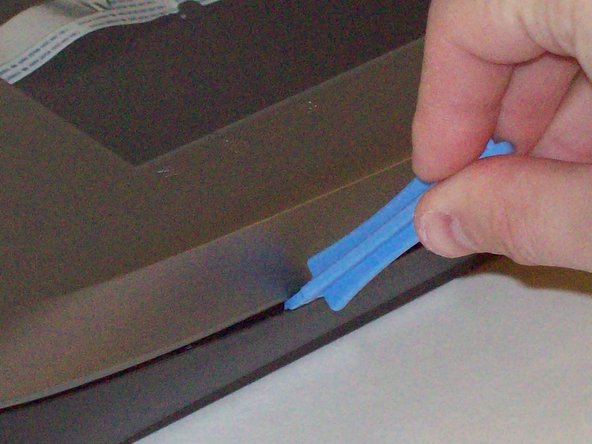
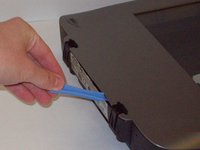
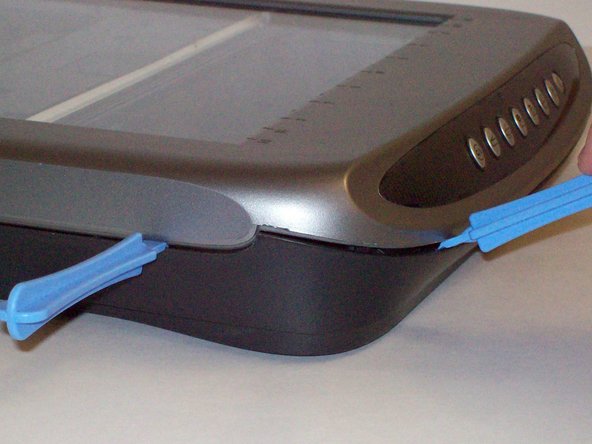
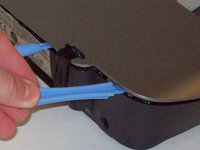
  4. Microtek ScanMaker 5900 New Bulb Replacement, Continue latch detachment: шаг 4, изображение 1 из 3 Microtek ScanMaker 5900 New Bulb Replacement, Continue latch detachment: шаг 4, изображение 2 из 3 Microtek ScanMaker 5900 New Bulb Replacement, Continue latch detachment: шаг 4, изображение 3 из 3
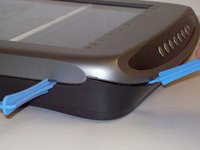
    • After placing one plastic opening tool into the slit, slide other plastic opening tools along the slit to detach the top from the bottom of the chassis.

    • Go all the way along the chassis until you can lift the upper lid.

    Спросите у FixBot

    Добавить комментарий

  5. Microtek ScanMaker 5900 New Bulb Replacement, Fully remove the upper lid: шаг 5, изображение 1 из 3 Microtek ScanMaker 5900 New Bulb Replacement, Fully remove the upper lid: шаг 5, изображение 2 из 3 Microtek ScanMaker 5900 New Bulb Replacement, Fully remove the upper lid: шаг 5, изображение 3 из 3
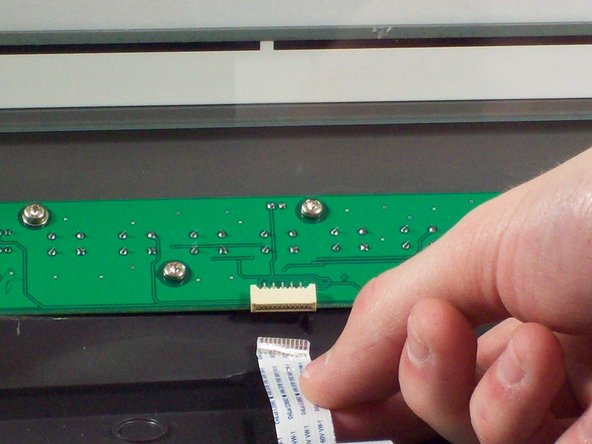
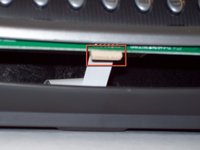
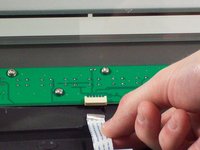
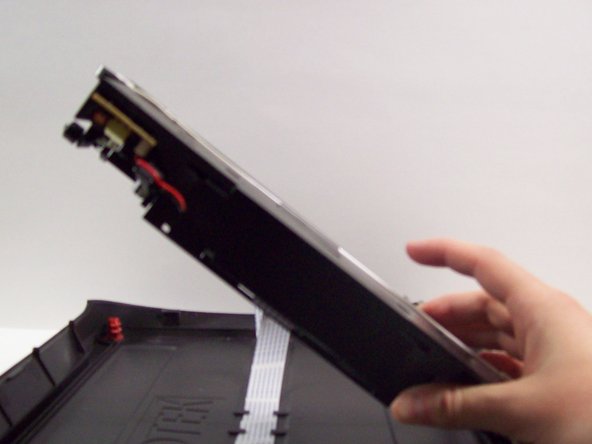
    • Do not fully remove the lid until you remove the ribbon cable attached to the front of the upper lid.

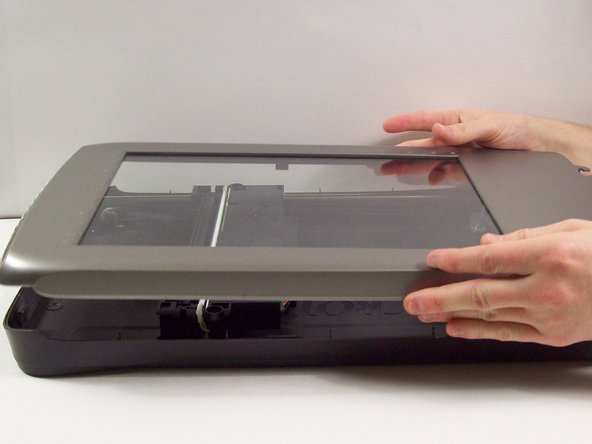
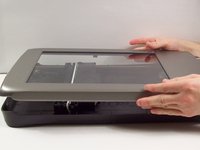
    • Do this by grabbing the upper lid from the sides and rotating it ninety degrees so it is perpendicular to the bottom lid.

    • Grab the ribbon cable and gently pull it out of its slot with your fingers.

    • The upper lid can now safely be removed from the bottom lid.

    Спросите у FixBot

    Добавить комментарий

  6. Microtek ScanMaker 5900 New Bulb Replacement, Locate the bulb: шаг 6, изображение 1 из 2 Microtek ScanMaker 5900 New Bulb Replacement, Locate the bulb: шаг 6, изображение 2 из 2
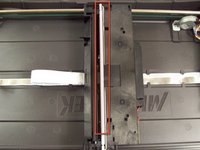
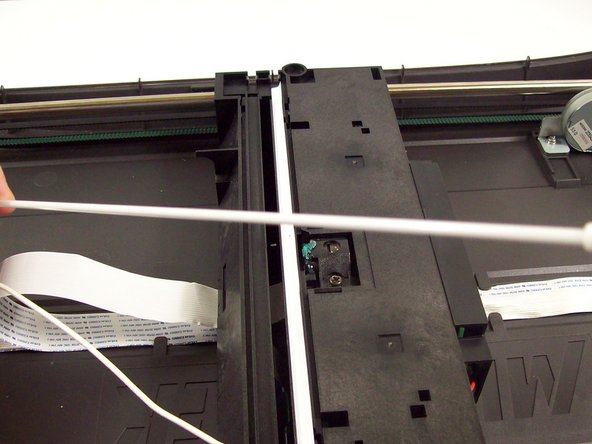
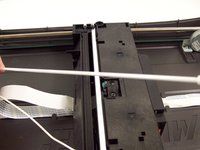
    • After opening the chassis, you will see a white bulb spanning the width of the scanner.

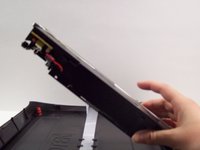
    • Lift up the black piece of plastic the bulb is attached to from the left hand side until it is perpendicular with the bottom lid of the scanner.

    Спросите у FixBot

    Добавить комментарий

  7. Microtek ScanMaker 5900 New Bulb Replacement, Detach the bulb electrical connection: шаг 7, изображение 1 из 3 Microtek ScanMaker 5900 New Bulb Replacement, Detach the bulb electrical connection: шаг 7, изображение 2 из 3 Microtek ScanMaker 5900 New Bulb Replacement, Detach the bulb electrical connection: шаг 7, изображение 3 из 3
    Инструмент, используемый на этом этапе:
    Tweezers
    $4.99
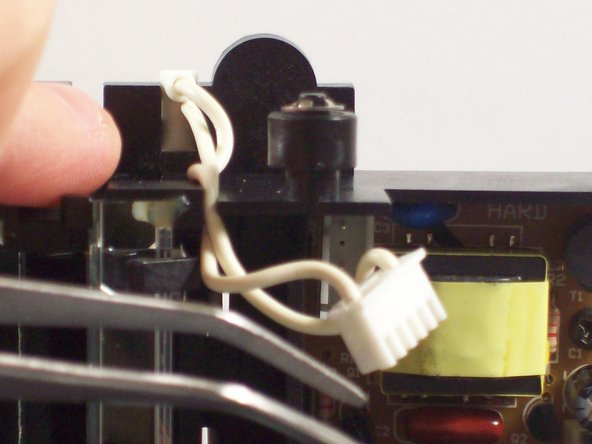
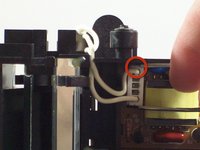
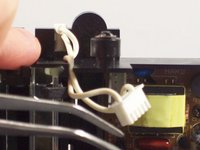
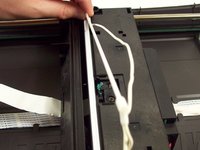
    • Use tweezers to grab the plastic casing the wires are housed in.

    • Gently jiggle the plastic back and forth until it can be pulled from its connection.

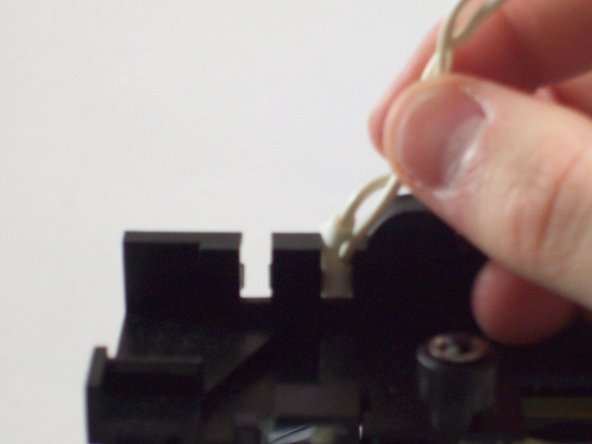
    • Pull the wires out of the circuit board.

    • Pull the wires up and out over the top of the plastic housing.

    Спросите у FixBot

    Добавить комментарий

  8. Microtek ScanMaker 5900 New Bulb Replacement, Remove the bulb: шаг 8, изображение 1 из 3 Microtek ScanMaker 5900 New Bulb Replacement, Remove the bulb: шаг 8, изображение 2 из 3 Microtek ScanMaker 5900 New Bulb Replacement, Remove the bulb: шаг 8, изображение 3 из 3
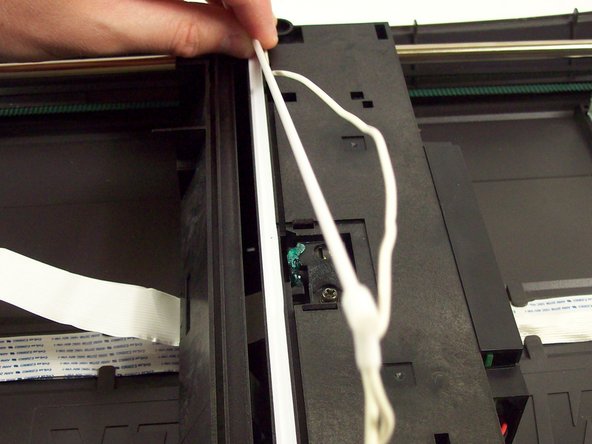
    • Place the plastic housing back into the bottom lid of the scanner.

    • Remove the plastic panel by gently pushing on the plastic latches with a plastic opening tool.

    • Pull the bulb and wire out of its plastic casing.

    • The bulb is now free to be replaced.

    Спросите у FixBot

    Добавить комментарий

Заключение

To reassemble your device, follow these instructions in reverse order.

Отменить: Я не выполнил это руководство.

Taylor Nesheim

Участник с: 10/11/11

59 Репутация

Автор 7 руководств

Команда

Cal Poly, Team 6-9, Regan Fall 2011 Участник Cal Poly, Team 6-9, Regan Fall 2011

CPSU-REGAN-F11S6G9

2 членов

Автор 22 руководств

0 Комментарии к руководству

Добавить комментарий

Статистика просмотров:

За последние 24 часов: 2

За последние 7 дней: 9

За последние 30 дней: 62

За всё время: 2,047