Перейти к основному содержанию
Присоединяйся к сообществу ремонтников - Создай аккаунт

Motorola RAZR Maxx HD Screen Replacement

Выберете то, что вам нужно

  1. Motorola RAZR Maxx HD Screen Replacement, Screen Removal: шаг 1, изображение 1 из 2 Motorola RAZR Maxx HD Screen Replacement, Screen Removal: шаг 1, изображение 2 из 2
    • Use the Torx T5 Screwdriver to remove two 5.0 mm screws at the bottom of the phone.

    Спросите у FixBot

    Добавить комментарий

  2. Motorola RAZR Maxx HD Screen Replacement: шаг 2, изображение 1 из 2 Motorola RAZR Maxx HD Screen Replacement: шаг 2, изображение 2 из 2
    • To remove the SIM card, use an unfolded paperclip to press down on the metal plate on the left side of the phone until it pops up.

    Спросите у FixBot

    Добавить комментарий

  3. Motorola RAZR Maxx HD Screen Replacement: шаг 3, изображение 1 из 2 Motorola RAZR Maxx HD Screen Replacement: шаг 3, изображение 2 из 2
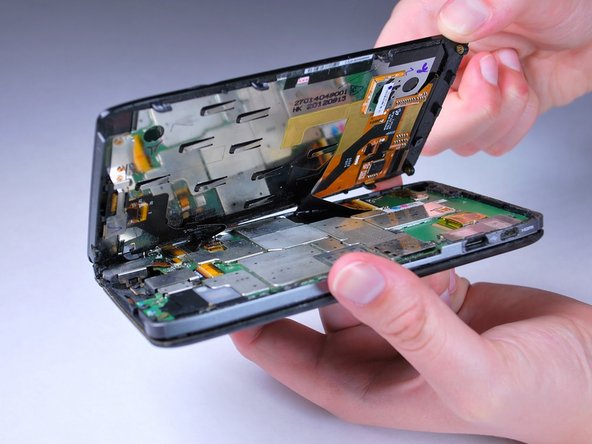
    • Gently push the screen toward the top edge of the phone and tilt the screen to reveal the black flex cables.

    • Do NOT remove the screen all the way or the flex cables will be damaged.

    Спросите у FixBot

    Добавить комментарий

  4. Motorola RAZR Maxx HD Screen Replacement: шаг 4, изображение 1 из 2 Motorola RAZR Maxx HD Screen Replacement: шаг 4, изображение 2 из 2
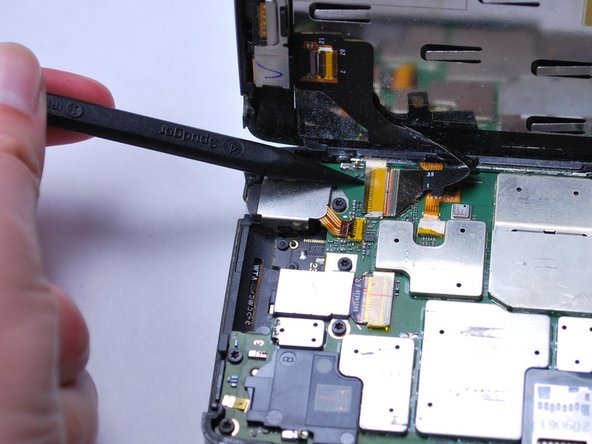
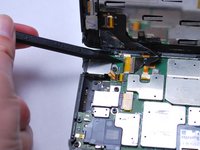
    • Release the two black ribbon flex cables by gently pulling up on the connection using the spudger. Then lift the screen to remove.

    • Make sure to remove the flex cables before completely removing the screen.

    • When reassembling, align the white bands on the edge of the screen so that a connection is made.

    Спросите у FixBot

    Добавить комментарий

  5. Motorola RAZR Maxx HD Screen Replacement, Front-Facing Camera: шаг 5, изображение 1 из 1
    • On the back of the LCD display, release the yellow front-facing camera ribbon cable by gently lifting upward on the black retaining clip with the spudger.

    Спросите у FixBot

    Добавить комментарий

  6. Motorola RAZR Maxx HD Screen Replacement: шаг 6, изображение 1 из 3 Motorola RAZR Maxx HD Screen Replacement: шаг 6, изображение 2 из 3 Motorola RAZR Maxx HD Screen Replacement: шаг 6, изображение 3 из 3
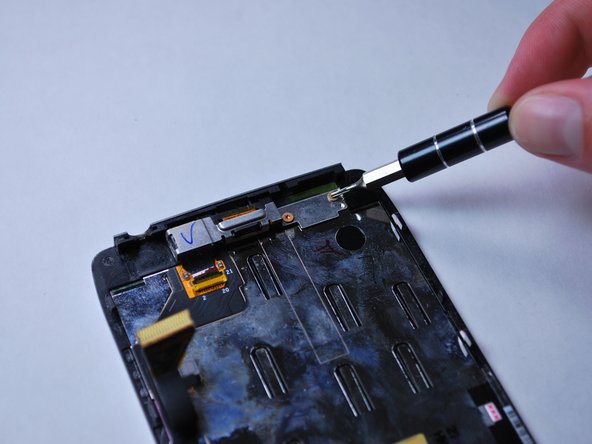
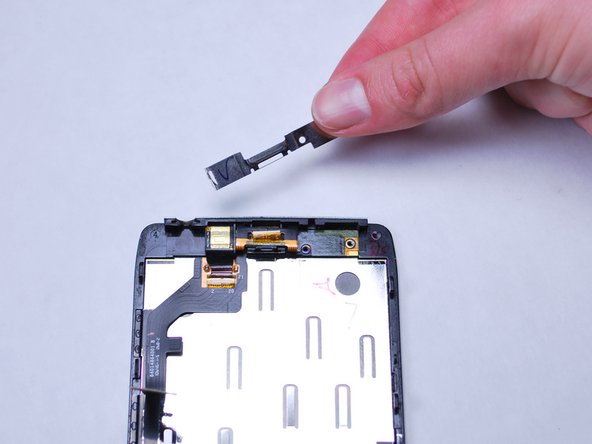
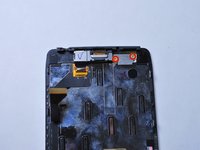
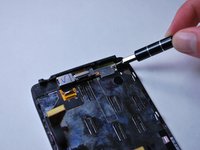
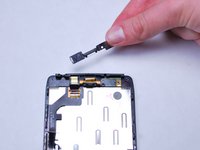
    • With a Torx T3 screwdriver, unscrew the two 2.0 mm screws on front-facing camera mounting bracket. Then lift to remove it.

    Спросите у FixBot

    Добавить комментарий

  7. Motorola RAZR Maxx HD Screen Replacement: шаг 7, изображение 1 из 2 Motorola RAZR Maxx HD Screen Replacement: шаг 7, изображение 2 из 2
    Инструмент, используемый на этом этапе:
    Tweezers
    $4.99
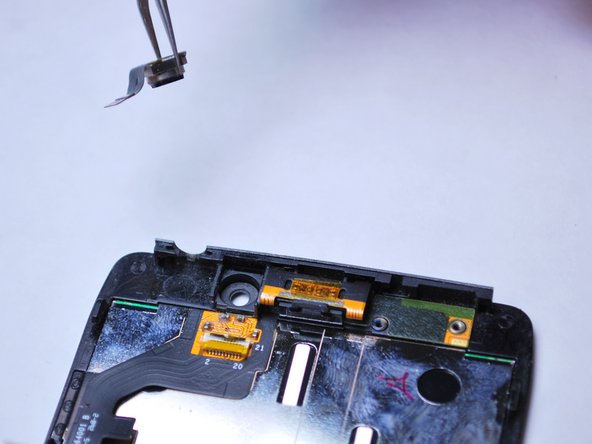
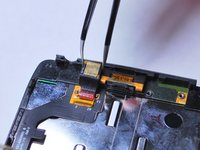
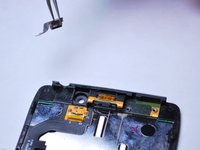
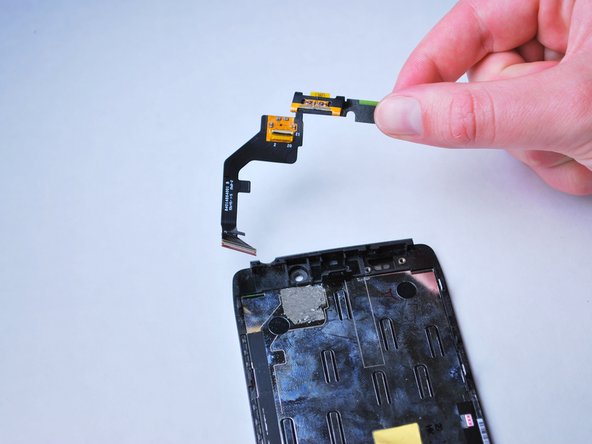
    • Use tweezers to remove the front-facing camera by lifting it from the LCD display frame.

    Спросите у FixBot

    Добавить комментарий

  8. Motorola RAZR Maxx HD Screen Replacement, Earpiece Speaker: шаг 8, изображение 1 из 1
    • Insert the spudger between the speaker and retaining clip and gently pry upward to release the earpiece speaker.

    Спросите у FixBot

    Добавить комментарий

  9. Motorola RAZR Maxx HD Screen Replacement: шаг 9, изображение 1 из 2 Motorola RAZR Maxx HD Screen Replacement: шаг 9, изображение 2 из 2
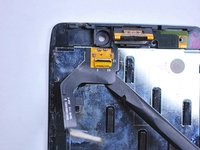
    • Using a spudger, gently pry up on the lower right edge of the black earpiece speaker ribbon cable, attached to the screen, to release it from the LCD display.

    Спросите у FixBot

    Добавить комментарий

Заключение

To reassemble your device, follow these instructions in reverse order.

Отменить: Я не выполнил это руководство.

8 человек успешно провели ремонт по этому руководству.

Enrique

Участник с: 02/01/15

371 Репутация

Автор 2 руководств

Команда

Cal Poly, Team 8-40, Amido Winter 2015 Участник Cal Poly, Team 8-40, Amido Winter 2015

CPSU-AMIDO-W15S8G40

5 членов

Автор 18 руководств

0 Комментарии к руководству

Добавить комментарий

Статистика просмотров:

За последние 24 часов: 2

За последние 7 дней: 9

За последние 30 дней: 30

За всё время: 3,151