Перейти к основному содержанию
Присоединяйся к сообществу ремонтников - Создай аккаунт

Nikon D90 Rear Display Buttons Replacement

Выберете то, что вам нужно

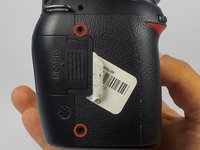
    1. Nikon D90 Rear Display Buttons Replacement, Removing Casing Screws: шаг 1, изображение 1 из 2 Nikon D90 Rear Display Buttons Replacement, Removing Casing Screws: шаг 1, изображение 2 из 2
      • Locate the screws on both sides of the camera.

      • Remove the four 6.3 mm Phillips screws using a PH00 screwdriver.

      • Be careful not to strip the screws.

      Спросите у FixBot

      Добавить комментарий

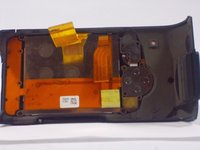
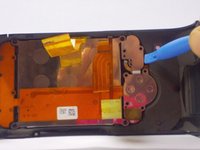
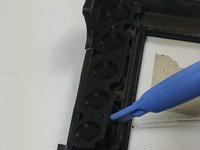
    2. Nikon D90 Rear Display Buttons Replacement, Removing the Rear Casing: шаг 2, изображение 1 из 3 Nikon D90 Rear Display Buttons Replacement, Removing the Rear Casing: шаг 2, изображение 2 из 3 Nikon D90 Rear Display Buttons Replacement, Removing the Rear Casing: шаг 2, изображение 3 из 3
      • Use a plastic opening tool to separate the rear case from the camera.

      Спросите у FixBot

      Добавить комментарий

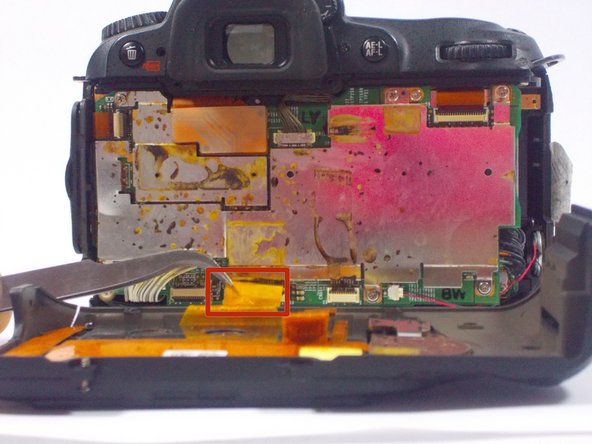
    3. Nikon D90 Rear Display Buttons Replacement, Disconnecting the Ribbon Cables: шаг 3, изображение 1 из 2 Nikon D90 Rear Display Buttons Replacement, Disconnecting the Ribbon Cables: шаг 3, изображение 2 из 2
      Инструмент, используемый на этом этапе:
      Tweezers
      $4.99
      • After, remove the two orange ribbon connectors attached to the interior of the camera with tweezers.

      • Make sure to remove the ribbon cables carefully from the connectors to avoid damaging the camera.

      Спросите у FixBot

      Добавить комментарий

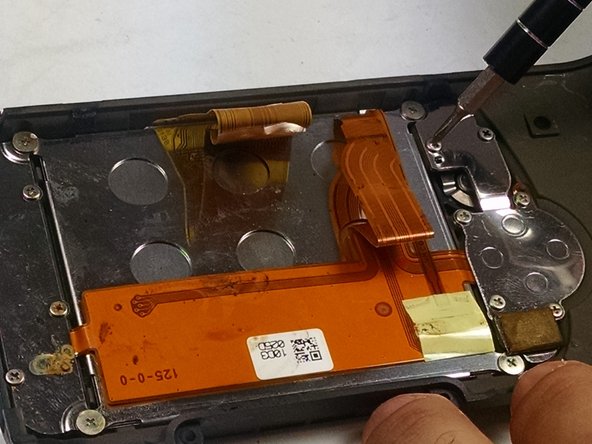
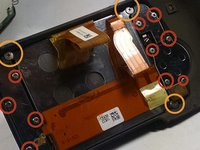
    4. Nikon D90 Rear Display Buttons Replacement, Removing the Screws from the Rear Casing: шаг 4, изображение 1 из 2 Nikon D90 Rear Display Buttons Replacement, Removing the Screws from the Rear Casing: шаг 4, изображение 2 из 2
      • Remove the screws from the back assembly with a Phillips (PH00) head screwdriver.

      • Remove the ten 5.3 mm Phillips screws.

      • Remove the three 4.3 mm Phillips screws.

      Спросите у FixBot

      Добавить комментарий

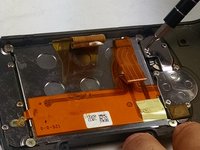
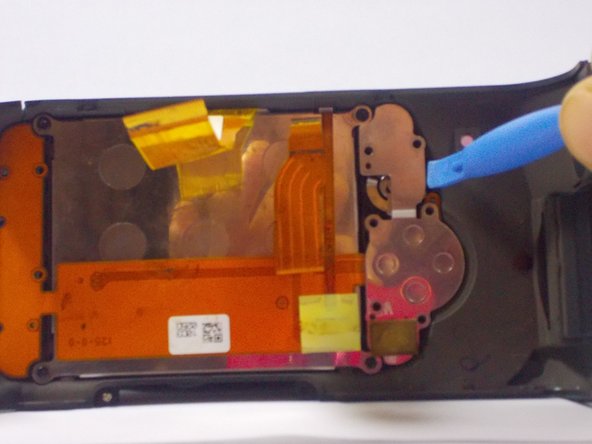
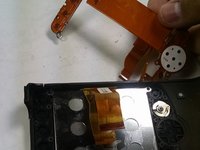
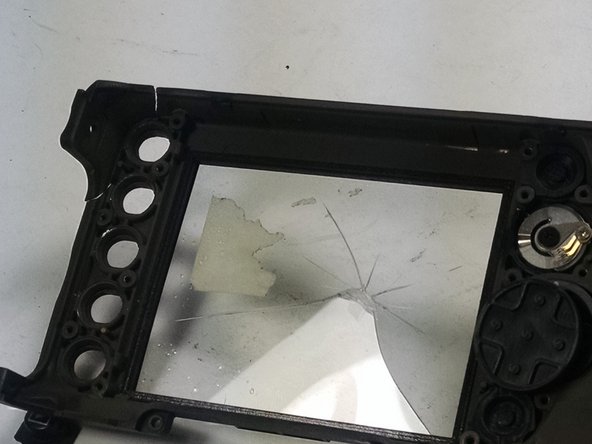
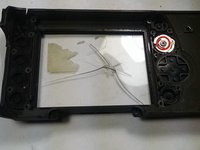
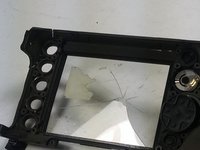
    5. Nikon D90 Rear Display Buttons Replacement, Removing the LCD and other components: шаг 5, изображение 1 из 3 Nikon D90 Rear Display Buttons Replacement, Removing the LCD and other components: шаг 5, изображение 2 из 3 Nikon D90 Rear Display Buttons Replacement, Removing the LCD and other components: шаг 5, изображение 3 из 3
      • Use a plastic opening tool to separate the LCD and metal plates from the casing.

      Спросите у FixBot

      Добавить комментарий

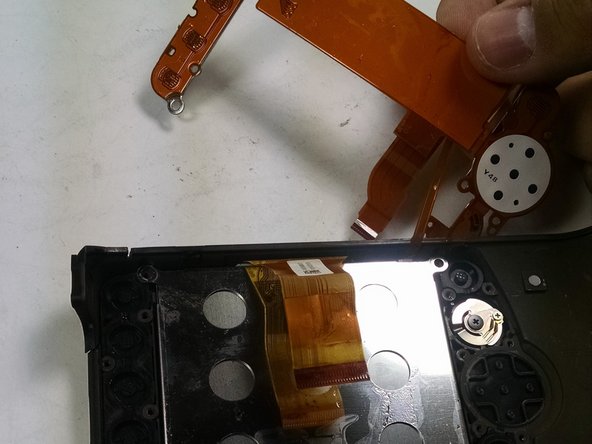
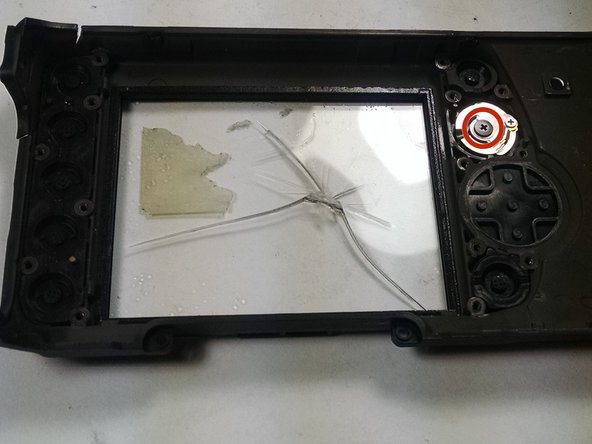
    6. Nikon D90 Rear Display Buttons Replacement, Removing the Display Buttons: шаг 6, изображение 1 из 3 Nikon D90 Rear Display Buttons Replacement, Removing the Display Buttons: шаг 6, изображение 2 из 3 Nikon D90 Rear Display Buttons Replacement, Removing the Display Buttons: шаг 6, изображение 3 из 3
      • Use a plastic opening tool to separate the buttons from the casing.

      • Remove the 4.3 mm Phillips screw from the knob using a PH00 screwdriver.

      Спросите у FixBot

      Добавить комментарий

Заключение

To reassemble your device, follow these instructions in reverse order.

Отменить: Я не выполнил это руководство.

Еще один человек закончил это руководство.

jonothon cawley

Участник с: 10/20/14

354 Репутация

Автор 2 руководств

Команда

UMass Dartmouth, Team 1-7, Duarte Fall 2014 Участник UMass Dartmouth, Team 1-7, Duarte Fall 2014

UMASSD-DUARTE-F14S1G7

3 членов

Автор 6 руководств

0 Комментарии к руководству

Добавить комментарий

Статистика просмотров:

За последние 24 часов: 1

За последние 7 дней: 5

За последние 30 дней: 39

За всё время: 3,263