Перейти к основному содержанию
Присоединяйся к сообществу ремонтников - Создай аккаунт

Nvidia Shield Fan Replacement

Выберете то, что вам нужно

    1. Nvidia Shield Fan Replacement, Remove Front Panel: шаг 1, изображение 1 из 3 Nvidia Shield Fan Replacement, Remove Front Panel: шаг 1, изображение 2 из 3 Nvidia Shield Fan Replacement, Remove Front Panel: шаг 1, изображение 3 из 3
      • Remove the seven 6.4mm T5 Torx screws from the back panel.

      • Use the spudger to separate the front and back panels.

      Спросите у FixBot

      Добавить комментарий

    2. Nvidia Shield Fan Replacement, Remove Green Grill: шаг 2, изображение 1 из 2 Nvidia Shield Fan Replacement, Remove Green Grill: шаг 2, изображение 2 из 2
      • The green grill is not screwed in so it can be pulled right out.

      Спросите у FixBot

      Добавить комментарий

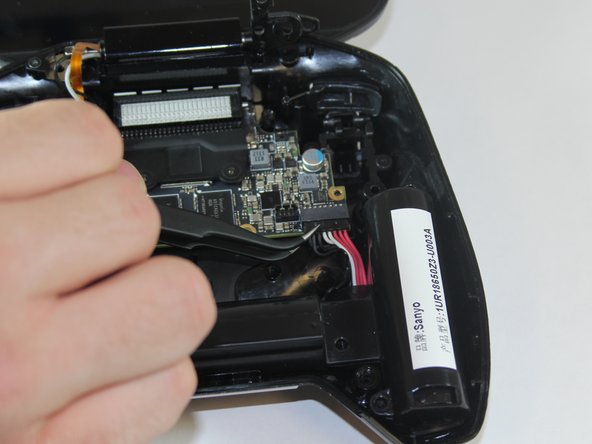
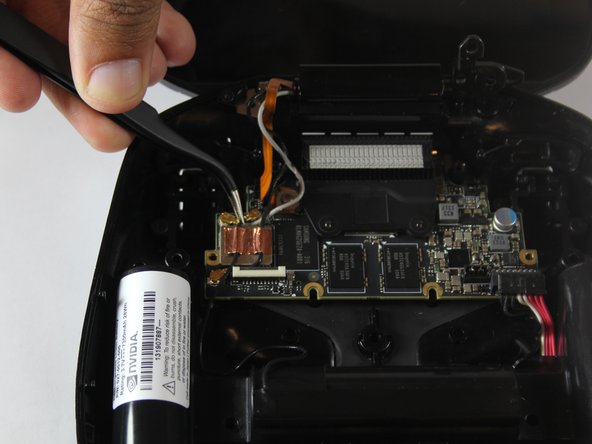
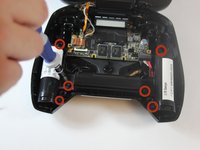
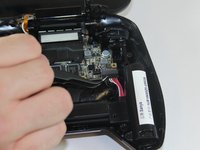
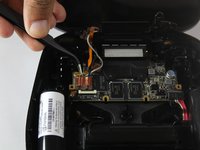
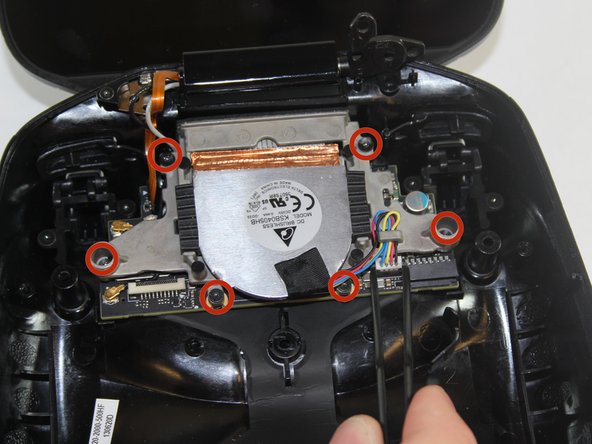
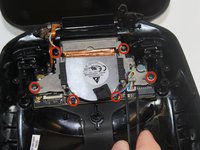
    3. Nvidia Shield Fan Replacement, Remove Battery Cables: шаг 3, изображение 1 из 3 Nvidia Shield Fan Replacement, Remove Battery Cables: шаг 3, изображение 2 из 3 Nvidia Shield Fan Replacement, Remove Battery Cables: шаг 3, изображение 3 из 3
      • Remove the six 6.5mm T5 Torx screws.

      • Disconnect the power wires.

      • Peel back the copper tape and disconnect the black and white wires.

      Спросите у FixBot

      Добавить комментарий

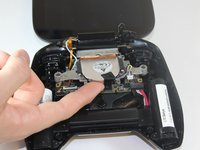
    4. Nvidia Shield Fan Replacement, Remove Battery Apparatus: шаг 4, изображение 1 из 1
      • Pull the battery apparatus out once all cables are removed.

      Спросите у FixBot

      Добавить комментарий

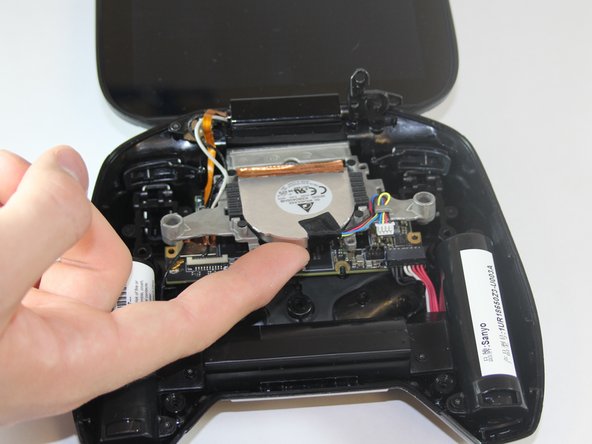
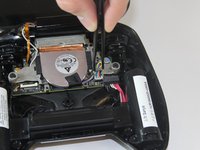
    1. Nvidia Shield Fan Replacement, Removing Fan: шаг 5, изображение 1 из 3 Nvidia Shield Fan Replacement, Removing Fan: шаг 5, изображение 2 из 3 Nvidia Shield Fan Replacement, Removing Fan: шаг 5, изображение 3 из 3
      • Cooling is important for electronics, the last thing they want is to overheat.

      • Remove the two 7.3mm and four 8.4mm T5 Torx screws and disconnect the power cable.

      • Lift the fan free after the screws and cable are removed.

      Спросите у FixBot

      Добавить комментарий

Заключение

To reassemble your device, follow these instructions in reverse order.

Отменить: Я не выполнил это руководство.

4 человек успешно провели ремонт по этому руководству.

Marc Perez

Участник с: 09/29/14

545 Репутация

Автор 2 руководств

Команда

USF Tampa, Team 1-1, Hickman Fall 2014 Участник USF Tampa, Team 1-1, Hickman Fall 2014

USFT-HICKMAN-F14S1G1

4 членов

Автор 72 руководств

0 Комментарии к руководству

Добавить комментарий

Статистика просмотров:

За последние 24 часов: 2

За последние 7 дней: 12

За последние 30 дней: 57

За всё время: 3,854