Введение
This guide provides instruction to remove and replace a depleted battery in your Orbic Wonder. Before beginning, discharge your Orbic Wonder battery below 25%. A charged lithium-ion battery can catch fire and/or explode if accidentally punctured. Turn off the Orbic Wonder prior to disassembly.
Выберете то, что вам нужно
-
-
-
Remove two 2mm TR9 Torx screws from the bottoms of the device.
 Спросите у FixBot
-
-
-
There is a border between the black phone backing and the silver screen.
-
Place the Jimmy in this border, and cautiously torque it back and forth to part the two halves.
-
When the halves are parted correctly, the gap should look like this.
-
-
-
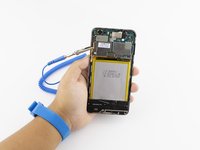
Инструмент, используемый на этом этапе:Anti-Static Wrist Strap$7.95
-
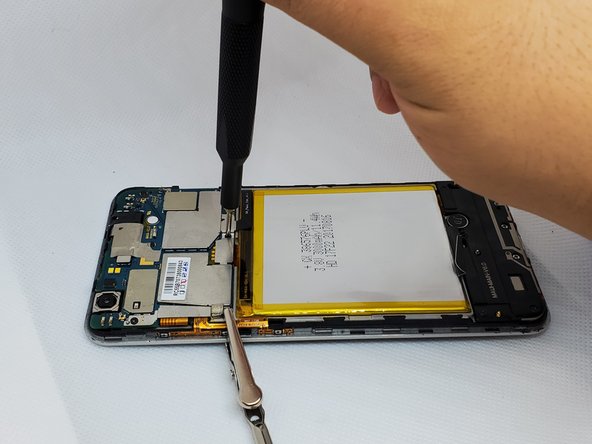
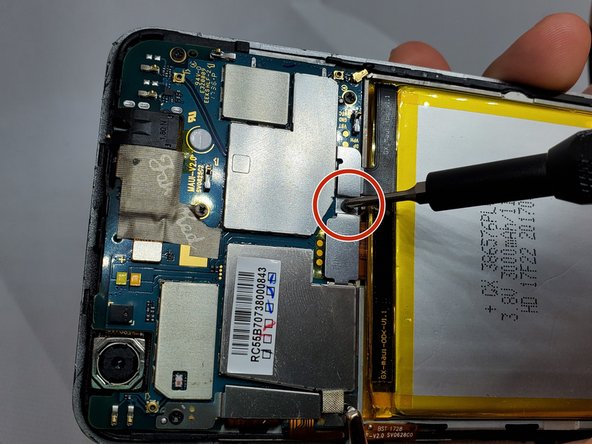
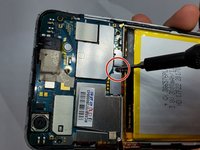
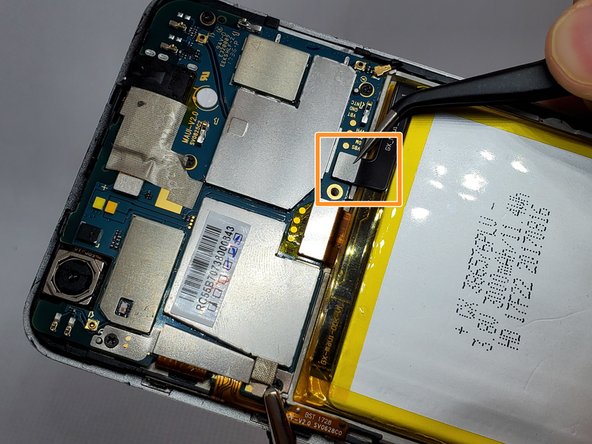
On the upper right side, there is a black ribbon cable in the shape of an “L”. Remove the single 1 mm Phillips #000 screw on the left side of the ribbon cable.
-
-
Инструмент, используемый на этом этапе:Tweezers$3.99
-
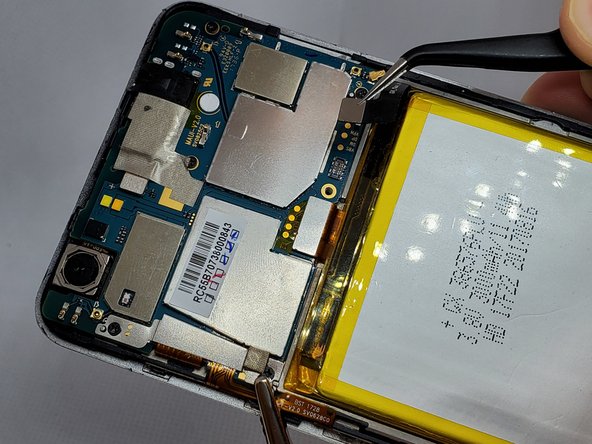
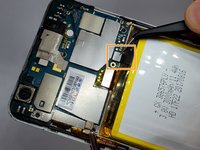
Use a pair of angled tweezers to carefully remove the metal casing of the ribbon cable.
-
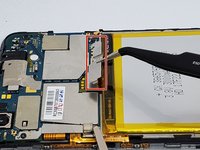
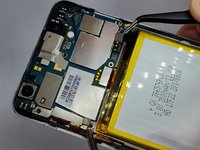
Use a pair of angled tweezers to detach the black ribbon cable. This is done to unplug the battery.
-
-
-
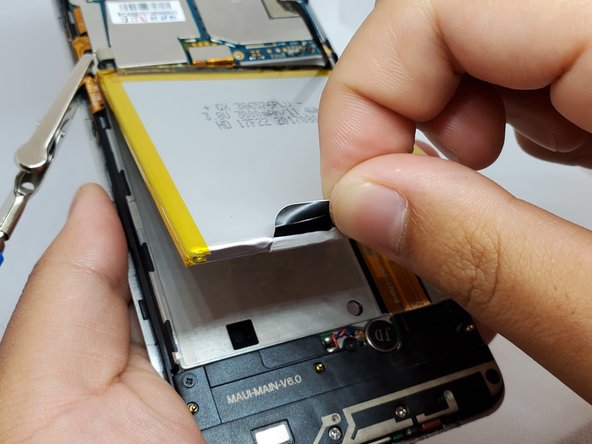
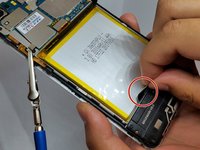
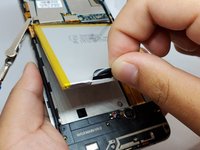
There is a black flap on the bottom of the battery.
-
Using your fingers, pinch this flap and carefully pull the battery up and out of the phone.
-
-







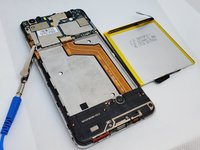
To reassemble your device, follow these instructions in reverse order.
Отменить: Я не выполнил это руководство.
2 человек успешно провели ремонт по этому руководству.

Команда

Embry-Riddle Aeronautical University, Team S20-G1, Branham Fall 2019 Участник Embry-Riddle Aeronautical University, Team S20-G1, Branham Fall 2019
ERAU-BRANHAM-F19S20G1
4 членов
Автор 21 руководств
3 Комментарии к руководству
where do you buy the replacement battery at ?
Where can I buy a replacement battery
Thank you big help your smart
