Перейти к основному содержанию
Присоединяйся к сообществу ремонтников - Создай аккаунт

Orbic Wonder Screen Replacement

Выберете то, что вам нужно

  1. Orbic Wonder Screen Replacement, Battery: шаг 1, изображение 1 из 3 Orbic Wonder Screen Replacement, Battery: шаг 1, изображение 2 из 3 Orbic Wonder Screen Replacement, Battery: шаг 1, изображение 3 из 3
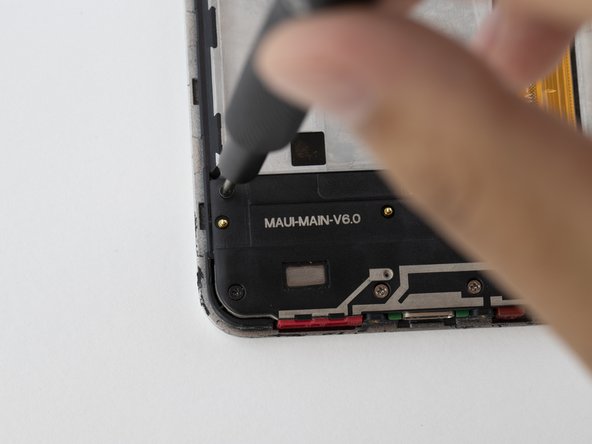
    • Remove two 2mm TR9 Torx screws from the bottoms of the device.

    Спросите у FixBot

    Добавить комментарий

  2. Orbic Wonder Screen Replacement: шаг 2, изображение 1 из 3 Orbic Wonder Screen Replacement: шаг 2, изображение 2 из 3 Orbic Wonder Screen Replacement: шаг 2, изображение 3 из 3
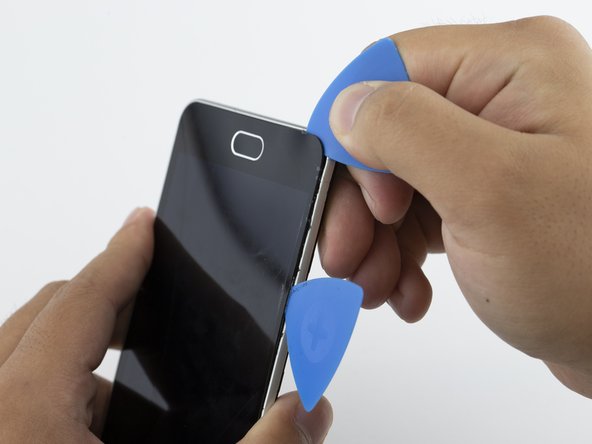
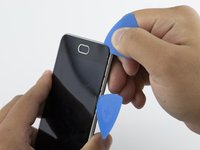
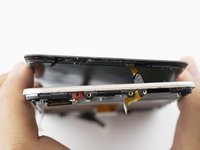
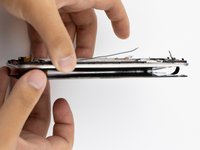
    • There is a border between the black phone backing and the silver screen.

    • Place the Jimmy in this border, and cautiously torque it back and forth to part the two halves.

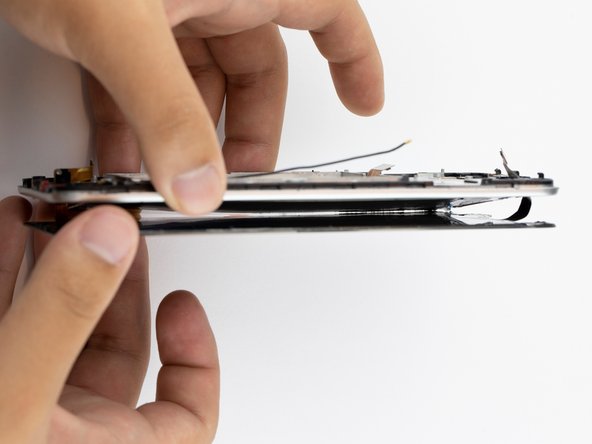
    • When the halves are parted correctly, the gap should look like this.

    • Be careful to avoid damaging any connecting circuitry between the two halves.

    Спросите у FixBot

    Добавить комментарий

  3. Orbic Wonder Screen Replacement: шаг 3, изображение 1 из 3 Orbic Wonder Screen Replacement: шаг 3, изображение 2 из 3 Orbic Wonder Screen Replacement: шаг 3, изображение 3 из 3
    Инструмент, используемый на этом этапе:
    Anti-Static Wrist Strap
    $7.95
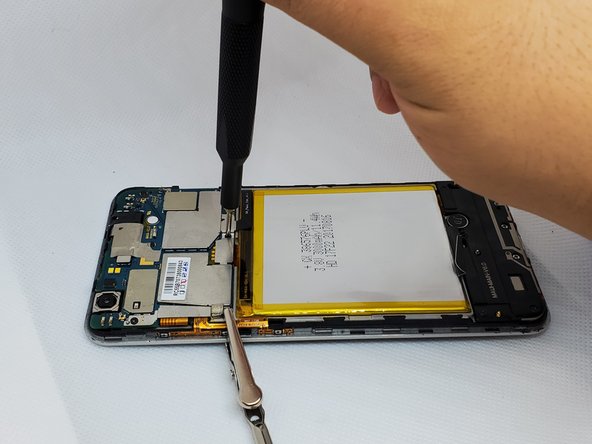
    • Before continuing, tighten the anti-static wrist strap around your wrist and connect the alligator clips to a metal portion of the phone.

    • On the upper right side, there is a black ribbon cable in the shape of an “L”. Remove the single 1 mm Phillips #000 screw on the left side of the ribbon cable.

    Спросите у FixBot

    Добавить комментарий

  4. Orbic Wonder Screen Replacement: шаг 4, изображение 1 из 3 Orbic Wonder Screen Replacement: шаг 4, изображение 2 из 3 Orbic Wonder Screen Replacement: шаг 4, изображение 3 из 3
    Инструмент, используемый на этом этапе:
    Tweezers
    $3.99
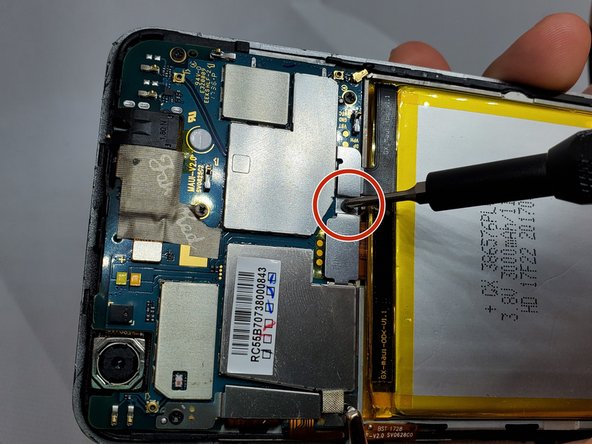
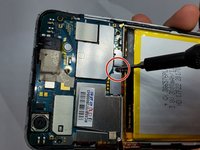
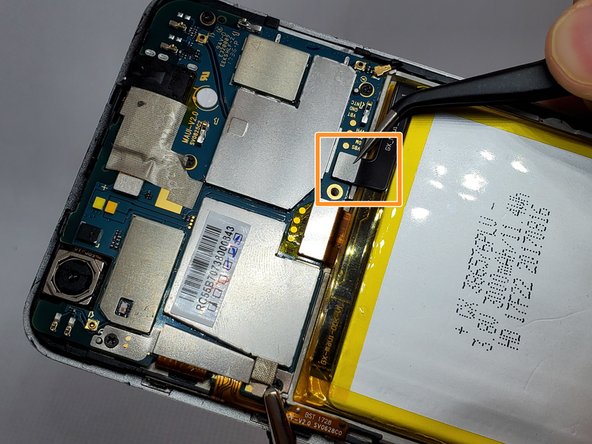
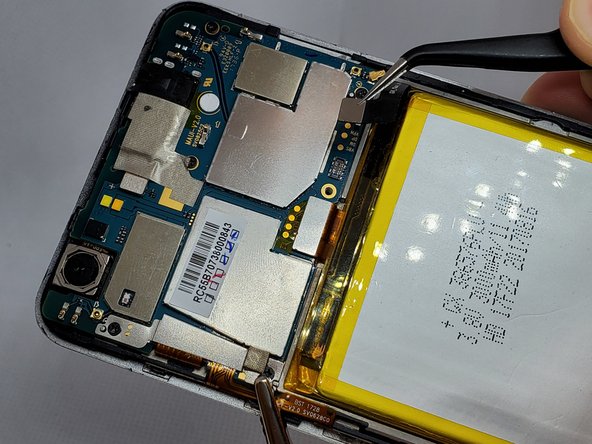
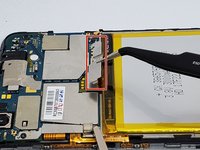
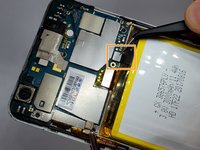
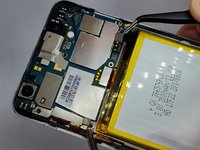
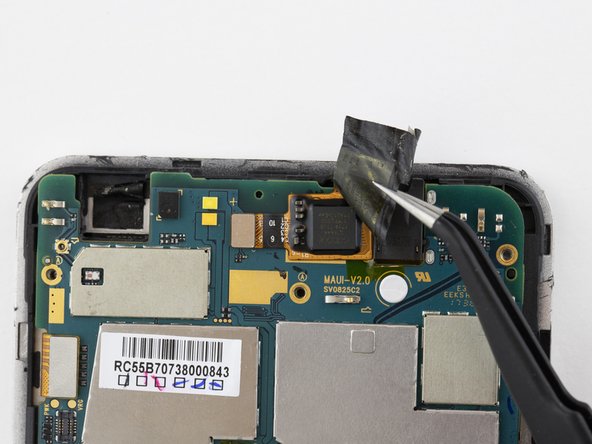
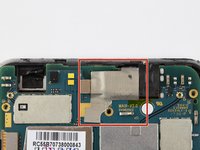
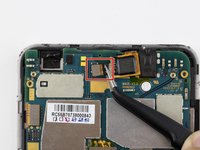
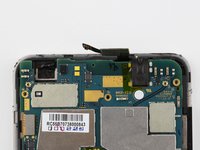
    • Use a pair of angled tweezers to carefully remove the metal casing of the ribbon cable.

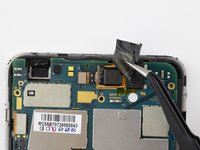
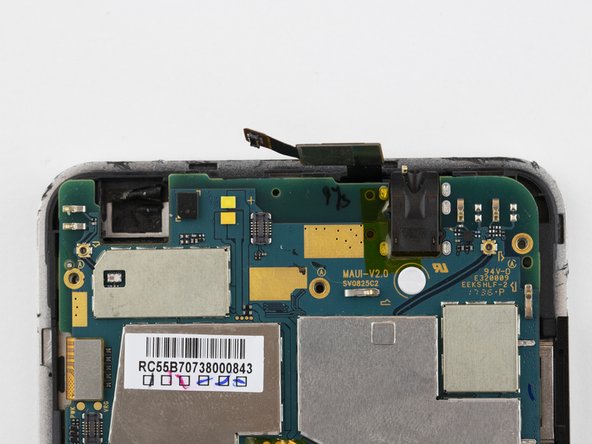
    • Use a pair of angled tweezers to detach the black ribbon cable. This is done to unplug the battery.

    Спросите у FixBot

    Добавить комментарий

  5. Orbic Wonder Screen Replacement: шаг 5, изображение 1 из 3 Orbic Wonder Screen Replacement: шаг 5, изображение 2 из 3 Orbic Wonder Screen Replacement: шаг 5, изображение 3 из 3
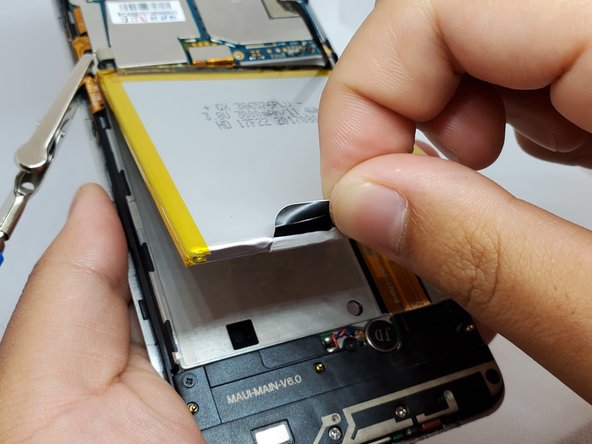
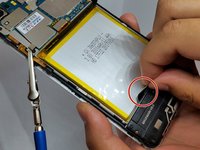
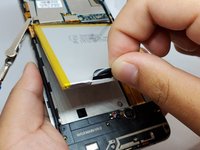
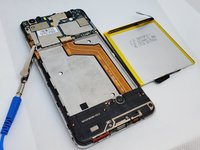
    • There is a black flap on the bottom of the battery.

    • Using your fingers, pinch this flap and carefully pull the battery up and out of the phone.

    Спросите у FixBot

    Добавить комментарий

  6. Orbic Wonder Screen Replacement, Speaker: шаг 6, изображение 1 из 3 Orbic Wonder Screen Replacement, Speaker: шаг 6, изображение 2 из 3 Orbic Wonder Screen Replacement, Speaker: шаг 6, изображение 3 из 3
    Инструмент, используемый на этом этапе:
    Anti-Static Wrist Strap
    $7.95
    • Remove the anti-static wrist strap.

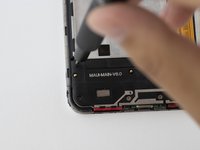
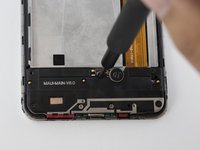
    • Use the Phillips #000 screwdriver to remove the five black 2 mm screws.

    • Use the Phillips #000 screwdriver to remove the two grey 2 mm screws.

    Спросите у FixBot

    Добавить комментарий

  7. Orbic Wonder Screen Replacement: шаг 7, изображение 1 из 2 Orbic Wonder Screen Replacement: шаг 7, изображение 2 из 2
    Инструмент, используемый на этом этапе:
    Tweezers
    $3.99
    Спросите у FixBot

    Добавить комментарий

  8. Orbic Wonder Screen Replacement, Charging Port Circuit Board: шаг 8, изображение 1 из 3 Orbic Wonder Screen Replacement, Charging Port Circuit Board: шаг 8, изображение 2 из 3 Orbic Wonder Screen Replacement, Charging Port Circuit Board: шаг 8, изображение 3 из 3
    Инструмент, используемый на этом этапе:
    Tweezers
    $3.99
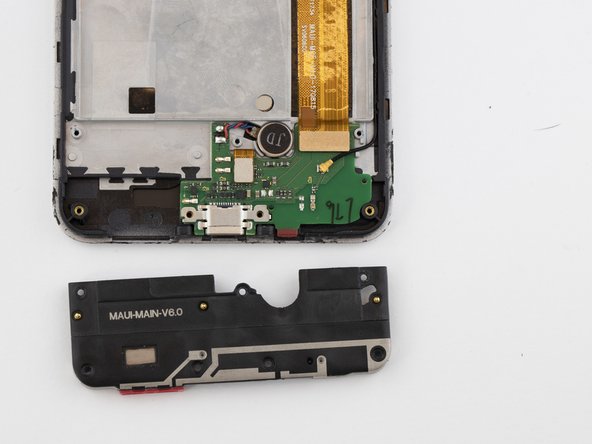
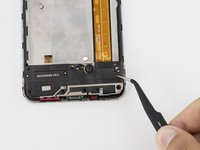
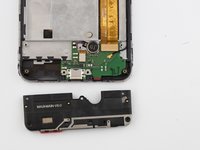
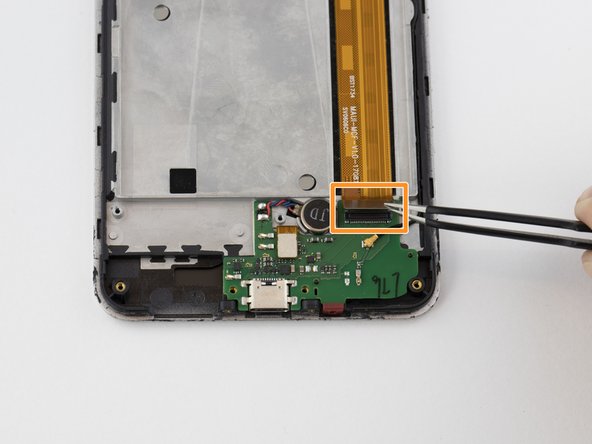
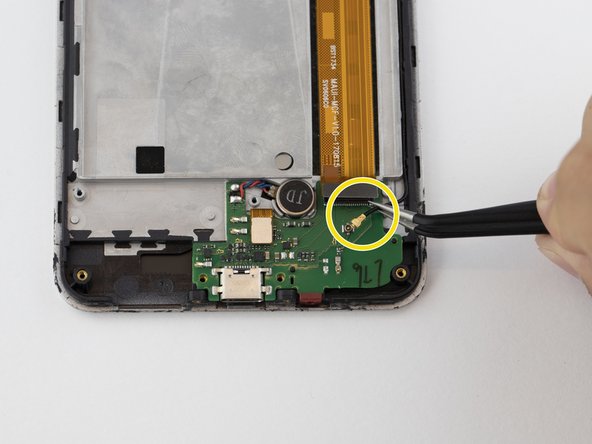
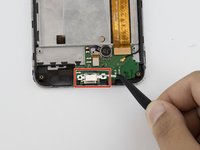
    • Detach the metal casing at the bottom of the phone.

    • Unplug the cable connector.

    • Use a pair of angled tweezers to unplug the black wire.

    Спросите у FixBot

    Добавить комментарий

  9. Orbic Wonder Screen Replacement: шаг 9, изображение 1 из 3 Orbic Wonder Screen Replacement: шаг 9, изображение 2 из 3 Orbic Wonder Screen Replacement: шаг 9, изображение 3 из 3
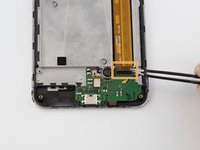
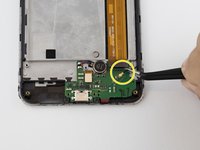
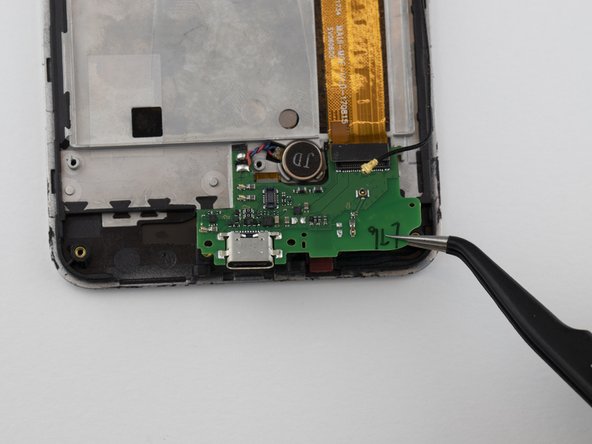
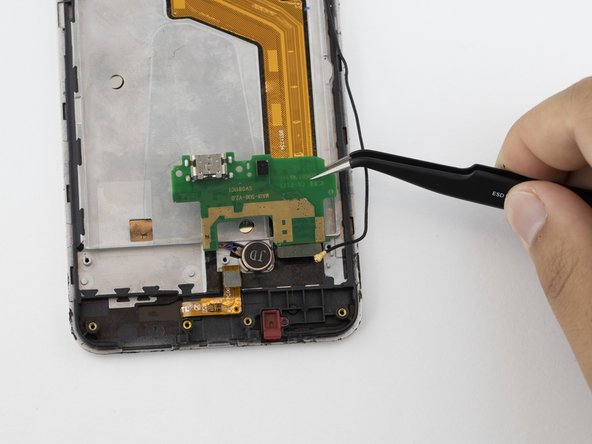
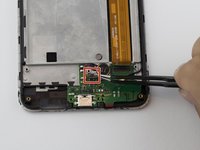
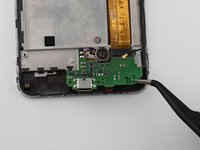
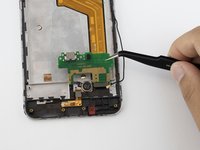
    • Using a pair of angled tweezers, disconnect the connector chip.

    • With the angled tweezers, gently lift (but do not remove) the green circuit board from the phone.

    Спросите у FixBot

    Добавить комментарий

  10. Orbic Wonder Screen Replacement: шаг 10, изображение 1 из 2 Orbic Wonder Screen Replacement: шаг 10, изображение 2 из 2
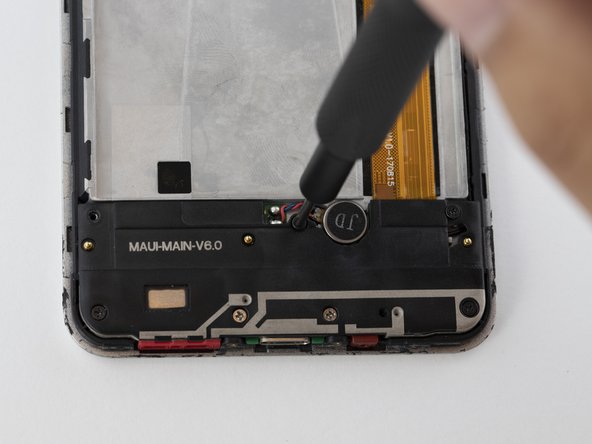
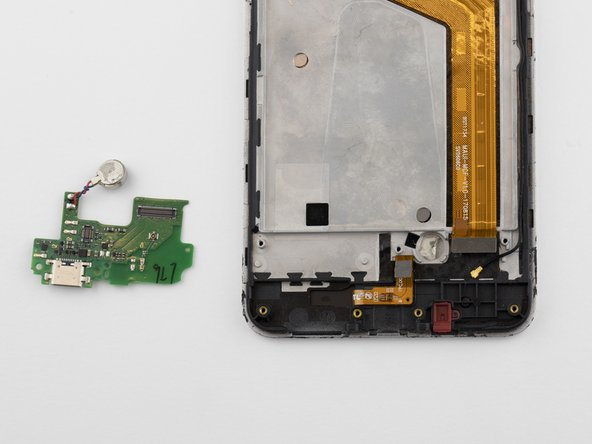
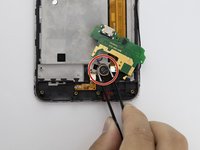
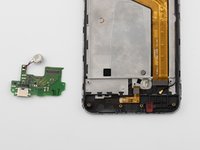
    • Using a pair of angled tweezers, disconnect the attachment to the microphone labeled "JD," and completely remove the circuit board.

    Спросите у FixBot

    Добавить комментарий

  11. Orbic Wonder Screen Replacement, Screen: шаг 11, изображение 1 из 2 Orbic Wonder Screen Replacement, Screen: шаг 11, изображение 2 из 2
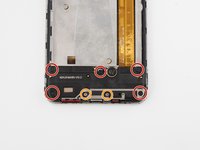
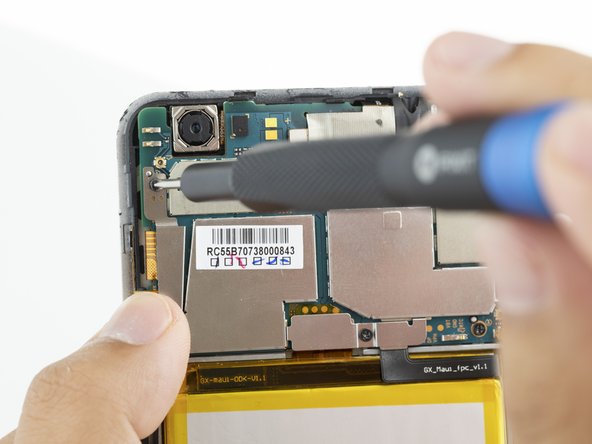
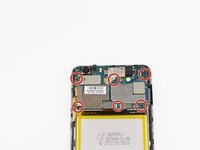
    • Remove the six 2mm Phillips #000 screws from the motherboard.

    Спросите у FixBot

    Добавить комментарий

  12. Orbic Wonder Screen Replacement: шаг 12, изображение 1 из 2 Orbic Wonder Screen Replacement: шаг 12, изображение 2 из 2
    Инструмент, используемый на этом этапе:
    Tweezers
    $4.99
    • Use a pair of tweezers to remove the leftmost metal protector.

    • Repeat this process for the other metal protector directly above the battery.

    Спросите у FixBot

    Добавить комментарий

  13. Orbic Wonder Screen Replacement: шаг 13, изображение 1 из 3 Orbic Wonder Screen Replacement: шаг 13, изображение 2 из 3 Orbic Wonder Screen Replacement: шаг 13, изображение 3 из 3
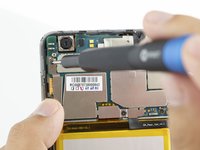
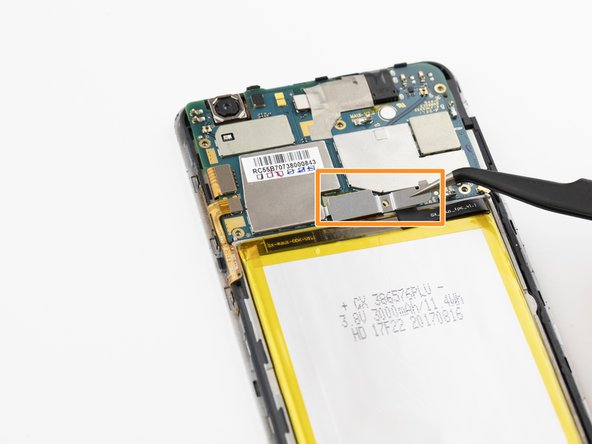
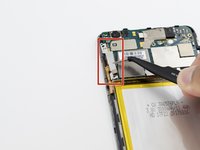
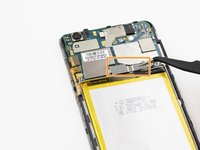
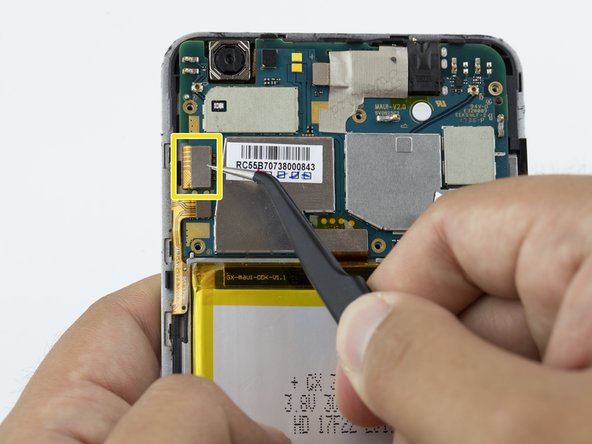
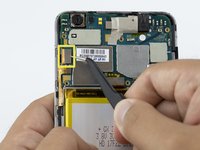
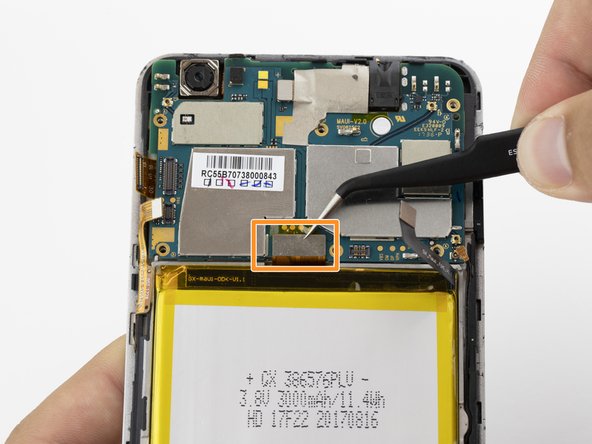
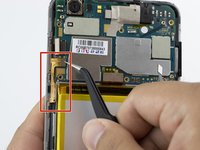
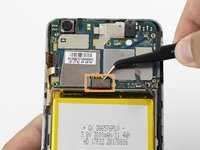
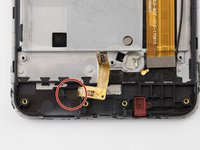
    • Disconnect the "L" shaped plug connecting the battery to the circuit board.

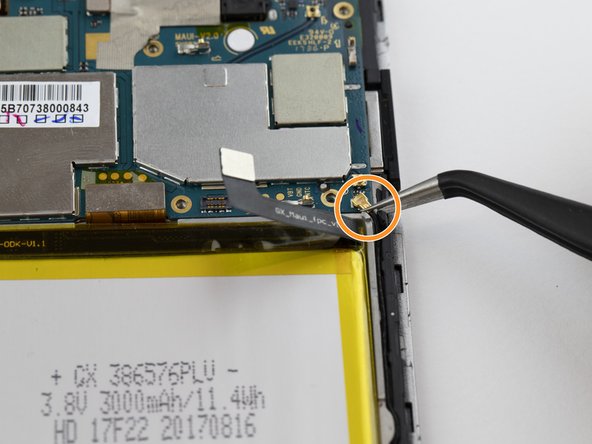
    • Carefully disconnect the small gold connecting wire.

    • Disconnect the rectangular piece.

    • Each of these steps are very delicate. Use a pair of tweezers to avoid causing damage.

    Спросите у FixBot

    Добавить комментарий

  14. Orbic Wonder Screen Replacement: шаг 14, изображение 1 из 2 Orbic Wonder Screen Replacement: шаг 14, изображение 2 из 2
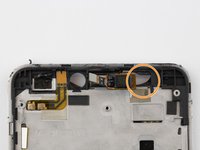
    • Unplug the power button connector.

    • Unplug the circuit connector above the battery.

    • These are very delicate and important connections. Be sure to use a pair of tweezers to avoid causing damage.

    Спросите у FixBot

    Добавить комментарий

  15. Orbic Wonder Screen Replacement: шаг 15, изображение 1 из 2 Orbic Wonder Screen Replacement: шаг 15, изображение 2 из 2
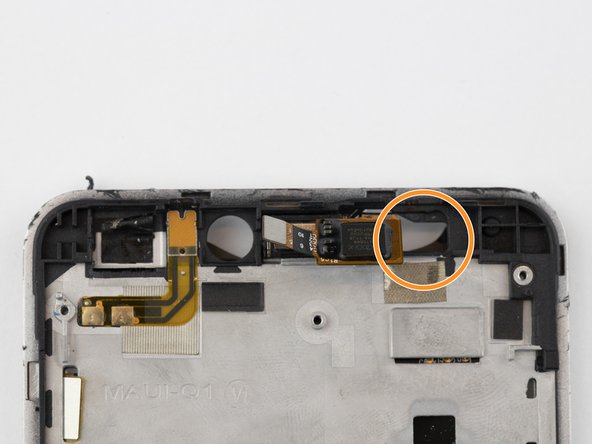
    • Carefully remove the protective sticker. This will expose the camera and its connector.

    Спросите у FixBot

    Добавить комментарий

  16. Orbic Wonder Screen Replacement: шаг 16, изображение 1 из 2 Orbic Wonder Screen Replacement: шаг 16, изображение 2 из 2
    • Disconnect the camera connector.

    Спросите у FixBot

    Добавить комментарий

  17. Orbic Wonder Screen Replacement: шаг 17, изображение 1 из 1
    • The circuit board should now be loose. Disconnect it, and remove it from the phone housing.

    Спросите у FixBot

    Добавить комментарий

  18. Orbic Wonder Screen Replacement: шаг 18, изображение 1 из 3 Orbic Wonder Screen Replacement: шаг 18, изображение 2 из 3 Orbic Wonder Screen Replacement: шаг 18, изображение 3 из 3
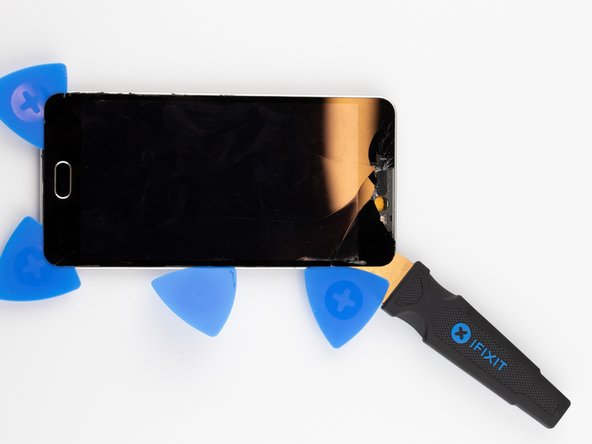
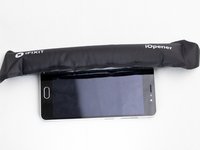
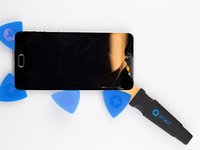
    • Using the iOpener, heat the screen's edges to loosen the adhesive holding the screen in place.

    • This will make the phone very warm. Gloves may be necessary depending on the level of heat required.

    • Using the Jimmy and opening picks, gently pry the screen from the phone housing.

    Спросите у FixBot

    Добавить комментарий

  19. Orbic Wonder Screen Replacement: шаг 19, изображение 1 из 2 Orbic Wonder Screen Replacement: шаг 19, изображение 2 из 2
    • Push the gold lower screen connector wire through the hole.

    • Do the same to the gold upper screen connector wire.

    Спросите у FixBot

    Добавить комментарий

  20. Orbic Wonder Screen Replacement: шаг 20, изображение 1 из 3 Orbic Wonder Screen Replacement: шаг 20, изображение 2 из 3 Orbic Wonder Screen Replacement: шаг 20, изображение 3 из 3
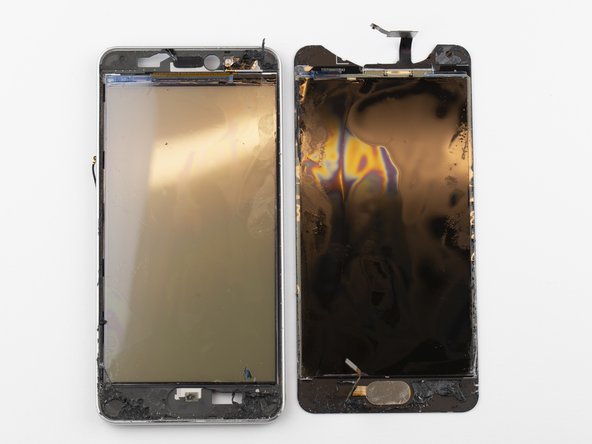
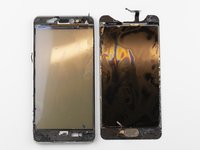
    • Using your hands, separate the screen from the rest of the phone, ensuring that the connector wires go through the openings without ripping.

    • The screen is completely detached from the rest of the phone.

    Спросите у FixBot

    Добавить комментарий

Заключение

To reassemble your device, follow these instructions in reverse order.

Отменить: Я не выполнил это руководство.

Еще один человек закончил это руководство.

Grant Adler

Участник с: 09/17/19

859 Репутация

Автор 5 руководств

Команда

3 Комментарии к руководству

how can and or can I swap media files from orbic wonder “with damaged screen “ to a gaxalxy a01

Ron Harrell - Ответить Поделиться
My orbic was over amped.7 volts burned something out.it turns on but nothing works.and the screen is light grey.how do i repair this plz thank you. 209crazo

209 Crazo - Ответить Поделиться

I need orbic lcd

Gzn Khan - Ответить Поделиться
Добавить комментарий

Статистика просмотров:

За последние 24 часов: 3

За последние 7 дней: 21

За последние 30 дней: 91

За всё время: 4,064