Перейти к основному содержанию
Присоединяйся к сообществу ремонтников - Создай аккаунт

Osmo Mobile Bluetooth Module Replacement

Выберете то, что вам нужно

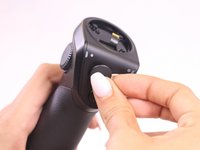
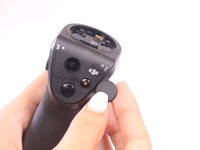
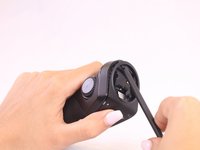
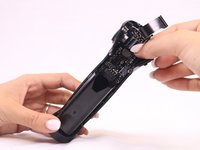
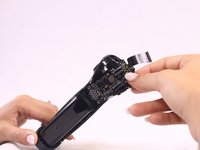
    1. Osmo Mobile Bluetooth Module Replacement, Osmo Mobile Handle Disassembly: шаг 1, изображение 1 из 2 Osmo Mobile Bluetooth Module Replacement, Osmo Mobile Handle Disassembly: шаг 1, изображение 2 из 2
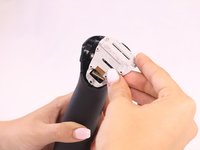
      • Remove gimbal from base handle by loosening round plate found at the top of the handle.

      Спросите у FixBot

      Добавить комментарий

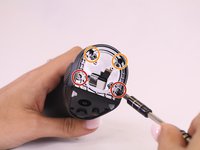
    2. Osmo Mobile Bluetooth Module Replacement: шаг 2, изображение 1 из 2 Osmo Mobile Bluetooth Module Replacement: шаг 2, изображение 2 из 2
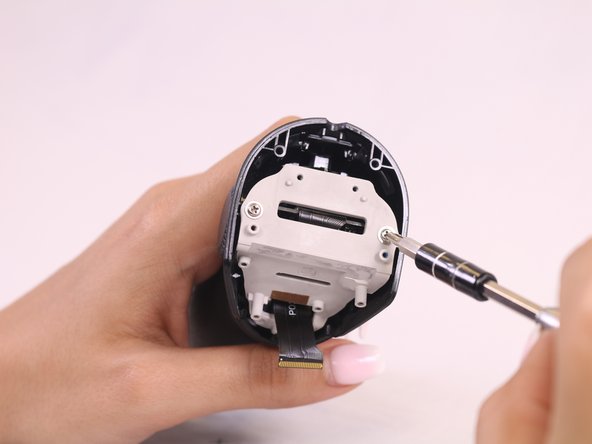
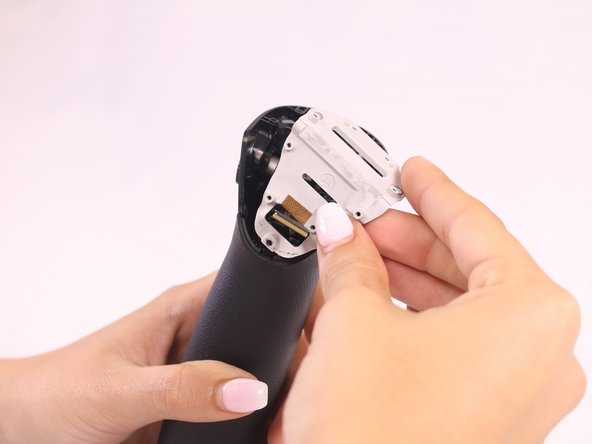
      • Use Phillips #00 screwdriver to remove the three screws found on the gimbal stabilizer to detach handle from gimbal.

      • Carefully detach handle from gimbal and disconnect the cable that connects the two.

      Спросите у FixBot

      Добавить комментарий

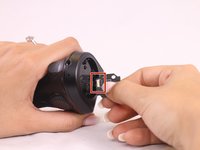
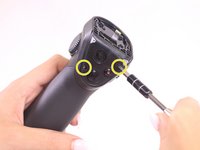
    3. Osmo Mobile Bluetooth Module Replacement: шаг 3, изображение 1 из 1
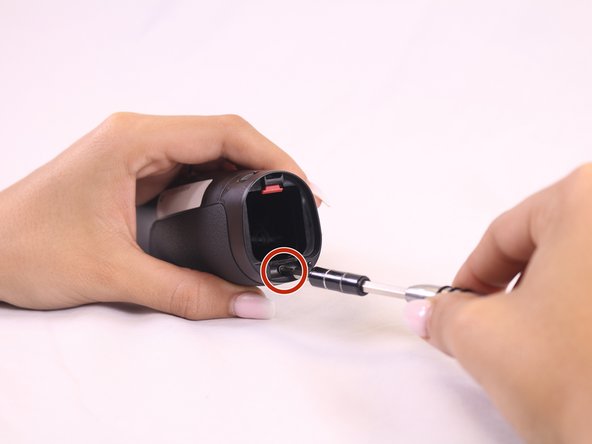
      • Locate the hex screws found at the top base of the handle, and unscrew using the 1.5mm hex screwdriver.

      Спросите у FixBot

      Добавить комментарий

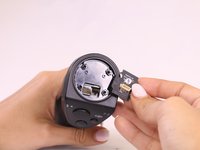
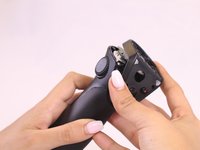
    4. Osmo Mobile Bluetooth Module Replacement: шаг 4, изображение 1 из 2 Osmo Mobile Bluetooth Module Replacement: шаг 4, изображение 2 из 2
      • Remove joystick by gently pulling away from handle

      Спросите у FixBot

      Добавить комментарий

    5. Osmo Mobile Bluetooth Module Replacement: шаг 5, изображение 1 из 3 Osmo Mobile Bluetooth Module Replacement: шаг 5, изображение 2 из 3 Osmo Mobile Bluetooth Module Replacement: шаг 5, изображение 3 из 3
      Инструмент, используемый на этом этапе:
      Tweezers
      $4.99
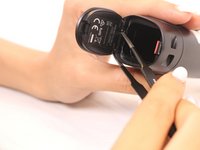
      • Remove the quick release PCBA by locating the connecting wires and release the ribbon cable with tweezers.

      • Use the spudger to pry open and remove the face plate, starting at the back of the handle.

      Спросите у FixBot

      Добавить комментарий

    6. Osmo Mobile Bluetooth Module Replacement: шаг 6, изображение 1 из 3 Osmo Mobile Bluetooth Module Replacement: шаг 6, изображение 2 из 3 Osmo Mobile Bluetooth Module Replacement: шаг 6, изображение 3 из 3
      • Locate four screws directly on top of handle.

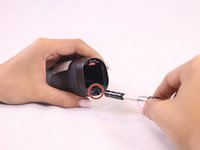
      • Unscrew the silver, bottom two screws, that are closest to the face plate using the 00 screwdriver.

      • Unscrew the black, top two screws, located furthest from the face plate, using the 0 screwdriver.

      • Remove the remaining two screws found on the front of the faceplate.

      • Remove the rest of the face plate shell.

      Спросите у FixBot

      Добавить комментарий

    1. Osmo Mobile Bluetooth Module Replacement, Bluetooth Module: шаг 7, изображение 1 из 3 Osmo Mobile Bluetooth Module Replacement, Bluetooth Module: шаг 7, изображение 2 из 3 Osmo Mobile Bluetooth Module Replacement, Bluetooth Module: шаг 7, изображение 3 из 3
      • Locate and remove the black screw found at the base of the grey mounting plate.

      • Remove the grey face plate.

      Спросите у FixBot

      Добавить комментарий

    2. Osmo Mobile Bluetooth Module Replacement: шаг 8, изображение 1 из 2 Osmo Mobile Bluetooth Module Replacement: шаг 8, изображение 2 из 2
      Инструмент, используемый на этом этапе:
      Tweezers
      $4.99
      • Open the battery hatch and remove it by using the tweezers to press the hinge into the device.

      • Remove the black screw located underneath where the battery hatch was.

      Спросите у FixBot

      Добавить комментарий

    3. Osmo Mobile Bluetooth Module Replacement: шаг 9, изображение 1 из 2 Osmo Mobile Bluetooth Module Replacement: шаг 9, изображение 2 из 2
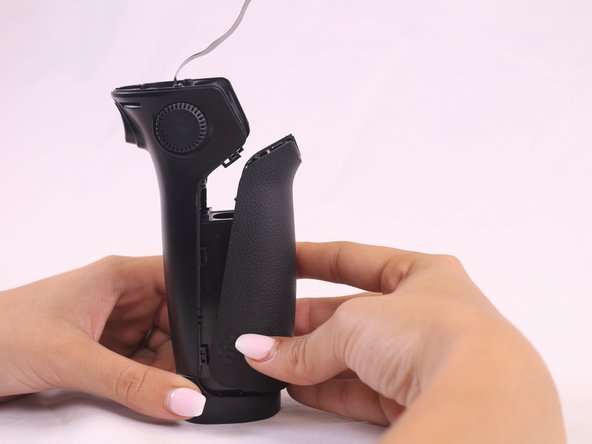
      • Use the spudger to remove the front handle casing by sliding the spudger into the area between the handle grooves.

      • Slide the spudger around the groove to find the 6 clasps that hold the front part of the handle, and unclasp them.

      • Take off the front handle section to reveal the whole interior of the device.

      Спросите у FixBot

      Добавить комментарий

    4. Osmo Mobile Bluetooth Module Replacement: шаг 10, изображение 1 из 3 Osmo Mobile Bluetooth Module Replacement: шаг 10, изображение 2 из 3 Osmo Mobile Bluetooth Module Replacement: шаг 10, изображение 3 из 3
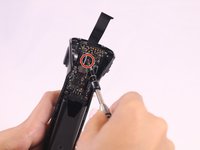
      • Locate and remove the black screw in the center of the motherboard chip.

      • Remove motherboard and replace.

      Спросите у FixBot

      Добавить комментарий

Заключение

To reassemble your device, follow these instructions in reverse order.

Отменить: Я не выполнил это руководство.

William Tyler Wills

Участник с: 09/28/17

432 Репутация

Автор 4 руководств

Команда

USF Tampa, Team S2-G1, Nance Fall 2017 Участник USF Tampa, Team S2-G1, Nance Fall 2017

USFT-NANCE-F17S2G1

4 членов

Автор 54 руководств

0 Комментарии к руководству

Добавить комментарий

Статистика просмотров:

За последние 24 часов: 1

За последние 7 дней: 8

За последние 30 дней: 30

За всё время: 2,304