Перейти к основному содержанию
Присоединяйся к сообществу ремонтников - Создай аккаунт

PDP Rematch Advanced Shoulder Buttons Replacement

Выберете то, что вам нужно

  1. PDP Rematch Advanced Shoulder Buttons Replacement, Front Housing Shell: шаг 1, изображение 1 из 3 PDP Rematch Advanced Shoulder Buttons Replacement, Front Housing Shell: шаг 1, изображение 2 из 3 PDP Rematch Advanced Shoulder Buttons Replacement, Front Housing Shell: шаг 1, изображение 3 из 3
    • Orient the controller so the back side is facing you.

    • Use a Phillips #000 screwdriver to remove the seven 9 mm screws that secure the back shell.

    Спросите у FixBot

    Добавить комментарий

  2. PDP Rematch Advanced Shoulder Buttons Replacement: шаг 2, изображение 1 из 3 PDP Rematch Advanced Shoulder Buttons Replacement: шаг 2, изображение 2 из 3 PDP Rematch Advanced Shoulder Buttons Replacement: шаг 2, изображение 3 из 3
    • Pull apart the controller's front and back shells with moderate force.

    • Orient the controller so that the front shell is facing the floor to prevent the face buttons from falling out.

    Спросите у FixBot

    Добавить комментарий

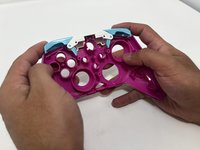
  3. PDP Rematch Advanced Shoulder Buttons Replacement: шаг 3, изображение 1 из 3 PDP Rematch Advanced Shoulder Buttons Replacement: шаг 3, изображение 2 из 3 PDP Rematch Advanced Shoulder Buttons Replacement: шаг 3, изображение 3 из 3
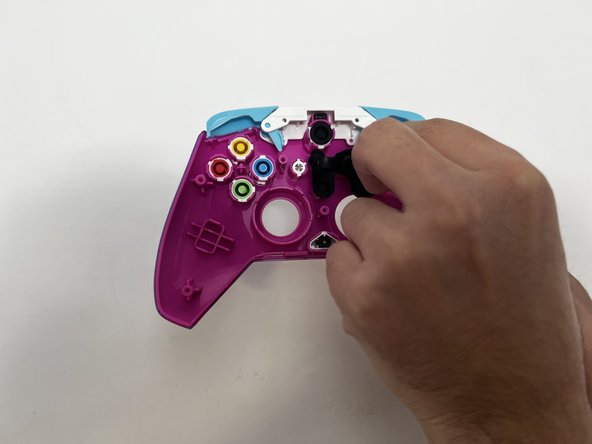
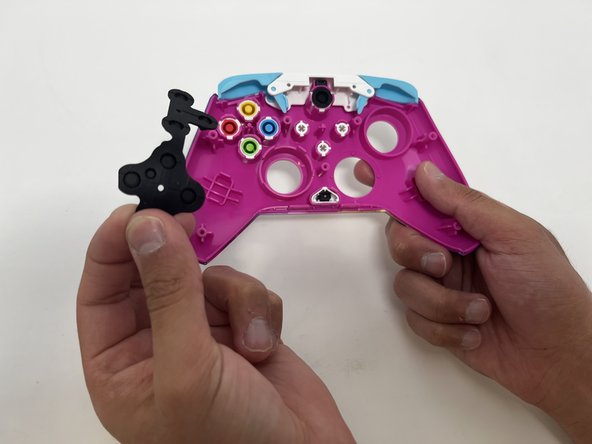
    • Peel the rubber piece off the back of the face buttons.

    Спросите у FixBot

    Добавить комментарий

  4. PDP Rematch Advanced Shoulder Buttons Replacement: шаг 4, изображение 1 из 3 PDP Rematch Advanced Shoulder Buttons Replacement: шаг 4, изображение 2 из 3 PDP Rematch Advanced Shoulder Buttons Replacement: шаг 4, изображение 3 из 3
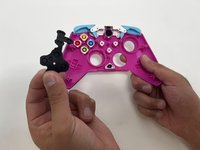
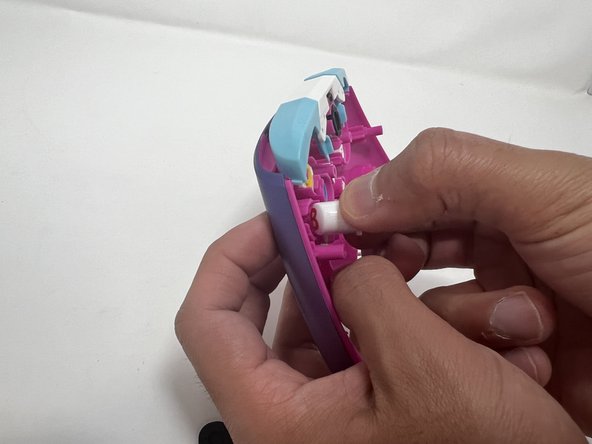
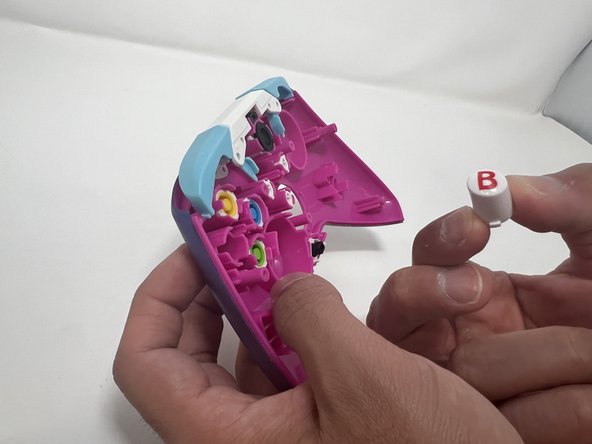
    • Push all the face buttons out from the front of the shell.

    Спросите у FixBot

    Добавить комментарий

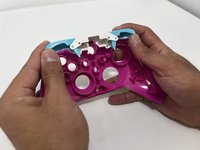
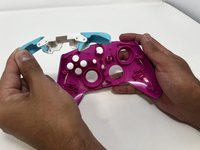
  5. PDP Rematch Advanced Shoulder Buttons Replacement: шаг 5, изображение 1 из 3 PDP Rematch Advanced Shoulder Buttons Replacement: шаг 5, изображение 2 из 3 PDP Rematch Advanced Shoulder Buttons Replacement: шаг 5, изображение 3 из 3
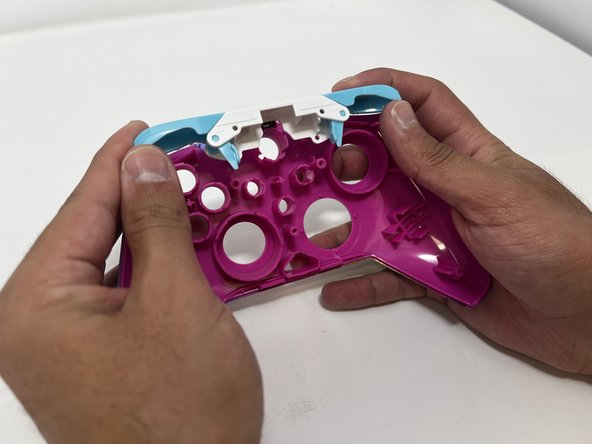
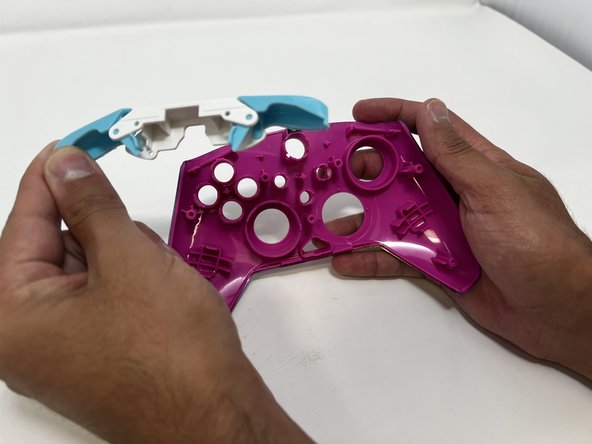
    • Put two fingers behind the bumpers and push upwards to remove them.

    Спросите у FixBot

    Добавить комментарий

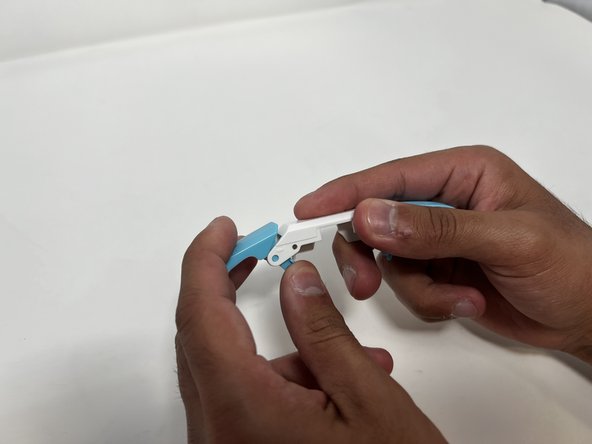
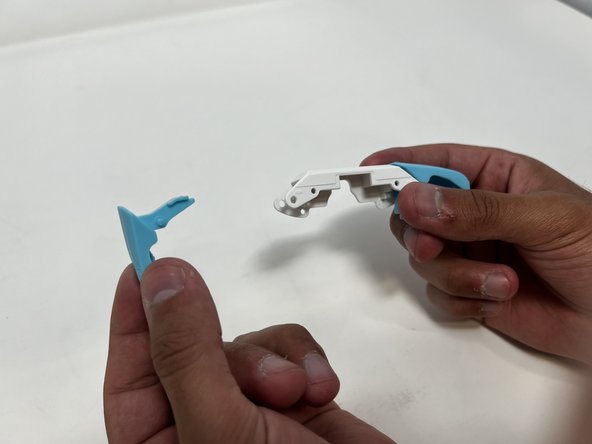
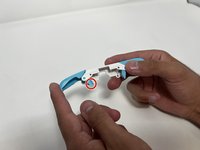
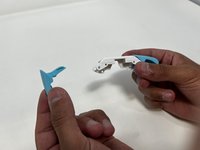
  6. PDP Rematch Advanced Shoulder Buttons Replacement, Shoulder Buttons: шаг 6, изображение 1 из 3 PDP Rematch Advanced Shoulder Buttons Replacement, Shoulder Buttons: шаг 6, изображение 2 из 3 PDP Rematch Advanced Shoulder Buttons Replacement, Shoulder Buttons: шаг 6, изображение 3 из 3
    • Push down on the trigger's long paddle.

    • Carefully twist the bumper out to remove it from the bumper frame.

    Спросите у FixBot

    Добавить комментарий

Заключение

To reassemble your device, follow these instructions in reverse order.

Отменить: Я не выполнил это руководство.

Еще один человек закончил это руководство.

Angel Velasquez

Участник с: 01/30/24

369 Репутация

Автор 3 руководств

Команда

Utah Tech University, Team 1-1, McMurrin Spring 2024 Участник Utah Tech University, Team 1-1, McMurrin Spring 2024

UTAHTECH-MCMURRIN-S24S1G1

2 членов

Автор 7 руководств

0 Комментарии к руководству

Добавить комментарий

Статистика просмотров:

За последние 24 часов: 0

За последние 7 дней: 4

За последние 30 дней: 40

За всё время: 664