Введение
Make sure you have a replacement board before starting. Refer to the these sites for replacement parts. http://www.palmmediccanada.com/pm1xx.htm or http://www.directfix.com/category/_PM1.h...
Выберете то, что вам нужно
-
-
-
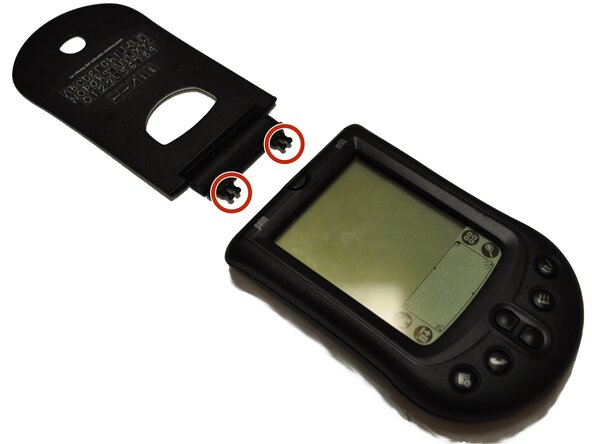
Remove protective flap by pulling directly out from the top.
-
The two clips will pop out.
-
-
-
Remove Faceplate. There is a tab where the finger is located in the picture that needs to be pulled up.
-
The Faceplate will then easily lift off.
-
-
-
-
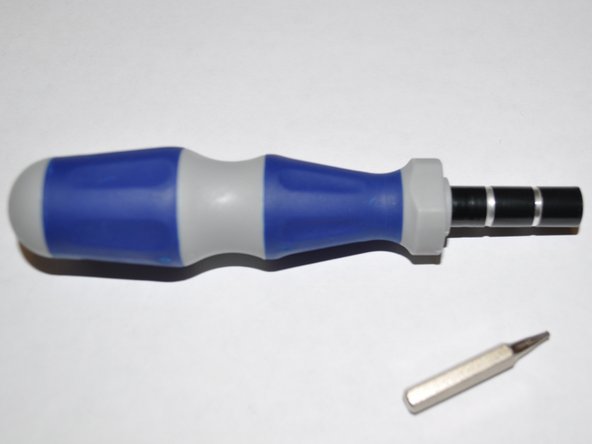
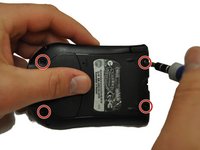
Using a T5 Torx screwdriver, remove the four screws located on the back of the device turning counter clockwise.
-
-
-
This is what the device looks like once you have taken the screws out and opened the device.
-
-
-
The motherboard and screen will pop out of the back case easily.
-
-
-
To remove the screen from the motherboard there are going to be three tabs that need to pulled up.
-
Once they are all three popped up the motherboard and screen will separate easily.
-
-
-
Click here for Palm m105 motherboard replacement
-
Now that the screen and motherboard are separated you may discard the broken screen. The best way to dispose of the broken screen is to: Recycle it
-

 Спросите у FixBot




To reassemble your device, follow these instructions in reverse order.
Отменить: Я не выполнил это руководство.
Еще один человек закончил это руководство.

Команда

UW Stout, Team 1-3, Zhou Fall 2011 Участник UW Stout, Team 1-3, Zhou Fall 2011
UWSTOUT-ZHOU-F11S1G3
4 членов
Автор 28 руководств
