Перейти к основному содержанию
Присоединяйся к сообществу ремонтников - Создай аккаунт

Panasonic DMP-BD89 Disk Drive Replacement

Выберете то, что вам нужно

  1. Panasonic DMP-BD89 Disk Drive Replacement, Disk Tray Cover: шаг 1, изображение 1 из 2 Panasonic DMP-BD89 Disk Drive Replacement, Disk Tray Cover: шаг 1, изображение 2 из 2
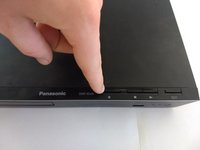
    • First, before powering off, press the eject button to open the tray.

  2. Panasonic DMP-BD89 Disk Drive Replacement: шаг 2, изображение 1 из 3 Panasonic DMP-BD89 Disk Drive Replacement: шаг 2, изображение 2 из 3 Panasonic DMP-BD89 Disk Drive Replacement: шаг 2, изображение 3 из 3
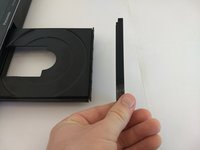
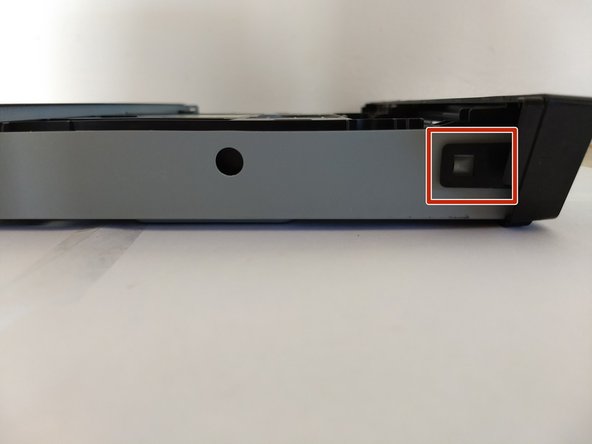
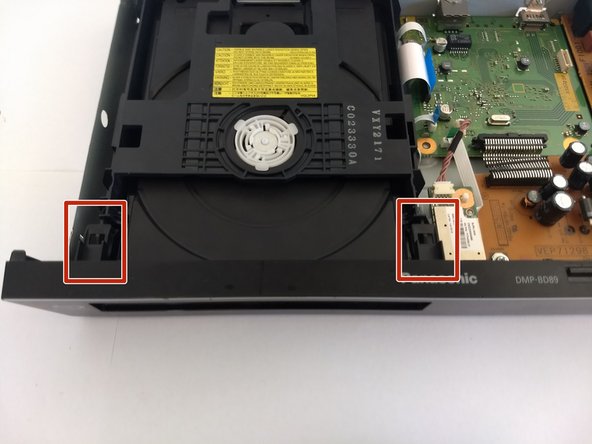
    • Remove the front cover of the tray.

    • Do so by gently pushing it out, away from the player, ensuring the pictured tabs clear the tray.

    • Then slide it vertically up and away.

  3. Panasonic DMP-BD89 Disk Drive Replacement: шаг 3, изображение 1 из 2 Panasonic DMP-BD89 Disk Drive Replacement: шаг 3, изображение 2 из 2
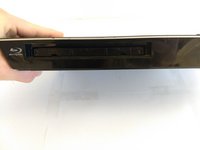
    • Press eject button to close the tray.

    • Make sure to unpower and unplug device before continue work on other fixes.

  4. Panasonic DMP-BD89 Disk Drive Replacement, Exterior Cover: шаг 4, изображение 1 из 2 Panasonic DMP-BD89 Disk Drive Replacement, Exterior Cover: шаг 4, изображение 2 из 2
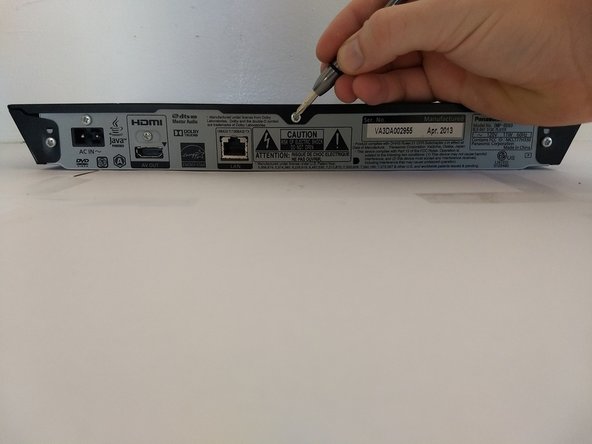
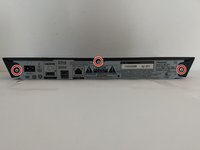
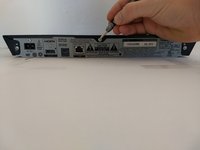
    • Using a Phillips #1 screwdriver, unscrew the back three screws.

  5. Panasonic DMP-BD89 Disk Drive Replacement: шаг 5, изображение 1 из 1
    • Slide the top panel horizontally to remove it.

  6. Panasonic DMP-BD89 Disk Drive Replacement: шаг 6, изображение 1 из 3 Panasonic DMP-BD89 Disk Drive Replacement: шаг 6, изображение 2 из 3 Panasonic DMP-BD89 Disk Drive Replacement: шаг 6, изображение 3 из 3
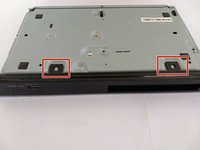
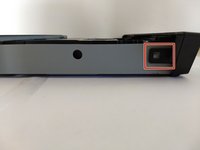
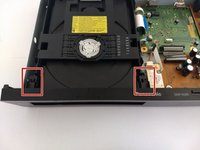
    • Locate 6 tabs across the device.

    • 2 are on the bottom, 1 is on the left and right, and 2 are are on the inside.

  7. Panasonic DMP-BD89 Disk Drive Replacement: шаг 7, изображение 1 из 1
    • Pop the 6 markers out.

    • Then take off the cover.

  8. Panasonic DMP-BD89 Disk Drive Replacement, Disk Drive: шаг 8, изображение 1 из 2 Panasonic DMP-BD89 Disk Drive Replacement, Disk Drive: шаг 8, изображение 2 из 2
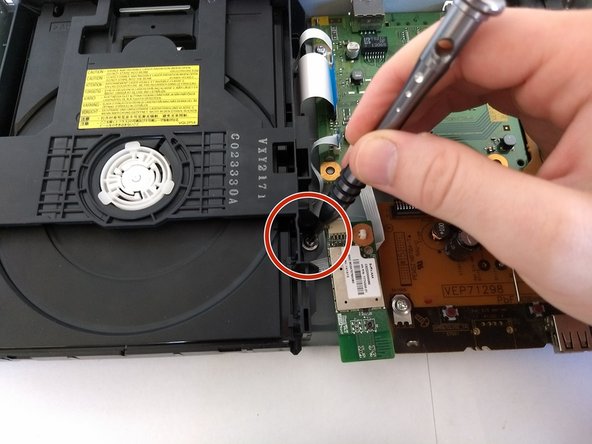
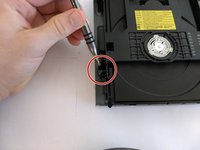
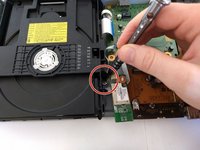
    • Remove screws surrounding disk drive that attach it to outer cover.

  9. Panasonic DMP-BD89 Disk Drive Replacement: шаг 9, изображение 1 из 2 Panasonic DMP-BD89 Disk Drive Replacement: шаг 9, изображение 2 из 2
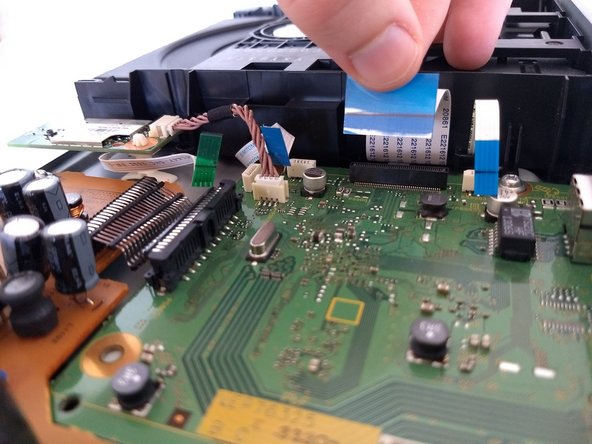
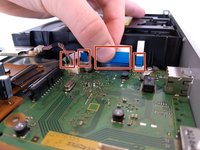
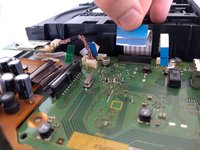
    • Remove the one green andthree blue tabs pictured that connect the disk drive to the board. Try to do so carefully, to avoid damage to the hardware.

  10. Panasonic DMP-BD89 Disk Drive Replacement: шаг 10, изображение 1 из 1
    • Carefully take the drive out of the device. Note where the feet need to go back in for reassembly.

Заключение

To reassemble your device, follow these instructions in reverse order. Ensure the feet of the disk drive go back in the holes.

Julian

Участник с: 10/17/17

113 Репутация

1 руководство автора

Команда

UC Santa Barbara, Team S2-G9, Weedon Fall 2017 Участник UC Santa Barbara, Team S2-G9, Weedon Fall 2017

UCSB-WEEDON-F17S2G9

4 членов

Автор 4 руководств

0 Комментарии к руководству

Добавить комментарий

Статистика просмотров:

За последние 24 часов: 1

За последние 7 дней: 8

За последние 30 дней: 42

За всё время: 1,328