Введение
Ensure to have a new/flawless motherboard lying next to you before you start removing the defective one.
You should also have a little bowl ready to set aside screws and other small parts.
Выберете то, что вам нужно
-
-
Инструмент, используемый на этом этапе:Anti-Static Wrist Strap$7.95
-
Put on the Anti-Static Wrist Strap and clamp the end of the band to an unpainted spot of a radiator.
 Спросите у FixBot
-
-
-
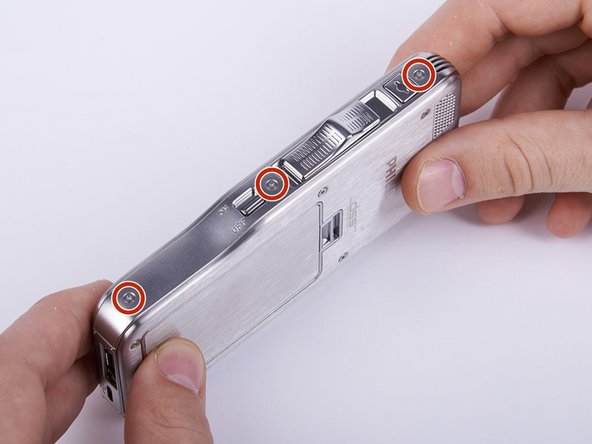
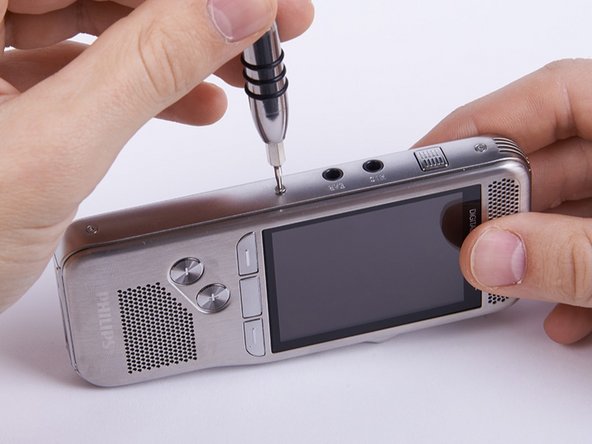
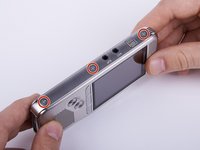
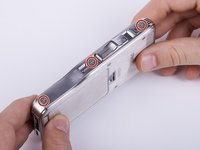
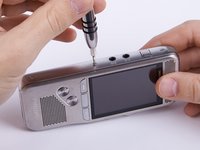
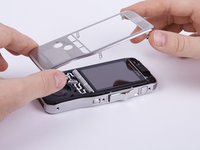
Unscrew the six Torx #4 (5,3 mm) screws from both sides of the device
-
-
-
-
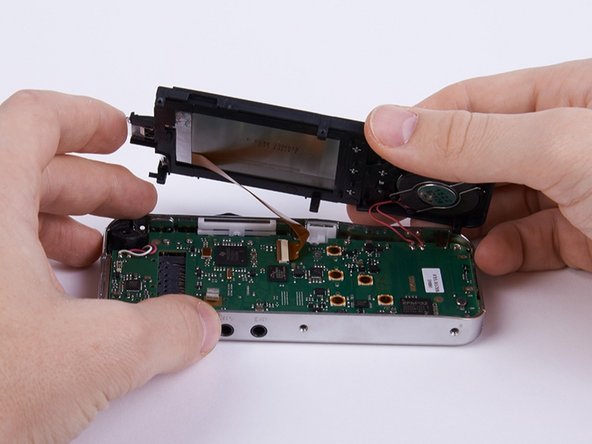
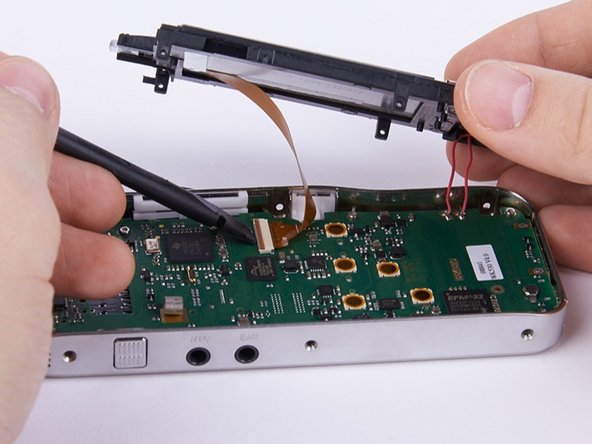
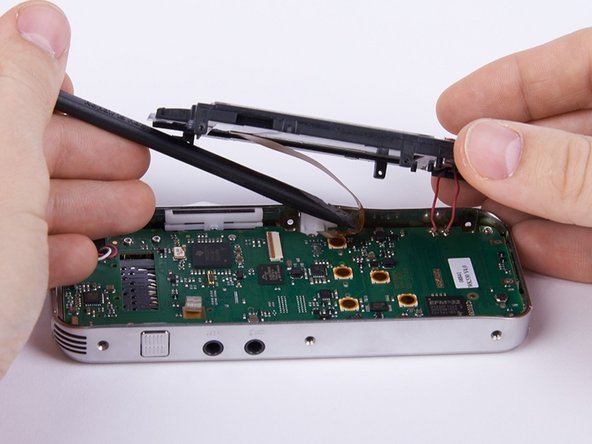
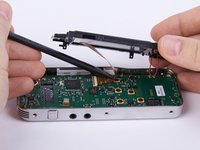
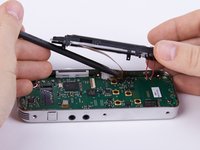
Unlock the connection between display and motherboard by pushing open the brown cleat.
-
-
-
-
Инструмент, используемый на этом этапе:Tweezers$4.99
-
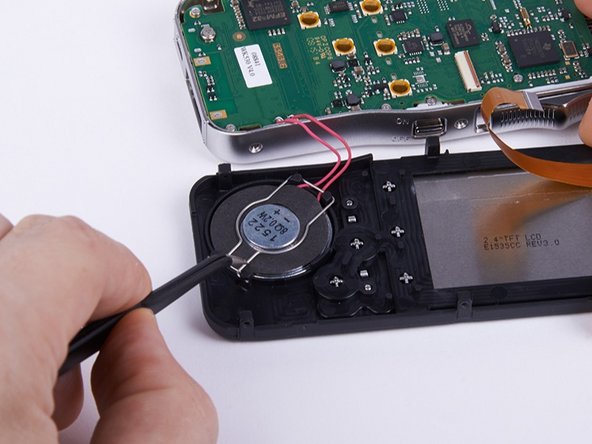
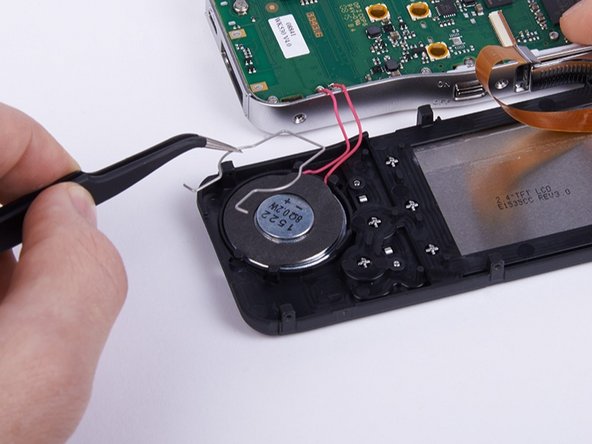
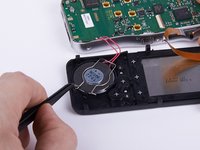
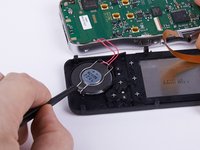
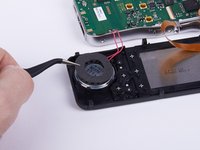
Remove the mounting spring from the speaker with a pair of tweezers.
-
-
-
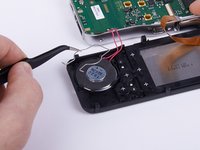
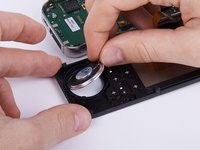
Take off the safety mat from the speaker.
-
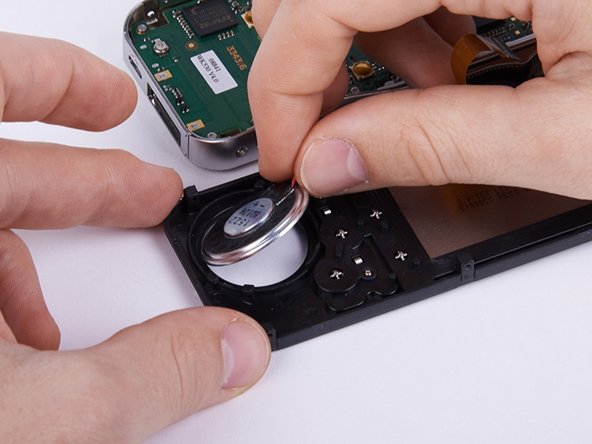
Remove the speaker from the housing.
-
-
-
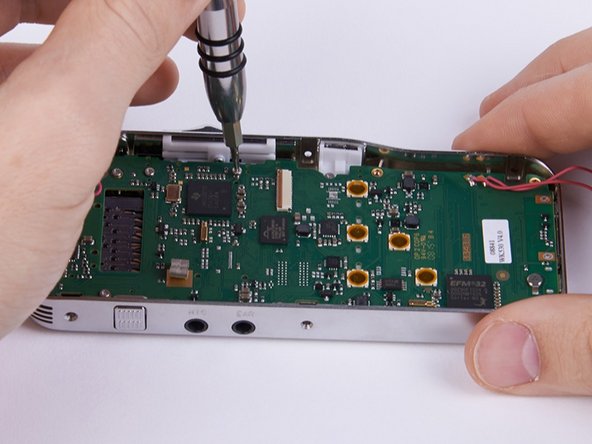
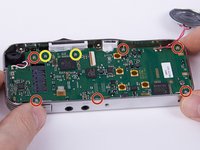
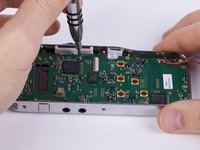
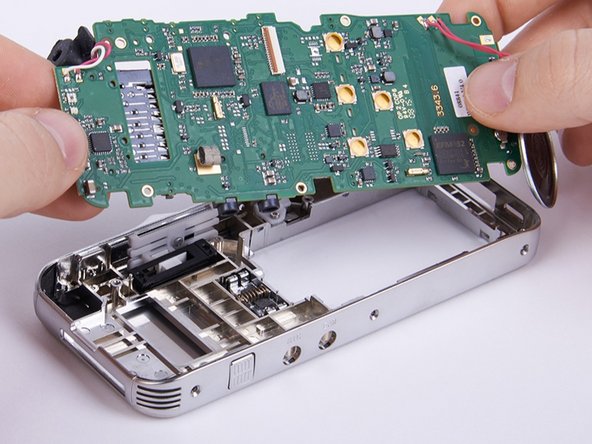
Unscrew the eight Torx #4 (5,0 mm) screws from the motherboard.
-
These two screws connect the motherboard with the sliding cage. In this guide they are removed as well. Hence this is not compulsory you can decide for yourself whether you want to remove them now or later.
-
-













Отменить: Я не выполнил это руководство.
Еще один человек закончил это руководство.

Команда

Technische Universität Wien Участник Technische Universität Wien
Community
2 членов
Автор 12 руководств
1 Комментарий к руководству
Very well described and very well illustrated, thank you
