Введение
Use this guide to replace your PlayStation 3's Blu-ray disc drive. Replacing a defective Blu-ray drive with a replacement requires swapping the Blu-ray drive board from the old drive onto the replacement.
Выберете то, что вам нужно
-
-
Use the tip of a spudger to remove the black rubber screw cover from the side of the PS3.
 Спросите у FixBot
-
-
-
Remove the single 8.5 mm T10 Security Torx screw from the smart plate.
-
-
-
Pull the smart plate toward the hard drive bay, then lift it off the body of the PS3.
-
-
-
-
Remove the following seven screws:
-
Six 52 mm Phillips screws
-
One 30 mm Phillips screw
-
-
-
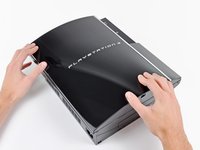
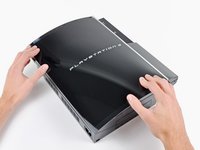
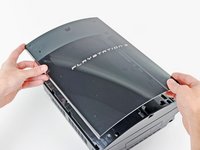
Lift the top cover from its rear edge and rotate it toward the front of the PS3.
-
Remove the top cover.
-
There is a plastic hook located in a hole on the top back right hand side corner. Carefully push the plastic hook a bit from the rear of the machine with a spudger to release the rear right of the casing.
-
-
-
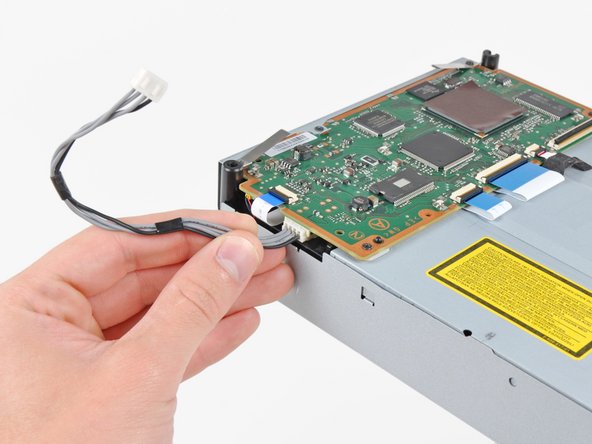
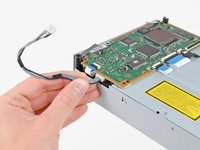
Disconnect the Blu-ray power cable from the motherboard.
-
-
-
Lift the Blu-ray drive from the edge nearest the power supply and rotate it away from the chassis enough to access its ribbon cable.
-
-
-
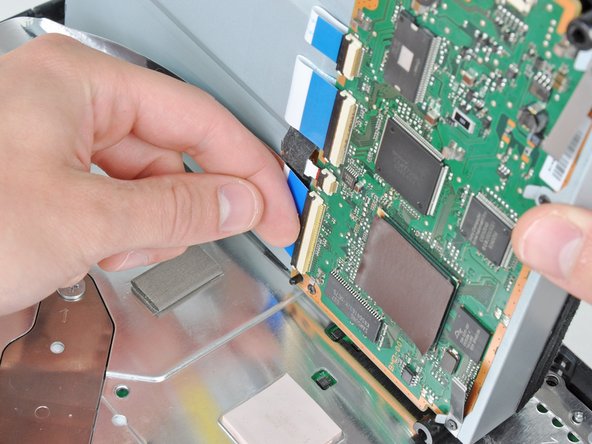
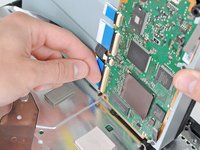
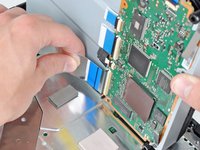
Use your fingernail to flip up the retaining flap on the Blu-ray ribbon cable socket.
-
Pull the ribbon cable out of its socket.
-
Remove the Blu-ray drive from the PS3.
-





To reassemble your device, follow these instructions in reverse order.
Отменить: Я не выполнил это руководство.
159 человек успешно провели ремонт по этому руководству.

16 Комментарии к руководству
Most helpful. Thx need to buy parts.and tools needed to fix game game. Were to buy ?
Not sure myself, need one too. Look under comments section under ps3 laser replacement for more info. They are supposed to sell them on this website but I think they are still out.
Can I use any fat PS3 blu-ray drive in a fat PS3 or do I need a certain on????? I have a 80gb fat PS3
No, you need a certain one + you have to take off the daughter board from your old drive and put it on the new one.
Very helpful
