Перейти к основному содержанию
Присоединяйся к сообществу ремонтников - Создай аккаунт

PlayStation VR LED Light Tracker Replacement

Выберете то, что вам нужно

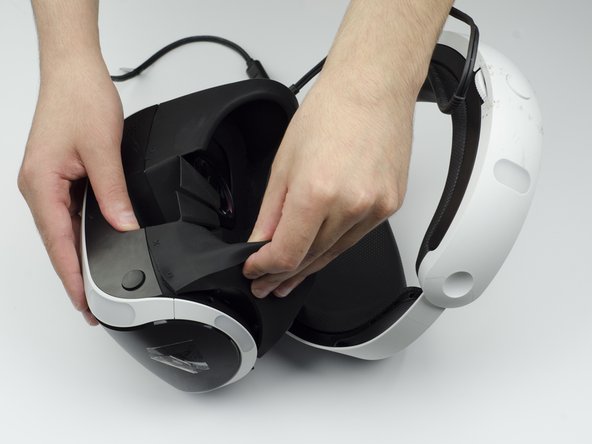
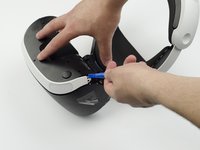
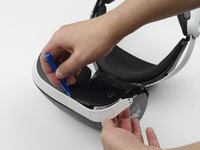
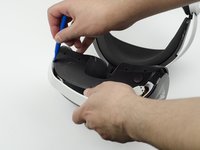
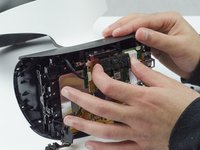
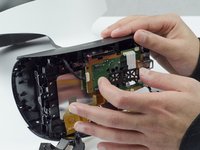
  1. PlayStation VR LED Light Tracker Replacement, LED Light Tracker: шаг 1, изображение 1 из 3 PlayStation VR LED Light Tracker Replacement, LED Light Tracker: шаг 1, изображение 2 из 3 PlayStation VR LED Light Tracker Replacement, LED Light Tracker: шаг 1, изображение 3 из 3
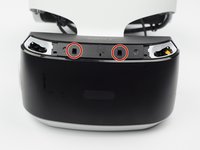
    • Peel back the rubber covering around the lenses to remove the surrounding plastic eyepieces.

    Спросите у FixBot

    Добавить комментарий

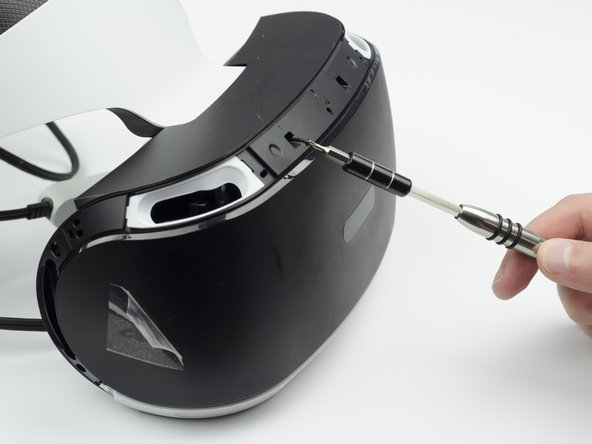
  2. PlayStation VR LED Light Tracker Replacement: шаг 2, изображение 1 из 2 PlayStation VR LED Light Tracker Replacement: шаг 2, изображение 2 из 2
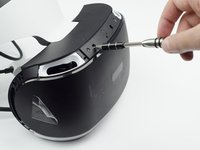
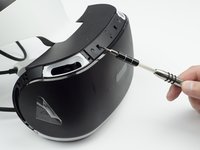
    • Unscrew four 13 mm screws with a PH #000 screwdriver.

    Спросите у FixBot

    Добавить комментарий

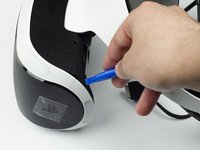
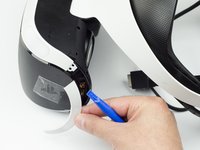
  3. PlayStation VR LED Light Tracker Replacement: шаг 3, изображение 1 из 2 PlayStation VR LED Light Tracker Replacement: шаг 3, изображение 2 из 2
    • Using the plastic opening tool, carefully pry the white plastic panel free from the side of the headset. Repeat this action for the opposite side.

    Спросите у FixBot

    Добавить комментарий

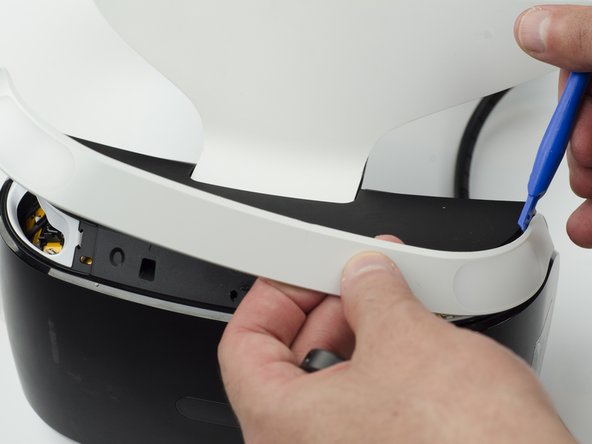
  4. PlayStation VR LED Light Tracker Replacement: шаг 4, изображение 1 из 3 PlayStation VR LED Light Tracker Replacement: шаг 4, изображение 2 из 3 PlayStation VR LED Light Tracker Replacement: шаг 4, изображение 3 из 3
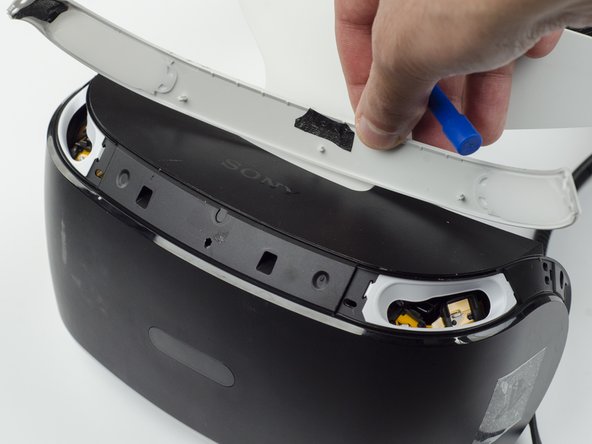
    • Use the plastic opening tool to pry the top white plastic panel free from the headset.

    • Do not try to remove the bottom plastic panel. There is a screw attaching it that must be removed first.

    • There may be a small amount of adhesive attaching the top panel to the headset, in which case you may need to use a bit more force to remove the panel.

    Спросите у FixBot

    Добавить комментарий

  5. PlayStation VR LED Light Tracker Replacement: шаг 5, изображение 1 из 1
    • Flip the headset over.

    • Using a PH #000, unscrew the 7 mm screw found on the bottom of the headset.

    Спросите у FixBot

    Добавить комментарий

  6. PlayStation VR LED Light Tracker Replacement: шаг 6, изображение 1 из 3 PlayStation VR LED Light Tracker Replacement: шаг 6, изображение 2 из 3 PlayStation VR LED Light Tracker Replacement: шаг 6, изображение 3 из 3
    • Using the plastic opening tool, pry the bottom white plastic panel loose and remove it from the headset.

    • There is adhesive attaching the panel to the headset, in which case it will take more force to remove the panel.

    Спросите у FixBot

    Добавить комментарий

  7. PlayStation VR LED Light Tracker Replacement: шаг 7, изображение 1 из 3 PlayStation VR LED Light Tracker Replacement: шаг 7, изображение 2 из 3 PlayStation VR LED Light Tracker Replacement: шаг 7, изображение 3 из 3
    • Unscrew the two 7 mm screws from the top of the headset.

    Спросите у FixBot

    Добавить комментарий

  8. PlayStation VR LED Light Tracker Replacement: шаг 8, изображение 1 из 3 PlayStation VR LED Light Tracker Replacement: шаг 8, изображение 2 из 3 PlayStation VR LED Light Tracker Replacement: шаг 8, изображение 3 из 3
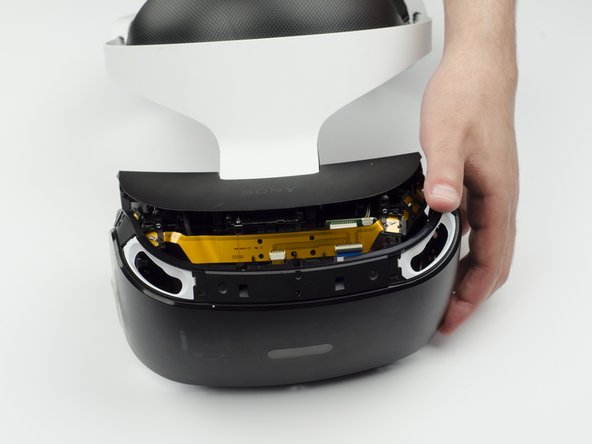
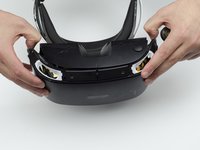
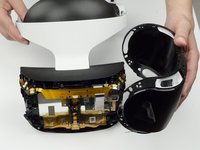
    • Using your fingers, carefully pry the black front panel free from the headset.

    • We recommend that you start the removal from the sides by pulling them forward.

    • There is adhesive holding the front panel in place, which means you will need a bit of extra force to remove it.

    Спросите у FixBot

    Добавить комментарий

  9. PlayStation VR LED Light Tracker Replacement: шаг 9, изображение 1 из 1
    • Unscrew the four silver 6 mm screws in each corner using a PH #000 screwdriver.

    Спросите у FixBot

    Добавить комментарий

  10. PlayStation VR LED Light Tracker Replacement: шаг 10, изображение 1 из 3 PlayStation VR LED Light Tracker Replacement: шаг 10, изображение 2 из 3 PlayStation VR LED Light Tracker Replacement: шаг 10, изображение 3 из 3
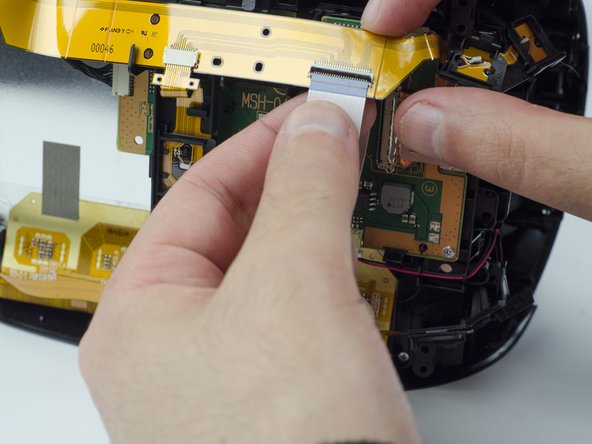
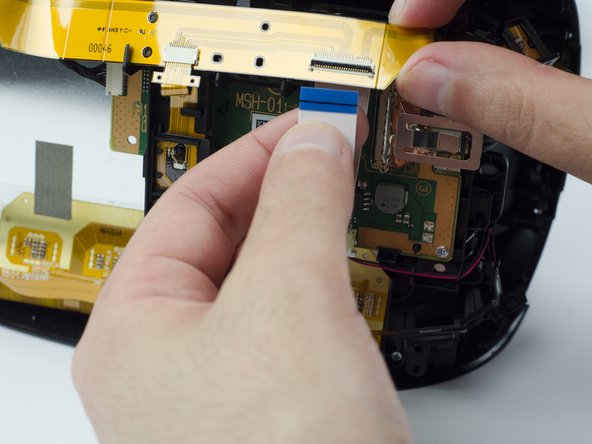
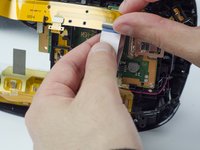
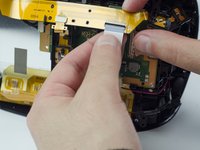
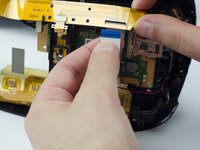
    • Lift the small silver latch attaching the ZIF (zero insertion force) connector to the circuit board.

    • Carefully pull the end of the white ribbon connector from its slot.

    • Be careful not to damage or dirty the ribbon connector.

    Спросите у FixBot

    Добавить комментарий

  11. PlayStation VR LED Light Tracker Replacement: шаг 11, изображение 1 из 2 PlayStation VR LED Light Tracker Replacement: шаг 11, изображение 2 из 2
    • Unhitch the yellow led connector ribbon and move it aside.

    • Be careful not to damage or dirty the ribbon connector.

    Спросите у FixBot

    Добавить комментарий

  12. PlayStation VR LED Light Tracker Replacement: шаг 12, изображение 1 из 3 PlayStation VR LED Light Tracker Replacement: шаг 12, изображение 2 из 3 PlayStation VR LED Light Tracker Replacement: шаг 12, изображение 3 из 3
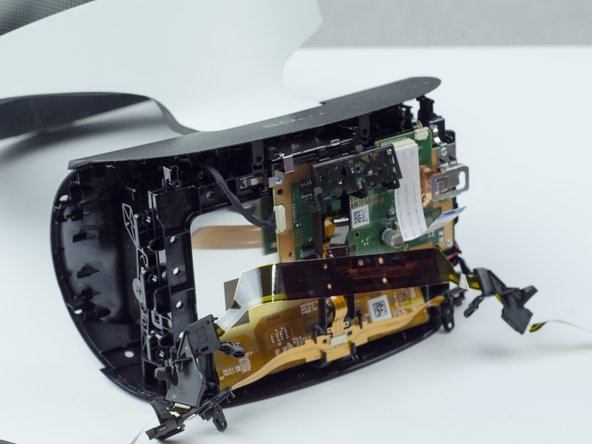
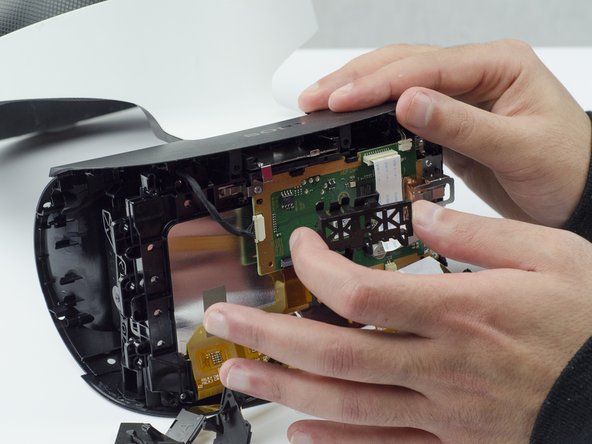
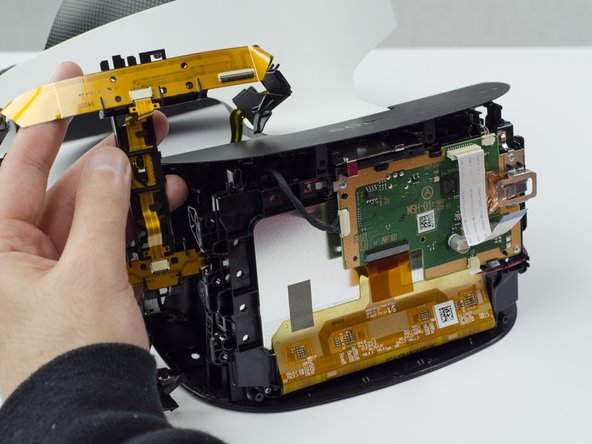
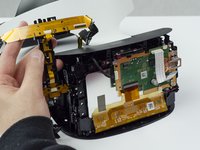
    • Carefully pry the black plastic piece attaching the yellow ribbon to the headset away from the green circuit board.

    • Remove the yellow LED ribbons and black plastic connecting piece from the headset.

    Спросите у FixBot

    Добавить комментарий

Заключение

To reassemble your device, follow these instructions in reverse order.

Отменить: Я не выполнил это руководство.

Еще один человек закончил это руководство.

Sarah Shand

Участник с: 02/20/17

1 996 Репутация

Автор 7 руководств

Команда

USF Tampa, Team S3-G1, Sullivan Spring 2017 Участник USF Tampa, Team S3-G1, Sullivan Spring 2017

USFT-SULLIVAN-S17S3G1

3 членов

Автор 14 руководств

1 Комментарий к руководству

where can I buy the LED lights for it??

Jordi - Ответить Поделиться
Добавить комментарий

Статистика просмотров:

За последние 24 часов: 1

За последние 7 дней: 6

За последние 30 дней: 54

За всё время: 4,626