Перейти к основному содержанию
Присоединяйся к сообществу ремонтников - Создай аккаунт

Poin2 Chromebook 11 Touchpad Replacement

Выберете то, что вам нужно

    1. Poin2 Chromebook 11 Touchpad Replacement, Battery: шаг 1, изображение 1 из 2 Poin2 Chromebook 11 Touchpad Replacement, Battery: шаг 1, изображение 2 из 2
      • Power down the Poin2 Chromebook 11 and disconnect the power adapter.

      • Close the Chromebook and position it with the base facing up.

      • Use a #0 Phillips screwdriver to unscrew the ten 7mm screws that hold the base to the rest of the frame

      • Poin2 Chromebook 11 does not have screws under its rubber feet at the base.

      Спросите у FixBot

      Добавить комментарий

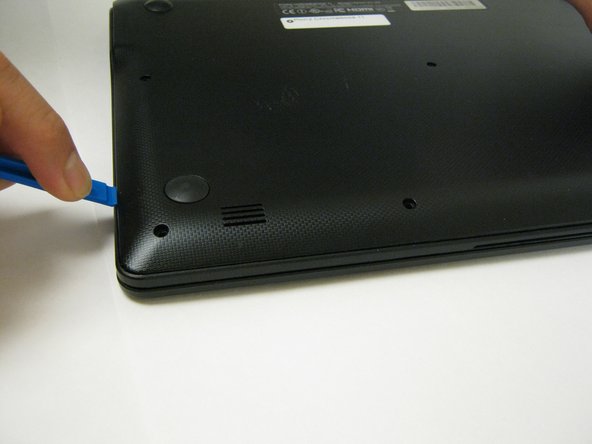
    2. Poin2 Chromebook 11 Touchpad Replacement: шаг 2, изображение 1 из 3 Poin2 Chromebook 11 Touchpad Replacement: шаг 2, изображение 2 из 3 Poin2 Chromebook 11 Touchpad Replacement: шаг 2, изображение 3 из 3
      • Insert a 1cm-wide plastic opening tool between the base and top frame.

      • Applying pressure up and down with the tool may be necessary. When you hear a "click," this indicates the separation of the frame.

      • Pry (up and down) around the entire border of the Chromebook to separate.

      • Use your hands to gently lift the base away from the frame.

      Спросите у FixBot

      Добавить комментарий

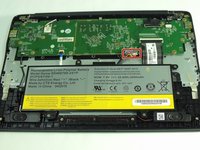
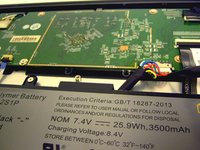
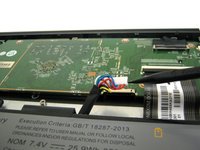
    3. Poin2 Chromebook 11 Touchpad Replacement: шаг 3, изображение 1 из 3 Poin2 Chromebook 11 Touchpad Replacement: шаг 3, изображение 2 из 3 Poin2 Chromebook 11 Touchpad Replacement: шаг 3, изображение 3 из 3
      • Disconnect the white 8-wire battery connector from the motherboard using a spudger to push the two L-shaped clips out of the port.

      • The connector is a tight fit and requires careful pressure for release.

      Спросите у FixBot

      Добавить комментарий

    4. Poin2 Chromebook 11 Touchpad Replacement: шаг 4, изображение 1 из 2 Poin2 Chromebook 11 Touchpad Replacement: шаг 4, изображение 2 из 2
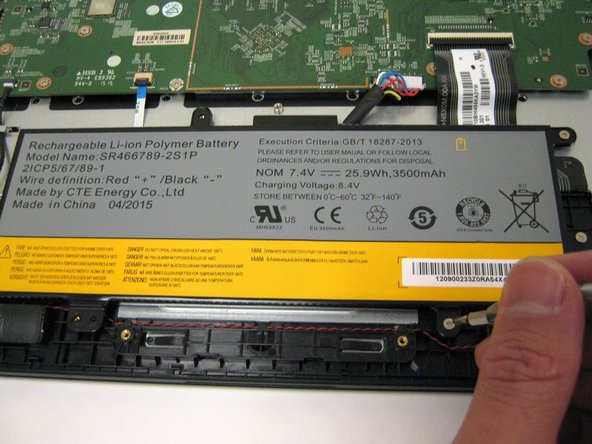
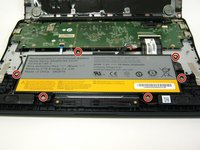
      • Remove the six 4mm screws using a Phillips #0 screwdriver.

      Спросите у FixBot

      Добавить комментарий

    5. Poin2 Chromebook 11 Touchpad Replacement: шаг 5, изображение 1 из 1
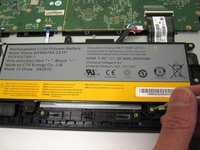
      • Lift the battery from the frame.

      Спросите у FixBot

      Добавить комментарий

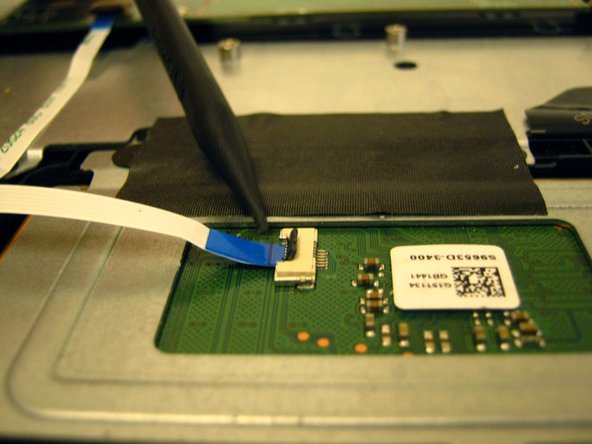
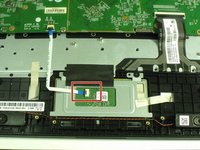
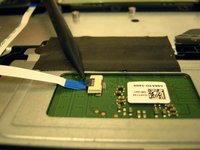
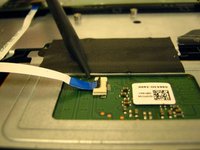
    1. Poin2 Chromebook 11 Touchpad Replacement, Touchpad: шаг 6, изображение 1 из 3 Poin2 Chromebook 11 Touchpad Replacement, Touchpad: шаг 6, изображение 2 из 3 Poin2 Chromebook 11 Touchpad Replacement, Touchpad: шаг 6, изображение 3 из 3
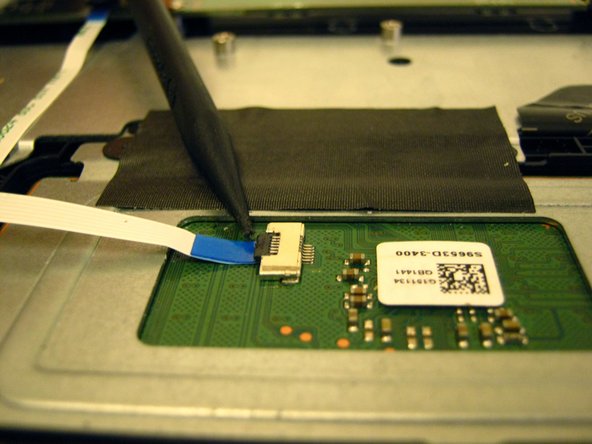
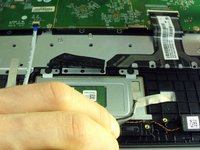
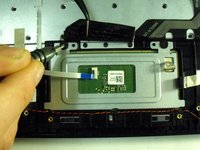
      • Locate the ZIF connector on the touchpad's circuit board.

      • Use the tip of the spudger to flip the locking flap to the perpendicular position and pull the cable out.

      • See also the Connectors Guide for detailed instructions, as well as iFixit's cable connectors guide.

      Спросите у FixBot

      Добавить комментарий

    2. Poin2 Chromebook 11 Touchpad Replacement: шаг 7, изображение 1 из 3 Poin2 Chromebook 11 Touchpad Replacement: шаг 7, изображение 2 из 3 Poin2 Chromebook 11 Touchpad Replacement: шаг 7, изображение 3 из 3
      Инструмент, используемый на этом этапе:
      Tweezers
      $4.99
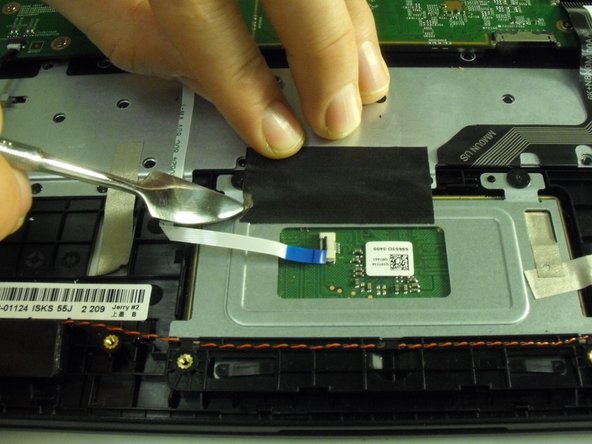
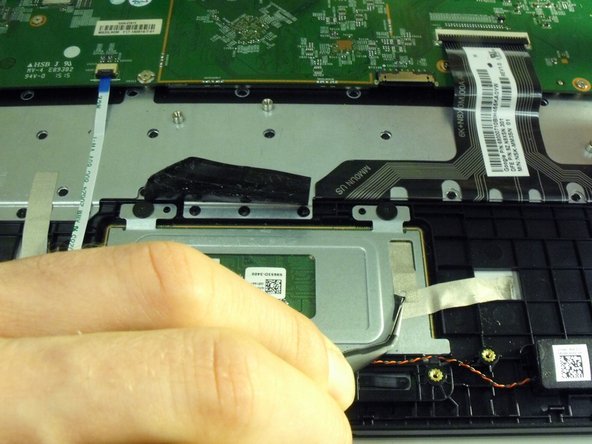
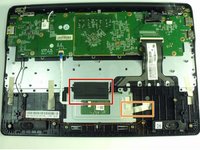
      • Remove the black tape holding down the touchpad.

      • Remove the strips of gold electrostatic tape also holding down the touchpad.

      • Use a metal spudger or tweezers to help pry up the corners of the tape, but be careful not to use to much force or risk damaging the heat sink.

      • Applying new tape is suggested, but the tape can be re-used.

      Спросите у FixBot

      Добавить комментарий

    3. Poin2 Chromebook 11 Touchpad Replacement: шаг 8, изображение 1 из 2 Poin2 Chromebook 11 Touchpad Replacement: шаг 8, изображение 2 из 2
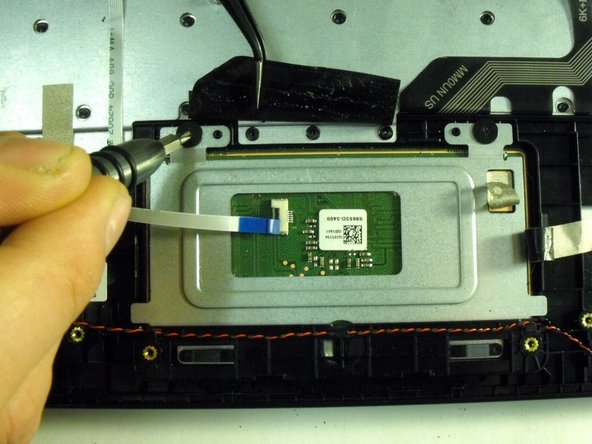
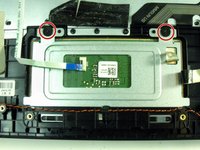
      • Use a Phillips #00 screwdriver to remove the two 2 mm screws securing the metal plate that holds the touchpad in place

      Спросите у FixBot

      Добавить комментарий

    4. Poin2 Chromebook 11 Touchpad Replacement: шаг 9, изображение 1 из 1
      • Slide the touchpad plate in the direction of the screw holes to free the plates bottom edge from under the plastic frame.

      Спросите у FixBot

      Добавить комментарий

    5. Poin2 Chromebook 11 Touchpad Replacement: шаг 10, изображение 1 из 1
      • Remove touchpad from the opposite side of the metal plate.

      Спросите у FixBot

      Добавить комментарий

Заключение

To reassemble your device, follow these instructions in reverse order.

Отменить: Я не выполнил это руководство.

Henry Covey

Участник с: 09/28/17

237 Репутация

Автор 2 руководств

Команда

Portland State University, Team S1-G3, Read Fall 2017 Участник Portland State University, Team S1-G3, Read Fall 2017

PSUN-READ-F17S1G3

1 член

Автор 14 руководств

0 Комментарии к руководству

Добавить комментарий

Статистика просмотров:

За последние 24 часов: 0

За последние 7 дней: 7

За последние 30 дней: 30

За всё время: 570