Введение
The internal brushes help the motor catch the momentum needed to move the drill. Sometimes the brushes get loose or even get damaged in the process. This guide will show you how to replace the brushes of your Porter-Cable PCE211 impact wrench.
Before beginning this guide, be sure to turn the device off and unplug it from any power source.
Выберете то, что вам нужно
-
-
-
Remove the four 6 mm screws using a Phillips #2 screwdriver.
 Спросите у FixBot
-
-
-
-
-
-
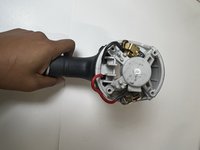
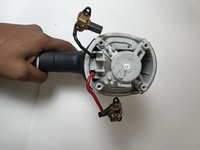
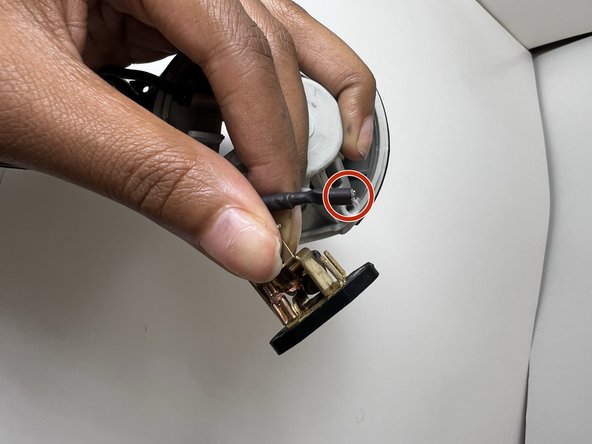
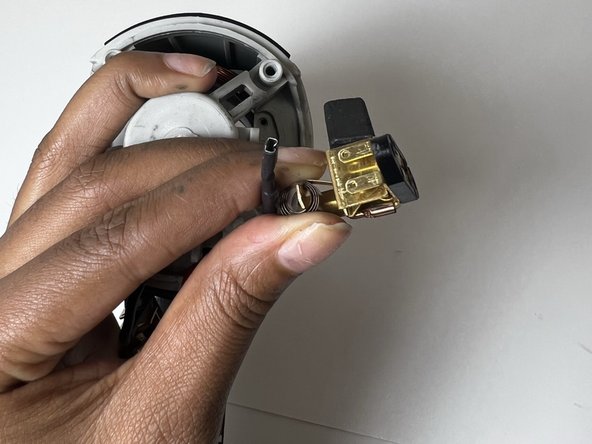
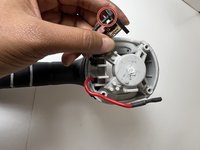
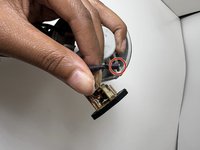
Remove the brushes connected to the red and black cords.
-
-
-
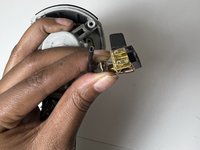
Gently pull each brush off the corresponding cable to avoid damaging the cables.
-
-



To reassemble your device, follow these instructions in reverse order.

Команда

Austin Community College, Team 13-1, Watkins Fall 2022 Участник Austin Community College, Team 13-1, Watkins Fall 2022
AUSTINCC-WATKINS-F22S13G1
3 членов
Автор 7 руководств
