Этот перевод был сделан машиной и пока не проверен человеком. Говорите на этом языке? Просмотрите его.
Введение
Используйте это руководство для замены вибромоторов контроллера PowerA Spectra Infinity Enhanced для Xbox.
Вибромоторы могут потребовать замены, если они перестали вибрировать при подключении к устройству во время игры, поддерживающей виброотклик. Пожалуйста, убедитесь, что контроллер отключен от сети, прежде чем приступать к разборке.
Выберете то, что вам нужно
-
-
-
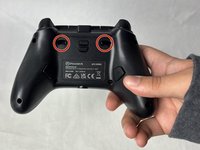
Переверните контроллер задней стороной вверх.
 Спросите у FixBot
-
-
-
Выкрутите восемь винтов длиной 10 мм с задней части контроллера с помощью отвертки Phillips #0.
-
-
-
Разблокируйте фиксаторы курков перед снятием задней панели.
-
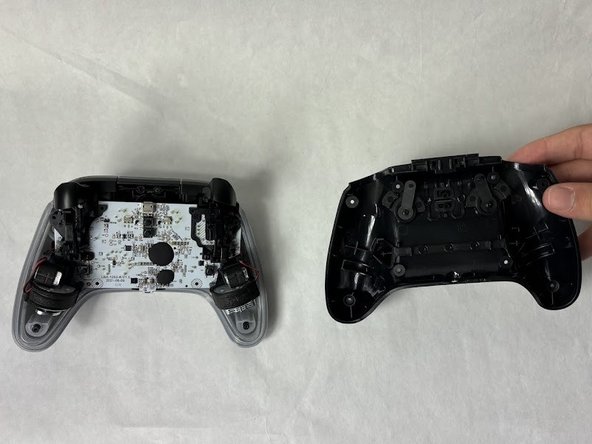
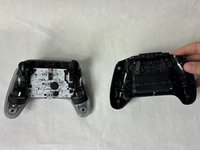
Аккуратно снимите заднюю панель пальцами.
-
-
-
-
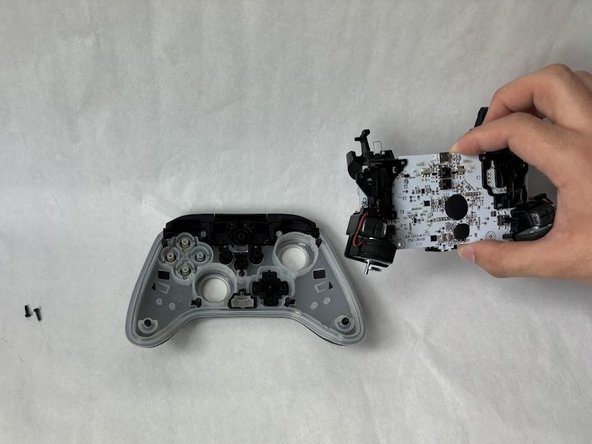
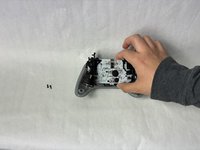
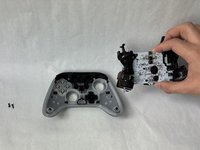
Открутите два винта длиной 10 мм, соединяющие материнскую плату с лицевой панелью, с помощью отвертки Phillips #0.
-
-
-
-
-
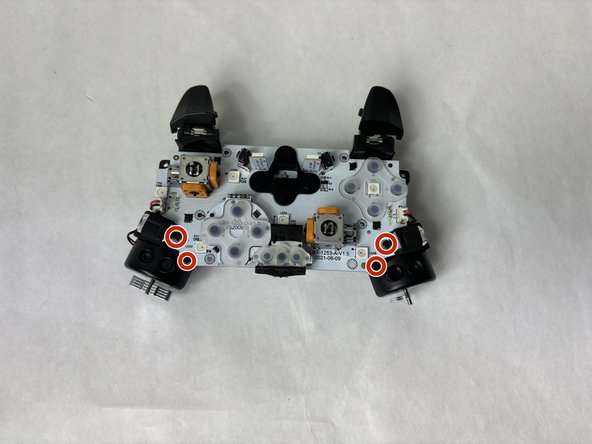
Открутите четыре винта длиной 7,9 мм с помощью отвертки Phillips #0.
-
-
-
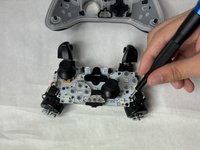
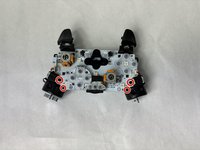
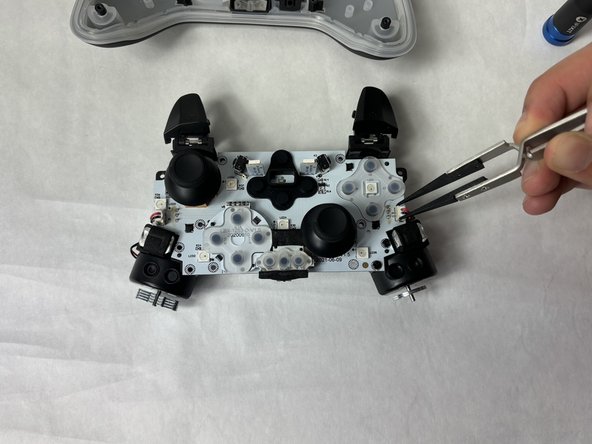
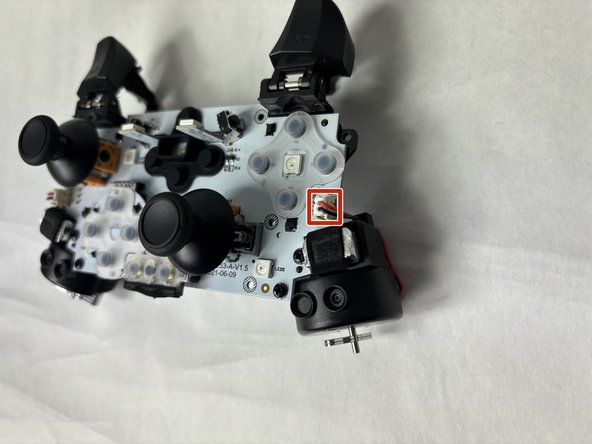
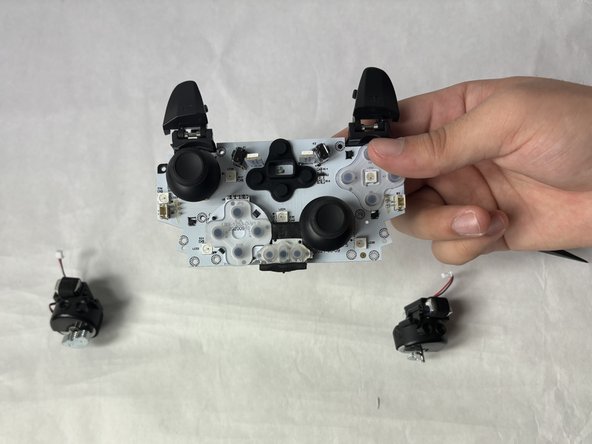
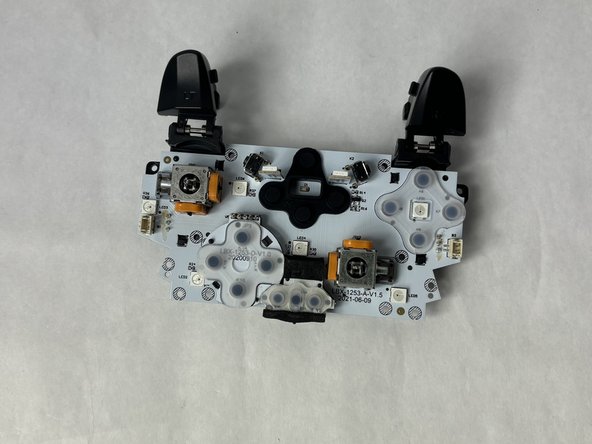
Используйте пинцет, чтобы отсоединить маленький разъем, соединяющий моторы с материнской платой.
-
-
-
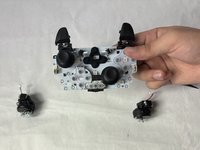
Извлеките полностью освобожденный вибромотор из материнской платы.
-
-






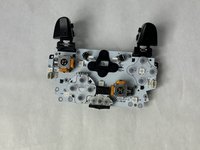
Для сборки устройства выполните эти инструкции в обратном порядке.
Отменить: Я не выполнил это руководство.
2 человек успешно провели ремонт по этому руководству.

Команда

UMass Dartmouth, Team 6-5, Botvin Spring 2024 Участник UMass Dartmouth, Team 6-5, Botvin Spring 2024
UMASSD-BOTVIN-S24S6G5
3 членов
Автор 72 руководств
