Перейти к основному содержанию
Присоединяйся к сообществу ремонтников - Создай аккаунт

ProntoTec Axius Camera Replacement

Выберете то, что вам нужно

  1. ProntoTec Axius Camera Replacement, Camera: шаг 1, изображение 1 из 1
    • Make sure the device is completely turned off before you begging taking it apart to avoid electrocution risks.

    • Place the tablet face-up on a flat table.

    Спросите у FixBot

    Добавить комментарий

  2. ProntoTec Axius Camera Replacement: шаг 2, изображение 1 из 1
    • Starting near the headphone port, fit the flat end of the spudger in between the screen and back case.

    • Pry the back case from the screen around each point on the device to release the clips securing the case halves to each other.

    Спросите у FixBot

    Добавить комментарий

  3. ProntoTec Axius Camera Replacement: шаг 3, изображение 1 из 1
    • Gently remove the back case of the device and lay it in a flat surface as shown in the photo.

    • Make sure not to sever the wires (red and black) connected to the speaker that is located in the back case.

    Спросите у FixBot

    Добавить комментарий

  4. ProntoTec Axius Camera Replacement: шаг 4, изображение 1 из 1
    • Remove only the yellow tape that touches the battery.

    • Be careful not to cut or damage the wires (red and black) that are under the yellow tape.'

    Спросите у FixBot

    Добавить комментарий

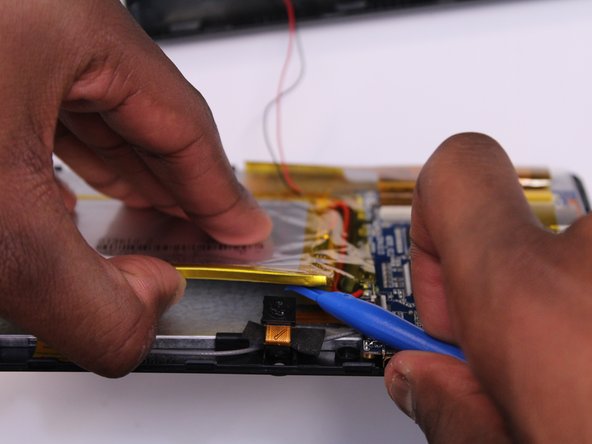
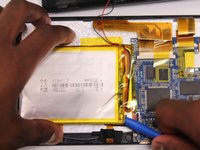
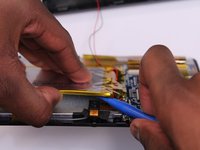
  5. ProntoTec Axius Camera Replacement: шаг 5, изображение 1 из 2 ProntoTec Axius Camera Replacement: шаг 5, изображение 2 из 2
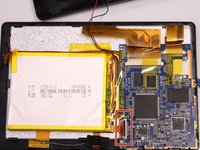
    • Use the flat end of the spudger to gently pry the top left corner battery from the back of the screen in order to access the camera.

    Спросите у FixBot

    Добавить комментарий

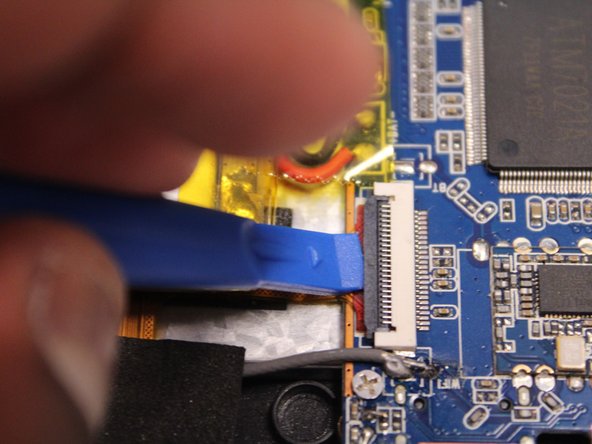
  6. ProntoTec Axius Camera Replacement: шаг 6, изображение 1 из 3 ProntoTec Axius Camera Replacement: шаг 6, изображение 2 из 3 ProntoTec Axius Camera Replacement: шаг 6, изображение 3 из 3
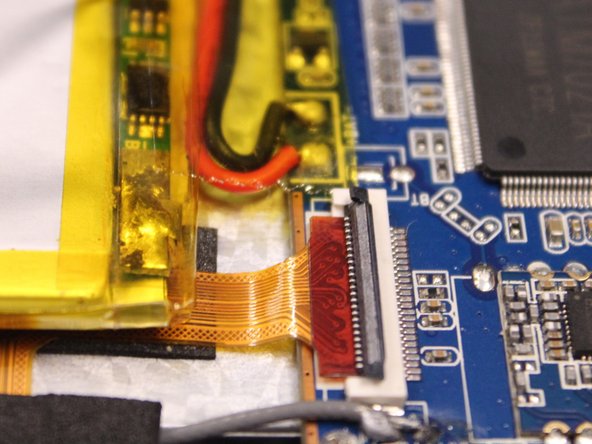
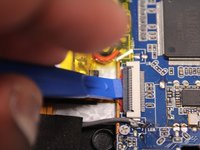
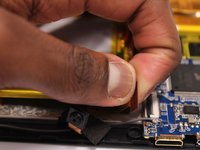
    • Use the spudger to lift the black clamp as shown in the photo to disconnect the camera from the motherboard.

    Спросите у FixBot

    Добавить комментарий

  7. ProntoTec Axius Camera Replacement: шаг 7, изображение 1 из 2 ProntoTec Axius Camera Replacement: шаг 7, изображение 2 из 2
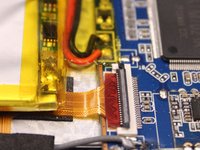
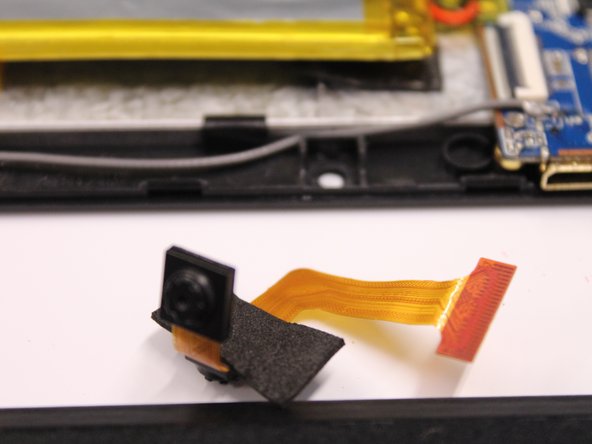
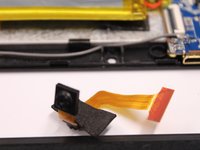
    • Disconet the camera from the motherboard.

    • Pull the camera from the back of the screen.

    Спросите у FixBot

    Добавить комментарий

Заключение

To reassemble your device, follow these instructions in reverse order.

Отменить: Я не выполнил это руководство.

Еще один человек закончил это руководство.

Antonio Irons

Участник с: 10/20/16

441 Репутация

Автор 4 руководств

Команда

UMass Dartmouth, Team 5-3, Martin Fall 2016 Участник UMass Dartmouth, Team 5-3, Martin Fall 2016

UMASSD-MARTIN-F16S5G3

3 членов

Автор 10 руководств

0 Комментарии к руководству

Добавить комментарий

Статистика просмотров:

За последние 24 часов: 1

За последние 7 дней: 7

За последние 30 дней: 34

За всё время: 393