Перейти к основному содержанию
Присоединяйся к сообществу ремонтников - Создай аккаунт

Protocol Kaptur GPS Virtual Reality Lens Replacement

Выберете то, что вам нужно

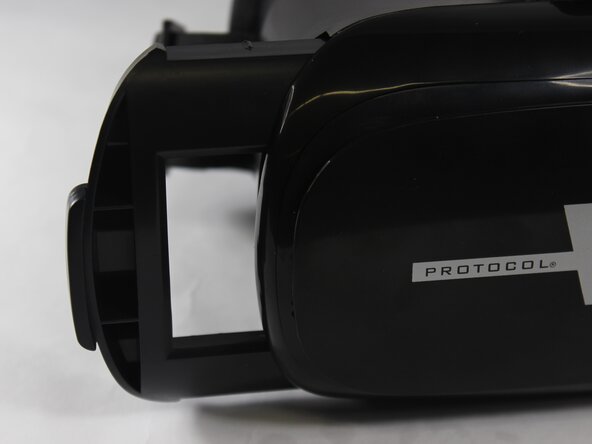
    1. Protocol Kaptur GPS Virtual Reality Lens Replacement, Virtual Reality Lens: шаг 1, изображение 1 из 3 Protocol Kaptur GPS Virtual Reality Lens Replacement, Virtual Reality Lens: шаг 1, изображение 2 из 3 Protocol Kaptur GPS Virtual Reality Lens Replacement, Virtual Reality Lens: шаг 1, изображение 3 из 3
      • Remove the phone slide from the virtual reality goggles.

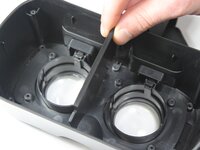
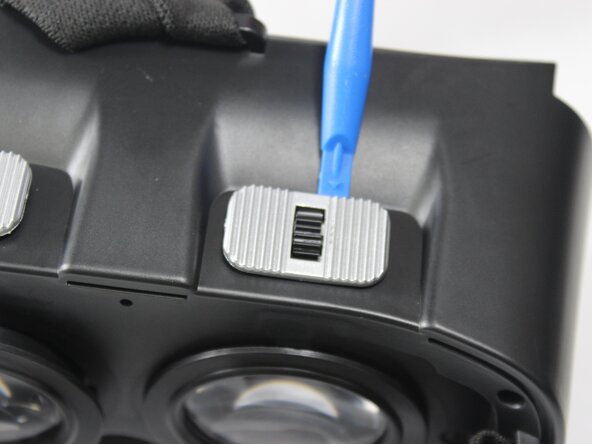
      • Take the outside cover off using the plastic opening tool.

      Спросите у FixBot

      Добавить комментарий

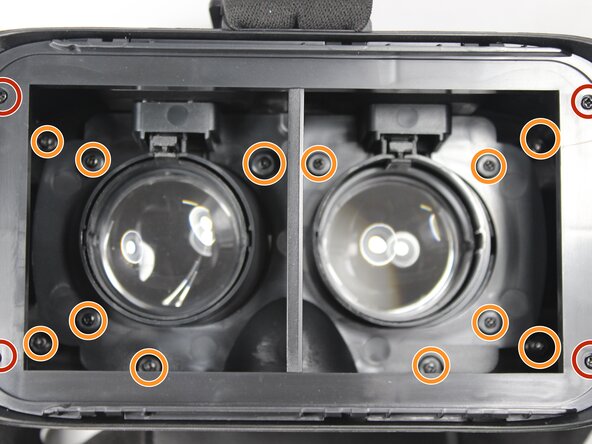
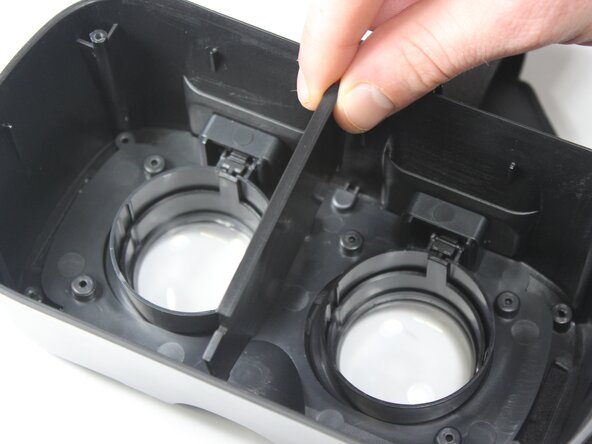
    2. Protocol Kaptur GPS Virtual Reality Lens Replacement: шаг 2, изображение 1 из 3 Protocol Kaptur GPS Virtual Reality Lens Replacement: шаг 2, изображение 2 из 3 Protocol Kaptur GPS Virtual Reality Lens Replacement: шаг 2, изображение 3 из 3
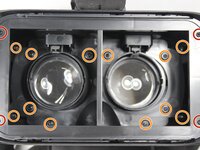
      • Remove each screw from its place.

      • Remove four 6mm Phillips head screws.

      • Remove twelve 7mm Phillips head screws.

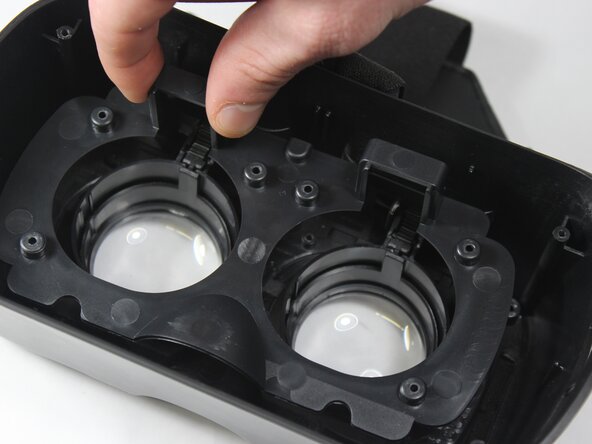
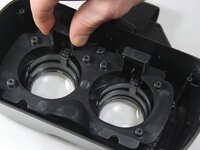
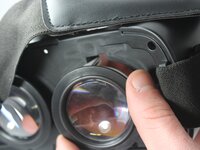
      • Pull out each bracket so you can see the full lens case.

      Спросите у FixBot

      Добавить комментарий

    3. Protocol Kaptur GPS Virtual Reality Lens Replacement: шаг 3, изображение 1 из 3 Protocol Kaptur GPS Virtual Reality Lens Replacement: шаг 3, изображение 2 из 3 Protocol Kaptur GPS Virtual Reality Lens Replacement: шаг 3, изображение 3 из 3
      Инструмент, используемый на этом этапе:
      Tweezers
      $4.99
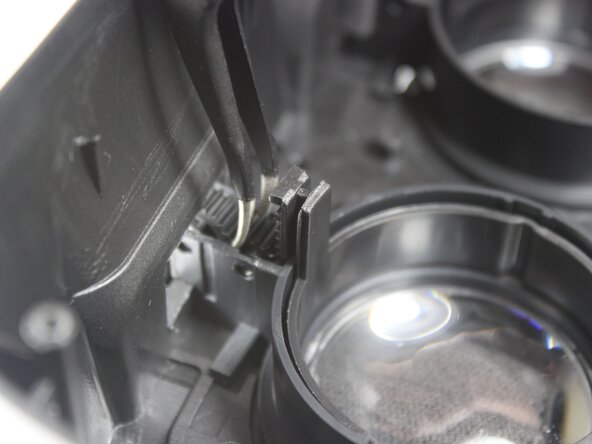
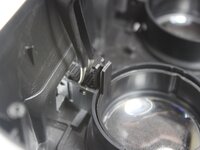
      • Remove the adjustable lens lever on top of the virtual reality lens.

      • Using tweezers, you will need to separate the tooth gears and remove them so the lens can fall freely out.

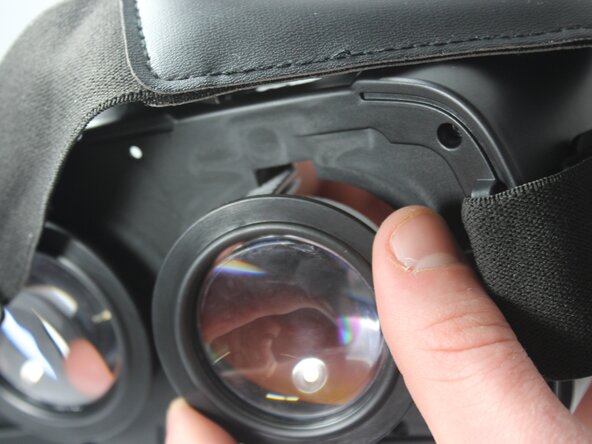
      • Pull the lens case out from the front of the headset.

      Спросите у FixBot

      Добавить комментарий

    4. Protocol Kaptur GPS Virtual Reality Lens Replacement: шаг 4, изображение 1 из 2 Protocol Kaptur GPS Virtual Reality Lens Replacement: шаг 4, изображение 2 из 2
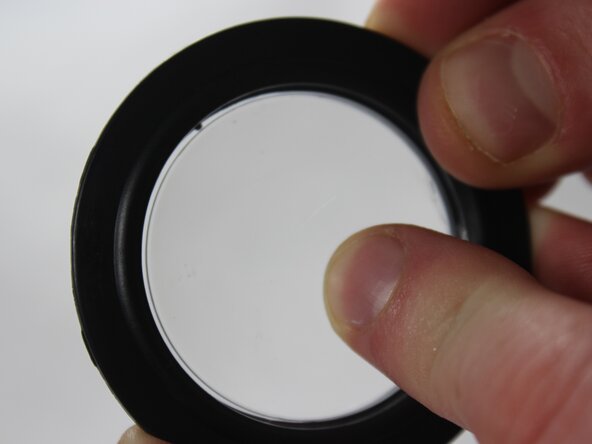
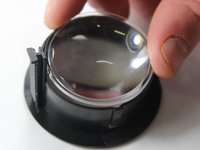
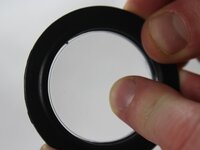
      • With a little force, push the lens from outside in to break the lens out of the case. This will get the lens out.

      • Now replace the lens with a new one and follow the steps in reverse order to put the lens back!

      Спросите у FixBot

      Добавить комментарий

Заключение

To reassemble your device, follow these instructions in reverse order.

Отменить: Я не выполнил это руководство.

Austin Fedie

Участник с: 02/15/18

168 Репутация

1 руководство автора

Команда

UW Stout, Team S8-G6, Ogden Spring 2018 Участник UW Stout, Team S8-G6, Ogden Spring 2018

UWSTOUT-OGDEN-S18S8G6

3 членов

Автор 4 руководств

0 Комментарии к руководству

Добавить комментарий

Статистика просмотров:

За последние 24 часов: 4

За последние 7 дней: 15

За последние 30 дней: 39

За всё время: 620