Перейти к основному содержанию
Присоединяйся к сообществу ремонтников - Создай аккаунт

Protocol Vento Front Camera Replacement

Выберете то, что вам нужно

  1. Protocol Vento Front Camera Replacement, Battery: шаг 1, изображение 1 из 1
    • Grasp the tail end of the drone where the lip of the battery protrudes.

    Спросите у FixBot

    Добавить комментарий

  2. Protocol Vento Front Camera Replacement: шаг 2, изображение 1 из 1
    • Pull away from the drone to remove the battery.

    • Do not attempt any repairs or replacements before removing the battery from the drone.

    Спросите у FixBot

    Добавить комментарий

  3. Protocol Vento Front Camera Replacement, Transmitter Board: шаг 3, изображение 1 из 1
    • To get into the drone, twelve total screws need to be removed:

    • Ten 5.7mm Phillips #000 screws from the bottom of the drone body.

    • Two 4.5mm Phillips #000 screws at the front of the drone.

    • It is not necessary to remove the four screws on the arms of the drone.

    Спросите у FixBot

    Добавить комментарий

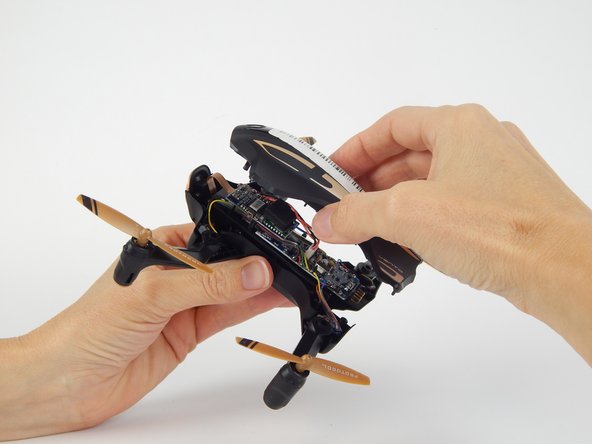
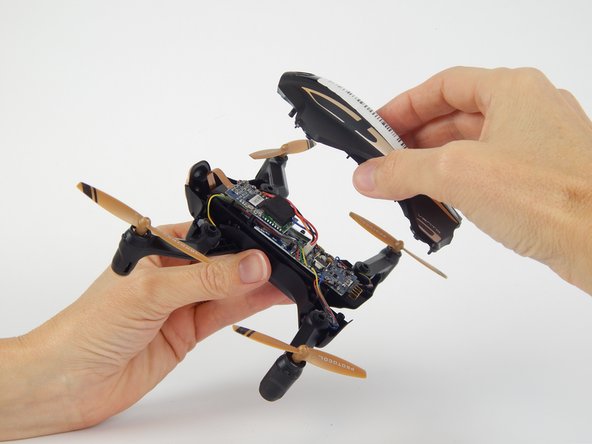
  4. Protocol Vento Front Camera Replacement: шаг 4, изображение 1 из 3 Protocol Vento Front Camera Replacement: шаг 4, изображение 2 из 3 Protocol Vento Front Camera Replacement: шаг 4, изображение 3 из 3
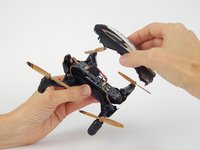
    • Flip the drone over and lift off the top plastic shell of the drone.

    Спросите у FixBot

    Добавить комментарий

  5. Protocol Vento Front Camera Replacement: шаг 5, изображение 1 из 2 Protocol Vento Front Camera Replacement: шаг 5, изображение 2 из 2
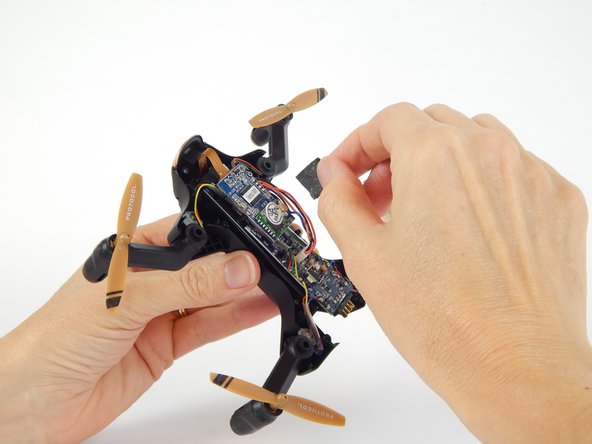
    • Remove the foam adhesive pad located on the Wi-Fi transmitter board.

    Спросите у FixBot

    Добавить комментарий

  6. Protocol Vento Front Camera Replacement: шаг 6, изображение 1 из 2 Protocol Vento Front Camera Replacement: шаг 6, изображение 2 из 2
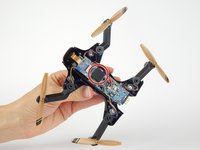
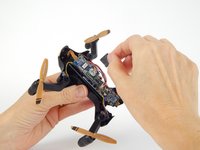
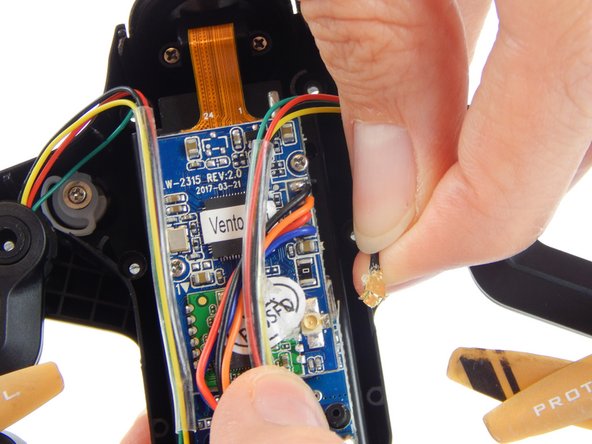
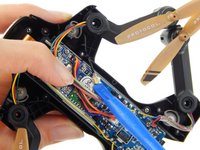
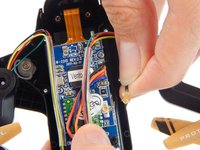
    • Pry the gold Wi-Fi antenna connector, located under the previously removed foam pad, away from the Wi-Fi transmitter board to disconnect it.

    • Be sure to only apply force to the gold connector and not the black wire attached to it, as the connection between the two is very fragile.

    Спросите у FixBot

    Добавить комментарий

  7. Protocol Vento Front Camera Replacement: шаг 7, изображение 1 из 1
    • Remove the two 3.8mm Phillips #000 screws from the Wi-Fi transmitter board.

    • Be careful with the delicate ribbon cable attached to the camera.

    Спросите у FixBot

    Добавить комментарий

  8. Protocol Vento Front Camera Replacement: шаг 8, изображение 1 из 1
    • Disconnect the white clip that connects the four colored wires (black, orange, red, blue) to the motherboard.

    • Be sure to pull only on the white clip, as to avoid damaging the wires.

    Спросите у FixBot

    Добавить комментарий

  9. Protocol Vento Front Camera Replacement: шаг 9, изображение 1 из 2 Protocol Vento Front Camera Replacement: шаг 9, изображение 2 из 2
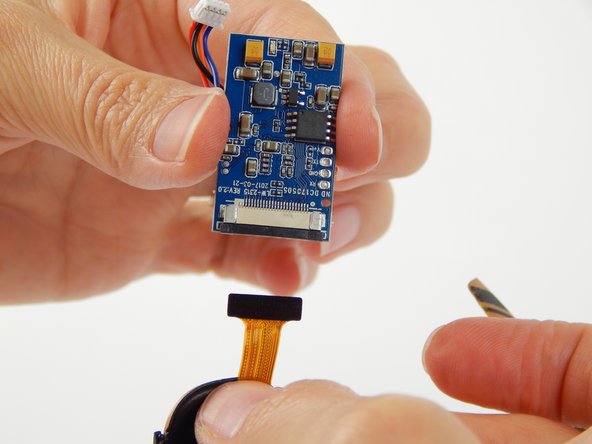
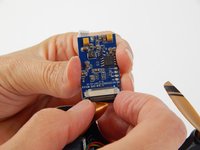
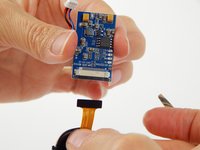
    • Gently pull the black wedge away from the main board until it shifts to a stop. You will feel it slide out, then stop.

    • The black insert acts as a wedge to keep the ribbon cable attached to the board. The wedge needs to be jostled loose before the cable can be removed.

    • Lightly pull the ribbon cable away from the connector.

    Спросите у FixBot

    Добавить комментарий

  10. Protocol Vento Front Camera Replacement, Front Camera: шаг 10, изображение 1 из 1
    • Remove the two 4.9mm Phillips #000 screws securing the camera to the front of the drone body.

    Спросите у FixBot

    Добавить комментарий

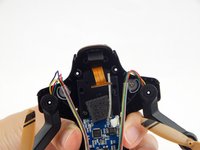
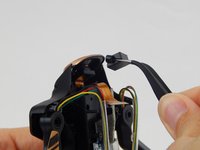
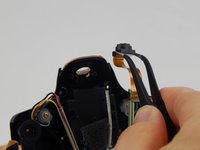
  11. Protocol Vento Front Camera Replacement: шаг 11, изображение 1 из 3 Protocol Vento Front Camera Replacement: шаг 11, изображение 2 из 3 Protocol Vento Front Camera Replacement: шаг 11, изображение 3 из 3
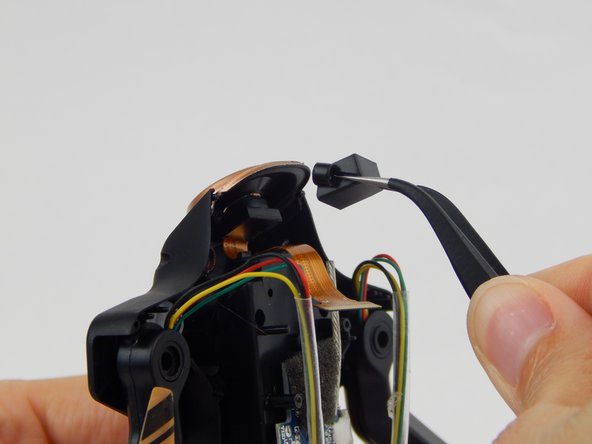
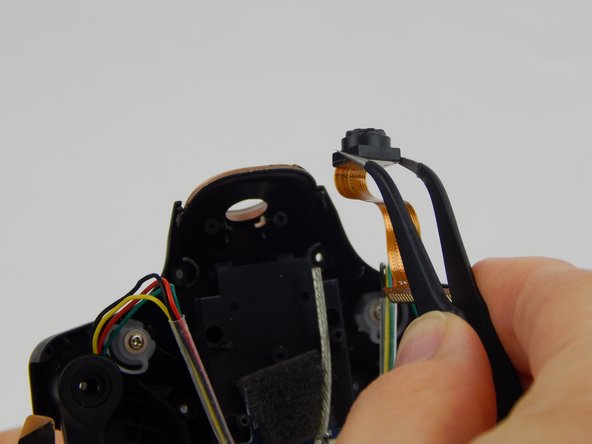
    • Lift the camera holder and the camera up and away from the drone.

    Спросите у FixBot

    Добавить комментарий

Заключение

To reassemble your device, follow these instructions in reverse order.

Отменить: Я не выполнил это руководство.

3 человек успешно провели ремонт по этому руководству.

William Rozear

Участник с: 02/15/18

206 Репутация

1 руководство автора

Команда

USF Tampa, Team S1-G2, Leahy Spring 2018 Участник USF Tampa, Team S1-G2, Leahy Spring 2018

USFT-LEAHY-S18S1G2

4 членов

Автор 6 руководств

0 Комментарии к руководству

Добавить комментарий

Статистика просмотров:

За последние 24 часов: 1

За последние 7 дней: 8

За последние 30 дней: 36

За всё время: 707