Перейти к основному содержанию
Присоединяйся к сообществу ремонтников - Создай аккаунт

Quick Antenna Connection Check for Delphi MyFi XM2GO

Выберете то, что вам нужно

  1. Quick Antenna Connection Check for Delphi MyFi XM2GO, Battery Cover: шаг 1, изображение 1 из 3 Quick Antenna Connection Check for Delphi MyFi XM2GO, Battery Cover: шаг 1, изображение 2 из 3 Quick Antenna Connection Check for Delphi MyFi XM2GO, Battery Cover: шаг 1, изображение 3 из 3
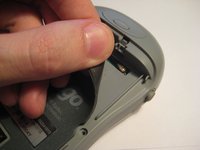
    • Locate the large button on the top of the device.

    • Push down on the button and slide the cover away from the button.

    • The battery removal tab may pop up.

    Спросите у FixBot

    Добавить комментарий

  2. Quick Antenna Connection Check for Delphi MyFi XM2GO, Battery: шаг 2, изображение 1 из 3 Quick Antenna Connection Check for Delphi MyFi XM2GO, Battery: шаг 2, изображение 2 из 3 Quick Antenna Connection Check for Delphi MyFi XM2GO, Battery: шаг 2, изображение 3 из 3
    • Grab the red pull tab and pull down to unlock the latch.

    • Pull the battery out.

    Спросите у FixBot

    Добавить комментарий

  3. Quick Antenna Connection Check for Delphi MyFi XM2GO, Quick Antenna Connection Check for Delphi MyFi XM2GO: шаг 3, изображение 1 из 1
    • Under the battery is a magnetic mat, shown in red, that shields battery interference with the reception of the XM Satellite antenna.

    • This mat is stuck to the back of the device like a sticker and can be removed.

    • CAUTION: Do not operate the device without this magnetic shield.

    Спросите у FixBot

    Добавить комментарий

  4. Quick Antenna Connection Check for Delphi MyFi XM2GO: шаг 4, изображение 1 из 3 Quick Antenna Connection Check for Delphi MyFi XM2GO: шаг 4, изображение 2 из 3 Quick Antenna Connection Check for Delphi MyFi XM2GO: шаг 4, изображение 3 из 3
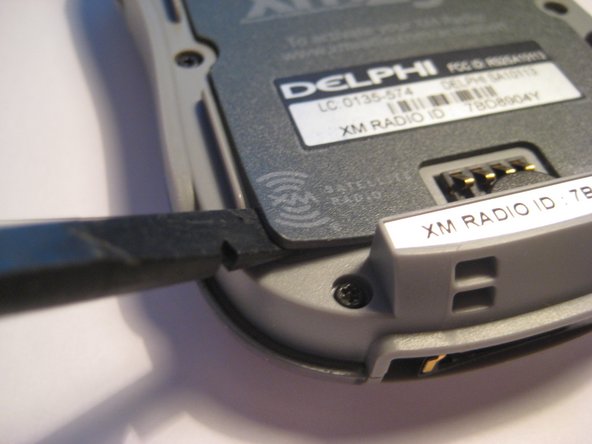
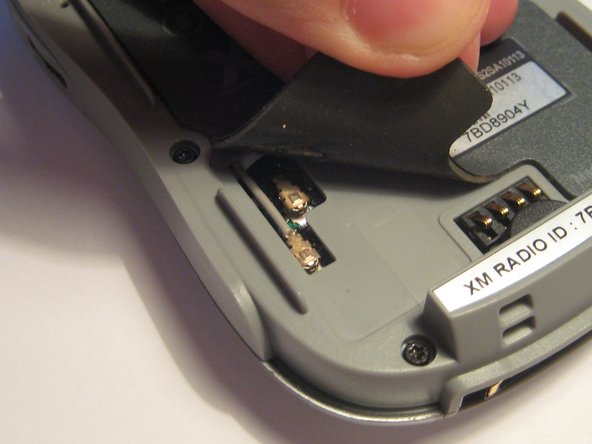
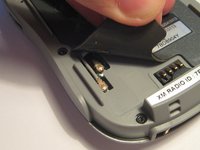
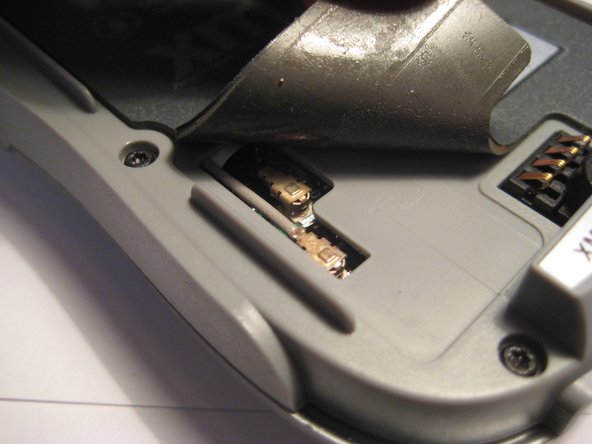
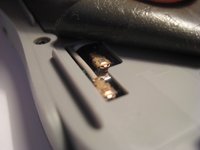
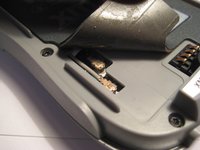
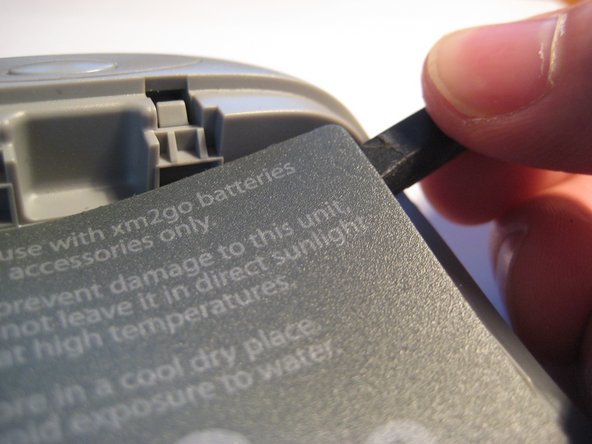
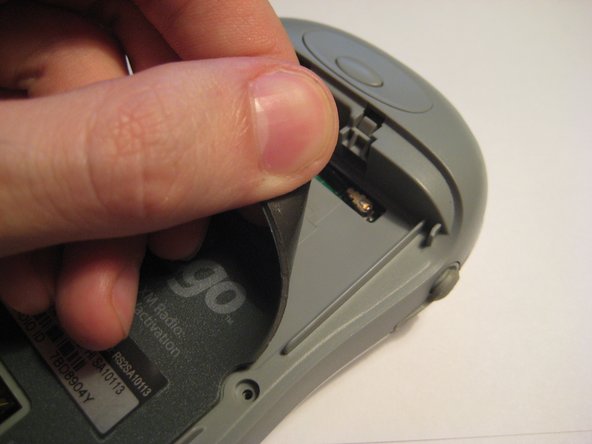
    • On the bottom left side of the magnetic mat, the corner can be lifted up to reveal the U.FL antenna connector. A spudger or your fingernails can be used to pry up the corners.

    • These U.FL antenna connections are standard for most portable devices and WiFi cards. They may become detached through use and may be checked if no reception is present.

    • Lift up the corner and notice the two connectors going to the PCB.

    Спросите у FixBot

    Добавить комментарий

  5. Quick Antenna Connection Check for Delphi MyFi XM2GO: шаг 5, изображение 1 из 2 Quick Antenna Connection Check for Delphi MyFi XM2GO: шаг 5, изображение 2 из 2
    • Both of these connectors must be firmly attached to the PCB. Try pressing them firmly to make sure they are making full contact.

    Спросите у FixBot

    Добавить комментарий

  6. Quick Antenna Connection Check for Delphi MyFi XM2GO: шаг 6, изображение 1 из 3 Quick Antenna Connection Check for Delphi MyFi XM2GO: шаг 6, изображение 2 из 3 Quick Antenna Connection Check for Delphi MyFi XM2GO: шаг 6, изображение 3 из 3
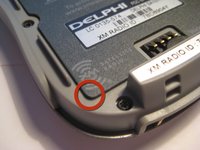
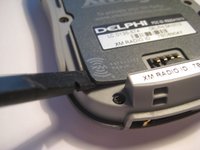
    • On the top right corner, the magnetic mat can be lifted up to check another U.FL connector as with the 3rd step.

    • This mat can be pressed down again to secure after checking the connector.

    Спросите у FixBot

    Добавить комментарий

  7. Quick Antenna Connection Check for Delphi MyFi XM2GO: шаг 7, изображение 1 из 1
    • Try pressing down on the U.FL connector, as seen in this picture, to ensure a secure connection.

    Спросите у FixBot

    Добавить комментарий

Заключение

To reassemble your device, follow these instructions in reverse order.

Отменить: Я не выполнил это руководство.

Еще один человек закончил это руководство.

Scott Byer

Участник с: 03/09/12

88 Репутация

Автор 5 руководств

Команда

Clemson, Team 1-2, Benson Spring 2012 Участник Clemson, Team 1-2, Benson Spring 2012

CLEM-BENSON-S12S1G2

3 членов

Автор 9 руководств

1 Комментарий к руководству

la radio sigue sin funcionar

luis - Ответить Поделиться

Добавить комментарий

Статистика просмотров:

За последние 24 часов: 1

За последние 7 дней: 8

За последние 30 дней: 39

За всё время: 3,400