Перейти к основному содержанию
Присоединяйся к сообществу ремонтников - Создай аккаунт

Removing Delphi Myfi XM2GO LCD Screen

Выберете то, что вам нужно

  1. Removing Delphi Myfi XM2GO LCD Screen, Battery Cover: шаг 1, изображение 1 из 3 Removing Delphi Myfi XM2GO LCD Screen, Battery Cover: шаг 1, изображение 2 из 3 Removing Delphi Myfi XM2GO LCD Screen, Battery Cover: шаг 1, изображение 3 из 3
    • Locate the large button on the top of the device.

    • Push down on the button and slide the cover away from the button.

    • The battery removal tab may pop up.

    Спросите у FixBot

    Добавить комментарий

  2. Removing Delphi Myfi XM2GO LCD Screen, Battery: шаг 2, изображение 1 из 3 Removing Delphi Myfi XM2GO LCD Screen, Battery: шаг 2, изображение 2 из 3 Removing Delphi Myfi XM2GO LCD Screen, Battery: шаг 2, изображение 3 из 3
    • Grab the red pull tab and pull down to unlock the latch.

    • Pull the battery out.

    Спросите у FixBot

    Добавить комментарий

  3. Removing Delphi Myfi XM2GO LCD Screen, Motherboard: шаг 3, изображение 1 из 2 Removing Delphi Myfi XM2GO LCD Screen, Motherboard: шаг 3, изображение 2 из 2
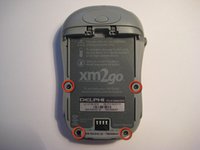
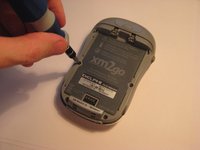
    • Remove the four screws from the bottom of the device using a T6 Torx screwdriver.

    Спросите у FixBot

    Добавить комментарий

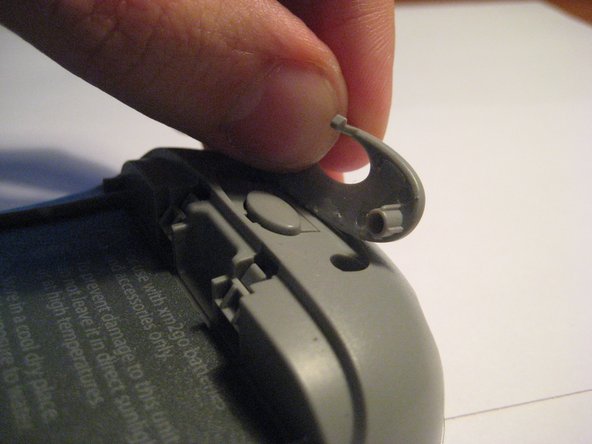
  4. Removing Delphi Myfi XM2GO LCD Screen: шаг 4, изображение 1 из 3 Removing Delphi Myfi XM2GO LCD Screen: шаг 4, изображение 2 из 3 Removing Delphi Myfi XM2GO LCD Screen: шаг 4, изображение 3 из 3
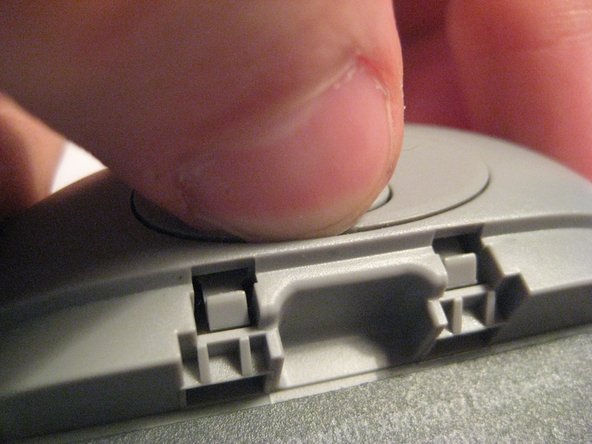
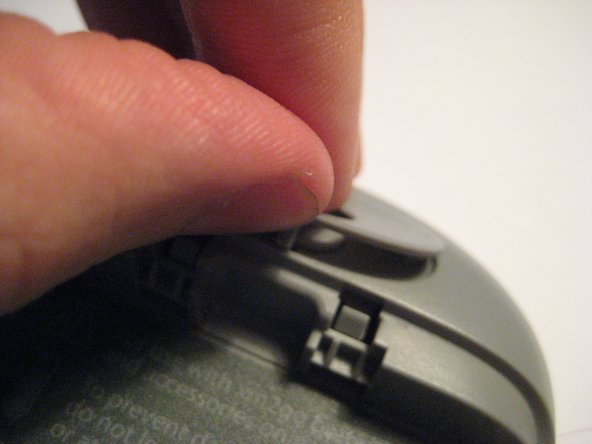
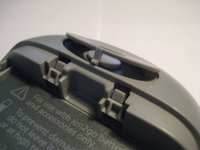
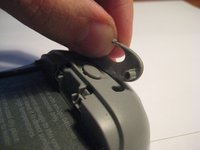
    • Remove the button cover on the back of the device by prying it up with a spudger or your thumb nail.

    Спросите у FixBot

    Добавить комментарий

  5. Removing Delphi Myfi XM2GO LCD Screen: шаг 5, изображение 1 из 3 Removing Delphi Myfi XM2GO LCD Screen: шаг 5, изображение 2 из 3 Removing Delphi Myfi XM2GO LCD Screen: шаг 5, изображение 3 из 3
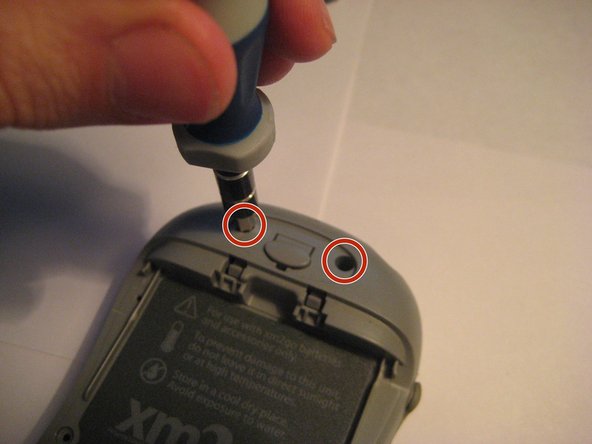
    • Remove the two screws under the button using the T6 Torx screwdriver.

    Спросите у FixBot

    Добавить комментарий

  6. Removing Delphi Myfi XM2GO LCD Screen: шаг 6, изображение 1 из 2 Removing Delphi Myfi XM2GO LCD Screen: шаг 6, изображение 2 из 2
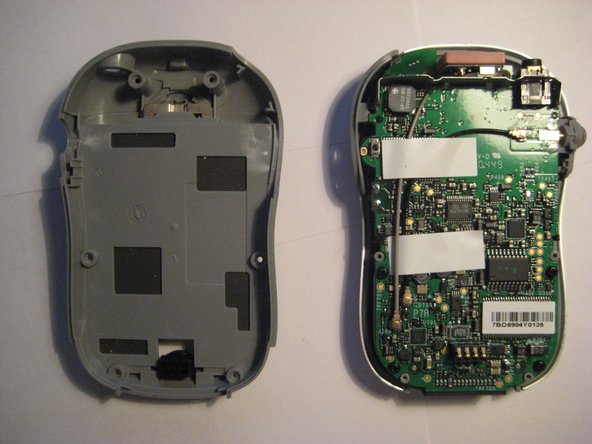
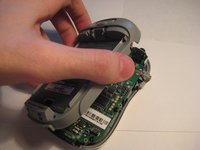
    • Remove the back cover.

    Спросите у FixBot

    Добавить комментарий

  7. Removing Delphi Myfi XM2GO LCD Screen: шаг 7, изображение 1 из 2 Removing Delphi Myfi XM2GO LCD Screen: шаг 7, изображение 2 из 2
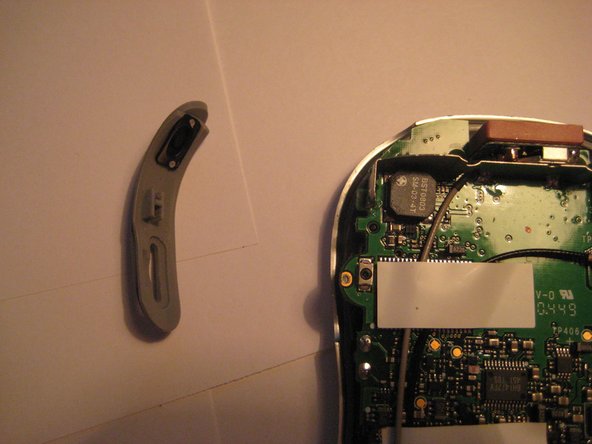
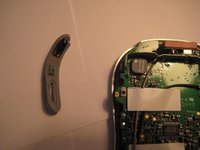
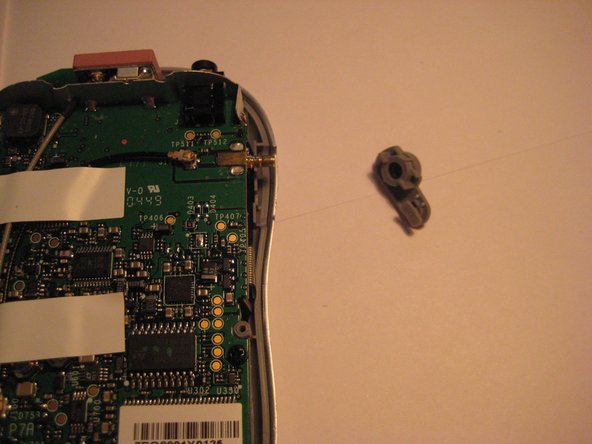
    • Remove the power button by pulling it to the left.

    Спросите у FixBot

    Добавить комментарий

  8. Removing Delphi Myfi XM2GO LCD Screen: шаг 8, изображение 1 из 2 Removing Delphi Myfi XM2GO LCD Screen: шаг 8, изображение 2 из 2
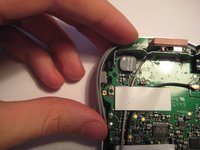
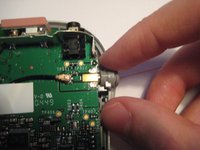
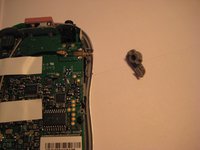
    • Remove the plastic antenna extension connector on the right side of the device.

    Спросите у FixBot

    Добавить комментарий

  9. Removing Delphi Myfi XM2GO LCD Screen: шаг 9, изображение 1 из 3 Removing Delphi Myfi XM2GO LCD Screen: шаг 9, изображение 2 из 3 Removing Delphi Myfi XM2GO LCD Screen: шаг 9, изображение 3 из 3
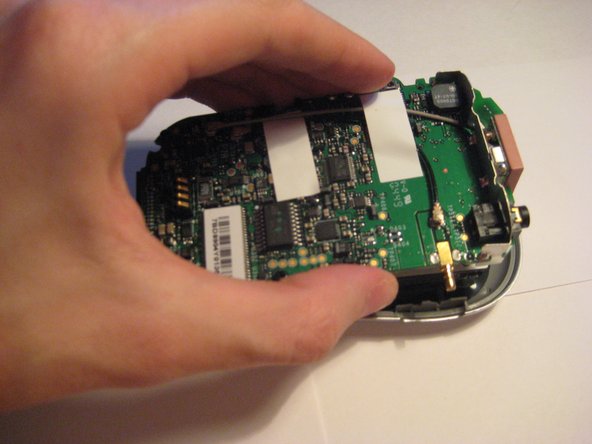
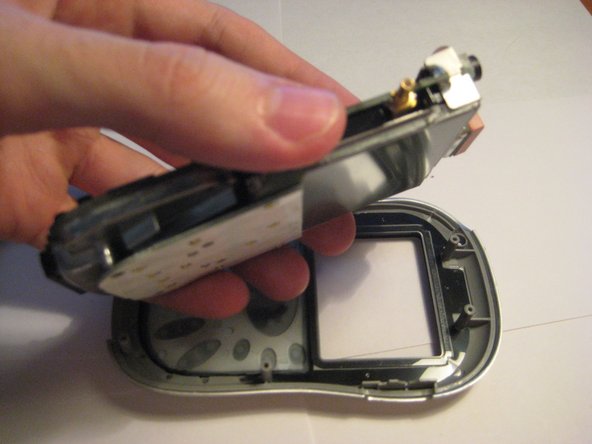
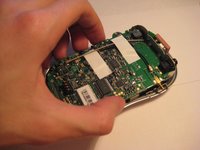
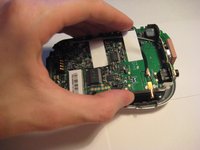
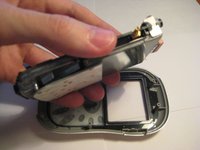
    • Pull up on the motherboard to remove it from the device.

    • The LCD screen and keypad are only connected to the motherboard with ribbon cables. They will hang down as the motherboard is removed.

    Спросите у FixBot

    Добавить комментарий

  10. Removing Delphi Myfi XM2GO LCD Screen, Removing Delphi Myfi XM2GO LCD Screen: шаг 10, изображение 1 из 2 Removing Delphi Myfi XM2GO LCD Screen, Removing Delphi Myfi XM2GO LCD Screen: шаг 10, изображение 2 из 2
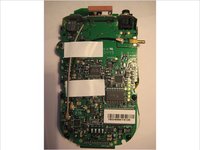
    • The logic board must be exposed to begin.

    • Flip the device over (see second picture).

    • CAUTION: The keyboard is loosely attached by a ribbon cable and may move when the device is flipped.

    Спросите у FixBot

    Добавить комментарий

  11. Removing Delphi Myfi XM2GO LCD Screen: шаг 11, изображение 1 из 1
    • Lift up the keyboard carefully from the right side, flipping to the left.

    • NOTE: The keyboard is attached on the left side by a ribbon cable. Do not remove it completely yet.

    Спросите у FixBot

    Добавить комментарий

  12. Removing Delphi Myfi XM2GO LCD Screen: шаг 12, изображение 1 из 3 Removing Delphi Myfi XM2GO LCD Screen: шаг 12, изображение 2 из 3 Removing Delphi Myfi XM2GO LCD Screen: шаг 12, изображение 3 из 3
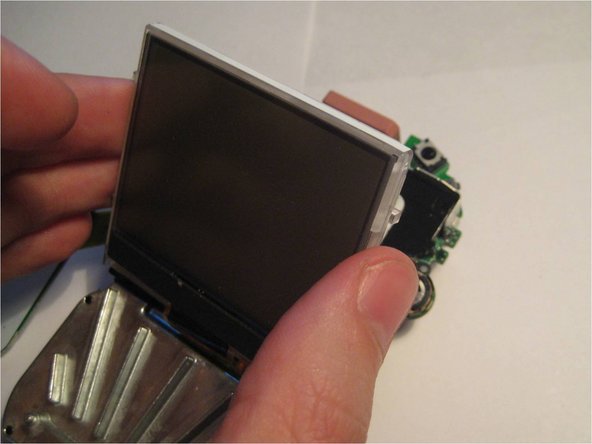
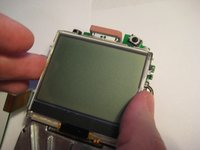
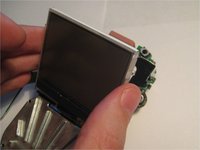
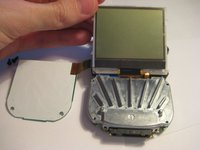
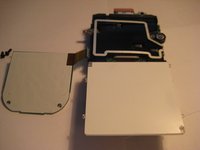
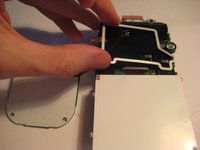
    • Pivot the LCD screen, pulling on the top and sides and keeping the bottom attached.

    Спросите у FixBot

    Добавить комментарий

  13. Removing Delphi Myfi XM2GO LCD Screen: шаг 13, изображение 1 из 3 Removing Delphi Myfi XM2GO LCD Screen: шаг 13, изображение 2 из 3 Removing Delphi Myfi XM2GO LCD Screen: шаг 13, изображение 3 из 3
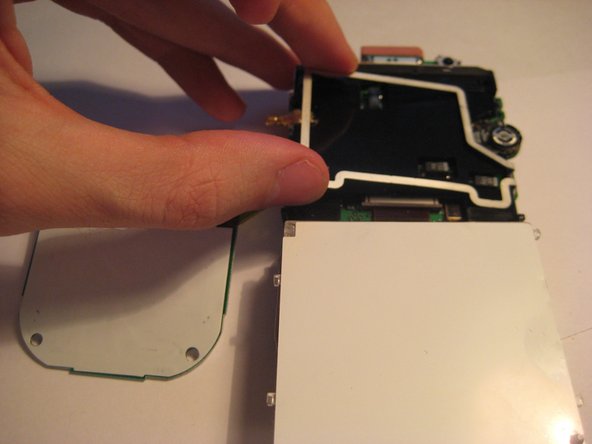
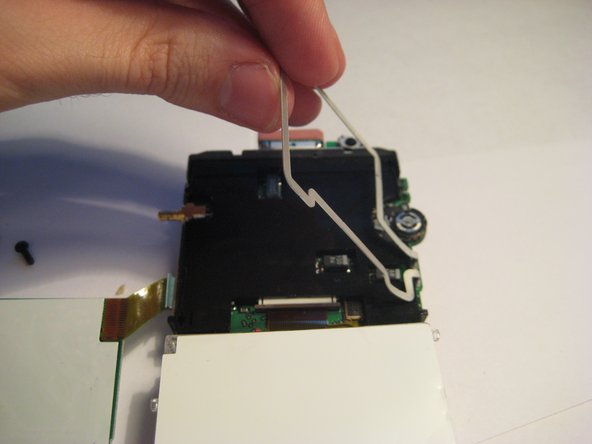
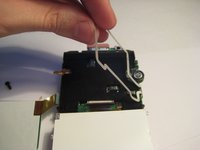
    • Continue to pivot the screen until it is lying on its face.

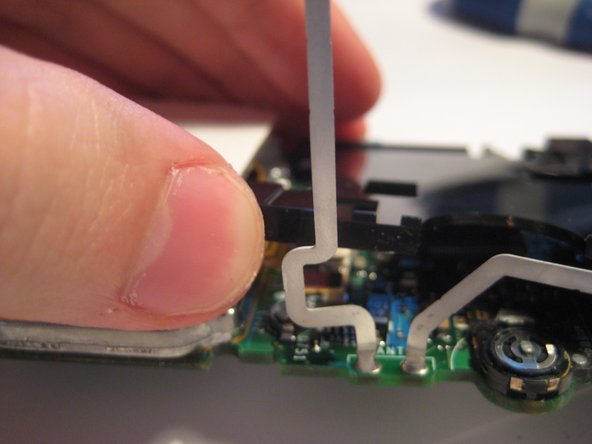
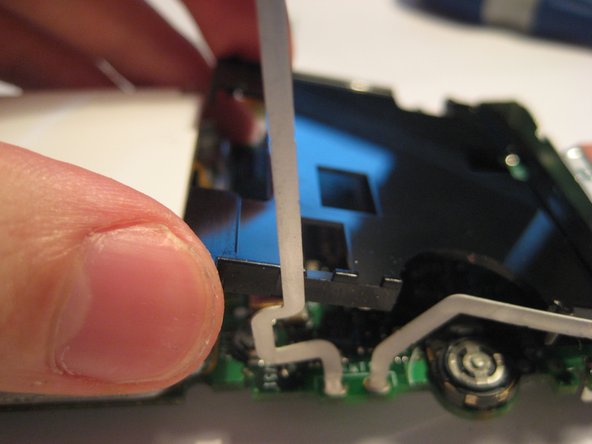
    • Pivot the wire frame, that was under the LCD, from the left side.

    • CAUTION: The wire bends as the frame pivots. Use the least amount of force necessary.

    Спросите у FixBot

    Добавить комментарий

  14. Removing Delphi Myfi XM2GO LCD Screen: шаг 14, изображение 1 из 3 Removing Delphi Myfi XM2GO LCD Screen: шаг 14, изображение 2 из 3 Removing Delphi Myfi XM2GO LCD Screen: шаг 14, изображение 3 из 3
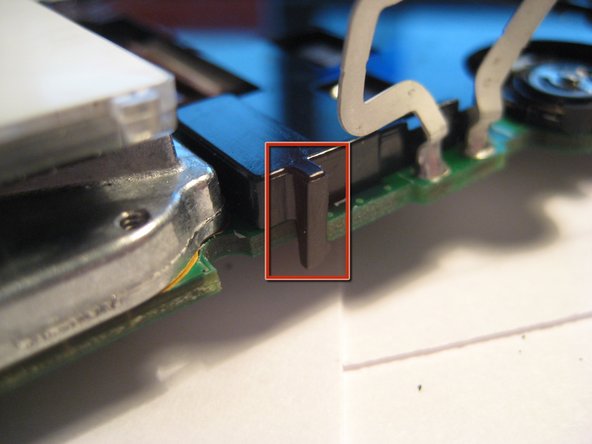
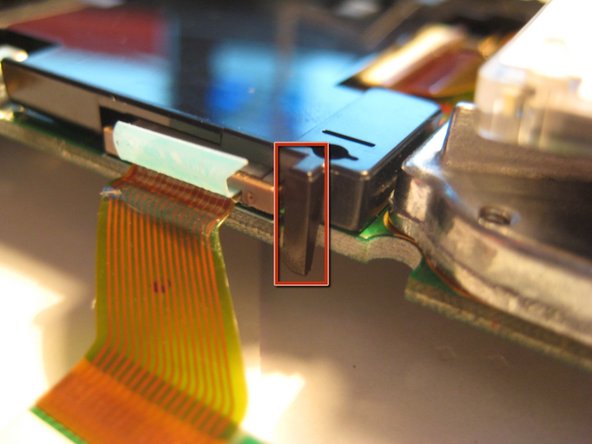
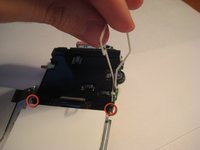
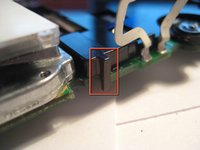
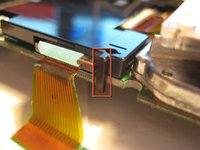
    • With the frame perpendicular to the device, locate the two black, plastic tabs shown in the two red circles.

    • The boxes show more detailed views in the following pictures.

    Спросите у FixBot

    Добавить комментарий

  15. Removing Delphi Myfi XM2GO LCD Screen: шаг 15, изображение 1 из 3 Removing Delphi Myfi XM2GO LCD Screen: шаг 15, изображение 2 из 3 Removing Delphi Myfi XM2GO LCD Screen: шаг 15, изображение 3 из 3
    • WIth both hands, pull the tabs outwards to release the plastic cover from the board.

    • Once the tabs are disengaged, pivot the plastic cover upwards.

    • After the cover is pivoted slightly, remove it from the device.

    Спросите у FixBot

    Добавить комментарий

  16. Removing Delphi Myfi XM2GO LCD Screen: шаг 16, изображение 1 из 2 Removing Delphi Myfi XM2GO LCD Screen: шаг 16, изображение 2 из 2
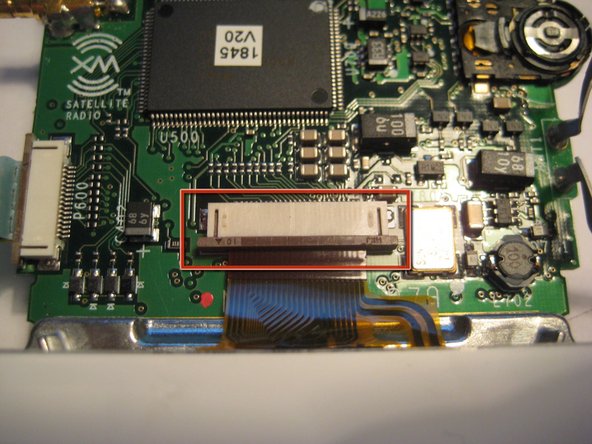
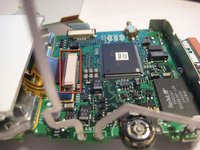
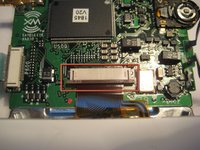
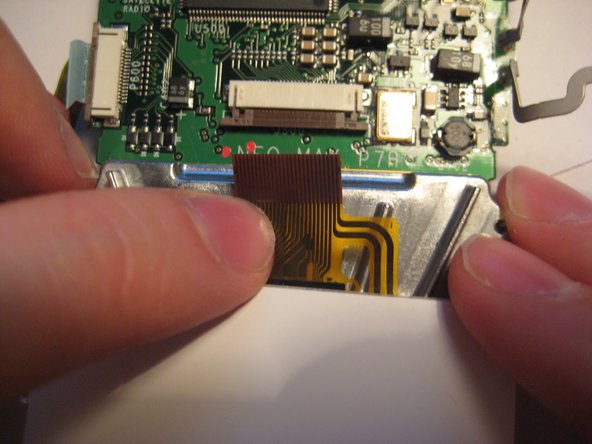
    • After the plastic cover is removed, locate the white, ribbon connector highlighted by the red square.

    • Rotate the device 90 degrees counterclockwise to remove the ribbon connector.

    Спросите у FixBot

    Добавить комментарий

  17. Removing Delphi Myfi XM2GO LCD Screen: шаг 17, изображение 1 из 3 Removing Delphi Myfi XM2GO LCD Screen: шаг 17, изображение 2 из 3 Removing Delphi Myfi XM2GO LCD Screen: шаг 17, изображение 3 из 3
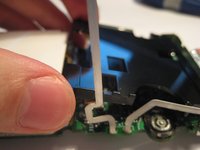
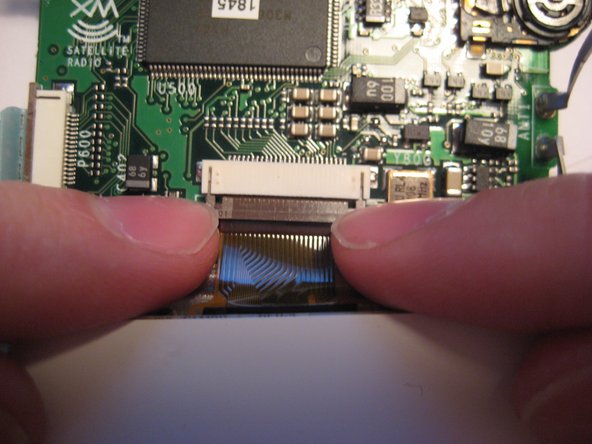
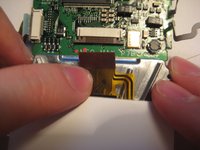
    • To remove the ribbon cable from the board, catch the sides of the connector with fingernails and pull downward.

    • CAUTION: The connector is delicate.

    • After the latch is pulled down, the ribbon cable is free to slide out of the connector housing.

    Спросите у FixBot

    Добавить комментарий

  18. Removing Delphi Myfi XM2GO LCD Screen: шаг 18, изображение 1 из 1
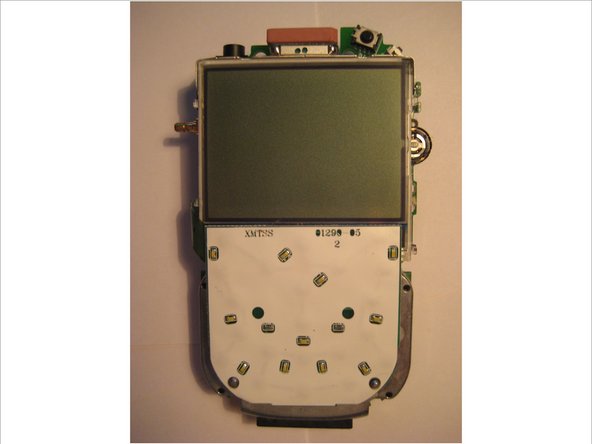
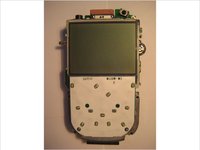
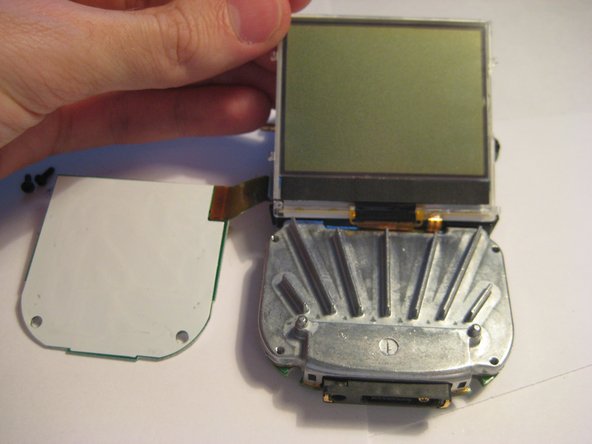
    • After following the prerequisite steps in the guide, the components are laid out as depicted in the picture.

    • The LCD screen is highlighted in red.

    Спросите у FixBot

    Добавить комментарий

Заключение

To reassemble your device, follow these instructions in reverse order.

Отменить: Я не выполнил это руководство.

Aubrey

Участник с: 03/09/12

54 Репутация

Автор 3 руководств

Команда

Clemson, Team 1-2, Benson Spring 2012 Участник Clemson, Team 1-2, Benson Spring 2012

CLEM-BENSON-S12S1G2

3 членов

Автор 9 руководств

0 Комментарии к руководству

Добавить комментарий

Статистика просмотров:

За последние 24 часов: 2

За последние 7 дней: 10

За последние 30 дней: 31

За всё время: 2,211