Перейти к основному содержанию
Присоединяйся к сообществу ремонтников - Создай аккаунт

Removing LG VX8350 Screen Assembly

Выберете то, что вам нужно

  1. Removing LG VX8350  Screen Assembly, Battery: шаг 1, изображение 1 из 2 Removing LG VX8350  Screen Assembly, Battery: шаг 1, изображение 2 из 2
    • Locate the horizontal grip located on the back cover of the phone.

    • Slide the back cover down and off of the phone.

    Спросите у FixBot

    Добавить комментарий

  2. Removing LG VX8350  Screen Assembly: шаг 2, изображение 1 из 2 Removing LG VX8350  Screen Assembly: шаг 2, изображение 2 из 2
    • Insert a plastic opening tool into the battery release point located above the battery.

    • Pull outwards in order to release the battery.

    Спросите у FixBot

    Добавить комментарий

  3. Removing LG VX8350  Screen Assembly, Circuit Board Housing: шаг 3, изображение 1 из 3 Removing LG VX8350  Screen Assembly, Circuit Board Housing: шаг 3, изображение 2 из 3 Removing LG VX8350  Screen Assembly, Circuit Board Housing: шаг 3, изображение 3 из 3
    Инструмент, используемый на этом этапе:
    Tweezers
    $4.99
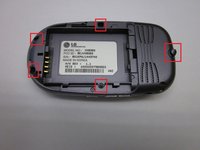
    • Locate the 5 screws holding the body of the phone together.

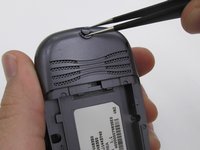
    • The top screw will have a plastic cover, remove it using tweezers.

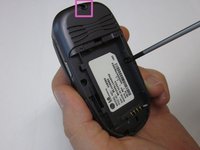
    • Using a Philips head screwdriver, twist counterclockwise to remove the screws.

    • Take special care with the screw located at the top of the phone. It is smaller and more likely to be damaged or improperly attached.

    Спросите у FixBot

    Добавить комментарий

  4. Removing LG VX8350  Screen Assembly: шаг 4, изображение 1 из 2 Removing LG VX8350  Screen Assembly: шаг 4, изображение 2 из 2
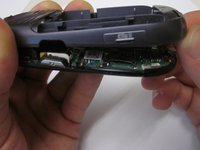
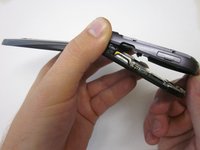
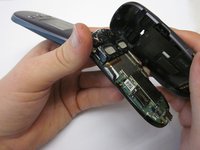
    • Lift the back cover starting at the bottom of the phone.

    Спросите у FixBot

    Добавить комментарий

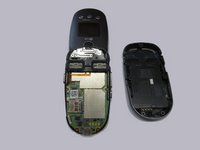
  5. Removing LG VX8350  Screen Assembly: шаг 5, изображение 1 из 2 Removing LG VX8350  Screen Assembly: шаг 5, изображение 2 из 2
    • Remove the back cover completely from the phone.

    Спросите у FixBot

    Добавить комментарий

  6. Removing LG VX8350  Screen Assembly, Circuit Board: шаг 6, изображение 1 из 1
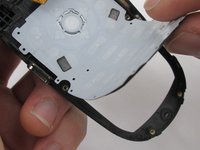
    • Locate the clamp at bottom right side of the Circuit Board.

    • Pull the circuit board from the phone being cautious to pull out underneath the clamp.

    Спросите у FixBot

    Добавить комментарий

  7. Removing LG VX8350  Screen Assembly: шаг 7, изображение 1 из 2 Removing LG VX8350  Screen Assembly: шаг 7, изображение 2 из 2
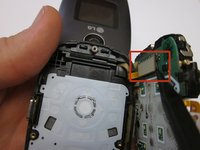
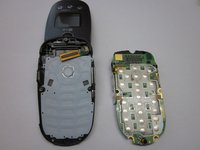
    • Locate the ribbon connecting the circuit board to the phone display.

    • Using the spudger, disconnect the ribbon connecting the phone's display and the circuit board.

    • Remove the circuit board

    Спросите у FixBot

    Добавить комментарий

  8. Removing LG VX8350  Screen Assembly, Keypad: шаг 8, изображение 1 из 2 Removing LG VX8350  Screen Assembly, Keypad: шаг 8, изображение 2 из 2
    • Lift the keyboard and remove it from the phone.

    Спросите у FixBot

    Добавить комментарий

  9. Removing LG VX8350  Screen Assembly, Screen Cover: шаг 9, изображение 1 из 3 Removing LG VX8350  Screen Assembly, Screen Cover: шаг 9, изображение 2 из 3 Removing LG VX8350  Screen Assembly, Screen Cover: шаг 9, изображение 3 из 3
    Инструмент, используемый на этом этапе:
    Tweezers
    $4.99
    • Locate the two rubber circles covering the screws.

    • Remove the rubber covers using tweezers.

    • Using the Phillips head screwdriver, unscrew and remove the two screws.

    Спросите у FixBot

    Добавить комментарий

  10. Removing LG VX8350  Screen Assembly: шаг 10, изображение 1 из 3 Removing LG VX8350  Screen Assembly: шаг 10, изображение 2 из 3 Removing LG VX8350  Screen Assembly: шаг 10, изображение 3 из 3
    • Close the phone and gently pull outwards from the bottom left portion of the phone cover.

    • Take care not to do this with too much force, as it could crack the cover.

    • Completely remove the cover from the phone.

    Спросите у FixBot

    Добавить комментарий

  11. Removing LG VX8350  Screen Assembly, Screen Assembly: шаг 11, изображение 1 из 2 Removing LG VX8350  Screen Assembly, Screen Assembly: шаг 11, изображение 2 из 2
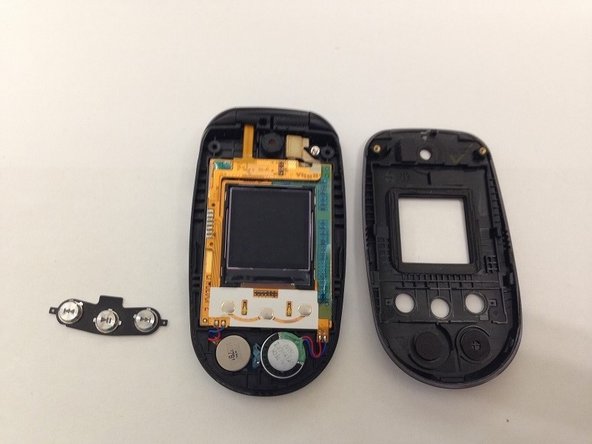
    • Locate the front music buttons.

    • Remove the music control buttons on the face of the phone.

    Спросите у FixBot

    Добавить комментарий

  12. Removing LG VX8350  Screen Assembly: шаг 12, изображение 1 из 2 Removing LG VX8350  Screen Assembly: шаг 12, изображение 2 из 2
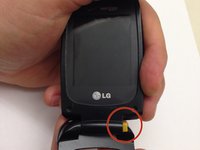
    • While grasping the top and bottom sections torque the pieces until the indicated hinge has popped out. The two sections of the phone are now able to separate.

    • Make sure the right side of the hinge is removed first and not the left as you will likely damage the ribbon connection.

    Спросите у FixBot

    Добавить комментарий

  13. Removing LG VX8350  Screen Assembly: шаг 13, изображение 1 из 3 Removing LG VX8350  Screen Assembly: шаг 13, изображение 2 из 3 Removing LG VX8350  Screen Assembly: шаг 13, изображение 3 из 3
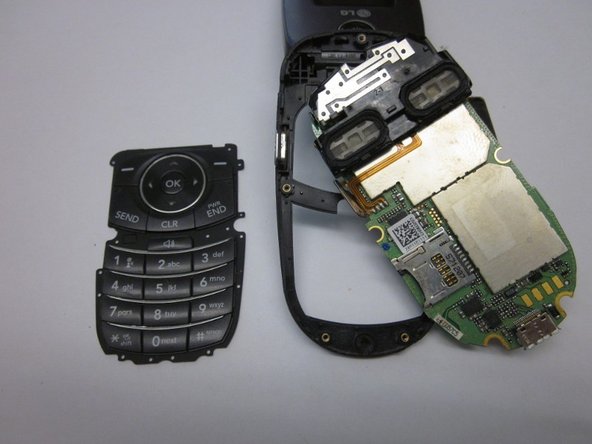
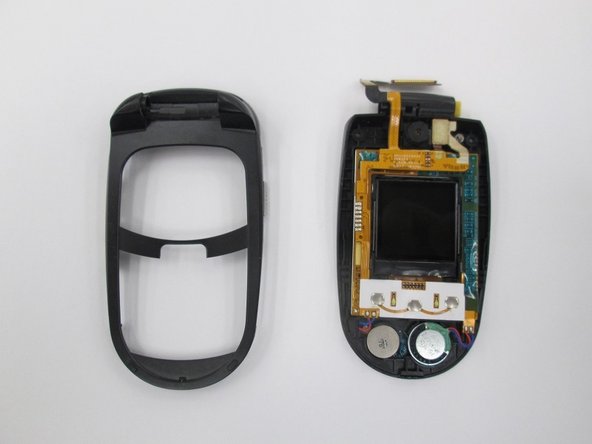
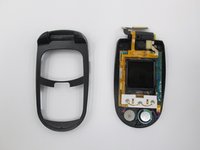
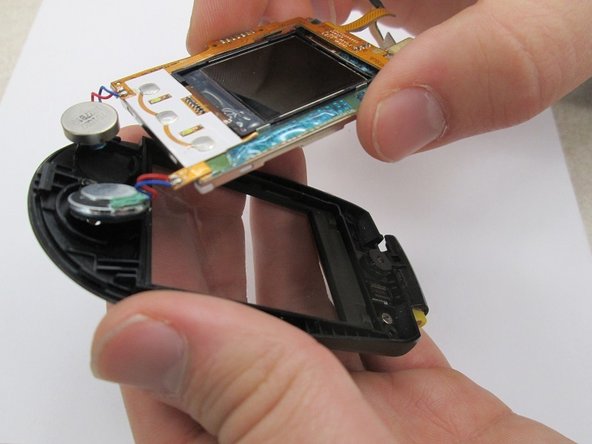
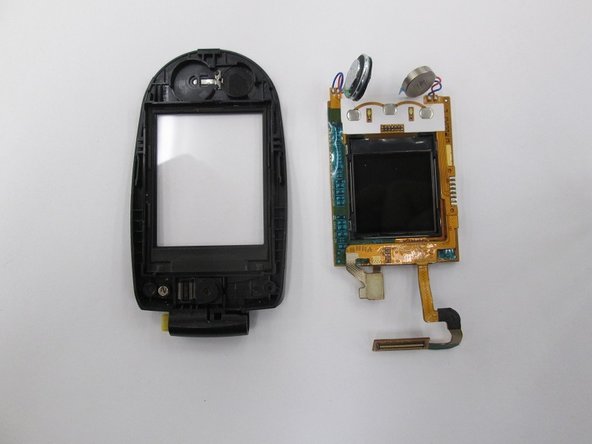
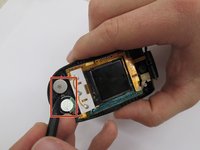
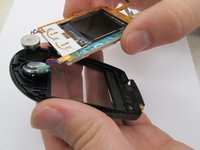
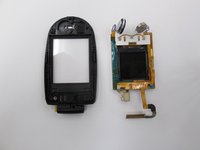
    • Locate the two speakers. Using a spudger disconnect the speakers from the assembly.

    • Lift the screen assembly from the casing.

    • The screen assembly is completely removed to allow for easier access to the speaker connections when performing further repairs on the speakers.

    Спросите у FixBot

    Добавить комментарий

Заключение

To reassemble your device, follow these instructions in reverse order.

Отменить: Я не выполнил это руководство.

James Brandon

Участник с: 10/18/13

207 Репутация

Автор 2 руководств

Команда

Clemson, Team 14-7, Benson Fall 2013 Участник Clemson, Team 14-7, Benson Fall 2013

CLEM-BENSON-F13S14G7

3 членов

Автор 16 руководств

0 Комментарии к руководству

Добавить комментарий

Статистика просмотров:

За последние 24 часов: 0

За последние 7 дней: 10

За последние 30 дней: 36

За всё время: 1,034