Перейти к основному содержанию
Присоединяйся к сообществу ремонтников - Создай аккаунт

Replacing the friction pads

Выберете то, что вам нужно

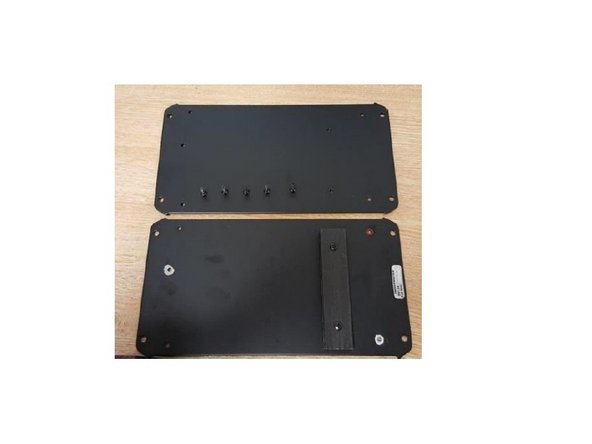
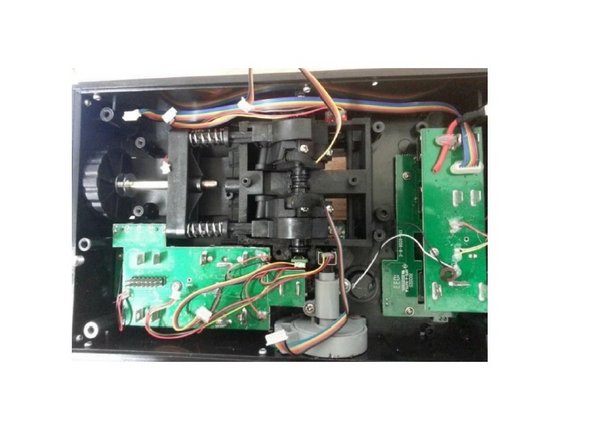
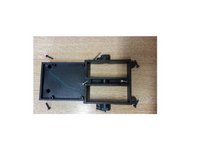
  1. Replacing the friction pads, Open the Throttle: шаг 1, изображение 1 из 3 Replacing the friction pads, Open the Throttle: шаг 1, изображение 2 из 3 Replacing the friction pads, Open the Throttle: шаг 1, изображение 3 из 3
    • Unscrew these 5 screws

    • Remove the metal plate

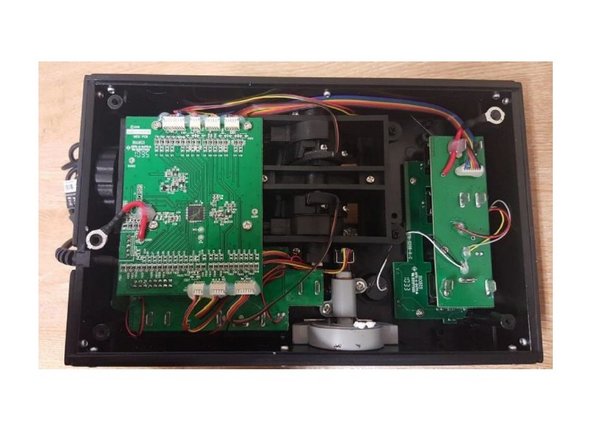
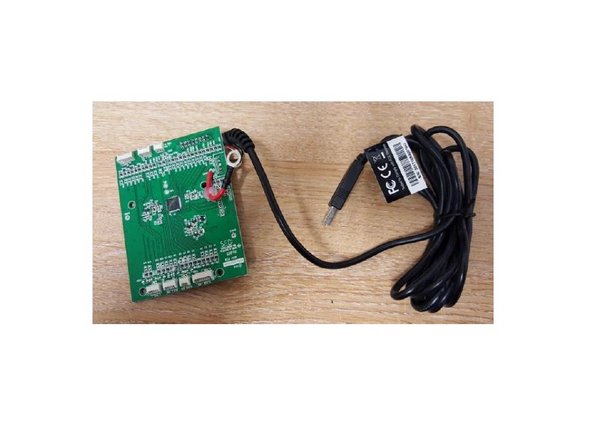
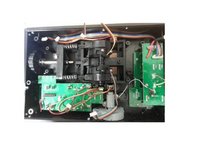
  2. Replacing the friction pads, Remove the PCB: шаг 2, изображение 1 из 3 Replacing the friction pads, Remove the PCB: шаг 2, изображение 2 из 3 Replacing the friction pads, Remove the PCB: шаг 2, изображение 3 из 3
    • Unscrew the 4 screws, disconnect all the connectors and take off the PCB

    • Remove the 4 screws, disconnect all wires and remove the PCB.

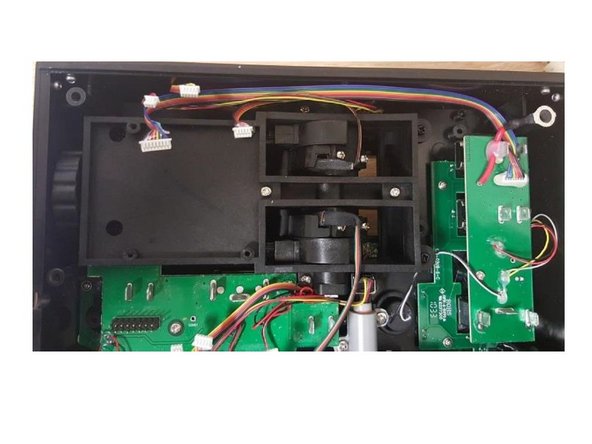
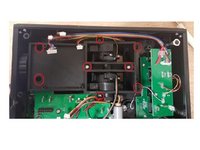
  3. Replacing the friction pads, Remove the screws: шаг 3, изображение 1 из 3 Replacing the friction pads, Remove the screws: шаг 3, изображение 2 из 3 Replacing the friction pads, Remove the screws: шаг 3, изображение 3 из 3
    • Remove 8 screws highlighted on the picture.

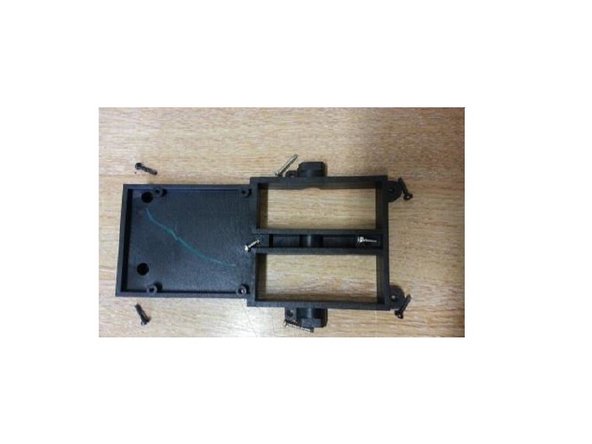
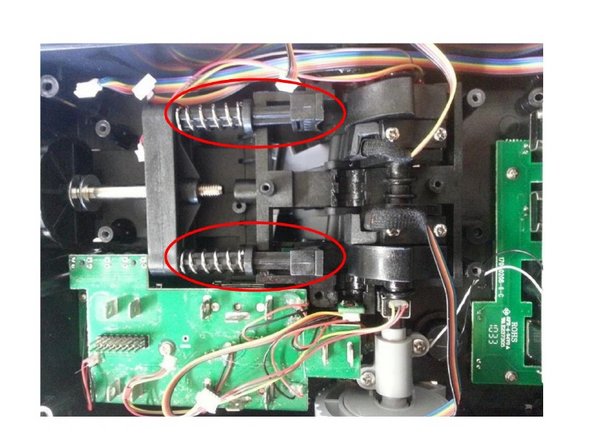
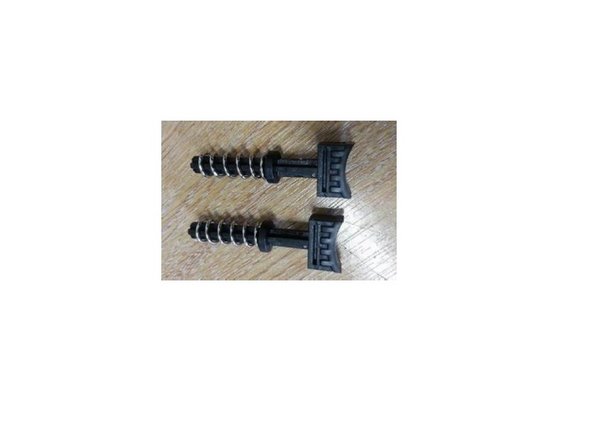
  4. Replacing the friction pads, Remove the friction pads: шаг 4, изображение 1 из 3 Replacing the friction pads, Remove the friction pads: шаг 4, изображение 2 из 3 Replacing the friction pads, Remove the friction pads: шаг 4, изображение 3 из 3
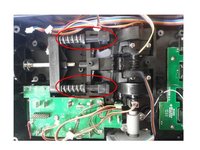
    • Push the lever arms to gain access to the friction pads.

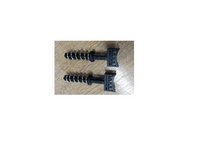
    • You can now remove the Friction pads

    • You can now change your friction pads

Заключение

Reassemble the product by following this procedure in reverse order.

Еще один человек закончил это руководство.

Особая благодарность этим переводчикам:

fr en

100%

Эти переводчики помогают нам починить мир! Хотите внести свой вклад?
Начните переводить ›

Прикрепленные документы

Avrila

Участник с: 07/25/24

1 362 Репутация

Автор 5 руководств

0 Комментарии к руководству

Добавить комментарий

Статистика просмотров:

За последние 24 часов: 0

За последние 7 дней: 4

За последние 30 дней: 25

За всё время: 585