Введение
If the device buttons on your Retroid Pocket 3 are not responding to touch, follow this guide to remove and replace the faulty button pad and install a new one. This process will take approximately 25-30 minutes to complete, and the tools needed for replacement are listed in this guide.
Выберете то, что вам нужно
-
-
Unplug any cables connected to the Retroid Pocket 3+.
-
Ensure your device has a charge of 5% or less as a charged battery can be dangerous if punctured.
 Спросите у FixBot
-
-
-
Remove the four 6 mm screws from the backplate of the device with a T5 Torx screwdriver.
-
Use a plastic opening tool or spudger to gently pry apart the backplate from the device.
-
-
-
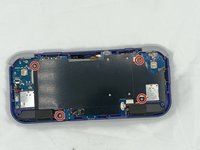
Remove the four 4.5 mm screws with a Phillips #00 screwdriver.
-
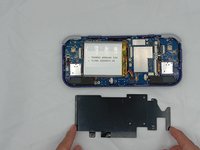
Lift off the metal plate.
-
-
-
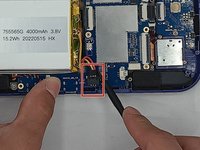
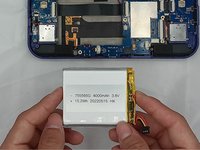
Use a plastic opening tool or spudger to unclip the battery connector.
-
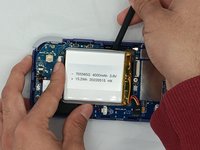
Carefully lift the battery from the case.
-
Lift and remove the battery.
-
-
-
-
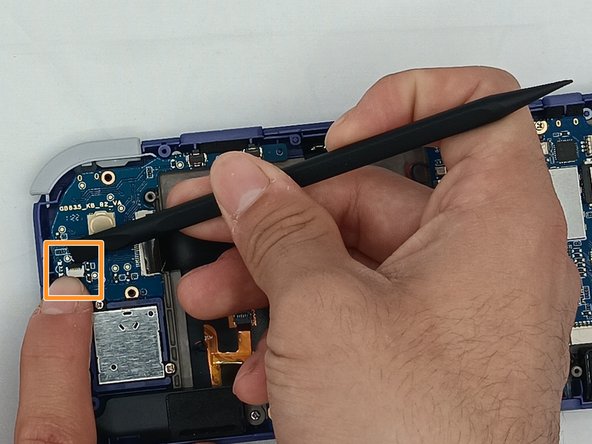
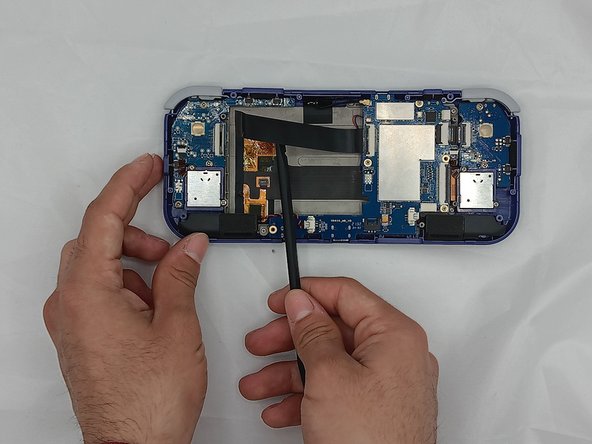
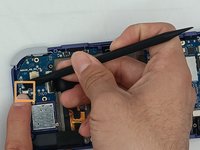
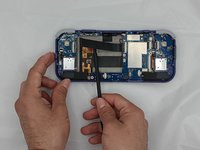
Undo the ribbon cable clips using the Spudger tool.
-
Unclip the cable on the left side of the board.
-
Carefully lift the ribbon cable to the right to remove it from the clip.
-
-
-
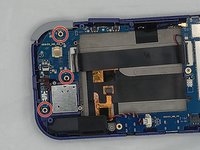
Use a Phillips #00 screwdriver to remove the three 5.9 mm screws from the controller board.
-
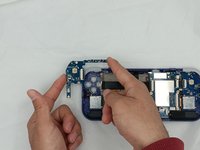
Carefully lift the board out of the device.
-
-
-
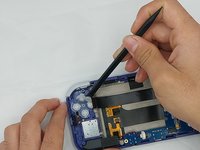
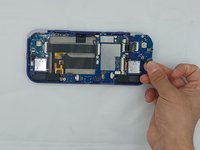
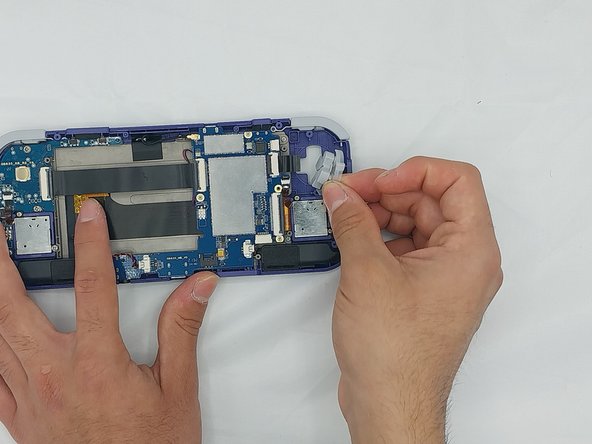
Using the Spudger tool, put the tip under the edge of the rubber button pad to start lifting it.
-
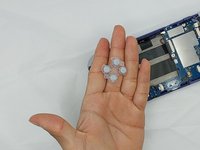
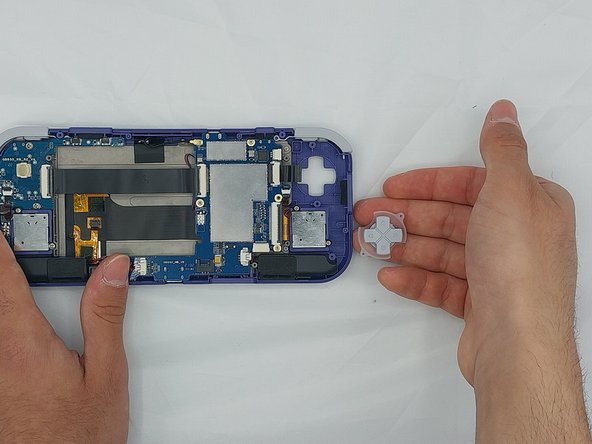
Button pad will loosen and lift straight out of the casing.
-
-
-
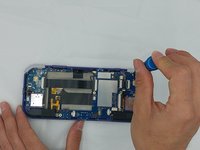
Using a spudger, undo the ribbon cable clip connected to the main PCB along with the joystick ribbon cable.
-
-
-
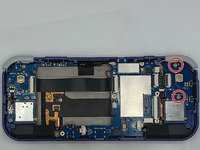
Use a Phillips #00 screwdriver to remove the two 5.9 mm screws.
-
Carefully lift the board out of the device.
-
-
-
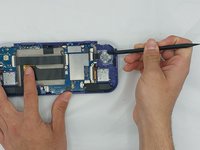
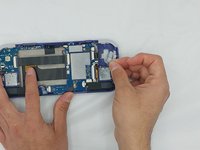
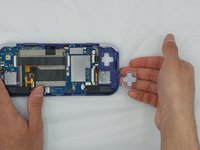
Carefully pry up the silicone button pad with a Spudger tool.
-












To reassemble your device, follow these instructions in reverse order.

Команда

University of North Texas, Team 4-7, Harold Spring 2024 Участник University of North Texas, Team 4-7, Harold Spring 2024
UNT-HAROLD-S24S4G7
4 членов
Автор 6 руководств
