Перейти к основному содержанию
Присоединяйся к сообществу ремонтников - Создай аккаунт

Samsung Ace Back Speakers Replacement

Выберете то, что вам нужно

  1. Samsung Ace Back Speakers Replacement, Battery: шаг 1, изображение 1 из 3 Samsung Ace Back Speakers Replacement, Battery: шаг 1, изображение 2 из 3 Samsung Ace Back Speakers Replacement, Battery: шаг 1, изображение 3 из 3
    • To remove the back casing, firmly press down and push towards the bottom of the phone.

    Спросите у FixBot

    Добавить комментарий

  2. Samsung Ace Back Speakers Replacement: шаг 2, изображение 1 из 1
    • With the casing removed, lift the battery from the indicated indentation.

    Спросите у FixBot

    Добавить комментарий

  3. Samsung Ace Back Speakers Replacement: шаг 3, изображение 1 из 1
    • From here, you can now access the SIM card and model/serial numbers.

    Спросите у FixBot

    Добавить комментарий

  4. Samsung Ace Back Speakers Replacement, Casing: шаг 4, изображение 1 из 1
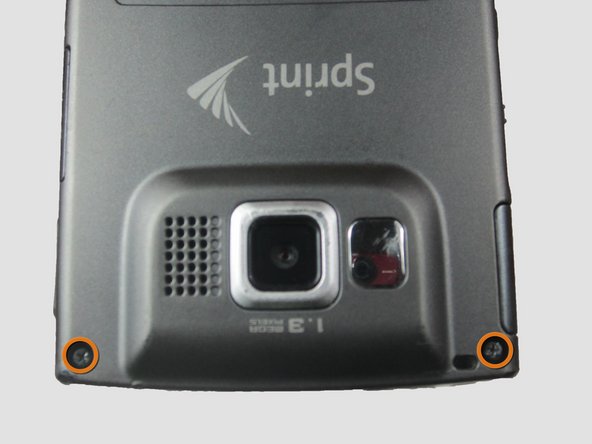
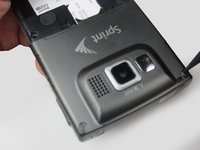
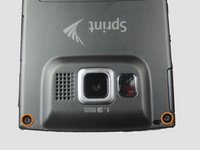
    • Using the Phillips #00 screwdriver, remove the four indicated screws (4.5 mm).

    Спросите у FixBot

    Добавить комментарий

  5. Samsung Ace Back Speakers Replacement: шаг 5, изображение 1 из 2 Samsung Ace Back Speakers Replacement: шаг 5, изображение 2 из 2
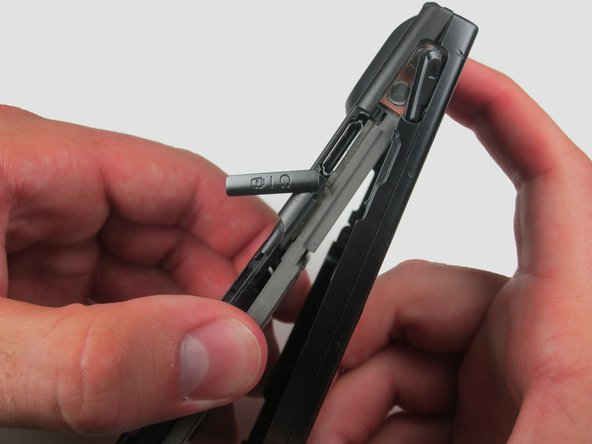
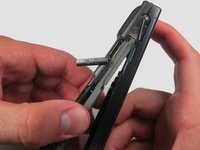
    • Press the pointed edge of the spudger into the side of the two rubber plugs in order to lift and remove them from the top of the phone.

    • Then, using the Phillips #00 screwdriver, remove the two indicated Phillip screws (6.5 mm).

    Спросите у FixBot

    Добавить комментарий

  6. Samsung Ace Back Speakers Replacement: шаг 6, изображение 1 из 1
    • To remove the SIM card, start by pressing the top of the card and push down and away towards the bottom of the phone. Then, as indicated, pull the SIM card out.

    Спросите у FixBot

    Добавить комментарий

  7. Samsung Ace Back Speakers Replacement: шаг 7, изображение 1 из 2 Samsung Ace Back Speakers Replacement: шаг 7, изображение 2 из 2
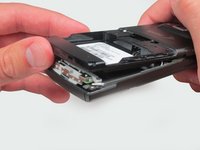
    • Begin to slowly lift the back casing of the phone. You should hear a snap when the casing is released.

    • The power, volume, and camera buttons may fall out when separating the front and back casing.

    Спросите у FixBot

    Добавить комментарий

  8. Samsung Ace Back Speakers Replacement: шаг 8, изображение 1 из 1
    • Your casing should be separated and the three loose buttons put to the side.

    • Be aware of the wiring on the top of the phone. Make sure not to pull it apart when separating the case.

    Спросите у FixBot

    Добавить комментарий

  9. Samsung Ace Back Speakers Replacement: шаг 9, изображение 1 из 2 Samsung Ace Back Speakers Replacement: шаг 9, изображение 2 из 2
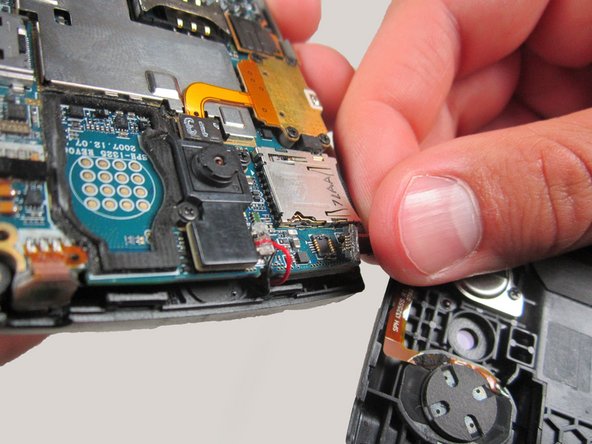
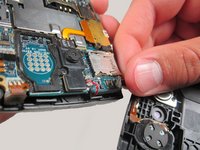
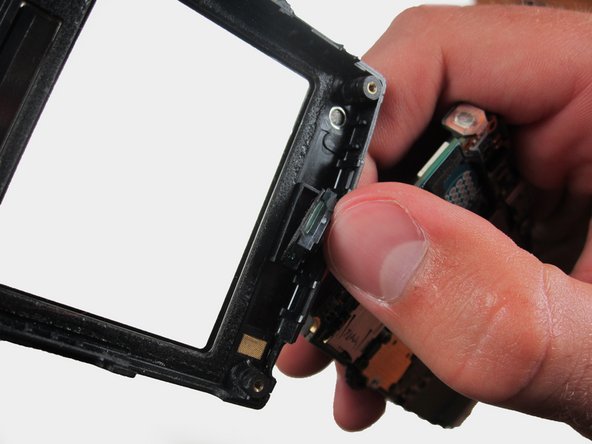
    • Slowly remove the back casing by gently pulling the ribbon connection.

    Спросите у FixBot

    Добавить комментарий

  10. Samsung Ace Back Speakers Replacement: шаг 10, изображение 1 из 2 Samsung Ace Back Speakers Replacement: шаг 10, изображение 2 из 2
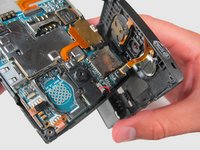
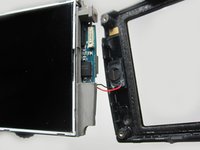
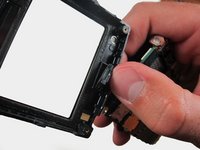
    • Gently pull on the wires to remove the front casing.

    Спросите у FixBot

    Добавить комментарий

  11. Samsung Ace Back Speakers Replacement: шаг 11, изображение 1 из 1
    • Your front casing and front speaker are now released.

    Спросите у FixBot

    Добавить комментарий

  12. Samsung Ace Back Speakers Replacement, Back Speakers: шаг 12, изображение 1 из 1
    • Locate the back speaker.

    Спросите у FixBot

    Добавить комментарий

  13. Samsung Ace Back Speakers Replacement: шаг 13, изображение 1 из 1
    • Use the flat edge of the spudger to gently pry and remove the speaker.

    Спросите у FixBot

    Добавить комментарий

Заключение

To reassemble your device, follow these instructions in reverse order.

Отменить: Я не выполнил это руководство.

Breanne

Участник с: 04/12/12

187 Репутация

Автор 5 руководств

Команда

Cal Poly, Team 6-24, Amido Spring 2012 Участник Cal Poly, Team 6-24, Amido Spring 2012

CPSU-AMIDO-S12S6G24

3 членов

Автор 31 руководств

0 Комментарии к руководству

Добавить комментарий

Статистика просмотров:

За последние 24 часов: 0

За последние 7 дней: 3

За последние 30 дней: 22

За всё время: 1,199