Перейти к основному содержанию
Присоединяйся к сообществу ремонтников - Создай аккаунт

Samsung Captivate Glide Camera Replacement

Выберете то, что вам нужно

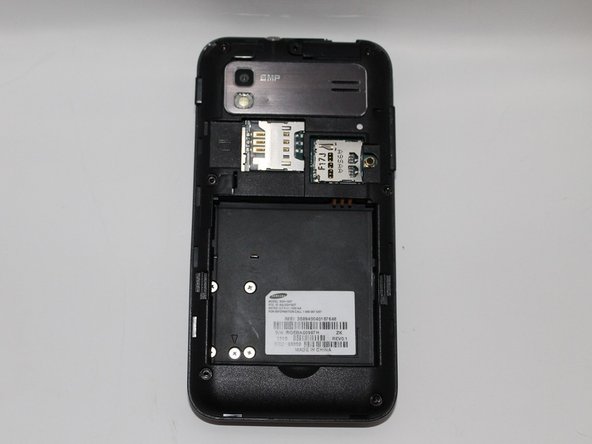
    1. Samsung Captivate Glide Camera Replacement, Motherboard: шаг 1, изображение 1 из 3 Samsung Captivate Glide Camera Replacement, Motherboard: шаг 1, изображение 2 из 3 Samsung Captivate Glide Camera Replacement, Motherboard: шаг 1, изображение 3 из 3
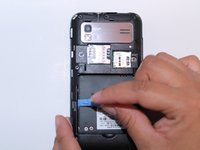
      • Remove back cover using fingernail or plastic opening tool. The cover pulls up and off.

      Спросите у FixBot

      Добавить комментарий

    2. Samsung Captivate Glide Camera Replacement: шаг 2, изображение 1 из 2 Samsung Captivate Glide Camera Replacement: шаг 2, изображение 2 из 2
      • Remove battery with plastic opening tool or finger.

      Спросите у FixBot

      Добавить комментарий

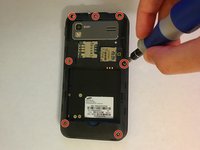
    3. Samsung Captivate Glide Camera Replacement: шаг 3, изображение 1 из 2 Samsung Captivate Glide Camera Replacement: шаг 3, изображение 2 из 2
      • Remove the seven screws from backplate using the #00 screwdriver.

      Спросите у FixBot

      Добавить комментарий

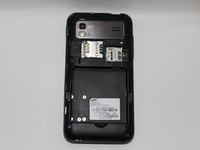
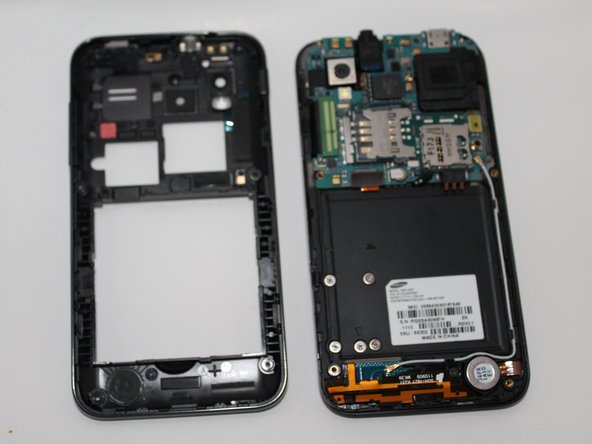
    4. Samsung Captivate Glide Camera Replacement: шаг 4, изображение 1 из 3 Samsung Captivate Glide Camera Replacement: шаг 4, изображение 2 из 3 Samsung Captivate Glide Camera Replacement: шаг 4, изображение 3 из 3
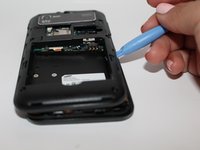
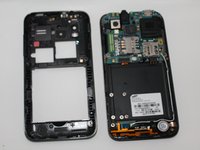
      • Remove the back plate using the plastic opening tool.

      • There is a lip on each side, and both must be pried up.

      • You can work your way around the edges after prying the two sides.

      Спросите у FixBot

      Добавить комментарий

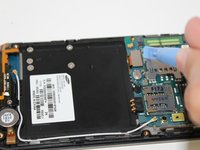
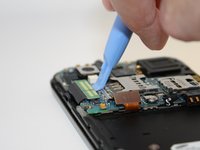
    5. Samsung Captivate Glide Camera Replacement: шаг 5, изображение 1 из 2 Samsung Captivate Glide Camera Replacement: шаг 5, изображение 2 из 2
      • Use the plastic opening tool to detach the two tabs connecting the motherboard to the base of the phone.

      Спросите у FixBot

      Добавить комментарий

    6. Samsung Captivate Glide Camera Replacement: шаг 6, изображение 1 из 1
      Инструмент, используемый на этом этапе:
      Tweezers
      $4.99
      • Disconnect the antenna cable from the motherboard using tweezers.

      Спросите у FixBot

      Добавить комментарий

    7. Samsung Captivate Glide Camera Replacement: шаг 7, изображение 1 из 1
      • Remove the single screw connecting the motherboard to the base of the phone by using the #00 Phillips screwdriver.

      Спросите у FixBot

      Добавить комментарий

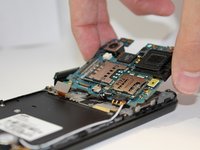
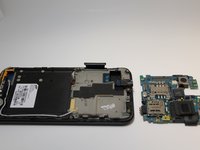
    8. Samsung Captivate Glide Camera Replacement: шаг 8, изображение 1 из 2 Samsung Captivate Glide Camera Replacement: шаг 8, изображение 2 из 2
      • Lift the motherboard out of the base of the phone.

      Спросите у FixBot

      Добавить комментарий

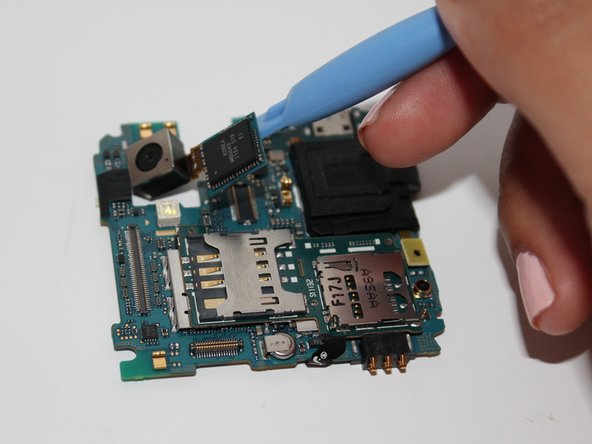
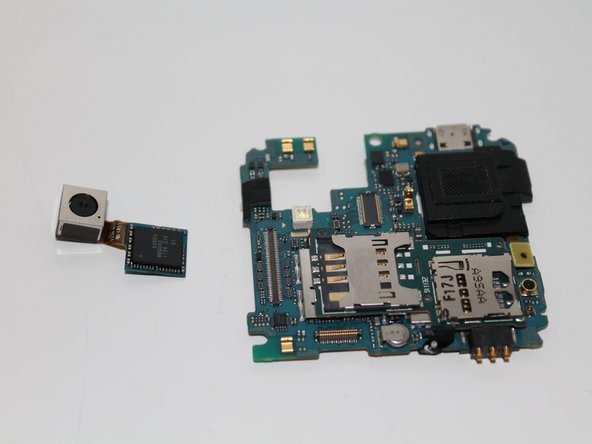
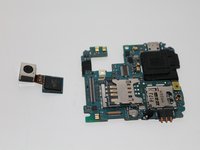
    1. Samsung Captivate Glide Camera Replacement, Camera: шаг 9, изображение 1 из 3 Samsung Captivate Glide Camera Replacement, Camera: шаг 9, изображение 2 из 3 Samsung Captivate Glide Camera Replacement, Camera: шаг 9, изображение 3 из 3
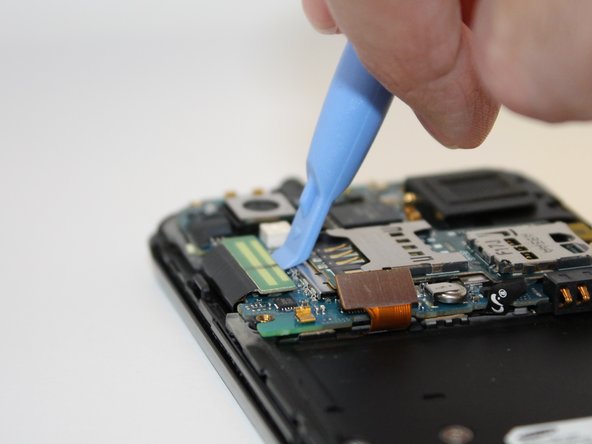
      • Using the opening tool, pry up the camera attachment from the motherboard.

      Спросите у FixBot

      Добавить комментарий

Заключение

To reassemble your device, follow these instructions in reverse order.

Отменить: Я не выполнил это руководство.

Еще один человек закончил это руководство.

Jessica Martinez

Участник с: 09/25/14

260 Репутация

Автор 2 руководств

Команда

USF Tampa, Team 5-3, Mcgee Fall 2014 Участник USF Tampa, Team 5-3, Mcgee Fall 2014

USFT-MCGEE-F14S5G3

4 членов

Автор 45 руководств

0 Комментарии к руководству

Добавить комментарий

Статистика просмотров:

За последние 24 часов: 0

За последние 7 дней: 10

За последние 30 дней: 34

За всё время: 1,076