Перейти к основному содержанию
Присоединяйся к сообществу ремонтников - Создай аккаунт
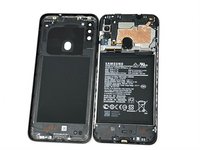
Samsung Galaxy A11 Display Assembly Replacement

Выберете то, что вам нужно

  1. Samsung Galaxy A11 Display Assembly Replacement, Back Cover: шаг 1, изображение 1 из 3 Samsung Galaxy A11 Display Assembly Replacement, Back Cover: шаг 1, изображение 2 из 3 Samsung Galaxy A11 Display Assembly Replacement, Back Cover: шаг 1, изображение 3 из 3
    • Place the SIM eject tool in the hole of the sim tray.

    • Push until part of the SIM tray is pushed out.

    • Pull out the rest of the SIM tray.

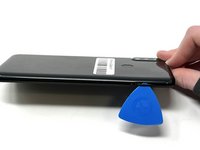
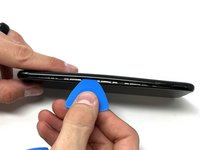
  2. Samsung Galaxy A11 Display Assembly Replacement: шаг 2, изображение 1 из 3 Samsung Galaxy A11 Display Assembly Replacement: шаг 2, изображение 2 из 3 Samsung Galaxy A11 Display Assembly Replacement: шаг 2, изображение 3 из 3
    • Gently pry open the area of the back cover near the SIM tray using an iFixit opening pick.

    • Gently move the pick along the gap and pry open the clips holding it together.

    • If possible, use multiple picks to prevent the back cover from closing.

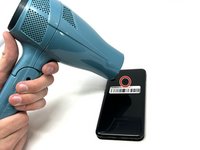
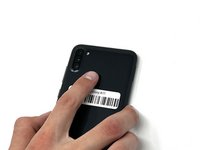
  3. Samsung Galaxy A11 Display Assembly Replacement: шаг 3, изображение 1 из 3 Samsung Galaxy A11 Display Assembly Replacement: шаг 3, изображение 2 из 3 Samsung Galaxy A11 Display Assembly Replacement: шаг 3, изображение 3 из 3
    • Using a hair dryer on low heat, heat the fingerprint sensor in increments of 30 seconds to loosen the surrounding adhesive.

    • Gently push the fingerprint sensor until it detaches from the back cover.

    • If needed, remove the button by prying it from the bottom of the device.

  4. Samsung Galaxy A11 Display Assembly Replacement, Battery: шаг 4, изображение 1 из 3 Samsung Galaxy A11 Display Assembly Replacement, Battery: шаг 4, изображение 2 из 3 Samsung Galaxy A11 Display Assembly Replacement, Battery: шаг 4, изображение 3 из 3
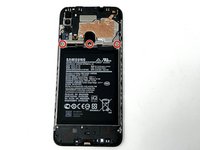
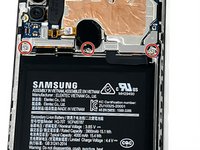
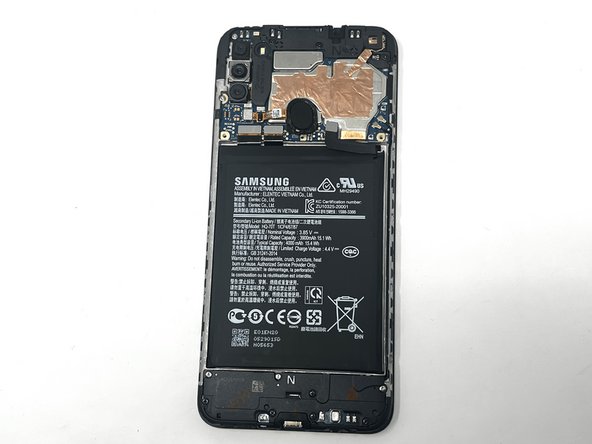
    • Remove the three 3 mm screws from the shield using a Phillips #000 screwdriver.

    • Remove the shield from the phone.

  5. Samsung Galaxy A11 Display Assembly Replacement: шаг 5, изображение 1 из 3 Samsung Galaxy A11 Display Assembly Replacement: шаг 5, изображение 2 из 3 Samsung Galaxy A11 Display Assembly Replacement: шаг 5, изображение 3 из 3
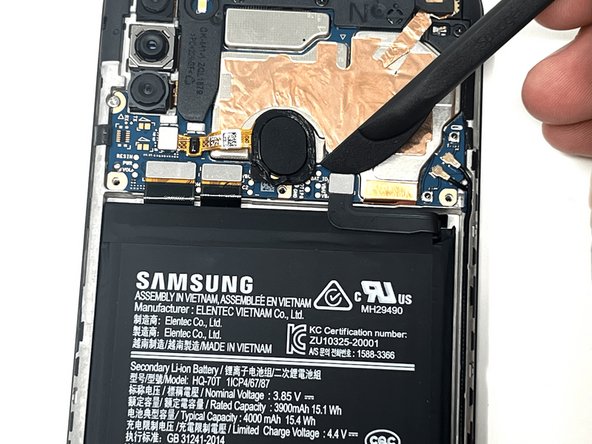
    • Using tweezers, a spudger, or your fingers, disconnect the battery press connector from the phone.

  6. Samsung Galaxy A11 Display Assembly Replacement: шаг 6, изображение 1 из 3 Samsung Galaxy A11 Display Assembly Replacement: шаг 6, изображение 2 из 3 Samsung Galaxy A11 Display Assembly Replacement: шаг 6, изображение 3 из 3
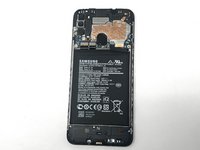
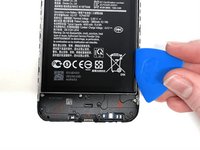
    • If needed, use a hairdryer on low heat to soften the adhesive under the battery. If The Battery Is Expanded, DO NOT USE A HAIRDRYER or heat; be very careful when removing to not puncture the battery.

    • Use an iFixit pry tool to dig under the battery edge.

    • If needed, use multiple pry tools to hold the battery in place.

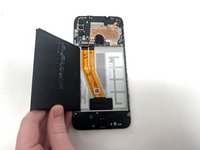
    • Continue to cut the adhesive under the battery until you are able to pry the battery away from the phone.

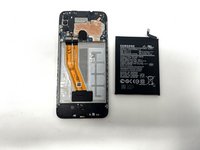
    • Remove the battery from the phone.

  7. Samsung Galaxy A11 Display Assembly Replacement, Earpiece Speaker: шаг 7, изображение 1 из 3 Samsung Galaxy A11 Display Assembly Replacement, Earpiece Speaker: шаг 7, изображение 2 из 3 Samsung Galaxy A11 Display Assembly Replacement, Earpiece Speaker: шаг 7, изображение 3 из 3
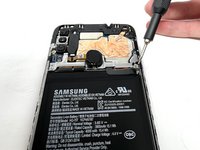
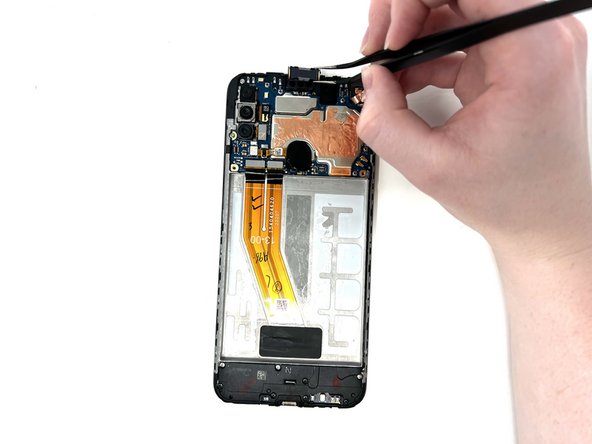
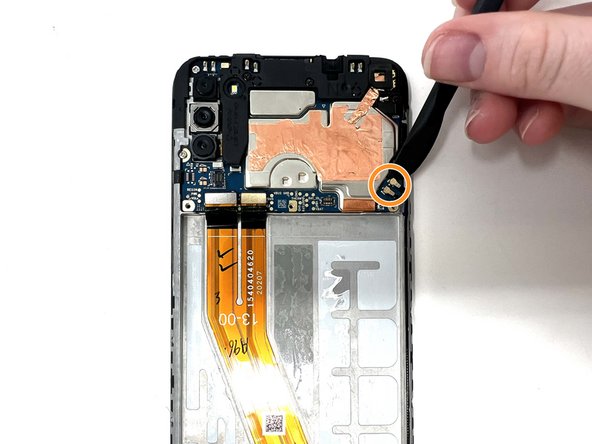
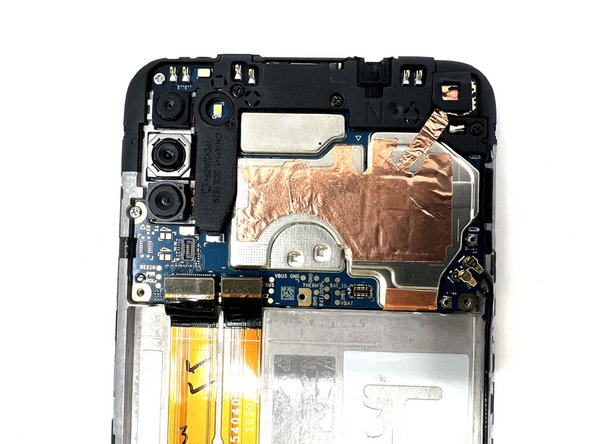
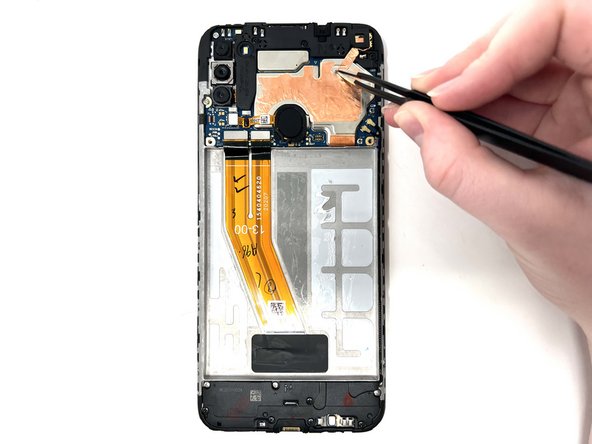
    • Gently use tweezers to peel up the copper strip on the top right of the phone.

  8. Samsung Galaxy A11 Display Assembly Replacement: шаг 8, изображение 1 из 2 Samsung Galaxy A11 Display Assembly Replacement: шаг 8, изображение 2 из 2
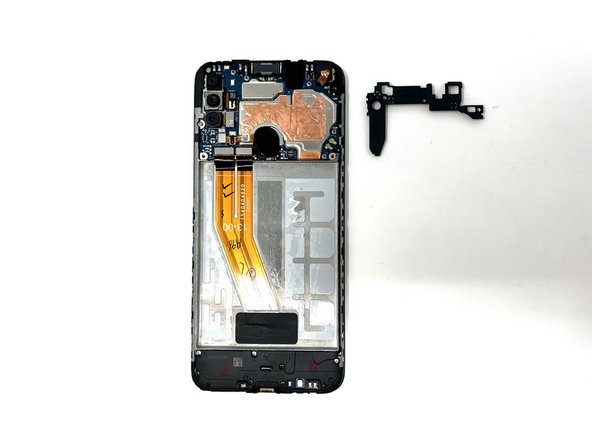
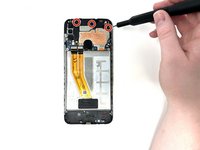
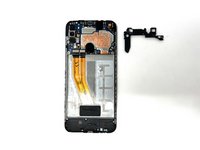
    • Remove the three black 3 mm screws from the speaker cover using a Phillips #000 screwdriver.

    • Remove the cover from the phone.

  9. Samsung Galaxy A11 Display Assembly Replacement: шаг 9, изображение 1 из 3 Samsung Galaxy A11 Display Assembly Replacement: шаг 9, изображение 2 из 3 Samsung Galaxy A11 Display Assembly Replacement: шаг 9, изображение 3 из 3
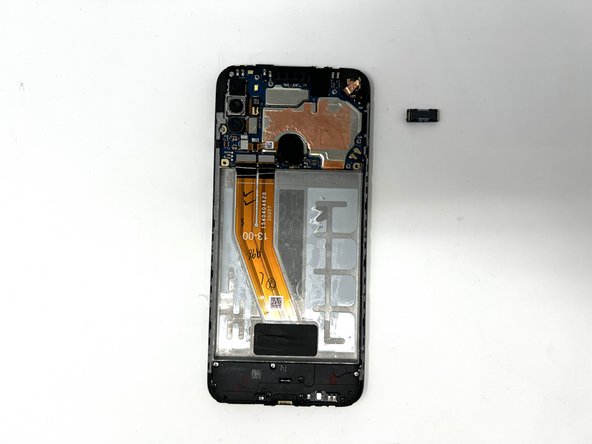
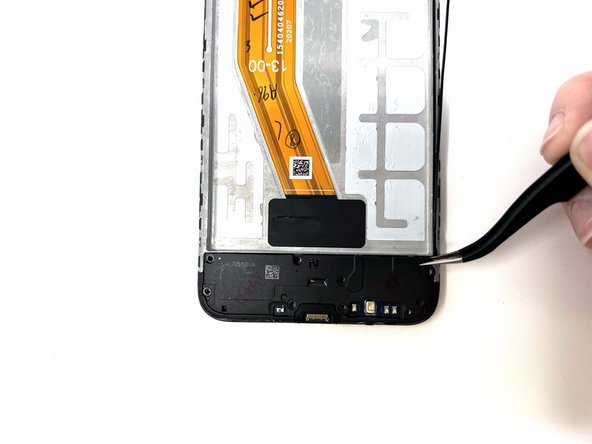
    • Using tweezers, carefully remove the earpiece speaker at the top of the phone.

    • When using metal tools, it is important to be gentle in order to not damage the device.

    • If needed, you can use a hair dryer to apply heat to the speaker and loosen the adhesive.

    • If needed, you may orient the tweezers to your liking, gripping the earpiece horizontally or vertically, while removing it.

  10. Samsung Galaxy A11 Display Assembly Replacement, Fingerprint Sensor: шаг 10, изображение 1 из 3 Samsung Galaxy A11 Display Assembly Replacement, Fingerprint Sensor: шаг 10, изображение 2 из 3 Samsung Galaxy A11 Display Assembly Replacement, Fingerprint Sensor: шаг 10, изображение 3 из 3
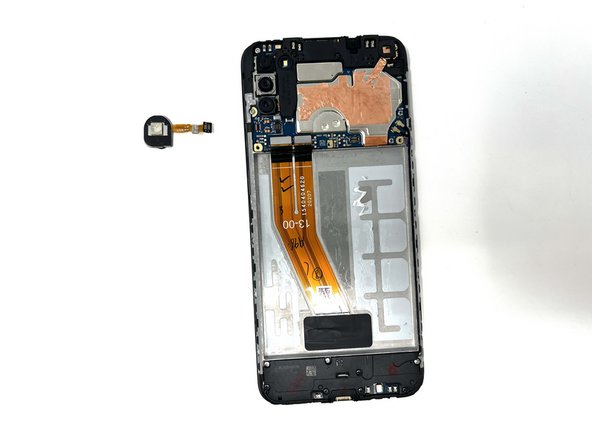
    • Using a spudger, detach the ribbon cable connected to the fingerprint sensor.

    • Remove the fingerprint sensor from the device.

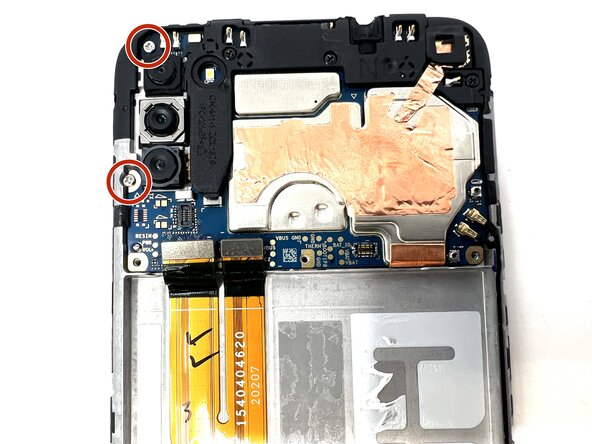
  11. Samsung Galaxy A11 Display Assembly Replacement, Motherboard: шаг 11, изображение 1 из 1
    • Remove the two 3 mm silver screws from the top left of the device using a Phillips #000 screwdriver.

  12. Samsung Galaxy A11 Display Assembly Replacement: шаг 12, изображение 1 из 3 Samsung Galaxy A11 Display Assembly Replacement: шаг 12, изображение 2 из 3 Samsung Galaxy A11 Display Assembly Replacement: шаг 12, изображение 3 из 3
    • Using a spudger, disconnect the two ribbon cables attached to the battery slot from the motherboard.

    • Disconnect the two longer ribbon cables near the bottom right corner of the motherboard.

    • Lift these cables up slightly to reveal a gap.

  13. Samsung Galaxy A11 Display Assembly Replacement: шаг 13, изображение 1 из 3 Samsung Galaxy A11 Display Assembly Replacement: шаг 13, изображение 2 из 3 Samsung Galaxy A11 Display Assembly Replacement: шаг 13, изображение 3 из 3
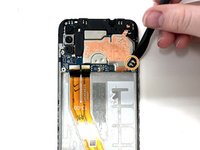
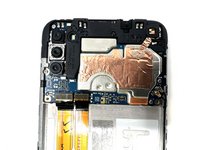
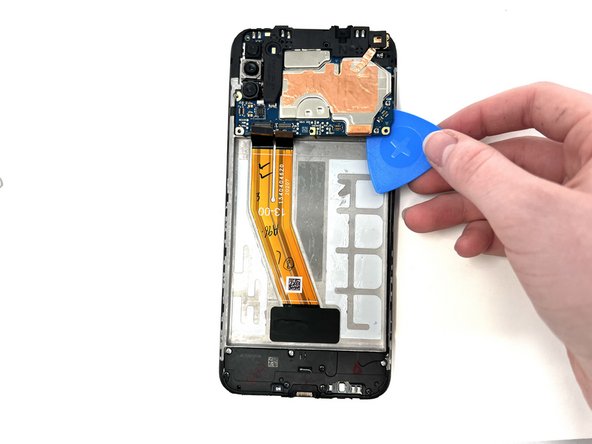
    • Using a spudger, gently pry the motherboard up using the corner revealed in the previous step.

    • If needed, use a metal spudger as a sturdier alternative.

    • If using a metal spudger, it is important to be gentle in order to not damage any components of the device.

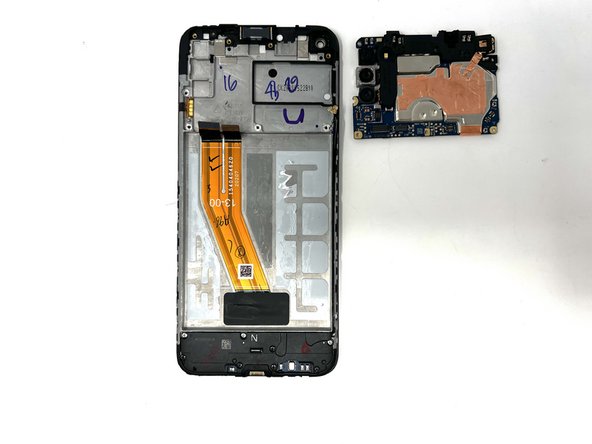
    • Remove the motherboard from the device.

  14. Samsung Galaxy A11 Display Assembly Replacement, Daughterboard: шаг 14, изображение 1 из 3 Samsung Galaxy A11 Display Assembly Replacement, Daughterboard: шаг 14, изображение 2 из 3 Samsung Galaxy A11 Display Assembly Replacement, Daughterboard: шаг 14, изображение 3 из 3
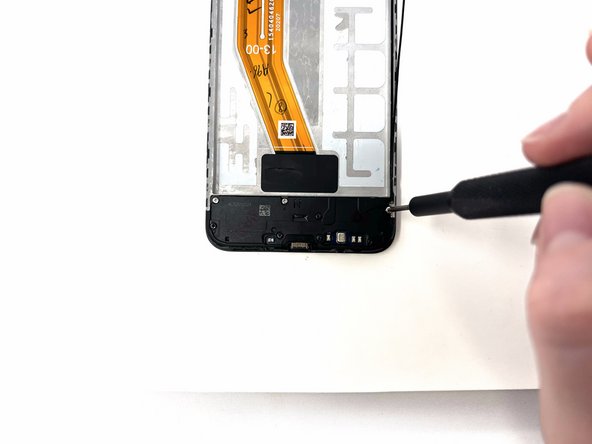
    • Remove the eight silver and black 3 mm screws from the speaker cover using a Phillips #000 screwdriver.

    • Remove the speaker cover from the device.

  15. Samsung Galaxy A11 Display Assembly Replacement: шаг 15, изображение 1 из 3 Samsung Galaxy A11 Display Assembly Replacement: шаг 15, изображение 2 из 3 Samsung Galaxy A11 Display Assembly Replacement: шаг 15, изображение 3 из 3
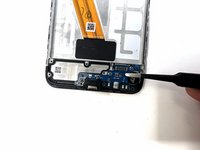
    • Using a spudger, disconnect the antenna heads from the daughterboard.

    • Disconnect the ribbon cable from the daughterboard.

  16. Samsung Galaxy A11 Display Assembly Replacement: шаг 16, изображение 1 из 3 Samsung Galaxy A11 Display Assembly Replacement: шаг 16, изображение 2 из 3 Samsung Galaxy A11 Display Assembly Replacement: шаг 16, изображение 3 из 3
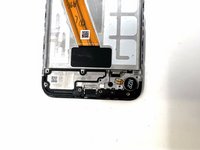
    • Using tweezers, gently pry the daughterboard from the device.

    • When using metal tools, it is important to be gentle in order to not damage the device.

  17. Samsung Galaxy A11 Display Assembly Replacement, Vibration Motor: шаг 17, изображение 1 из 2 Samsung Galaxy A11 Display Assembly Replacement, Vibration Motor: шаг 17, изображение 2 из 2
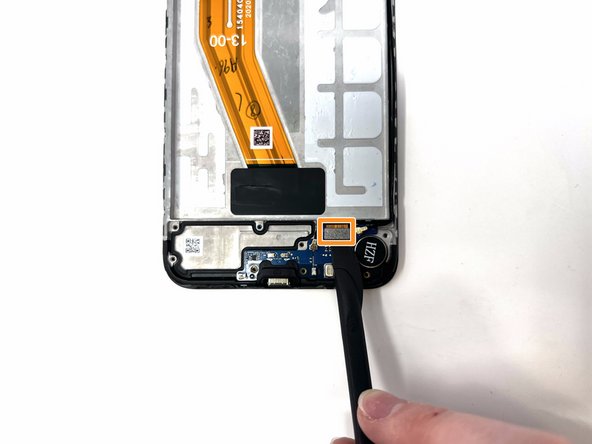
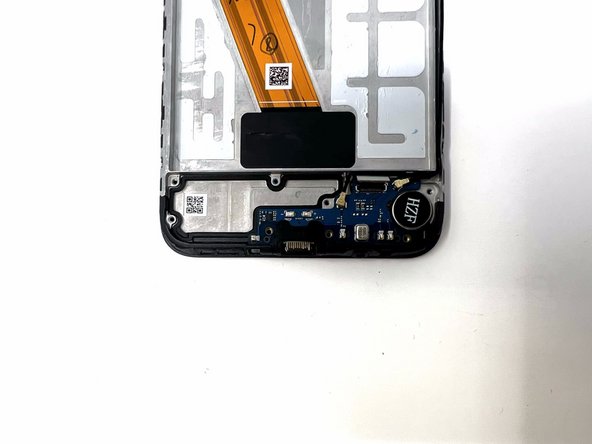
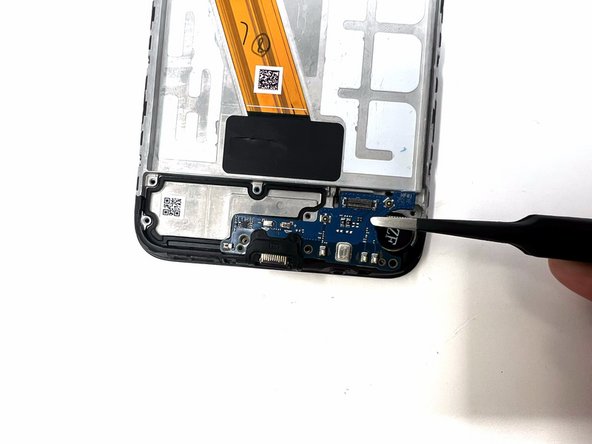
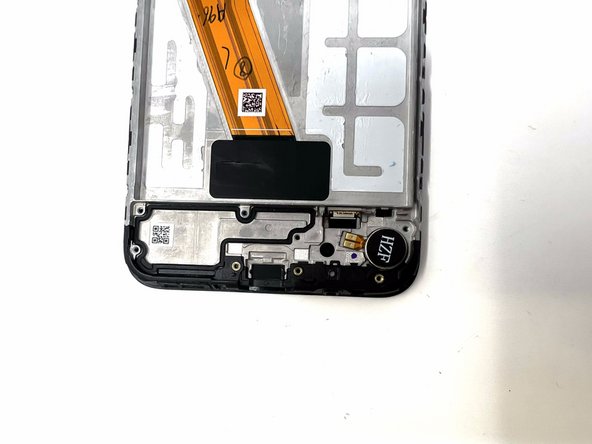
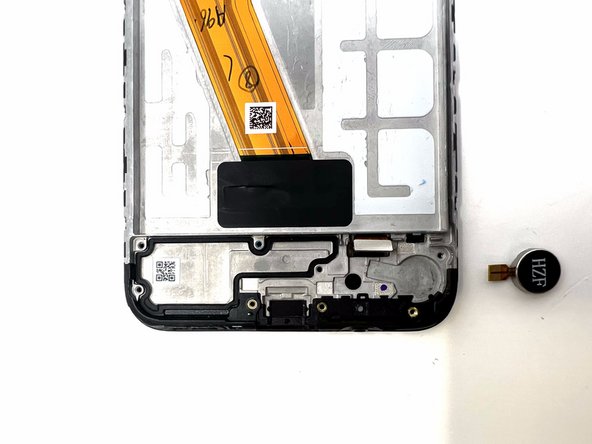
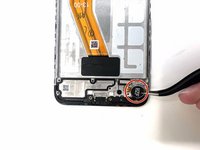
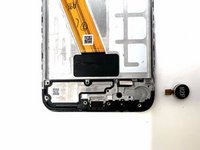
    • Using tweezers, remove the vibrator motor from the device.

    • If needed, you can apply heat to loosen the adhesive from the motor.

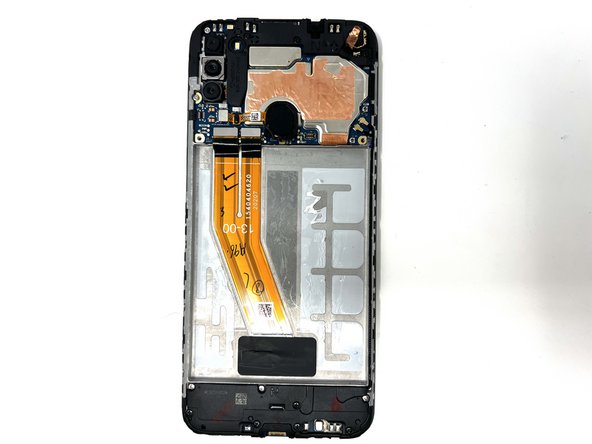
  18. Samsung Galaxy A11 Display Assembly Replacement, Display Assembly: шаг 18, изображение 1 из 1
    • The display assembly is separated from all other components and can be replaced.

Заключение

To reassemble your device, follow these instructions in reverse order.

3 человек успешно провели ремонт по этому руководству.

Chloe Bulloch

Участник с: 09/04/24

624 Репутация

Автор 3 руководств

Команда

Utah Tech University, Team 1-6, Crenshaw Fall 2024 Участник Utah Tech University, Team 1-6, Crenshaw Fall 2024

UTAHTECH-CRENSHAW-F24S1G6

2 членов

Автор 9 руководств

0 Комментарии к руководству

Добавить комментарий

Статистика просмотров:

За последние 24 часов: 7

За последние 7 дней: 29

За последние 30 дней: 183

За всё время: 1,919