Перейти к основному содержанию
Присоединяйся к сообществу ремонтников - Создай аккаунт

Samsung Galaxy View Sound and Power Buttons Replacement

Выберете то, что вам нужно

    1. Samsung Galaxy View Sound and Power Buttons Replacement, Kickstand: шаг 1, изображение 1 из 1
      • Place the device on a hard flat surface with its screen facing downwards.

      • Rotate the the kickstand so that the handle grip hole is up in the air and not touching the back of the tablet.

      Спросите у FixBot

      Добавить комментарий

    2. Samsung Galaxy View Sound and Power Buttons Replacement: шаг 2, изображение 1 из 3 Samsung Galaxy View Sound and Power Buttons Replacement: шаг 2, изображение 2 из 3 Samsung Galaxy View Sound and Power Buttons Replacement: шаг 2, изображение 3 из 3
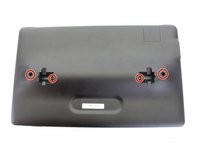
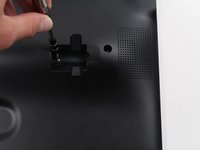
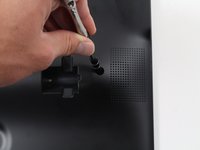
      • Stick the pointy end of the spudger into the circular opening of the leftmost metallic latch.

      • With the spudger still inserted, pry the spudger to the right pushing the latch opening along with it.

      • Once the latch is moved to the right, pull up on the left side of the kickstand, releasing it from the back of the tablet.

      • Repeat the previous steps for the rightmost latch, and then lift the kickstand off the back of the tablet.

      Спросите у FixBot

      Добавить комментарий

    1. Samsung Galaxy View Sound and Power Buttons Replacement, Battery: шаг 3, изображение 1 из 2 Samsung Galaxy View Sound and Power Buttons Replacement, Battery: шаг 3, изображение 2 из 2
      • Check the device is completely turned off.

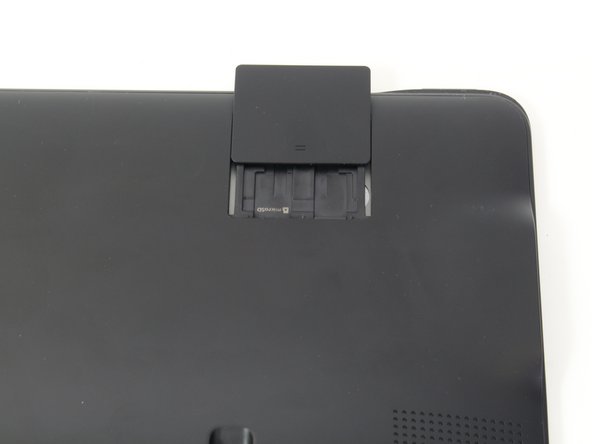
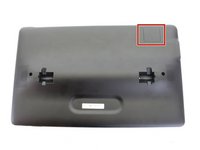
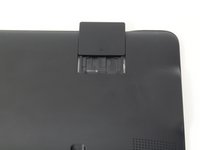
      • Slide open the SD compartment tab, and remove the SD card to ensure all data is saved.

      Спросите у FixBot

      Добавить комментарий

    2. Samsung Galaxy View Sound and Power Buttons Replacement: шаг 4, изображение 1 из 3 Samsung Galaxy View Sound and Power Buttons Replacement: шаг 4, изображение 2 из 3 Samsung Galaxy View Sound and Power Buttons Replacement: шаг 4, изображение 3 из 3
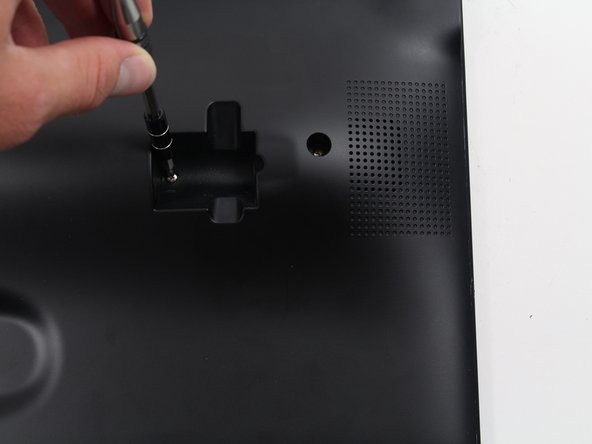
      • Remove the 4 screws (4 mm in length) using the Phillips #0 screwdriver.

      Спросите у FixBot

      Добавить комментарий

    3. Samsung Galaxy View Sound and Power Buttons Replacement: шаг 5, изображение 1 из 3 Samsung Galaxy View Sound and Power Buttons Replacement: шаг 5, изображение 2 из 3 Samsung Galaxy View Sound and Power Buttons Replacement: шаг 5, изображение 3 из 3
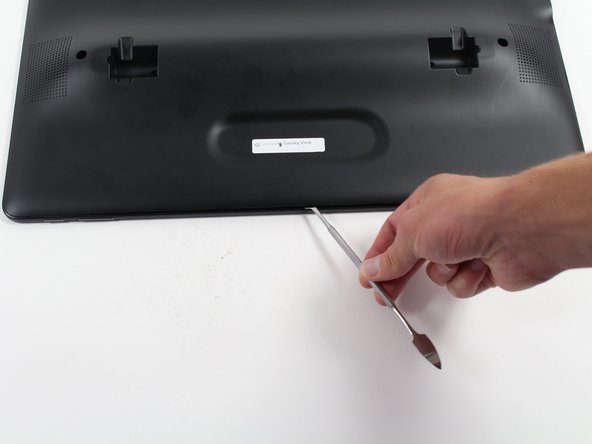
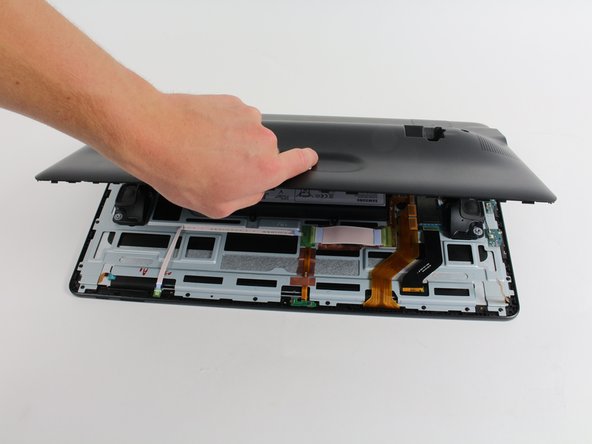
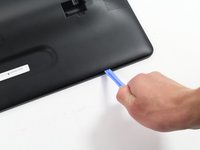
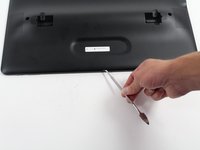
      • Insert the plastic opening tool between the seam of the back panel and the front casing to create an initial opening.

      • Insert the metal spudger within the opening.

      • Move the metal spudger down the seam, prying the back panel open as you go.

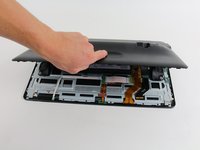
      • Once a large enough opening is made, pry the entire back panel off with your hand.

      • You will hear loud popping from the magnetized latches. This is not causing damage to the device and will require some force to open.

      Спросите у FixBot

      Добавить комментарий

    4. Samsung Galaxy View Sound and Power Buttons Replacement: шаг 6, изображение 1 из 2 Samsung Galaxy View Sound and Power Buttons Replacement: шаг 6, изображение 2 из 2
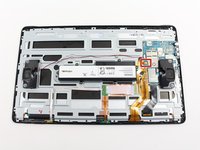
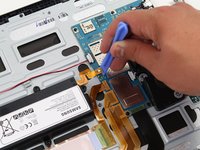
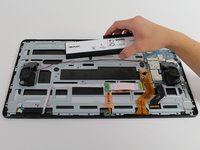
      • Using the plastic opening tool, lift off the orange press-fit connector (marked with a white arrow-head) where it attaches to the motherboard.

      Спросите у FixBot

      Добавить комментарий

    5. Samsung Galaxy View Sound and Power Buttons Replacement: шаг 7, изображение 1 из 3 Samsung Galaxy View Sound and Power Buttons Replacement: шаг 7, изображение 2 из 3 Samsung Galaxy View Sound and Power Buttons Replacement: шаг 7, изображение 3 из 3
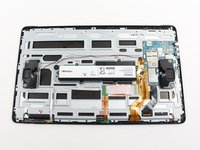
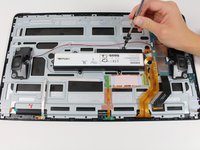
      • Remove the 6 screws (4 mm in length) using the Phillips #0 screwdriver.

      • Remove the battery from the device.

      Спросите у FixBot

      Добавить комментарий

    1. Samsung Galaxy View Sound and Power Buttons Replacement, Sound and Power Buttons: шаг 8, изображение 1 из 1
      • Use your fingers to pull the blue no-fuss ribbon cable connector to the right of the metal bar, up and away from its connection.

      Спросите у FixBot

      Добавить комментарий

    2. Samsung Galaxy View Sound and Power Buttons Replacement: шаг 9, изображение 1 из 2 Samsung Galaxy View Sound and Power Buttons Replacement: шаг 9, изображение 2 из 2
      Инструмент, используемый на этом этапе:
      Tweezers
      $4.99
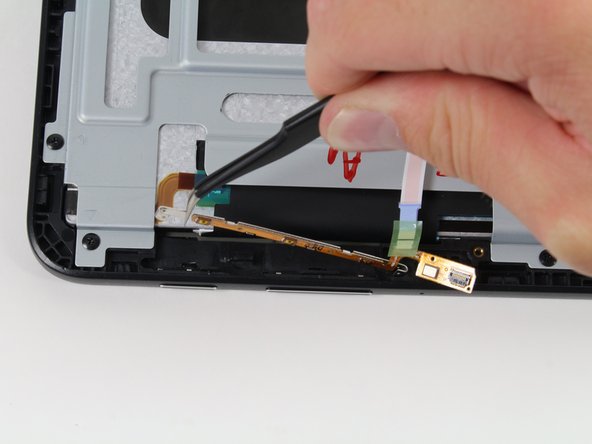
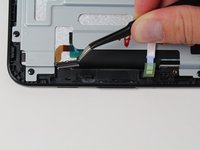
      • Use the tweezers to pick up the metal bar starting with one side and moving to the other.

      • Lift it straight up from the device.

      Спросите у FixBot

      Добавить комментарий

    3. Samsung Galaxy View Sound and Power Buttons Replacement: шаг 10, изображение 1 из 3 Samsung Galaxy View Sound and Power Buttons Replacement: шаг 10, изображение 2 из 3 Samsung Galaxy View Sound and Power Buttons Replacement: шаг 10, изображение 3 из 3
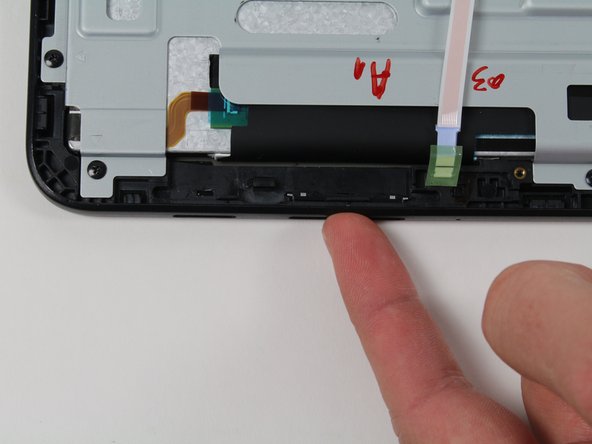
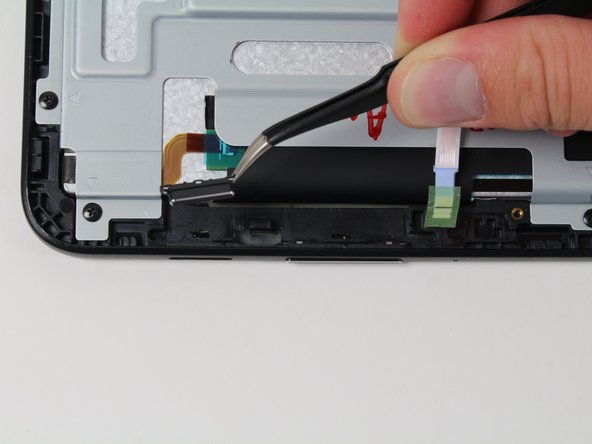
      • Use your fingers to gently push each button through the hole in the device.

      • Use the tweezers to pick up the loose buttons and remove them from the device.

      Спросите у FixBot

      Добавить комментарий

Заключение

To reassemble your device, follow these instructions in reverse order.

Отменить: Я не выполнил это руководство.

3 человек успешно провели ремонт по этому руководству.

Amberley Powell

Участник с: 10/06/16

790 Репутация

Автор 2 руководств

Команда

Cal Poly, Team 4-5, Livingston Fall 2016 Участник Cal Poly, Team 4-5, Livingston Fall 2016

CPSU-LIVINGSTON-F16S4G5

4 членов

Автор 12 руководств

0 Комментарии к руководству

Добавить комментарий

Статистика просмотров:

За последние 24 часов: 0

За последние 7 дней: 10

За последние 30 дней: 30

За всё время: 2,310