Введение
Navigating your mobile device while it is connected is accomplished through the use of a trackpad on the side of the headset. If the user becomes unable to control their device the trackpad may have come disconnected or may need replacement. This guide will outline how to access the headset's trackpad for repair or replacement.
The motherboard partially sits on the inner mask piece of the headset and must be removed in order to remove the inner mask piece.
Caution is required while working on the headset as a wire harness connects the USB adapter to the motherboard. Care should be taken not to put any strain on the wire and to open the headset from right to left.
Выберете то, что вам нужно
-
-
-
Remove the front cover to access a plate that holds the phone in place during use.
-
Remove the four corner screw covers with a metal spudger to reveal four screws.
-
Remove the sticker located at the top center to reveal two additional screws.
 Спросите у FixBot
-
-
-
Using the PH000 tip remove the six 0.5 cm screws that secure the front phone mount.
-
After the six 0.5 cm screws are completely removed lift the front phone mount up and to the left.
-
-
-
-
-
-
Use the blue plastic opening tool to remove the rest of the the pop connectors from the motherboard.
-
-
-
-
-
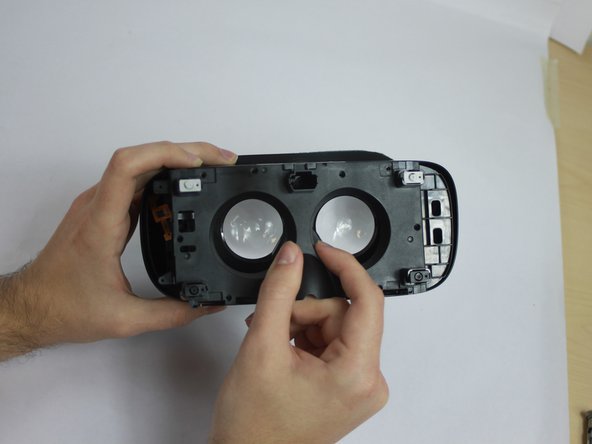
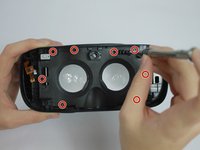
Using the PH000 tip remove the eight 0.5 cm screws from the Inner Mask
-
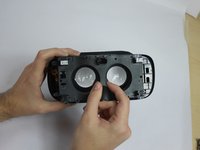
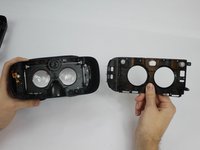
Carefully remove the Inner Mask by pulling it from the inner side of the lenses socket.
-
-
-




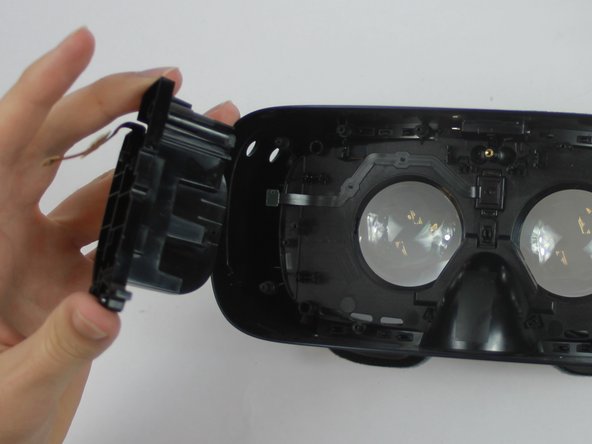
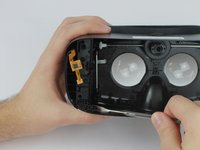
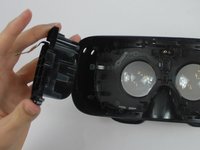
To reassemble your device, follow these instructions in reverse order.

Команда

USF Tampa, Team S4-G6, Eyestone Fall 2017 Участник USF Tampa, Team S4-G6, Eyestone Fall 2017
USFT-EYESTONE-F17S4G6
4 членов
Автор 35 руководств
