Перейти к основному содержанию
Присоединяйся к сообществу ремонтников - Создай аккаунт

Samsung Gear VR With Controller Lens Replacement

Выберете то, что вам нужно

  1. Samsung Gear VR With Controller Lens Replacement, Inner Mask: шаг 1, изображение 1 из 3 Samsung Gear VR With Controller Lens Replacement, Inner Mask: шаг 1, изображение 2 из 3 Samsung Gear VR With Controller Lens Replacement, Inner Mask: шаг 1, изображение 3 из 3
    • Push the switch on the right-hand side of the device to separate the cover from the main body.

    • Pull the cover away from the main device.

    Спросите у FixBot

    Добавить комментарий

  2. Samsung Gear VR With Controller Lens Replacement: шаг 2, изображение 1 из 3 Samsung Gear VR With Controller Lens Replacement: шаг 2, изображение 2 из 3 Samsung Gear VR With Controller Lens Replacement: шаг 2, изображение 3 из 3
    • Remove the four corner screw covers with a metal spudger.

    • The screw covers fly off when removed, so make sure to keep track of them.

    Спросите у FixBot

    Добавить комментарий

  3. Samsung Gear VR With Controller Lens Replacement: шаг 3, изображение 1 из 3 Samsung Gear VR With Controller Lens Replacement: шаг 3, изображение 2 из 3 Samsung Gear VR With Controller Lens Replacement: шаг 3, изображение 3 из 3
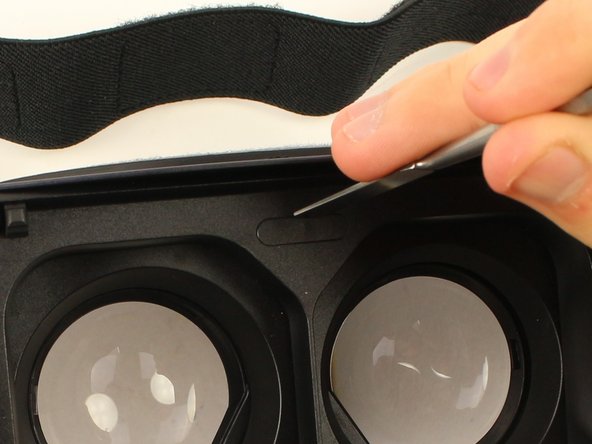
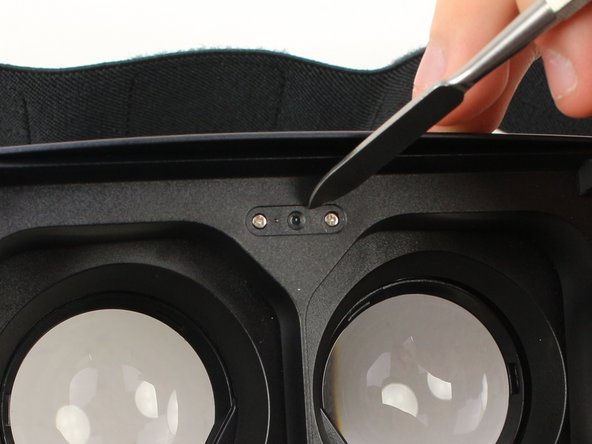
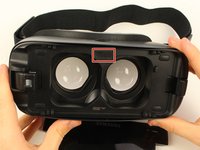
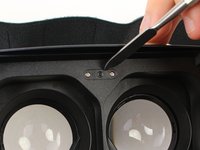
    • Use a metal spudger to remove the screw cover centered at the top.

    Спросите у FixBot

    Добавить комментарий

  4. Samsung Gear VR With Controller Lens Replacement: шаг 4, изображение 1 из 3 Samsung Gear VR With Controller Lens Replacement: шаг 4, изображение 2 из 3 Samsung Gear VR With Controller Lens Replacement: шаг 4, изображение 3 из 3
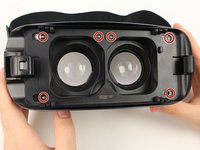
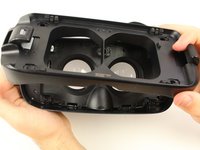
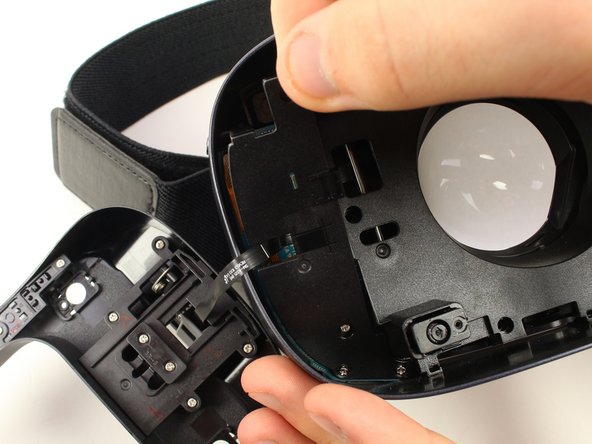
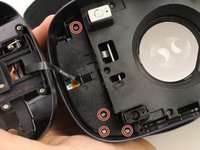
    • Remove the six 5mm Phillips #000 screws to detach the front phone mount.

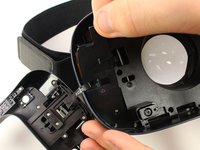
    • Lift the front phone mount up and to the left.

    • Remove the front phone mount carefully because there is a wire harness on the left side of the headset.

    Спросите у FixBot

    Добавить комментарий

  5. Samsung Gear VR With Controller Lens Replacement: шаг 5, изображение 1 из 2 Samsung Gear VR With Controller Lens Replacement: шаг 5, изображение 2 из 2
    • Remove the four 5mm Phillips #000 screws that secure the plate on the left side of the headset.

    • Pull the plate away from the motherboard gently.

    Спросите у FixBot

    Добавить комментарий

  6. Samsung Gear VR With Controller Lens Replacement: шаг 6, изображение 1 из 2 Samsung Gear VR With Controller Lens Replacement: шаг 6, изображение 2 из 2
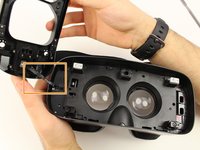
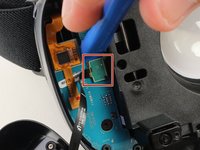
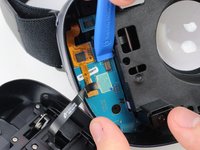
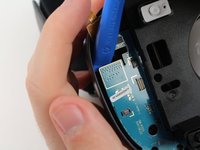
    • Use the iFixit opening tool to remove the pop connector holding the wire harness to the motherboard.

    • You can now completely remove the front phone mount from the headset.

    Спросите у FixBot

    Добавить комментарий

  7. Samsung Gear VR With Controller Lens Replacement: шаг 7, изображение 1 из 3 Samsung Gear VR With Controller Lens Replacement: шаг 7, изображение 2 из 3 Samsung Gear VR With Controller Lens Replacement: шаг 7, изображение 3 из 3
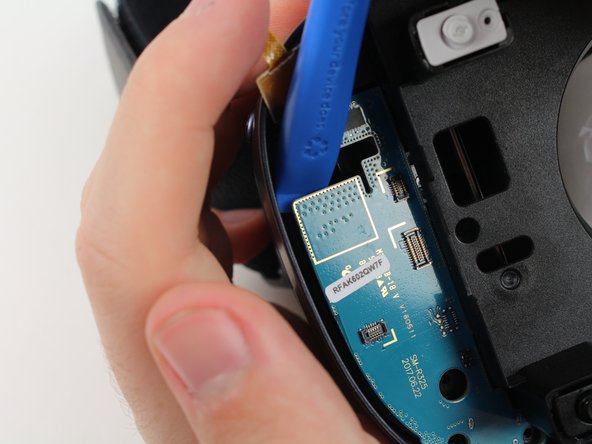
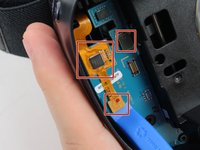
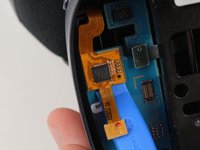
    • Remove the rest of the pop connectors on the motherboard using the iFixit opening tool.

    • Pry at the top of the motherboard with the iFixit opening tool to remove the motherboard.

    • The largest pop connector may require more effort to remove.

    • Make sure that nothing is connected to the motherboard before you pull it out.

    Спросите у FixBot

    Добавить комментарий

  8. Samsung Gear VR With Controller Lens Replacement: шаг 8, изображение 1 из 3 Samsung Gear VR With Controller Lens Replacement: шаг 8, изображение 2 из 3 Samsung Gear VR With Controller Lens Replacement: шаг 8, изображение 3 из 3
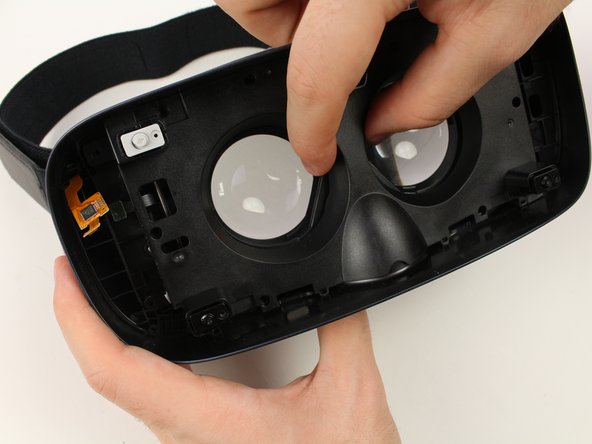
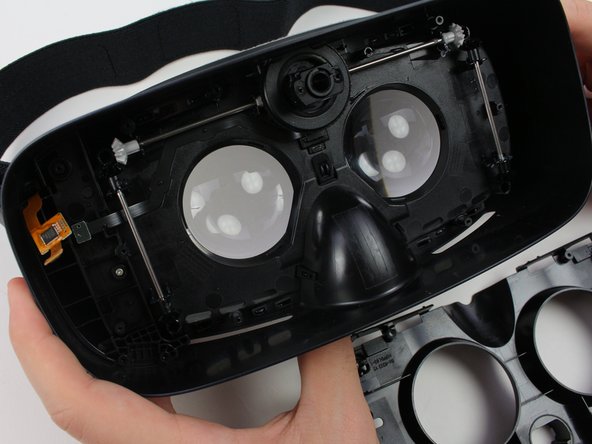
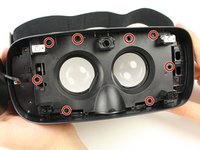
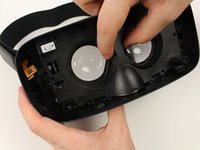
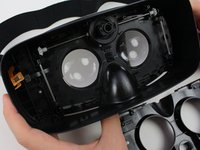
    • Remove the eight 5mm Phillips #000 screws on the inner mask.

    • Gently separate the inner mask from the headset by pulling the mask from the inner sides of the lens sockets.

    Спросите у FixBot

    Добавить комментарий

  9. Samsung Gear VR With Controller Lens Replacement, Lens: шаг 9, изображение 1 из 2 Samsung Gear VR With Controller Lens Replacement, Lens: шаг 9, изображение 2 из 2
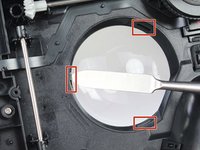
    • Use the metal spudger to press on the three tabs around each of the sockets.

    • Press the tabs gently to prevent damaging them.

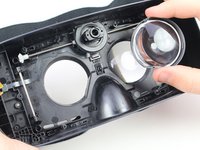
    • Pull out the lenses with your fingers to remove them from the mask.

    Спросите у FixBot

    Добавить комментарий

Заключение

To reassemble your device, follow these instructions in reverse order.

Отменить: Я не выполнил это руководство.

Еще один человек закончил это руководство.

Jake Criscione

Участник с: 01/24/19

587 Репутация

Автор 3 руководств

Команда

Cal Poly, Team S18-G3, White Winter 2019 Участник Cal Poly, Team S18-G3, White Winter 2019

CPSU-WHITE-W19S18G3

4 членов

Автор 7 руководств

0 Комментарии к руководству

Добавить комментарий

Статистика просмотров:

За последние 24 часов: 1

За последние 7 дней: 3

За последние 30 дней: 37

За всё время: 1,256