Перейти к основному содержанию
Присоединяйся к сообществу ремонтников - Создай аккаунт

Samsung Gravity TXT Volume Rocker Replacement

Выберете то, что вам нужно

    1. Samsung Gravity TXT Volume Rocker Replacement, Battery: шаг 1, изображение 1 из 2 Samsung Gravity TXT Volume Rocker Replacement, Battery: шаг 1, изображение 2 из 2
      • Pry the back cover off with a plastic opening tool, or your fingernail, in the indentation on the bottom of the device.

      Спросите у FixBot

      Добавить комментарий

    2. Samsung Gravity TXT Volume Rocker Replacement: шаг 2, изображение 1 из 1
      • Lift the back cover away from the main body of the phone.

      Спросите у FixBot

      Добавить комментарий

    3. Samsung Gravity TXT Volume Rocker Replacement: шаг 3, изображение 1 из 1
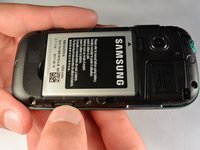
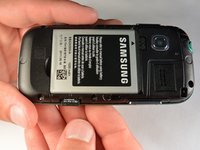
      • Insert your finger in the groove below the battery.

      • Press the battery toward the audio jack while lifting upward and away from the phone.

      • Remember to place the battery back with the copper contacts on the battery lined up with those on the phone.

      Спросите у FixBot

      Добавить комментарий

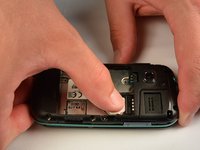
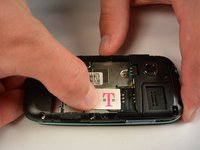
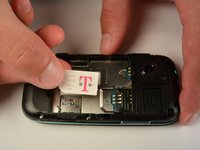
    1. Samsung Gravity TXT Volume Rocker Replacement, SIM Card: шаг 4, изображение 1 из 3 Samsung Gravity TXT Volume Rocker Replacement, SIM Card: шаг 4, изображение 2 из 3 Samsung Gravity TXT Volume Rocker Replacement, SIM Card: шаг 4, изображение 3 из 3
      • Using your finger, push the SIM Card down and slide out of the slot.

      • Slide the SIM card out enough to grab it firmly.

      • Remove the SIM card away from the phone.

      • Follow the visual on the bottom of the SIM card slot to put the SIM card back in the correct orientation.

      • When sliding the SIM Card back in the slot, make sure the card goes all the way in the slot until it hits the stopper.

      Спросите у FixBot

      Добавить комментарий

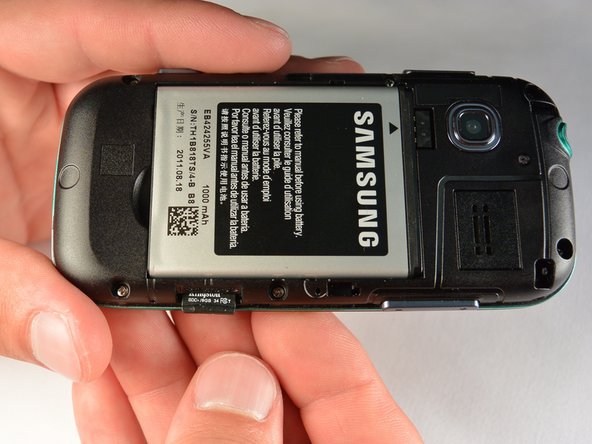
    1. Samsung Gravity TXT Volume Rocker Replacement, microSD Card: шаг 5, изображение 1 из 3 Samsung Gravity TXT Volume Rocker Replacement, microSD Card: шаг 5, изображение 2 из 3 Samsung Gravity TXT Volume Rocker Replacement, microSD Card: шаг 5, изображение 3 из 3
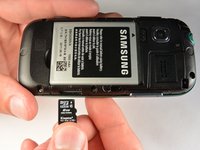
      • Using your fingernail, push the microSD card slightly deeper into the slot, until you hear a click.

      • The removal of the battery is not required for this operation; therefore, step 3 can be skipped if just replacing the microSD card.

      • After the click, release the microSD card to allow it to pop out.

      • Remove the microSD card from its slot

      • When placing the microSD card back in the phone, make sure the card clicks in place.

      Спросите у FixBot

      Добавить комментарий

    1. Samsung Gravity TXT Volume Rocker Replacement, Plastic Back Frame: шаг 6, изображение 1 из 1
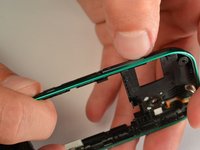
      • Remove the six 3 mm #00 Phillips screws in the plastic back frame.

      Спросите у FixBot

      Добавить комментарий

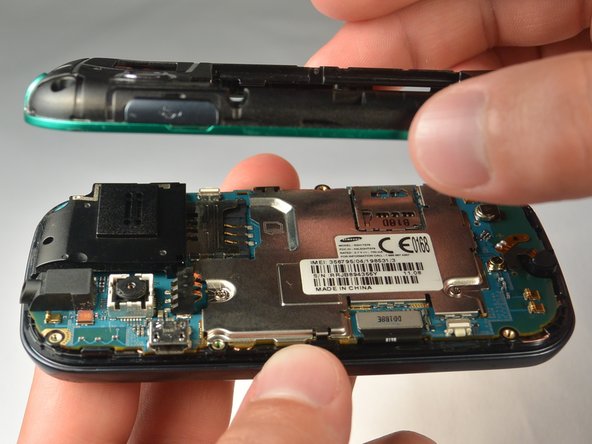
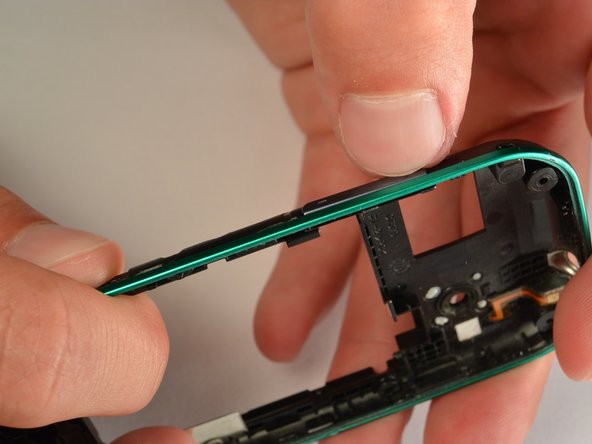
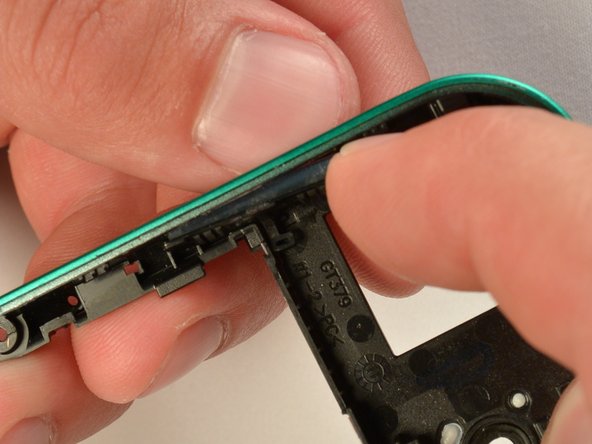
    2. Samsung Gravity TXT Volume Rocker Replacement: шаг 7, изображение 1 из 3 Samsung Gravity TXT Volume Rocker Replacement: шаг 7, изображение 2 из 3 Samsung Gravity TXT Volume Rocker Replacement: шаг 7, изображение 3 из 3
      • Slide the keyboard out.

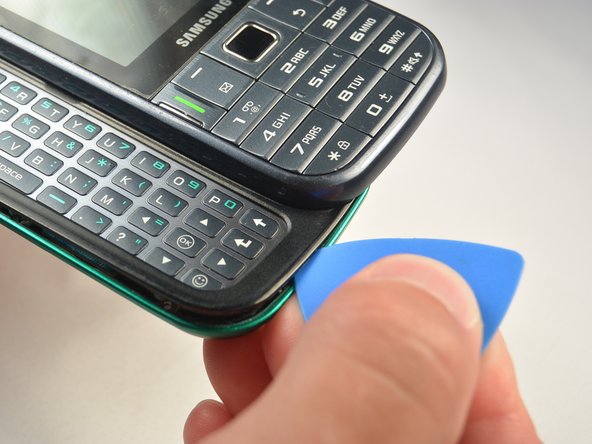
      • Use a Jimmy to separate a small segment of the plastic back frame from rest of the phone.

      • Starting at the bottom of the keyboard is recommended.

      • Slide an opening pick around the rest of the seam, starting at the gap just created with the Jimmy.

      • You will have to slide the keyboard back in to separate the back frame from the top have of the keyboard slider.

      • Lift the plastic back frame away.

      Спросите у FixBot

      Добавить комментарий

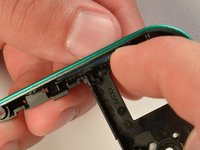
    1. Samsung Gravity TXT Volume Rocker Replacement, Volume Rocker: шаг 8, изображение 1 из 1
      Инструмент, используемый на этом этапе:
      Tweezers
      $4.99
      • Unhook the volume rocker tether with a pair of tweezers or the pointed end of a spudger.

      • The button and tether will be in the plastic back frame

      Спросите у FixBot

      Добавить комментарий

    2. Samsung Gravity TXT Volume Rocker Replacement: шаг 9, изображение 1 из 2 Samsung Gravity TXT Volume Rocker Replacement: шаг 9, изображение 2 из 2
      • Push the + end of the volume rocker toward the inside of the back frame until it rolls over the "+ end" retainer feature on the frame.

      • You may have to use the back end of a plastic opening tool or solid object to press the + side far enough to release it.

      • New line.Lift the button out of its slot in the frame.

      Спросите у FixBot

      Добавить комментарий

Заключение

To reassemble your device, follow these instructions in reverse order.

Отменить: Я не выполнил это руководство.

Josh Brown

Участник с: 07/07/15

222 Репутация

Автор 2 руководств

Команда

IUPUI, Team 1-1, Renguette SU 2015 Участник IUPUI, Team 1-1, Renguette SU 2015

IUPUI-RENGUETTE-SU15S1G1

5 членов

Автор 32 руководств

0 Комментарии к руководству

Добавить комментарий

Статистика просмотров:

За последние 24 часов: 2

За последние 7 дней: 9

За последние 30 дней: 26

За всё время: 494