Перейти к основному содержанию
Присоединяйся к сообществу ремонтников - Создай аккаунт

Samsung HMX-W200 LCD Screen Replacement

Выберете то, что вам нужно

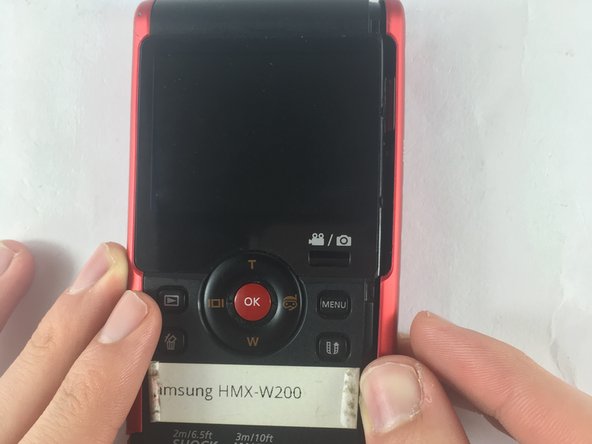
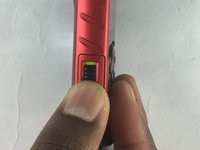
  1. Samsung HMX-W200 LCD Screen Replacement, Outer Case: шаг 1, изображение 1 из 1
    • Remove the 5.00mm screw on the right of the LCD display towards the bottom of the device by using a Phillips #00 screwdriver.

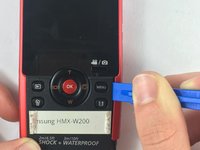
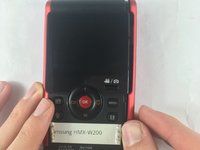
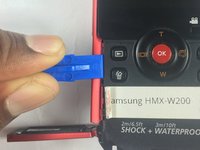
  2. Samsung HMX-W200 LCD Screen Replacement: шаг 2, изображение 1 из 3 Samsung HMX-W200 LCD Screen Replacement: шаг 2, изображение 2 из 3 Samsung HMX-W200 LCD Screen Replacement: шаг 2, изображение 3 из 3
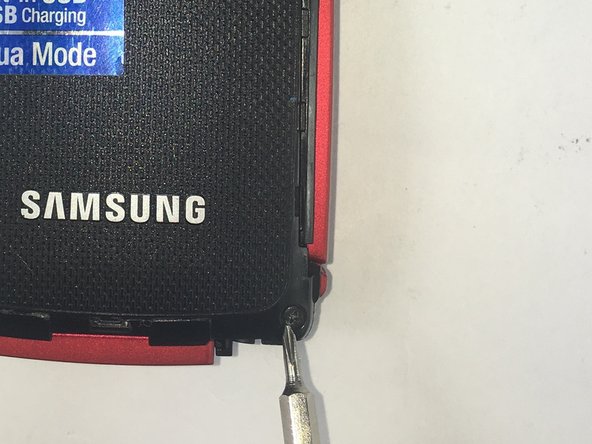
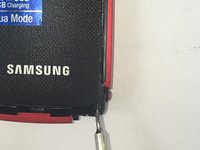
    • Use the plastic opening tool to separate and remove the bottom red casing. Do this by, pushing the tool into the seam and prying up the red casing as you move along the edges.

    • Make sure to separate all the corners before removing the red casing.

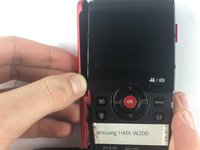
  3. Samsung HMX-W200 LCD Screen Replacement: шаг 3, изображение 1 из 2 Samsung HMX-W200 LCD Screen Replacement: шаг 3, изображение 2 из 2
    • Using the plastic opening tool, separate and pull away the red casing on the right of the LCD screen.

    • Make sure to separate all the corners before removing the red casing.

  4. Samsung HMX-W200 LCD Screen Replacement: шаг 4, изображение 1 из 2 Samsung HMX-W200 LCD Screen Replacement: шаг 4, изображение 2 из 2
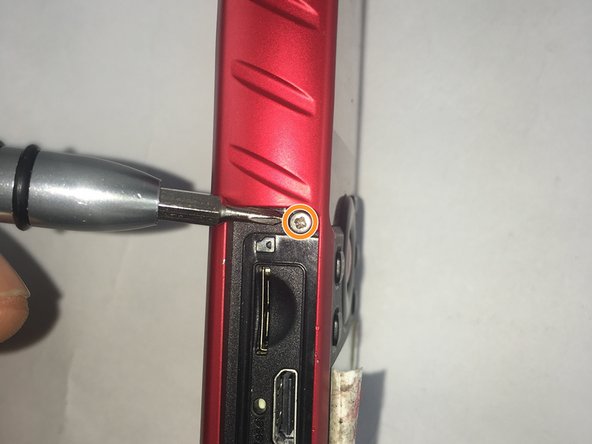
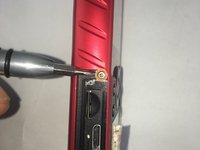
    • To access the HDMI slot, move slider towards the bottom of the casing on the other side of the camcorder. The lid casing will lift up upon doing so.

    • After accessing the HDMI slot you will find a 5.00mm screw. Using a Phillips #00 screwdriver, remove the screw.

  5. Samsung HMX-W200 LCD Screen Replacement: шаг 5, изображение 1 из 2 Samsung HMX-W200 LCD Screen Replacement: шаг 5, изображение 2 из 2
    • Using the plastic opening tool, separate and pull away the red casing to the left of the LCD screen.

    • Make sure to separate all the corners before removing the red casing.

  6. Samsung HMX-W200 LCD Screen Replacement: шаг 6, изображение 1 из 2 Samsung HMX-W200 LCD Screen Replacement: шаг 6, изображение 2 из 2
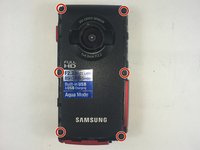
    • Remove the six 5.00mm screws by using a Phillips #00 screwdriver.

  7. Samsung HMX-W200 LCD Screen Replacement: шаг 7, изображение 1 из 3 Samsung HMX-W200 LCD Screen Replacement: шаг 7, изображение 2 из 3 Samsung HMX-W200 LCD Screen Replacement: шаг 7, изображение 3 из 3
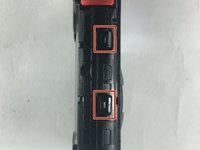
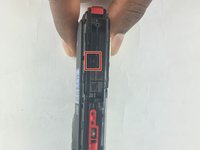
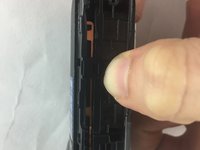
    • Lift the two plastic tabs on the left side of the LCD screen and the single one on the right side on the black casing to open the device.

  8. Samsung HMX-W200 LCD Screen Replacement: шаг 8, изображение 1 из 1
    • Separate the front and back casing.

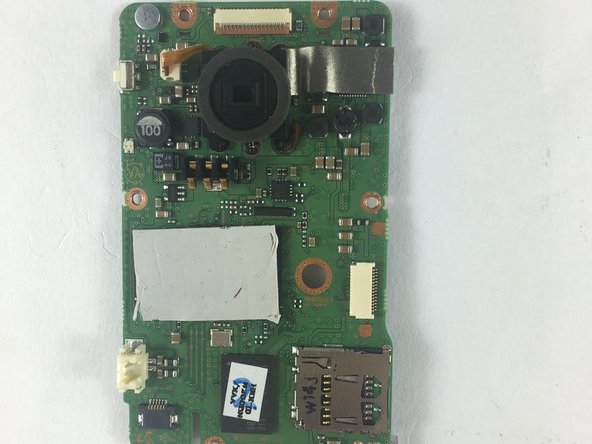
  9. Samsung HMX-W200 LCD Screen Replacement, Motherboard: шаг 9, изображение 1 из 1
    • Once inside the device, find the half that contains the motherboard of the device.

  10. Samsung HMX-W200 LCD Screen Replacement: шаг 10, изображение 1 из 1
    Инструмент, используемый на этом этапе:
    Tweezers
    $4.99
    • Use precision tweezers to gently pull out the USB connection from the motherboard.

  11. Samsung HMX-W200 LCD Screen Replacement: шаг 11, изображение 1 из 2 Samsung HMX-W200 LCD Screen Replacement: шаг 11, изображение 2 из 2
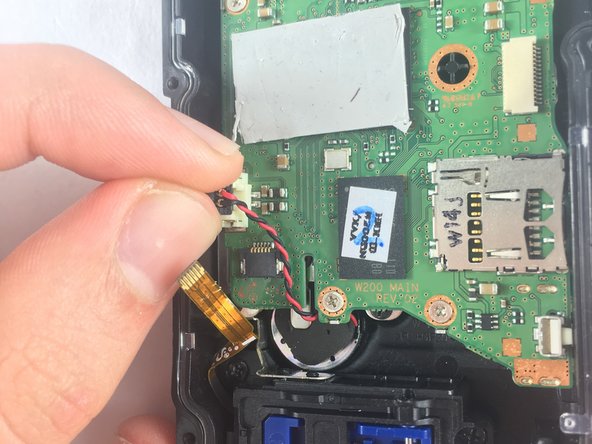
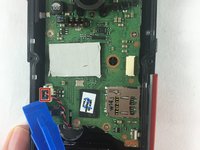
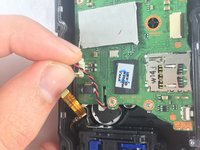
    • Remove the audio connector from the motherboard (red and black cables).

    • Using the plastic opening tool, lift the connectors from all sides before pulling it with your fingers.

    • Do not pull off the connectors by the cables. This could damage the connection from the speaker to the motherboard.

  12. Samsung HMX-W200 LCD Screen Replacement: шаг 12, изображение 1 из 2 Samsung HMX-W200 LCD Screen Replacement: шаг 12, изображение 2 из 2
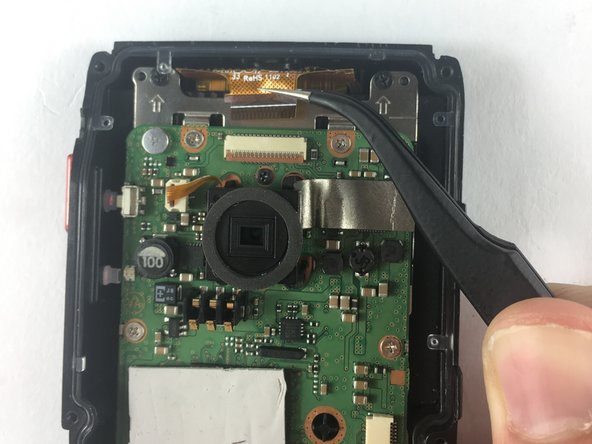
    • Use precision tweezers to remove the connector joining the LCD and the motherboard.

  13. Samsung HMX-W200 LCD Screen Replacement: шаг 13, изображение 1 из 2 Samsung HMX-W200 LCD Screen Replacement: шаг 13, изображение 2 из 2
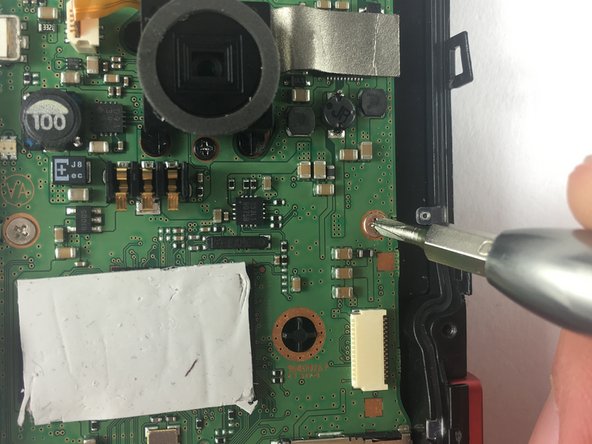
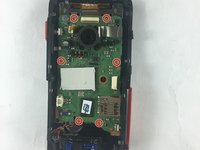
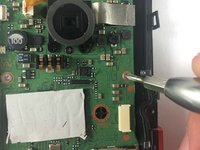
    • Remove the six 2.00mm screws with Phillips #00 screwdriver.

  14. Samsung HMX-W200 LCD Screen Replacement: шаг 14, изображение 1 из 3 Samsung HMX-W200 LCD Screen Replacement: шаг 14, изображение 2 из 3 Samsung HMX-W200 LCD Screen Replacement: шаг 14, изображение 3 из 3
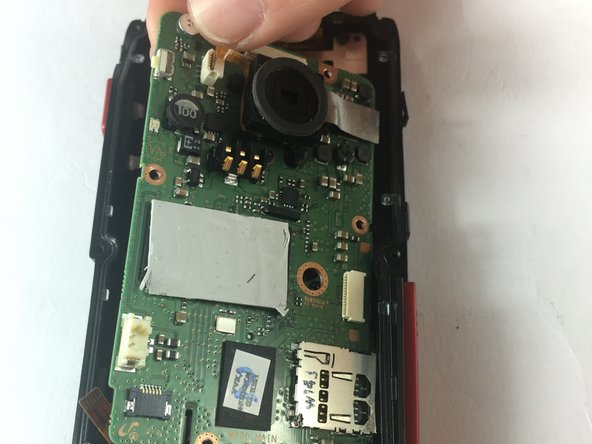
    • Lift motherboard from top left side and pull away gently.

  15. Samsung HMX-W200 LCD Screen Replacement, LCD Screen: шаг 15, изображение 1 из 2 Samsung HMX-W200 LCD Screen Replacement, LCD Screen: шаг 15, изображение 2 из 2
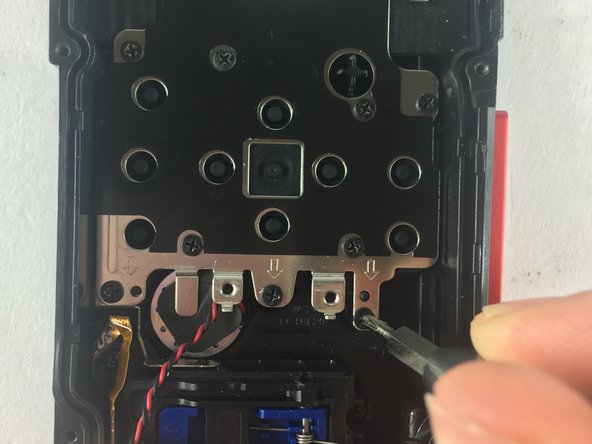
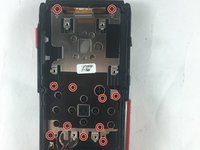
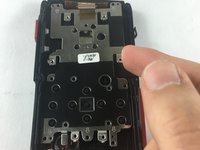
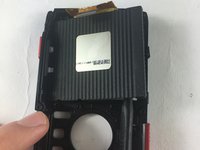
    • Remove the metal plate under the motherboard.

    • Use a Phillips head #00 screwdriver to remove the eleven 5.00mm screws.

  16. Samsung HMX-W200 LCD Screen Replacement: шаг 16, изображение 1 из 2 Samsung HMX-W200 LCD Screen Replacement: шаг 16, изображение 2 из 2
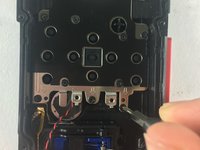
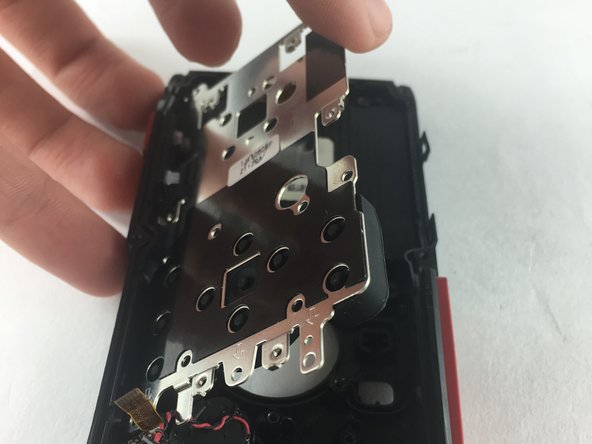
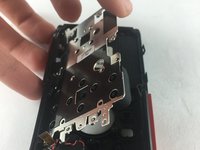
    • Lift the metal plate by pushing it up from the top right edge of the plate.

  17. Samsung HMX-W200 LCD Screen Replacement: шаг 17, изображение 1 из 2 Samsung HMX-W200 LCD Screen Replacement: шаг 17, изображение 2 из 2
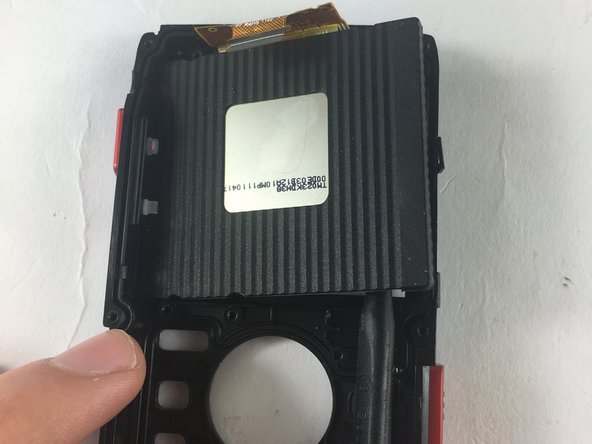
    • Insert spudger in between the LCD and casing, and push lightly.

    • LCD should pop up.

Заключение

To reassemble your device, follow these instructions in reverse order.

Haya Barakat

Участник с: 10/04/16

521 Репутация

Автор 5 руководств

Команда

USF Tampa, Team 3-6, Sullivan Fall 2016 Участник USF Tampa, Team 3-6, Sullivan Fall 2016

USFT-SULLIVAN-F16S3G6

4 членов

Автор 13 руководств

0 Комментарии к руководству

Добавить комментарий

Статистика просмотров:

За последние 24 часов: 0

За последние 7 дней: 2

За последние 30 дней: 17

За всё время: 525