Введение
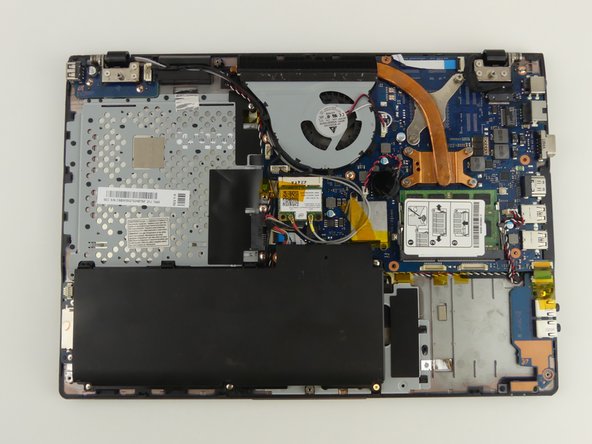
If your computer is not turning on or is losing power quickly, this guide provides steps to replace the battery. The optical drive, hard drive, and back cover must be removed first.
Выберете то, что вам нужно
-
-
-
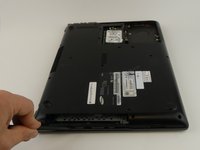
Flip the laptop over.
-
Remove the 6 mm screw with the Phillips #000 screwdriver.
 Спросите у FixBot
-
-
-
-
-
Flip the laptop.
-
Use the Phillips #000 screwdriver to unscrew the 6 mm screw from the square panel.
-
-
-
Gently wedge the spudger under the square panel.
-
Run the spudger under the edges of the square panel to loosen it.
-
Remove the panel.
-
-
-
Pull up on the rubber flap or use the spudger to lift the hard drive.
-
-
-
-
Remove the hard drive by gently pulling the power connector at the base of the wire off. You can do this by pulling the connector away from the hard drive.
-
-
-
-
-
Use the Phillips #000 screwdriver to remove the 6 mm screw.
-
-
Инструмент, используемый на этом этапе:Tweezers$4.99
-
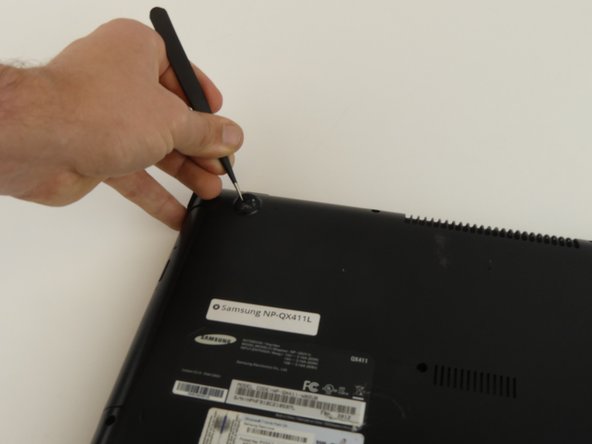
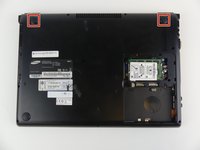
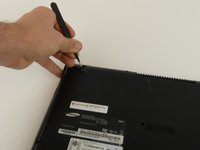
Remove the top two rubber stoppers by grasping them with the precision tweezers and pulling up.
-
-
-
Remove nine 6mm cover screws using the Phillips #000 screwdriver.
-
-
-
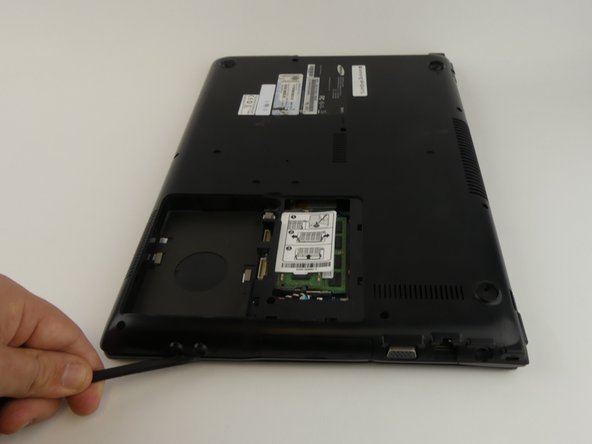
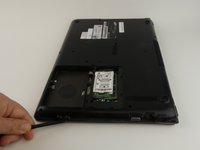
Wedge the spudger under the cover and run it along the edges.
-
Pry the cover up with the spudger to remove it.
-
-
-
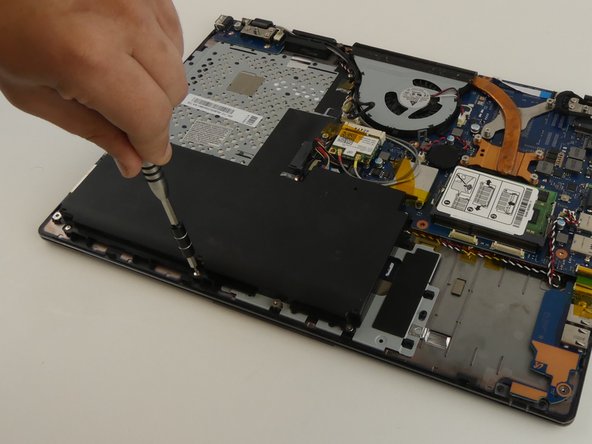
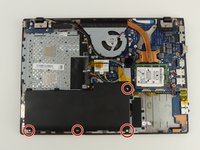
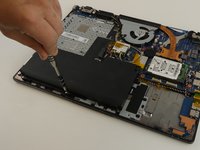
Remove the four 3 mm screws using the Phillips #000 screwdriver.
-
-
-
Lift and slide the battery out from under the three plastic prongs.
-
-
-
Grab the wires and gently pull them away from the motherboard.
-
-








To reassemble your device, follow these instructions in reverse order.
Отменить: Я не выполнил это руководство.
3 человек успешно провели ремонт по этому руководству.

Команда

USF Tampa, Team S19-G3, Hoffman Spring 2017 Участник USF Tampa, Team S19-G3, Hoffman Spring 2017
USFT-HOFFMAN-S17S19G3
4 членов
Автор 50 руководств
1 Комментарий к руководству
Pardon the interruption, but do you potentially have a tutorial on how to replace the keyboard on this laptop? I am having problems finding an acceptable-enough tutorial on how to do it, yet I need such a tutorial as the process seems quite daunting.
Thanks,
Random Person on the Internet
