Перейти к основному содержанию
Присоединяйся к сообществу ремонтников - Создай аккаунт

Samsung NP700Z5AH Display Replacement

Выберете то, что вам нужно

  1. Samsung NP700Z5AH Display Replacement, Battery: шаг 1, изображение 1 из 1
    • Remove the ten 6.6mm Philips#00 screws securing the lower case to the upper case.

    Спросите у FixBot
  2. Samsung NP700Z5AH Display Replacement: шаг 2, изображение 1 из 3 Samsung NP700Z5AH Display Replacement: шаг 2, изображение 2 из 3 Samsung NP700Z5AH Display Replacement: шаг 2, изображение 3 из 3
    • Using your fingers, pinch the edge of the SD card and pull to remove it.

    Спросите у FixBot
  3. Samsung NP700Z5AH Display Replacement: шаг 3, изображение 1 из 2 Samsung NP700Z5AH Display Replacement: шаг 3, изображение 2 из 2
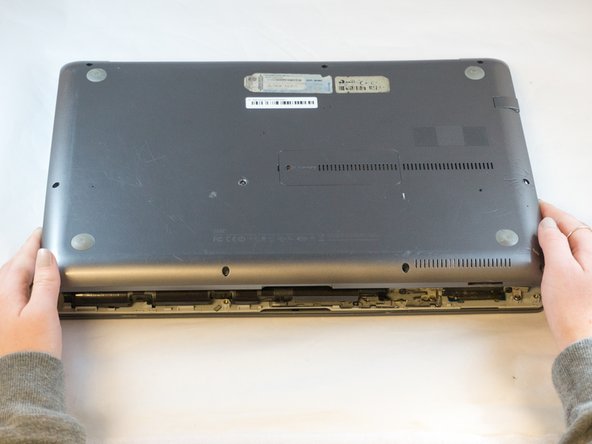
    • Wedge your fingers in between the upper case and the lower case

    • Gently pull the lower case away from the upper case to remove it

    Спросите у FixBot
  4. Samsung NP700Z5AH Display Replacement: шаг 4, изображение 1 из 2 Samsung NP700Z5AH Display Replacement: шаг 4, изображение 2 из 2
    Инструмент, используемый на этом этапе:
    Tweezers
    $4.99
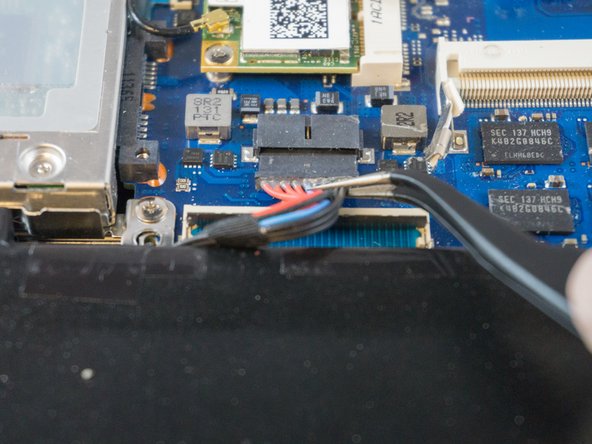
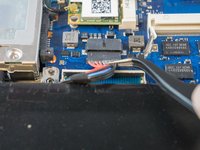
    • Using tweezers or your fingertips, carefully pull on the battery connector to disconnect it from the motherboard.

    • Be sure to pull straight backwards, or you risk damaging the wires.

    Спросите у FixBot
  5. Samsung NP700Z5AH Display Replacement: шаг 5, изображение 1 из 1
    • Remove the two 4.4mm Phillips#00 screws from the battery case.

    Спросите у FixBot
  6. Samsung NP700Z5AH Display Replacement: шаг 6, изображение 1 из 2 Samsung NP700Z5AH Display Replacement: шаг 6, изображение 2 из 2
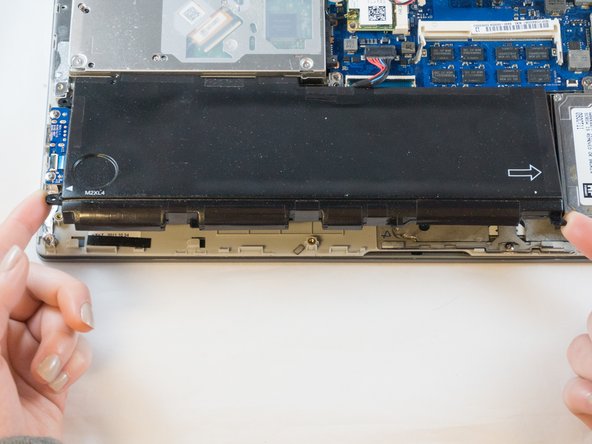
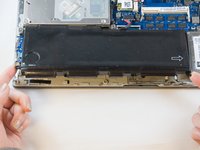
    • Place your fingers on the corner sections of the battery.

    • Lift to remove the battery.

    • If you choose to use tools to remove the battery be careful not to damage it. A damaged lithium-ion battery may leak dangerous chemicals and/or catch fire. Use only plastic pry tools.

    Спросите у FixBot
  7. Samsung NP700Z5AH Display Replacement, Display: шаг 7, изображение 1 из 2 Samsung NP700Z5AH Display Replacement, Display: шаг 7, изображение 2 из 2
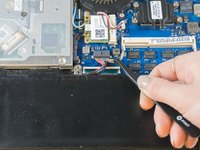
    • Place the tip of the spudger under the metal caps of the black and grey coaxial connectors and pry upwards to disconnect them.

    • After they are disconnected, un-thread the coaxial connectors from around the fan.

    • To reinstall, hold the connectors in place and gently press them straight down. The connectors "snap" into their sockets much like the metal snaps on a jacket.

    Спросите у FixBot
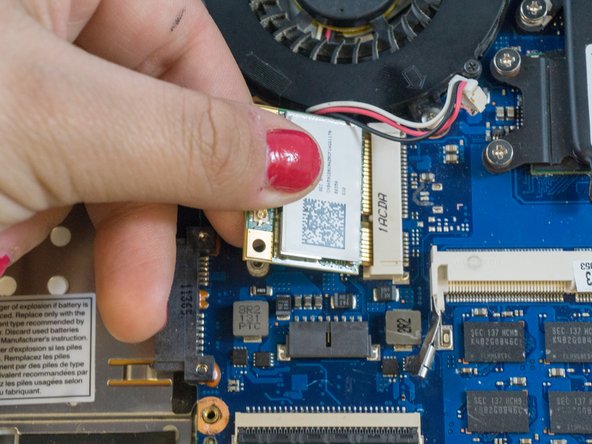
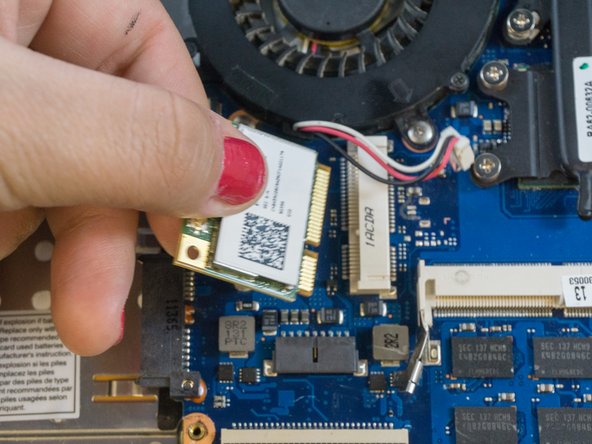
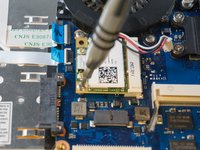
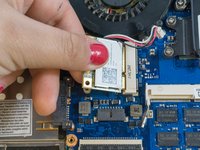
  8. Samsung NP700Z5AH Display Replacement: шаг 8, изображение 1 из 3 Samsung NP700Z5AH Display Replacement: шаг 8, изображение 2 из 3 Samsung NP700Z5AH Display Replacement: шаг 8, изображение 3 из 3
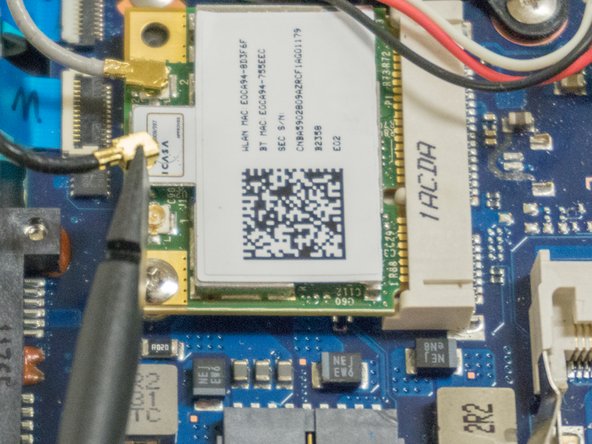
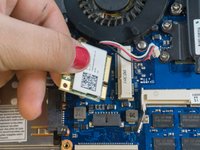
    • Using the Phillips#00, remove the single 3.5mm screw from the wireless card.

    • Grasp the edges of the wireless card with your fingers and pull straight backwards to remove it.

    Спросите у FixBot
  9. Samsung NP700Z5AH Display Replacement: шаг 9, изображение 1 из 2 Samsung NP700Z5AH Display Replacement: шаг 9, изображение 2 из 2
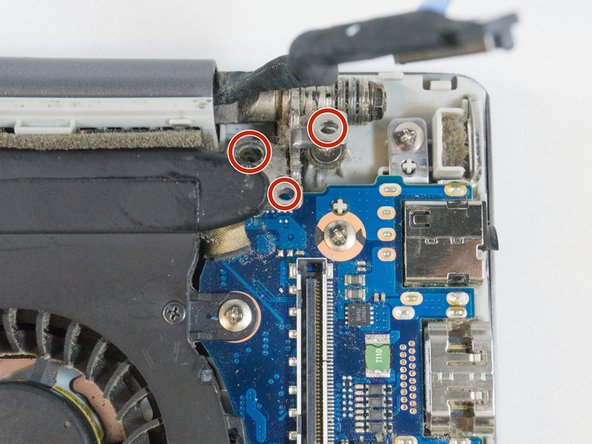
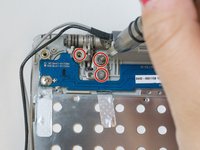
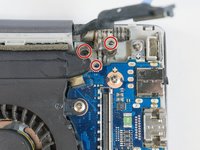
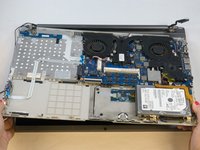
    • Using the Phillips#00, remove the six 4.5mm screws from the corner brackets holding the display to the inner case.

    Спросите у FixBot
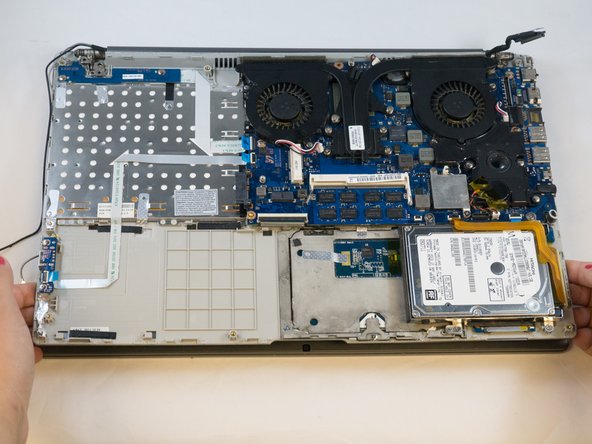
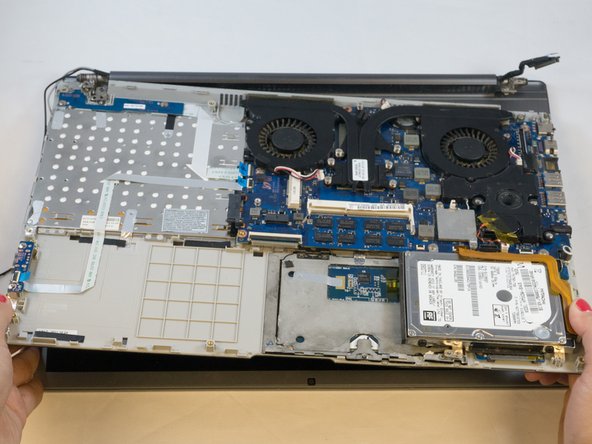
  10. Samsung NP700Z5AH Display Replacement: шаг 10, изображение 1 из 3 Samsung NP700Z5AH Display Replacement: шаг 10, изображение 2 из 3 Samsung NP700Z5AH Display Replacement: шаг 10, изображение 3 из 3
    • Using your fingers, grasp the edges of the inner case then lift and pull away to separate it from the display.

    Спросите у FixBot
Заключение

To reassemble your device, follow these instructions in reverse order.

Еще один человек закончил это руководство.

Erik

Участник с: 09/27/17

895 Репутация

Автор 6 руководств

Команда

Eastern Washington University, Team S1-G1, Carnegie Fall 2017 Участник Eastern Washington University, Team S1-G1, Carnegie Fall 2017

EWU-CARNEGIE-F17S1G1

3 членов

Автор 6 руководств

0 Комментарии к руководству

Добавить комментарий

Статистика просмотров:

За последние 24 часов: 3

За последние 7 дней: 11

За последние 30 дней: 57

За всё время: 1,199