Перейти к основному содержанию
Присоединяйся к сообществу ремонтников - Создай аккаунт

Samsung POWERbot R7070 Left Driving Wheel Replacement

Выберете то, что вам нужно

  1. Samsung POWERbot R7070 Left Driving Wheel  Replacement, Battery: шаг 1, изображение 1 из 1
    • Turn the emergency switch off.

    Спросите у FixBot
  2. Samsung POWERbot R7070 Left Driving Wheel  Replacement: шаг 2, изображение 1 из 2 Samsung POWERbot R7070 Left Driving Wheel  Replacement: шаг 2, изображение 2 из 2
    • Remove the two exposed screws on the top right of the device.

    Спросите у FixBot
  3. Samsung POWERbot R7070 Left Driving Wheel  Replacement: шаг 3, изображение 1 из 1
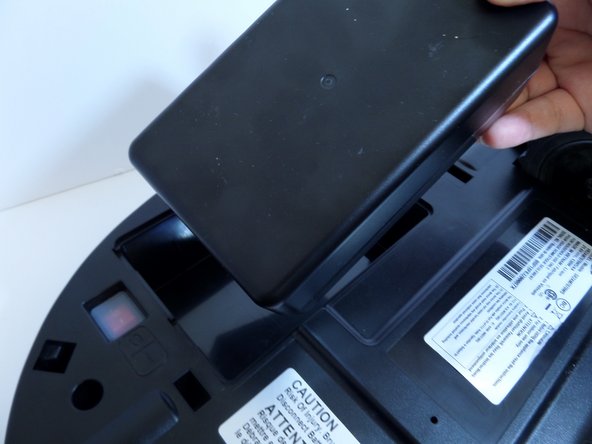
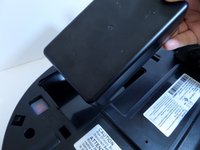
    • Lift the cover plate to expose the battery.

    Спросите у FixBot
  4. Samsung POWERbot R7070 Left Driving Wheel  Replacement: шаг 4, изображение 1 из 2 Samsung POWERbot R7070 Left Driving Wheel  Replacement: шаг 4, изображение 2 из 2
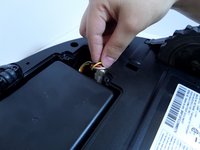
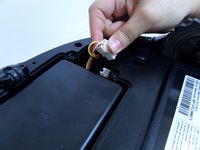
    • Using one hand, pinch the white plastic connector where the battery's wiring connects the POWERbot. Pull up to disconnect.

    Спросите у FixBot
  5. Samsung POWERbot R7070 Left Driving Wheel  Replacement: шаг 5, изображение 1 из 2 Samsung POWERbot R7070 Left Driving Wheel  Replacement: шаг 5, изображение 2 из 2
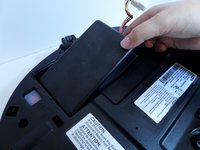
    • Lift the battery from the right side, up and out of its compartment.

    Спросите у FixBot
  6. Samsung POWERbot R7070 Left Driving Wheel  Replacement, Motor: шаг 6, изображение 1 из 2 Samsung POWERbot R7070 Left Driving Wheel  Replacement, Motor: шаг 6, изображение 2 из 2
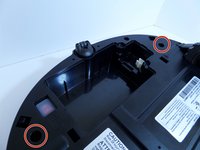
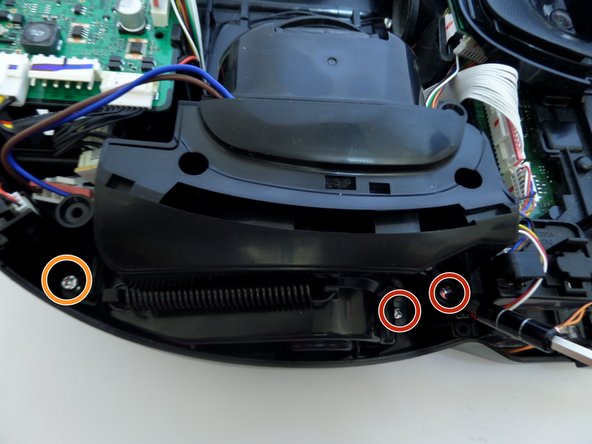
    • Unscrew the two silver 1.5 cm screws on the left and right side of the battery compartment.

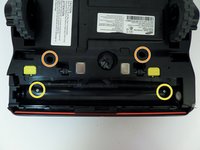
    • Remove the two 1.5 cm screws above the yellow sliding lock tabs.

    • Remove the two 1.2 cm screws in the brush compartment.

    Спросите у FixBot
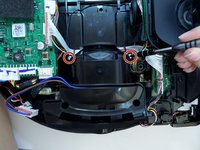
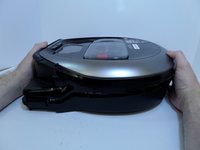
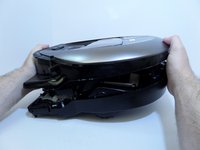
  7. Samsung POWERbot R7070 Left Driving Wheel  Replacement: шаг 7, изображение 1 из 2 Samsung POWERbot R7070 Left Driving Wheel  Replacement: шаг 7, изображение 2 из 2
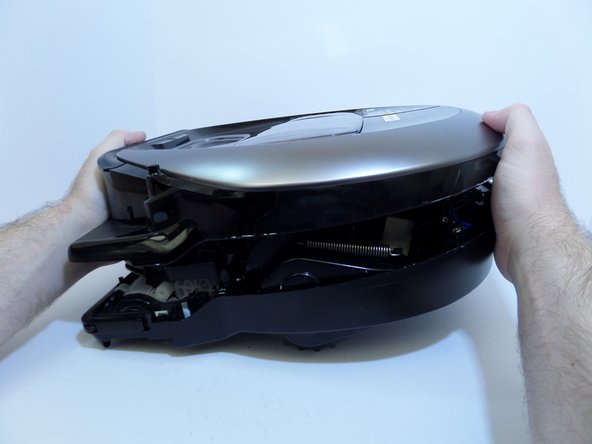
    • With moderate force, separate the silver top from the black bottom of the vacuum.

    • The cover will only separate a few inches as the two halves are connected by wires.

    Спросите у FixBot
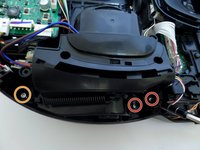
  8. Samsung POWERbot R7070 Left Driving Wheel  Replacement: шаг 8, изображение 1 из 1
    • Disconnect the white and red wired connector attached to the top half of the base of the vacuum by squeezing the connector and pulling up.

    Спросите у FixBot
  9. Samsung POWERbot R7070 Left Driving Wheel  Replacement: шаг 9, изображение 1 из 1
    • Pinching the top and bottom of the black wired connector, pull outward, fully detaching the top from the bottom of the device.

    Спросите у FixBot
  10. Samsung POWERbot R7070 Left Driving Wheel  Replacement: шаг 10, изображение 1 из 1
    • Detach the wide circuit connector on the left side by pinching and pressing down on the right and left side of the clip, pulling the connector out.

    • Pull the connector out by the left and right side of the white clip and not by the wires.

    Спросите у FixBot
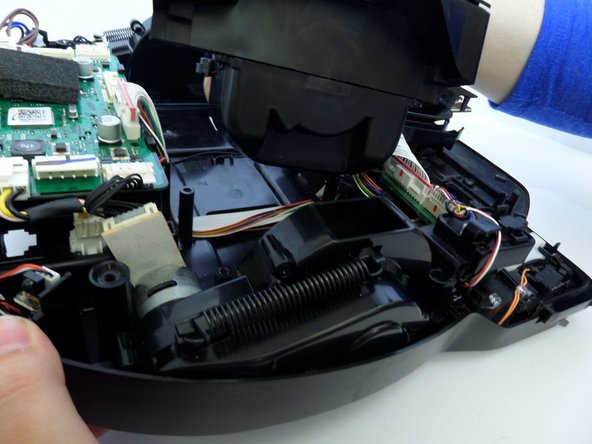
  11. Samsung POWERbot R7070 Left Driving Wheel  Replacement: шаг 11, изображение 1 из 2 Samsung POWERbot R7070 Left Driving Wheel  Replacement: шаг 11, изображение 2 из 2
    • Remove the four 1.2 cm screws.

    • Remove the single 0.8 cm screw.

    Спросите у FixBot
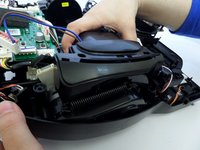
  12. Samsung POWERbot R7070 Left Driving Wheel  Replacement: шаг 12, изображение 1 из 1
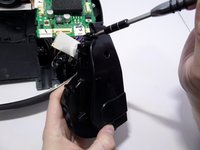
    • Remove the two 1.5 cm screws on the motor chamber.

    Спросите у FixBot
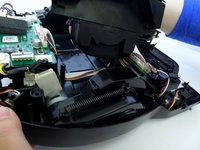
  13. Samsung POWERbot R7070 Left Driving Wheel  Replacement: шаг 13, изображение 1 из 2 Samsung POWERbot R7070 Left Driving Wheel  Replacement: шаг 13, изображение 2 из 2
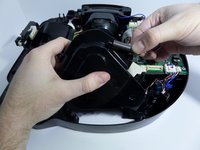
    • Lift the motor by grabbing the body of the motor, lifting upward.

    • With the screws removed from the motor chamber the top of the motor chamber will pop open.

    Спросите у FixBot
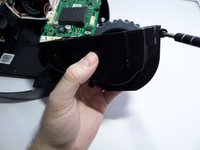
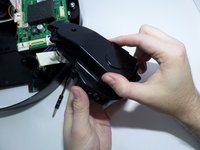
  14. Samsung POWERbot R7070 Left Driving Wheel  Replacement, Left Driving Wheel: шаг 14, изображение 1 из 2 Samsung POWERbot R7070 Left Driving Wheel  Replacement, Left Driving Wheel: шаг 14, изображение 2 из 2
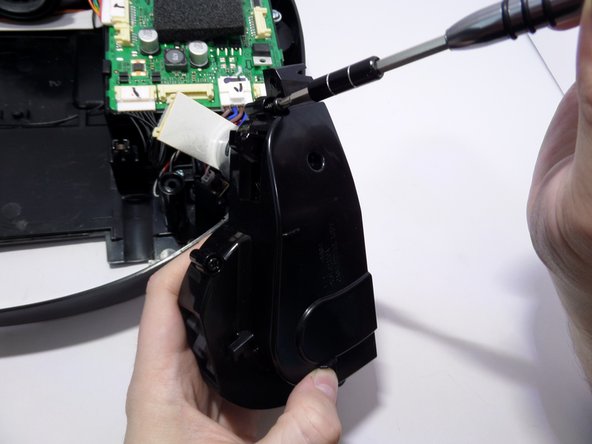
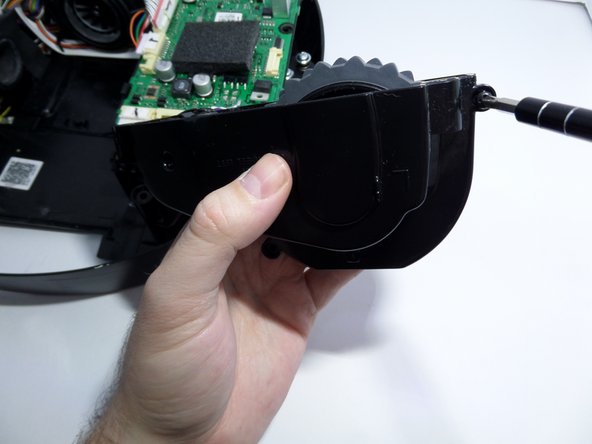
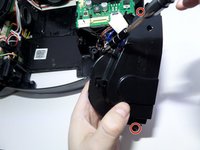
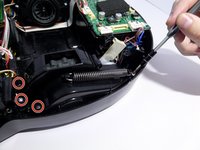
    • Unscrew the two screws securing the left and right ends of the wheel casing to the base of the vacuum.

    Спросите у FixBot
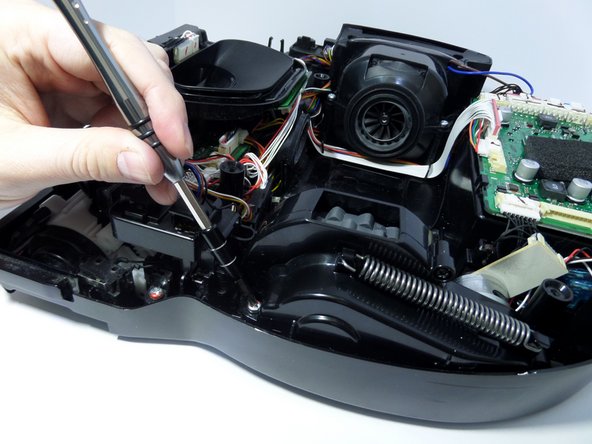
  15. Samsung POWERbot R7070 Left Driving Wheel  Replacement: шаг 15, изображение 1 из 1
    • Unscrew the screws securing the black plastic piece to the left of the wheel casing.

    • This piece is not part of the wheel casing but must be moved out of the way to remove the wheel.

    • Lift the wheel casing out of the vacuum base.

    Спросите у FixBot
  16. Samsung POWERbot R7070 Left Driving Wheel  Replacement: шаг 16, изображение 1 из 2 Samsung POWERbot R7070 Left Driving Wheel  Replacement: шаг 16, изображение 2 из 2
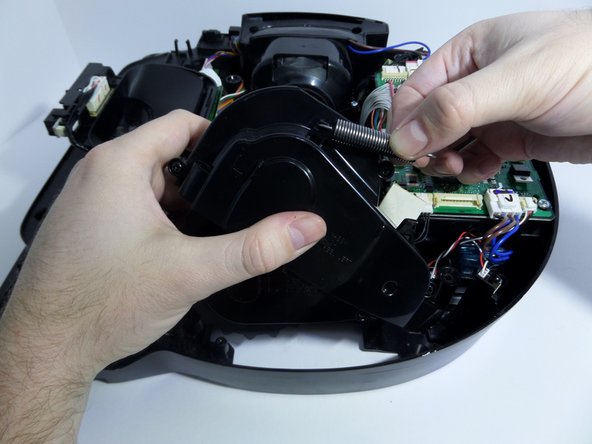
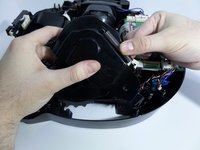
    • Arrange the wheel so that the spring is fully retracted.

    • Unhook one edge of the spring by carefully pulling the spring towards the hook.

    • With the spring unhooked, remove the spring from the wheel casing.

    Спросите у FixBot
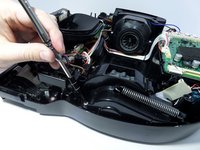
  17. Samsung POWERbot R7070 Left Driving Wheel  Replacement: шаг 17, изображение 1 из 3 Samsung POWERbot R7070 Left Driving Wheel  Replacement: шаг 17, изображение 2 из 3 Samsung POWERbot R7070 Left Driving Wheel  Replacement: шаг 17, изображение 3 из 3
    • Remove the screws that are fastening the two halves of the wheel casing together.

    Спросите у FixBot
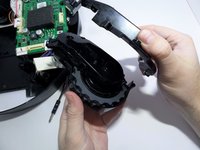
  18. Samsung POWERbot R7070 Left Driving Wheel  Replacement: шаг 18, изображение 1 из 2 Samsung POWERbot R7070 Left Driving Wheel  Replacement: шаг 18, изображение 2 из 2
    • Open wheel casing.

    Спросите у FixBot
  19. Samsung POWERbot R7070 Left Driving Wheel  Replacement: шаг 19, изображение 1 из 1
    • Unscrew the black 1 cm screw securing the center of the wheel to the remaining half of the wheel casing.

    Спросите у FixBot
  20. Samsung POWERbot R7070 Left Driving Wheel  Replacement: шаг 20, изображение 1 из 2 Samsung POWERbot R7070 Left Driving Wheel  Replacement: шаг 20, изображение 2 из 2
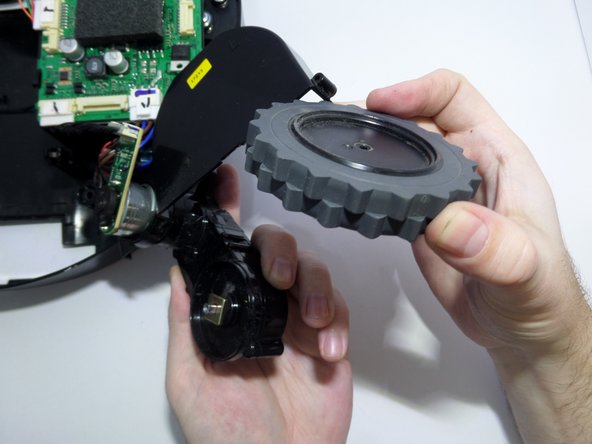
    • Remove the wheel.

    Спросите у FixBot
Заключение

To reassemble your device, follow these instructions in reverse order.

5 человек успешно провели ремонт по этому руководству.

Eric Anderson

Участник с: 09/11/17

465 Репутация

Автор 2 руководств

Команда

CSU Fullerton, Team S2-G8, Bruce Fall 2017 Участник CSU Fullerton, Team S2-G8, Bruce Fall 2017

CSUF-BRUCE-F17S2G8

3 членов

Автор 10 руководств

2 Комментарии к руководству

Where can you find the replacement left driving wheel? are all the model the same?

ghvolleyball - Ответить Поделиться

My left wheel seams to have sand in the gear box now and won’t turn. I need a replacement part or assembly for a R7065 Powerbot LH wheel gear box, which is very similar to the R7070. As far as I can see (I have one of each) the R7065 has two rubber beaters and two brush beaters where as the R7070 has 4 rubber beaters.

Steven Nicholas - Ответить Поделиться

Добавить комментарий

Статистика просмотров:

За последние 24 часов: 0

За последние 7 дней: 3

За последние 30 дней: 30

За всё время: 3,830