Введение
Though it would be considerably difficult to damage the keypad, stranger things have happened. Also, after long term use, the keys themselves may become dirty and start to stick when being pressed. In order to solve both of these issues, you may need to open up the phone and either replace the keypad (in the case of damage) or to simply clean it off and clean the inside of the case to prevent further sticking. This guide takes you through the process of getting to the keypad.
Выберете то, что вам нужно
-
-
Remove the battery by pressing the button at the top of the case.
 Спросите у FixBot
-
-
-
Unscrew the antenna by twisting it counter-clockwise until it is loose.
-
Slide the antenna out of the phone.
-
The black casing can be removed from the old antenna and used for the new antenna.
-
-
-
Using a #00 Phillips Screwdriver, remove the 4 (3mm) black screws from each corner of the back casing.
-
-
-
-
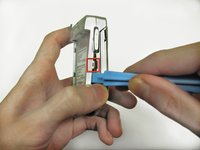
Use the wide plastic prying tool to open the back case.
-
To make this process easier, use the tool to push against this tab while gently pulling the back upward.
-
Repeat this process on the opposite side.
-
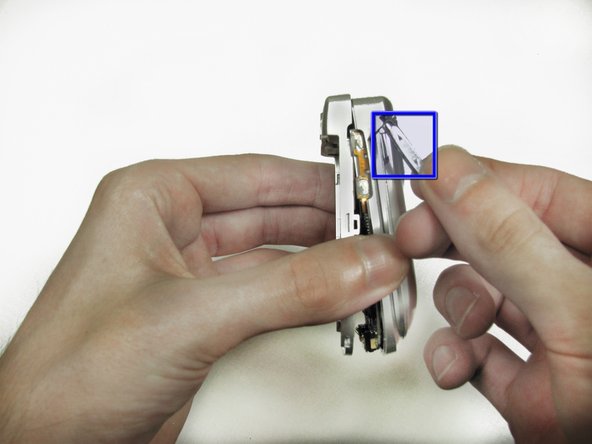
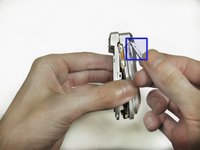
The volume button may fall out, but don't force it back in. Set it aside for reassembly.
-
When replacing the volume button, the rubber tab must be placed carefully into the space in the inner casing.
-
-
-
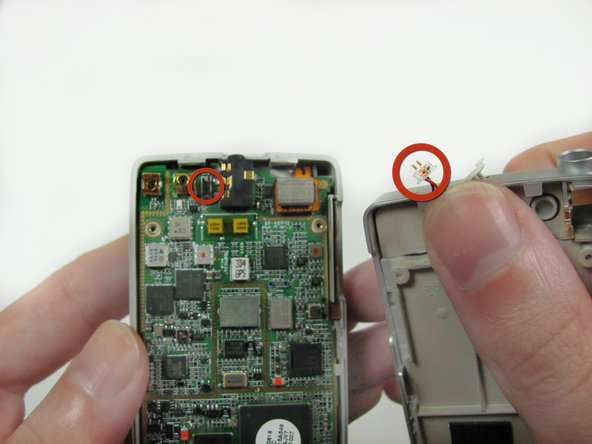
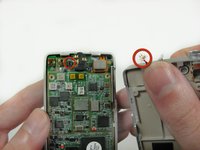
Pull the back plate up by gently twisting slightly towards the top left corner. When you feel the catch release, you can fold the plate back like a book cover.
-
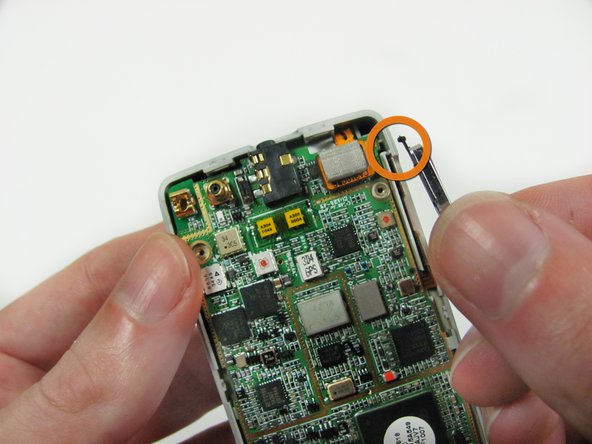
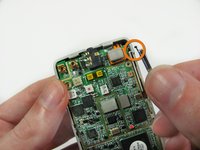
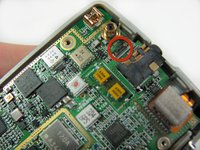
If you accidentally pull the wires out, don't panic. The connector can be pushed back into place very easily.
-
-
-
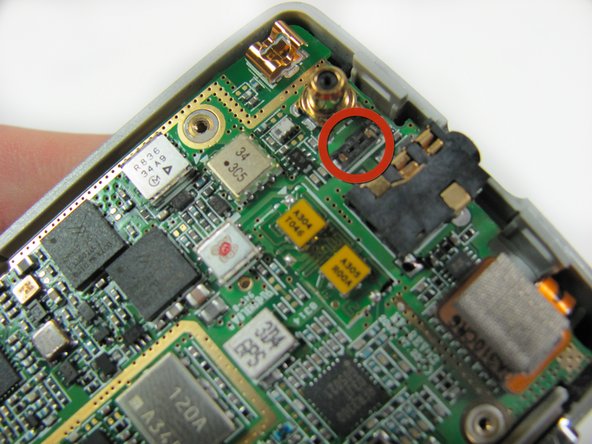
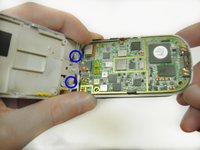
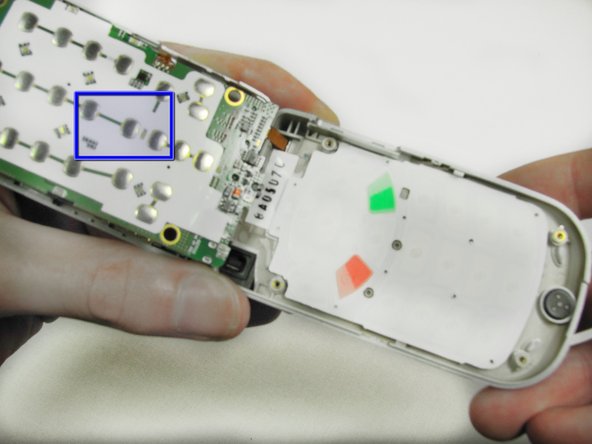
Fold the circuit board back like a book cover just as you did with the back plate.
-
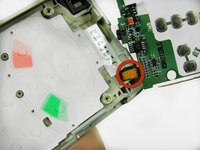
Be careful of this connector which goes to the front of the phone.
-
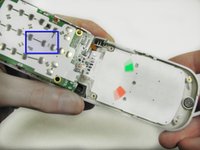
The silver contacts on the bottom of the motherboard are what recognize key presses; if the phone isn't responding to key presses, you will need to replace the motherboard here.
-
-
-
Simply pop the keypad out of the case by pressing the keys through the frame.
-
If keys were sticky, give them a thorough cleaning with soap and water; if they are damaged, replace the keypad.
-





To reassemble your device, follow these instructions in reverse order.

Команда

Cal Poly, Team 11-23, Maness Winter 2012 Участник Cal Poly, Team 11-23, Maness Winter 2012
CPSU-MANESS-W12S11G23
4 членов
Автор 10 руководств
