Перейти к основному содержанию
Присоединяйся к сообществу ремонтников - Создай аккаунт

Sanyo Katana Screen Replacement

Выберете то, что вам нужно

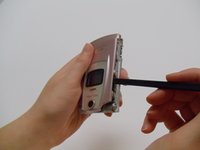
    1. Sanyo Katana Screen Replacement, Screen Protector: шаг 1, изображение 1 из 2 Sanyo Katana Screen Replacement, Screen Protector: шаг 1, изображение 2 из 2
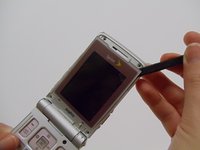
      • With the flat end of a spudger, remove the plastic covers located on the corners of the display near the hinge and above the screen, revealing four screws underneath.

      Спросите у FixBot

      Добавить комментарий

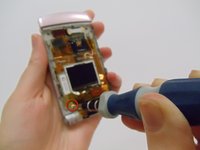
    2. Sanyo Katana Screen Replacement: шаг 2, изображение 1 из 2 Sanyo Katana Screen Replacement: шаг 2, изображение 2 из 2
      • Remove the 4.4mm screw in each corner using the Tri-wing Y0 screwdriver.

      Спросите у FixBot

      Добавить комментарий

    3. Sanyo Katana Screen Replacement: шаг 3, изображение 1 из 2 Sanyo Katana Screen Replacement: шаг 3, изображение 2 из 2
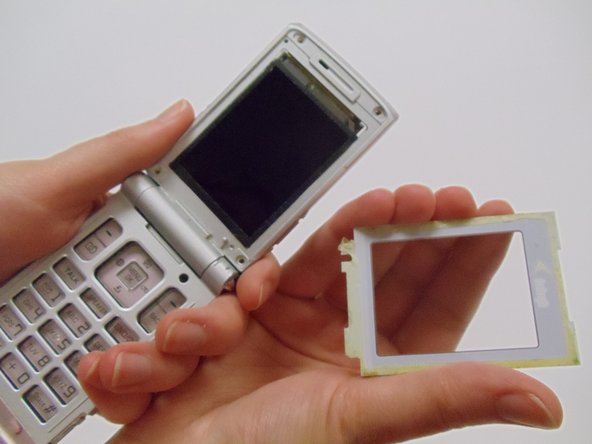
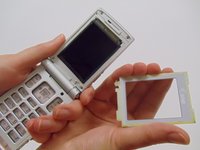
      • Carefully pry the screen protector off the phone using the flat end of the spudger.

      • This will require a bit of force as the back of the screen protector is lined with an adhesive material.

      • Once free from the adhesive, pull the screen protector away from the phone.

      Спросите у FixBot

      Добавить комментарий

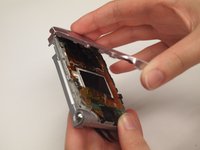
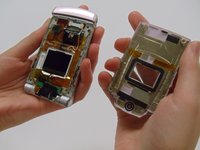
    1. Sanyo Katana Screen Replacement, Front Case: шаг 4, изображение 1 из 3 Sanyo Katana Screen Replacement, Front Case: шаг 4, изображение 2 из 3 Sanyo Katana Screen Replacement, Front Case: шаг 4, изображение 3 из 3
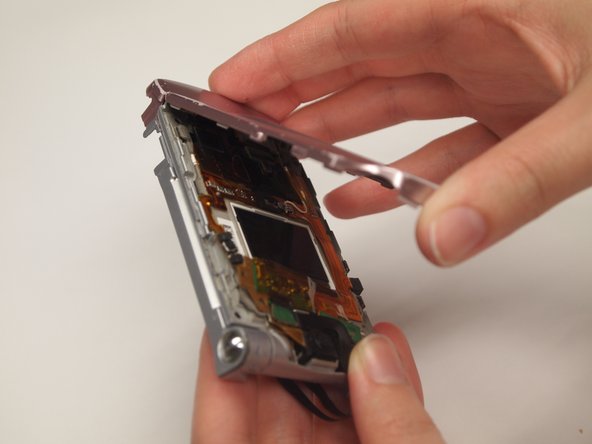
      • Use the spudger to pry off the front case from the left and right sides of the device.

      • Once it has popped off, pull the casing apart with fingers.

      Спросите у FixBot

      Добавить комментарий

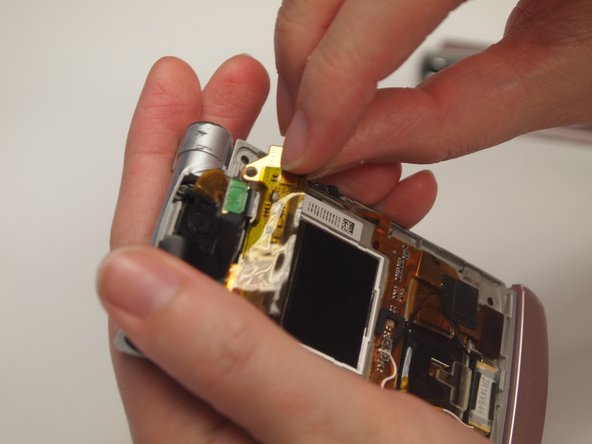
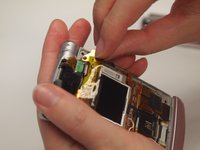
    1. Sanyo Katana Screen Replacement, Screen: шаг 5, изображение 1 из 2 Sanyo Katana Screen Replacement, Screen: шаг 5, изображение 2 из 2
      • Using a Tri-wing Y0 screwdriver, remove the 4.4mm screw.

      • Use fingers to remove the strip from the device.

      Спросите у FixBot

      Добавить комментарий

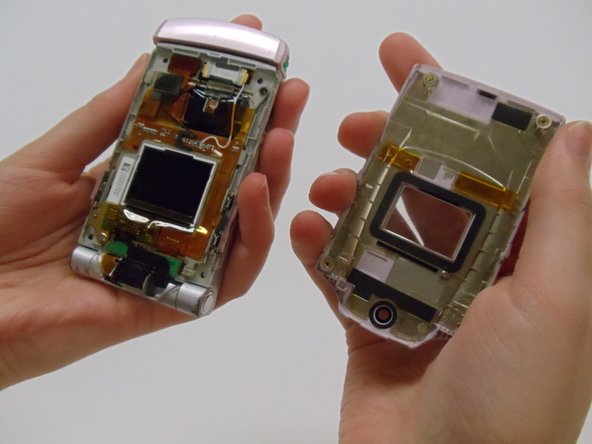
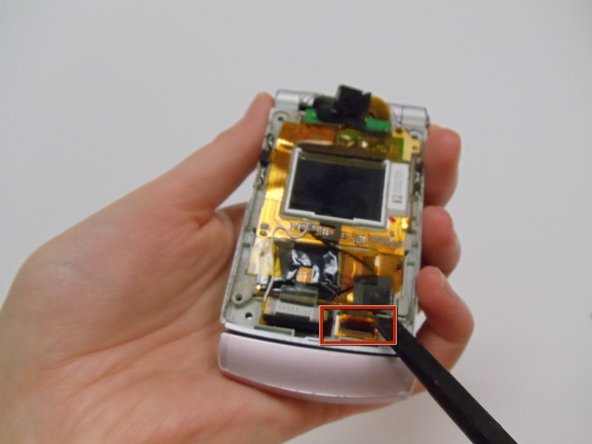
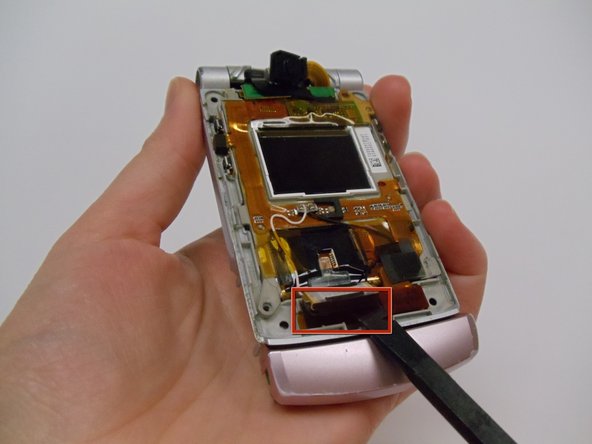
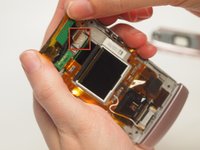
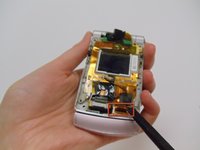
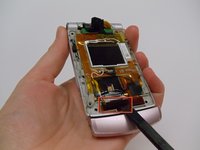
    2. Sanyo Katana Screen Replacement: шаг 6, изображение 1 из 3 Sanyo Katana Screen Replacement: шаг 6, изображение 2 из 3 Sanyo Katana Screen Replacement: шаг 6, изображение 3 из 3
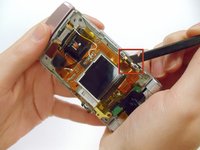
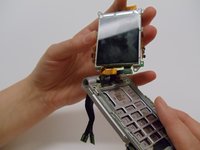
      • Use a spudger to detach all of the connections to the motherboard in the back of the phone by the screen.

      Спросите у FixBot

      Добавить комментарий

    3. Sanyo Katana Screen Replacement: шаг 7, изображение 1 из 2 Sanyo Katana Screen Replacement: шаг 7, изображение 2 из 2
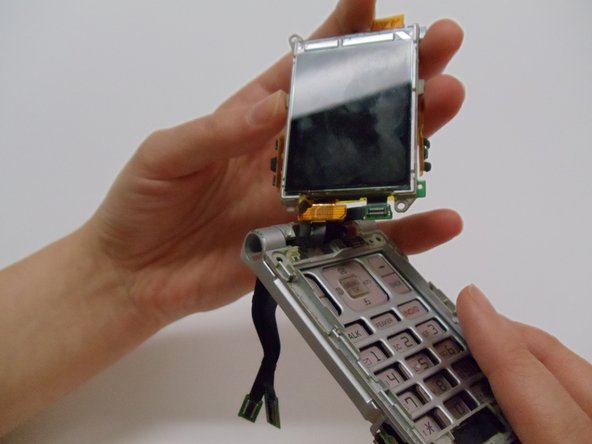
      • Use the flat edge of the spudger to detach the screen from the phone casing.

      • Pull the screen up and away from the case.

      Спросите у FixBot

      Добавить комментарий

Заключение

To reassemble your device, follow these instructions in reverse order.

Отменить: Я не выполнил это руководство.

Aliceann

Участник с: 03/11/13

49 Репутация

1 руководство автора

Команда

Clemson, Team 12-1, Benson Spring 2013 Участник Clemson, Team 12-1, Benson Spring 2013

CLEM-BENSON-S13S12G1

4 членов

Автор 90 руководств

0 Комментарии к руководству

Добавить комментарий

Статистика просмотров:

За последние 24 часов: 0

За последние 7 дней: 5

За последние 30 дней: 35

За всё время: 1,075