Этот перевод был сделан машиной и пока не проверен человеком. Говорите на этом языке? Просмотрите его.

Замена GD-ROM Sega Dreamcast

Последнее обновление 29 июл 2026 г.
Просмотров: 40 тыс.
Просмотр статистики:
- За последние 24 часа:
- 5
- За последние 7 дней:
- 76
- За последние 30 дней:
- 329
- За все время:
- 40 255
Комментарии: 3
1 комментариев на шаге, 2 комментариев к инструкции.
Перейти к комментариям инструкцииЗавершено: 10 11
10 пользователей отметили эту инстркукцию как "завершенное". Вы будете следующим?
11 пользователей отметили эту инструкцию как "завершенное". В том числе и Вы — отличная работа!
Избранные: 8 9
8 эта инструкция понравилась многим пользователям (и они подписались на нее). Вы будете следующим?
9 эта инструкция понравилось многим пользователям (и они подписались на нее), в том числе и Вам!
Противоречивые изображения
Обновление изображений в этом руководстве, чтобы они больше соответствовали предварительным требованиям, повысило бы его привлекательность.
Нужны более качественные фото
Более качественные фотографии улучшат это руководство. Помогайте, делая снимки, редактируя или загружая новые!
Введение
Перейти к шагу 1 ↓В этом руководстве подробно описано, как заменить неисправный привод GD-ROM на новый рабочий привод.
Убедитесь, что заменяете GD-ROM на тот, который соответствует вашему номеру модели. Обратитесь к руководству по разборке верхней крышки, чтобы узнать, где найти номер вашей модели.
Проблема с этим руководством: на фотографиях ошибочно показано, что блок питания был снят.
Выберете то, что Вам нужно
Инструменты

-
-
-
Переверните консоль на заднюю панель.
-
Запишите номер модели, на случай, если понадобятся запасные части.
 Спросите у FixBot
-
-
-
Снимите отсек расширения, надавив на небольшой фиксатор на отсеке расширения и одновременно отделив его от консоли.
-
-
-
-
-
Найдите и открутите все четыре черных винта Phillips #02 длиной 12 мм с нижней части консоли.
-
-
-
Переверните консоль лицевой стороной вверх.
-
Снимите верхнюю крышку, осторожно приподняв верхнюю часть консоли.
-
-
-
-
-
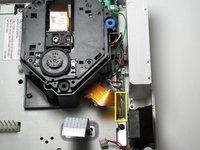
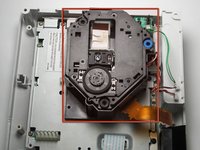
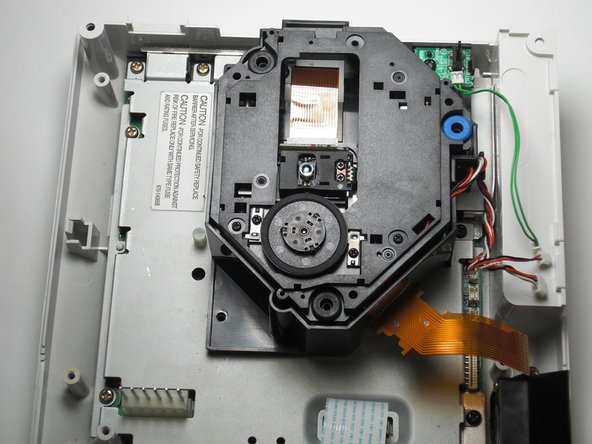
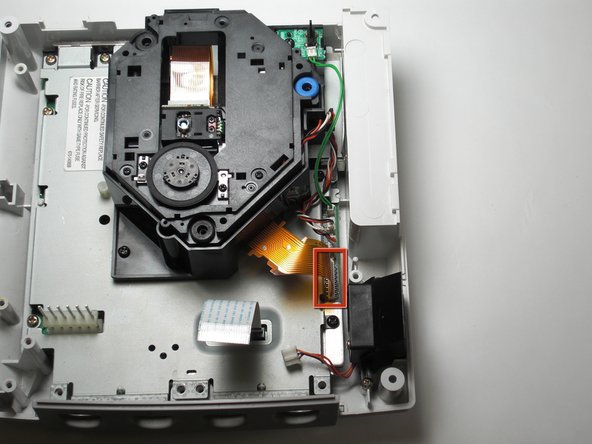
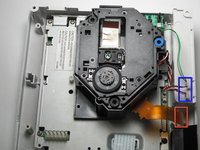
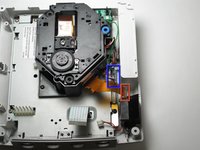
Отсоедините оранжевый шлейф, аккуратно потянув его и слегка покачивая из стороны в сторону, пока он не отделится от логической платы.
-
-
-
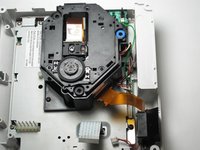
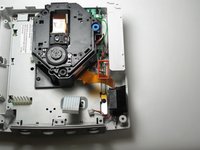
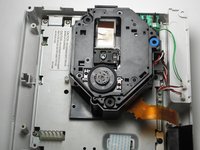
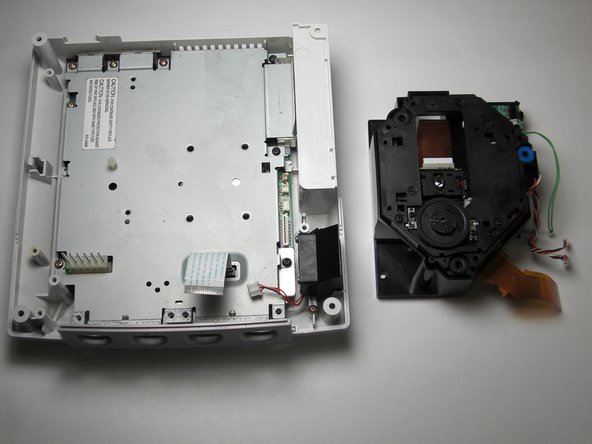
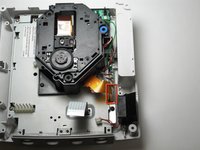
«Отсоедините шлейфы», аккуратно потянув за три шлейфа GD-ROM, чтобы извлечь их из логической платы.
-
-
-
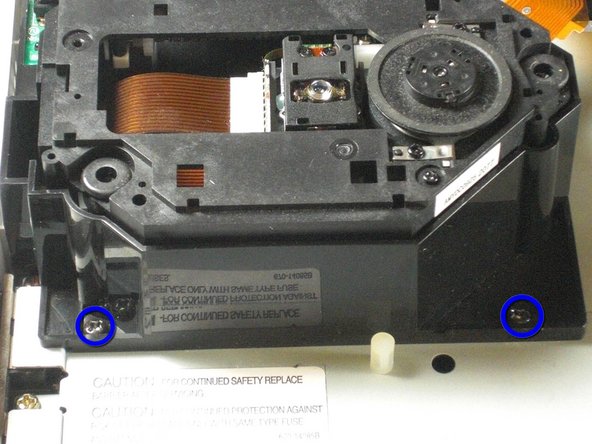
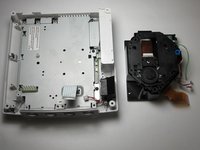
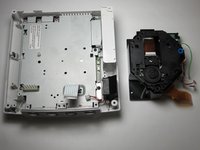
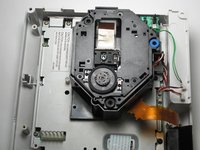
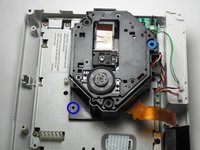
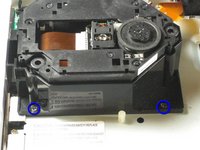
Открутите два черных винта Phillips #02 длиной 12 мм, расположенных на левой стороне кронштейна GD-ROM.
-
-
-
-
-
-
Закрепите новый дисковод GD-ROM в консоли с помощью винтов Phillips #2
-
-
-
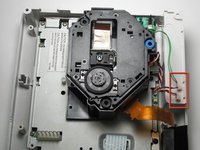
Подключите три кабеля GD-ROM к логической плате.
-
Подключите шлейф данных GD-ROM к логической плате.
-











Отменить: Я не выполнил это руководство.
10 человек успешно провели ремонт по этому руководству.

Команду

Cal Poly, Team 5-1, Regan Fall 2009 Участник Cal Poly, Team 5-1, Regan Fall 2009
CPSU-REGAN-F09S5G1
5 членов
Автор 108 руководств
2 Комментарии к руководству
If only it was that simple Sega screwed U.K gamers over with the fact we have to buy totally new consoles due to the wires of the disk drive being soldered in rather than clipped in.
My HKT-3020 console, NTSC-U revision 1, manufactured in Japan during 4/2000, does not have the orange cable shown in step 5. I was able to skip steps 5 and 6, and for step 7 I had to remove 3 screws, not 2. My GD-ROM drive came as an assembly, mounted on a metal plate; the entire assembly simply lowers into a connector port. After removing the screws, I just had to gently wiggle it up and out of the port, then lower the replacement assembly into the same port, and replace the 3 screws.
