Перейти к основному содержанию
Присоединяйся к сообществу ремонтников - Создай аккаунт

SiriusXM Onyx Plus Buttons Replacement

Выберете то, что вам нужно

  1. SiriusXM Onyx Plus Buttons Replacement, Case: шаг 1, изображение 1 из 1
    • Wedge a plastic opening tool in between the case.

    Спросите у FixBot

    Добавить комментарий

  2. SiriusXM Onyx Plus Buttons Replacement: шаг 2, изображение 1 из 3 SiriusXM Onyx Plus Buttons Replacement: шаг 2, изображение 2 из 3 SiriusXM Onyx Plus Buttons Replacement: шаг 2, изображение 3 из 3
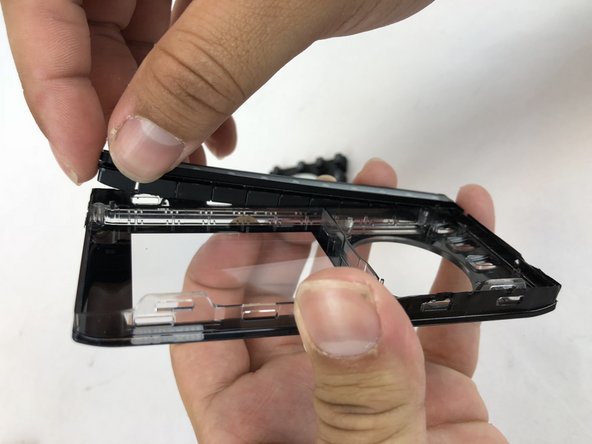
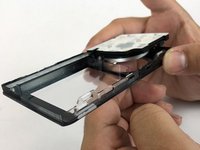
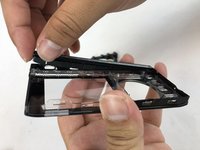
    • Starting with the bottom left corner, press down on the plastic opening tool to unhook the latches on the inside of the device.

    • You have to start with the bottom left and right corners, and then flip the device to over and do the top of the device.

    Спросите у FixBot

    Добавить комментарий

  3. SiriusXM Onyx Plus Buttons Replacement: шаг 3, изображение 1 из 1
    • Once unclipped, separate the back casing from the device.

    Спросите у FixBot

    Добавить комментарий

  4. SiriusXM Onyx Plus Buttons Replacement, Buttons: шаг 4, изображение 1 из 2 SiriusXM Onyx Plus Buttons Replacement, Buttons: шаг 4, изображение 2 из 2
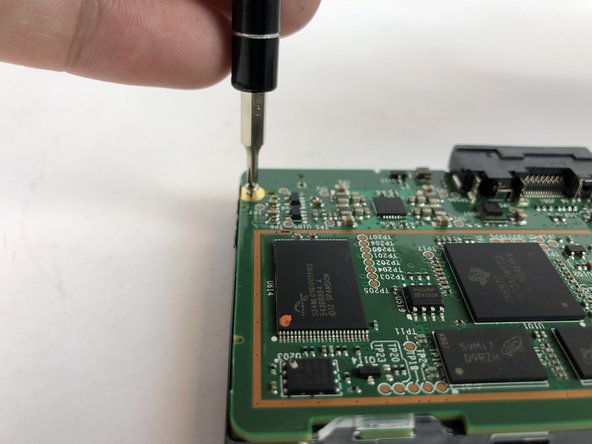
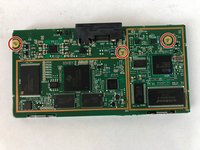
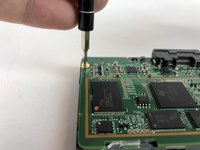
    • Remove the three 5mm JIS #00 screws from the motherboard.

    Спросите у FixBot

    Добавить комментарий

  5. SiriusXM Onyx Plus Buttons Replacement: шаг 5, изображение 1 из 1
    • Unlatch the two clips that hold the motherboard in place.

    Спросите у FixBot

    Добавить комментарий

  6. SiriusXM Onyx Plus Buttons Replacement: шаг 6, изображение 1 из 1
    • Lift the motherboard up and out of the frame.

    Спросите у FixBot

    Добавить комментарий

  7. SiriusXM Onyx Plus Buttons Replacement: шаг 7, изображение 1 из 2 SiriusXM Onyx Plus Buttons Replacement: шаг 7, изображение 2 из 2
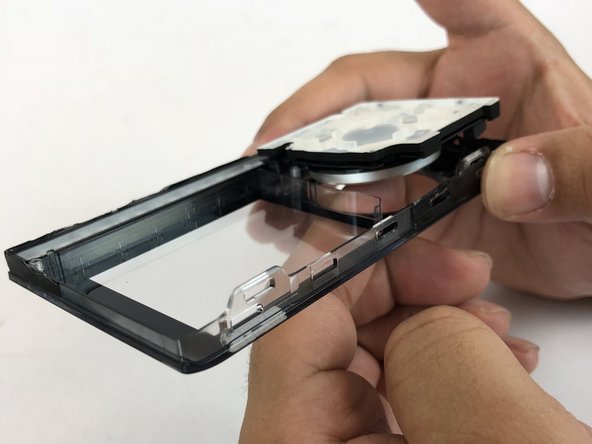
    • Holding the front casing in your hand, push the button panels out of the casing.

    • There are two buttons panels: Navigation panel and the Channel Number panel

    Спросите у FixBot

    Добавить комментарий

Заключение

To reassemble your device, follow these instructions in reverse order.

Отменить: Я не выполнил это руководство.

Angel Rivera

Участник с: 01/25/18

532 Репутация

Автор 5 руководств

Команда

USF Tampa, Team S7-G2, Passmore Spring 2018 Участник USF Tampa, Team S7-G2, Passmore Spring 2018

USFT-PASSMORE-S18S7G2

4 членов

Автор 5 руководств

0 Комментарии к руководству

Добавить комментарий

Статистика просмотров:

За последние 24 часов: 1

За последние 7 дней: 3

За последние 30 дней: 12

За всё время: 410