Перейти к основному содержанию
Присоединяйся к сообществу ремонтников - Создай аккаунт

Snapfon ez One Motherboard Replacement

Выберете то, что вам нужно

    1. Snapfon ez One Motherboard Replacement, Remove the battery cover: шаг 1, изображение 1 из 1
      • Turn off the phone to prevent data loss.

      • Press and slide the battery out to remove it.

      • Picture rights belong to Snapfon®. Picture is used for educational purposes only. No copyright infringement intended.

      Спросите у FixBot

      Добавить комментарий

    2. Snapfon ez One Motherboard Replacement, Remove the battery: шаг 2, изображение 1 из 1
      • Pry the battery out with your thumb or the iFixit opening tool.

      • Make sure to properly dispose of the old battery at a recycling center.

      • Picture rights belong to Snapfon®. Picture is used for educational purposes only. No copyright infringement intended.

      Спросите у FixBot

      Добавить комментарий

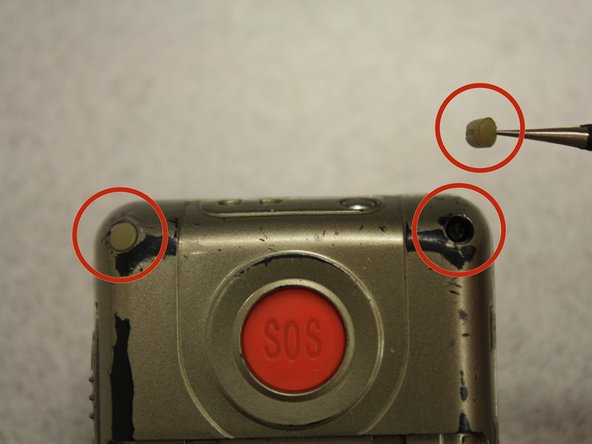
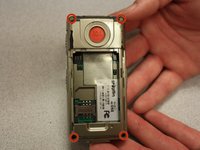
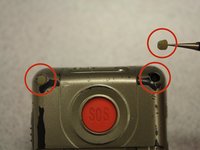
    1. Snapfon ez One Motherboard Replacement, Removing the plastic inserts: шаг 3, изображение 1 из 2 Snapfon ez One Motherboard Replacement, Removing the plastic inserts: шаг 3, изображение 2 из 2
      Инструмент, используемый на этом этапе:
      Tweezers
      $4.99
      • Remove the four rubber inserts from the screw holes using a pair of tweezers.

      Спросите у FixBot

      Добавить комментарий

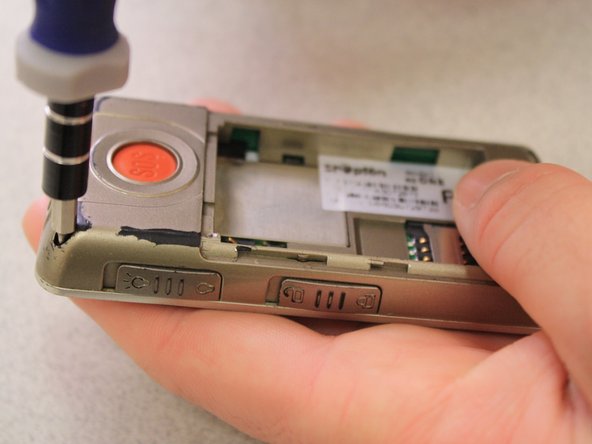
    2. Snapfon ez One Motherboard Replacement, Remove the shield screws: шаг 4, изображение 1 из 3 Snapfon ez One Motherboard Replacement, Remove the shield screws: шаг 4, изображение 2 из 3 Snapfon ez One Motherboard Replacement, Remove the shield screws: шаг 4, изображение 3 из 3
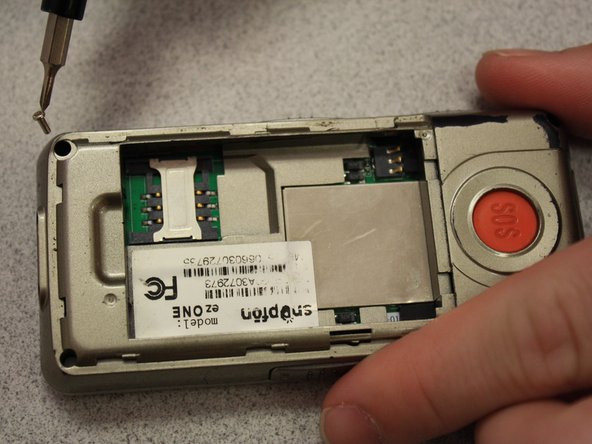
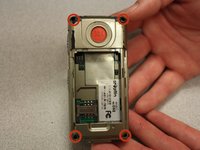
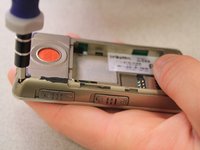
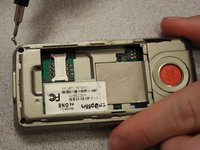
      • Remove the four 3.1mm screws in the corners with a Phillips #00 screwdriver.

      Спросите у FixBot

      Добавить комментарий

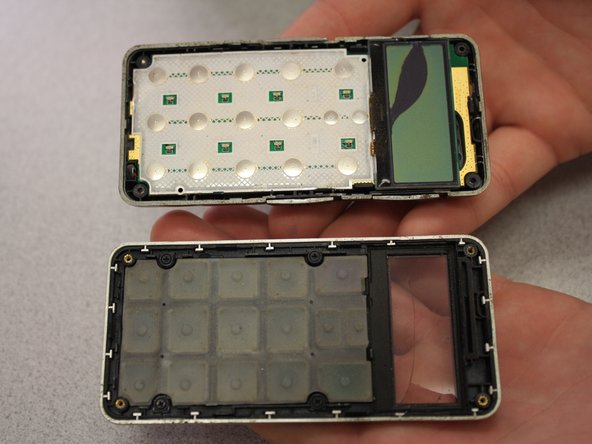
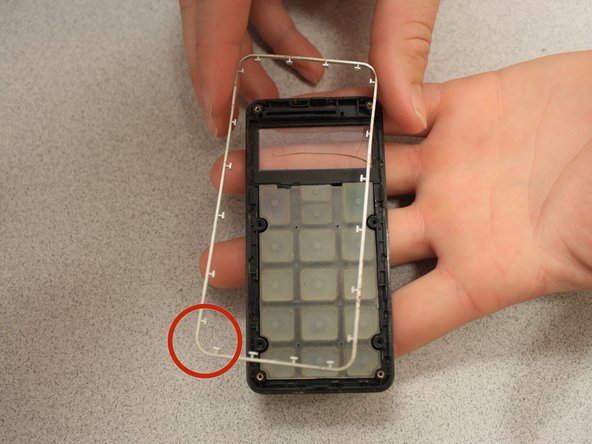
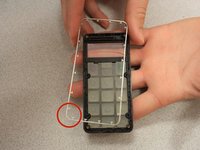
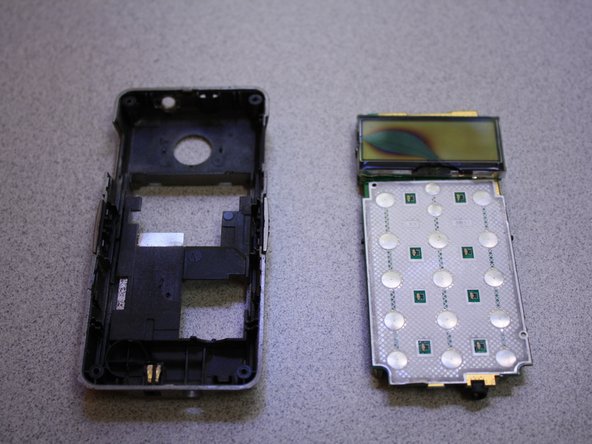
    3. Snapfon ez One Motherboard Replacement, Separate the case: шаг 5, изображение 1 из 3 Snapfon ez One Motherboard Replacement, Separate the case: шаг 5, изображение 2 из 3 Snapfon ez One Motherboard Replacement, Separate the case: шаг 5, изображение 3 из 3
      • Separate the front case from the back case.

      • Remove the metal bumper from the front case’s perimeter.

      Спросите у FixBot

      Добавить комментарий

    4. Snapfon ez One Motherboard Replacement, Remove the volume slider: шаг 6, изображение 1 из 1
      • Pry the volume slider button out with tweezers.

      • The volume slider button may fall out during the separation of the front and back cases. This is OK.

      Спросите у FixBot

      Добавить комментарий

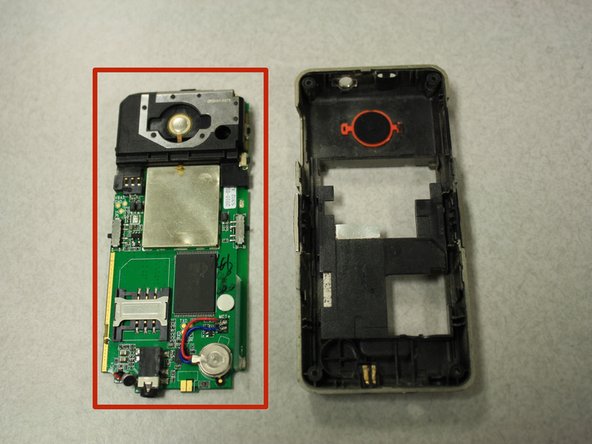
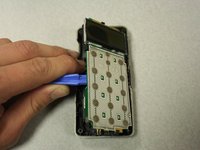
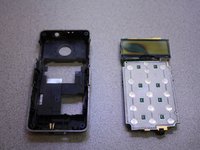
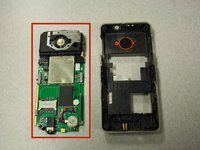
    5. Snapfon ez One Motherboard Replacement, Remove the motherboard: шаг 7, изображение 1 из 3 Snapfon ez One Motherboard Replacement, Remove the motherboard: шаг 7, изображение 2 из 3 Snapfon ez One Motherboard Replacement, Remove the motherboard: шаг 7, изображение 3 из 3
      • Separate the circuit board from the inside of the back case by prying between them with the opening tool.

      • The last picture is a view of the back of the circuit board.

      Спросите у FixBot

      Добавить комментарий

Заключение

To reassemble your device, follow these instructions in reverse order.

Отменить: Я не выполнил это руководство.

John Bender

Участник с: 03/26/14

818 Репутация

Автор 8 руководств

Команда

Clemson, Team 6-5, Benson Spring 2014 Участник Clemson, Team 6-5, Benson Spring 2014

CLEM-BENSON-S14S6G5

3 членов

Автор 40 руководств

0 Комментарии к руководству

Добавить комментарий

Статистика просмотров:

За последние 24 часов: 1

За последние 7 дней: 2

За последние 30 дней: 20

За всё время: 524