Перейти к основному содержанию
Присоединяйся к сообществу ремонтников - Создай аккаунт

Sony Ericsson W518a Camera Lens Replacement

Выберете то, что вам нужно

  1. Sony Ericsson W518a Camera Lens Replacement, Faceplate: шаг 1, изображение 1 из 1
    • Find the small notch on the side of the phone. The notch is located by the "fast-forward" button and the "lock" switch.

    Спросите у FixBot

    Добавить комментарий

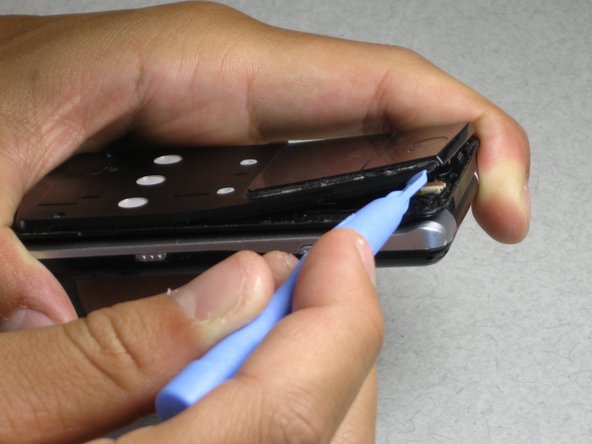
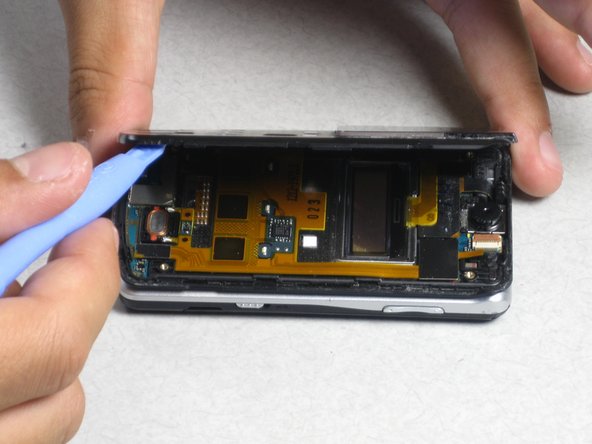
  2. Sony Ericsson W518a Camera Lens Replacement: шаг 2, изображение 1 из 3 Sony Ericsson W518a Camera Lens Replacement: шаг 2, изображение 2 из 3 Sony Ericsson W518a Camera Lens Replacement: шаг 2, изображение 3 из 3
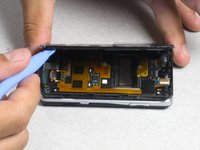
    • Insert your plastic opening tool into the notch.

    • Pry off the faceplate by gently sliding the plastic opening tool around the phone while still keeping the tool under the edge of the phone.

    • When enough of the faceplate has been lifted it can be easily removed.

    • In order to replace the faceplate, simply press and snap the faceplate back onto the front of the phone.

    Спросите у FixBot

    Добавить комментарий

  3. Sony Ericsson W518a Camera Lens Replacement, Camera Lens: шаг 3, изображение 1 из 1
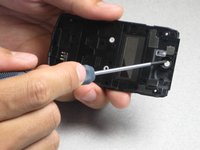
    • Remove the four 2mm Phillips screws from the back housing of the phone.

    Спросите у FixBot

    Добавить комментарий

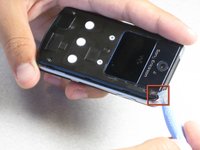
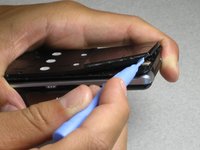
  4. Sony Ericsson W518a Camera Lens Replacement: шаг 4, изображение 1 из 3 Sony Ericsson W518a Camera Lens Replacement: шаг 4, изображение 2 из 3 Sony Ericsson W518a Camera Lens Replacement: шаг 4, изображение 3 из 3
    • Insert the plastic opening tool in the notch at the top corner of the phone.

    • Lift the corner and run the plastic opening tool around the phone until the back housing can easily be removed.

    Спросите у FixBot

    Добавить комментарий

  5. Sony Ericsson W518a Camera Lens Replacement: шаг 5, изображение 1 из 2 Sony Ericsson W518a Camera Lens Replacement: шаг 5, изображение 2 из 2
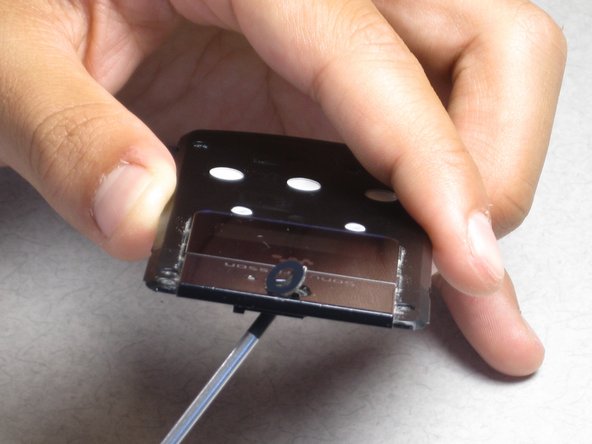
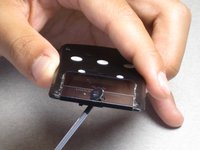
    • Remove the lends by pushing the lens from the inside of the housing.

    Спросите у FixBot

    Добавить комментарий

Заключение

To reassemble your device, follow these instructions in reverse order.

Отменить: Я не выполнил это руководство.

Еще один человек закончил это руководство.

kgkramer

Участник с: 06/27/12

121 Репутация

Автор 2 руководств

Команда

Cal Poly, Team 1-5, Regan SU 2012 Участник Cal Poly, Team 1-5, Regan SU 2012

CPSU-REGAN-SU12S1G5

3 членов

Автор 10 руководств

0 Комментарии к руководству

Добавить комментарий

Статистика просмотров:

За последние 24 часов: 0

За последние 7 дней: 5

За последние 30 дней: 21

За всё время: 1,439