Этот перевод был сделан машиной и пока не проверен человеком. Говорите на этом языке? Просмотрите его.
Введение
В этом руководстве показано, как заменить жесткий диск в ноутбуке Sony VAIO VPC-EB33FM.
Существует несколько признаков выхода жесткого диска из строя, включая медленный отклик, зависания, перегрев и даже слышимые щелчки или гул, исходящие от компьютера. Жесткий диск хранит данные, операционную систему и ваши приложения, поэтому стоит заменить его «до» того, как он окончательно выйдет из строя. Ранняя замена позволит сохранить большую часть данных, если не все.
Однако перед тем, как извлечь неисправный жесткий диск, обязательно создайте резервную копию всех данных, которые хотите сохранить. Это включает (но не ограничивается этим) документы, файлы, музыку и фотографии. Кроме того, держите новый жесткий диск под рукой, чтобы сделать этот переход как можно более простым. Как только вы выполните эти предварительные шаги, можно приступать к работе!
Выберете то, что вам нужно
-
-
-
Выключите ноутбук, нажав кнопку питания.
-
Переверните ноутбук нижней панелью вверх.
 Спросите у FixBot
-
-
-
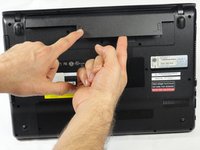
Чтобы освободить аккумулятор, одновременно удерживайте кнопку фиксатора и кнопку разблокировки.
-
-
-
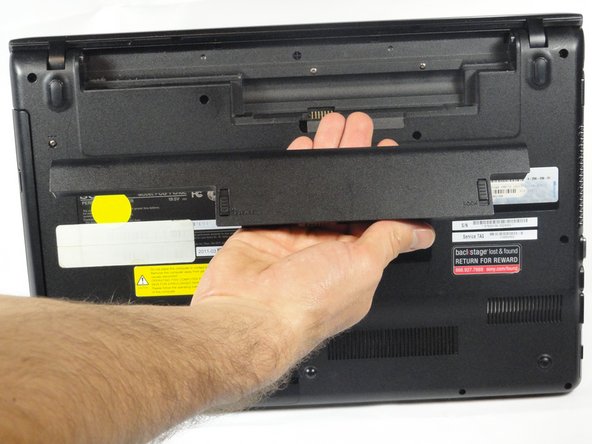
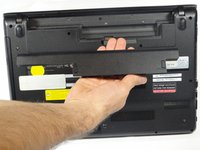
Извлеките аккумулятор из паза, продолжая удерживать кнопку фиксатора.
-
-
-
-
-
-
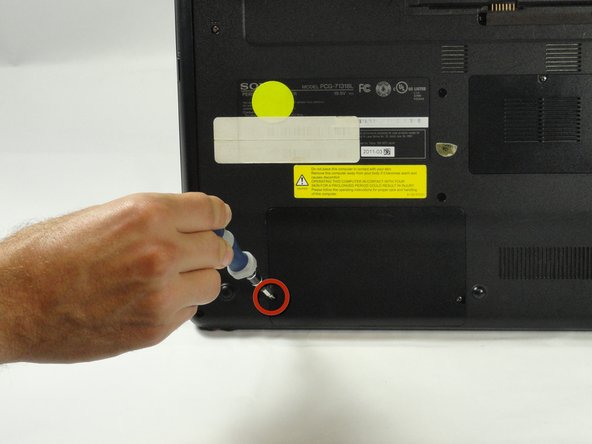
С помощью отвертки Phillips #00 выкрутите два винта крышки длиной 7,8 мм, расположенные по нижним углам панели.
-
-
-
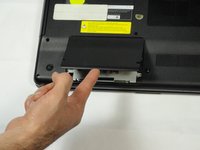
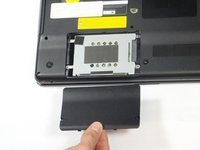
Подденьте панель пальцем или ногтем за выемку в нижней части, чтобы снять её.
-
-
-
Открутите два оставшихся винта длиной 7,8 мм с помощью отвертки Phillips #00.
-
-
-
Возьмитесь за язычок большим и указательным пальцами.
-
Другой рукой надежно удерживайте жесткий диск в горизонтальном положении.
-
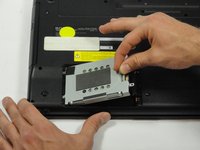
Сдвиньте жесткий диск влево за пластиковый язычок, чтобы отсоединить его от ноутбука.
-
-
-
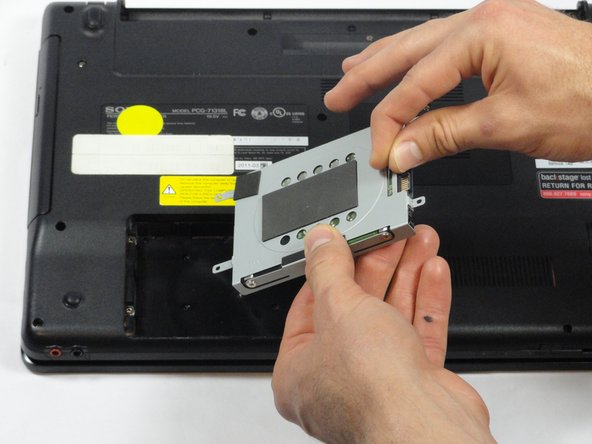
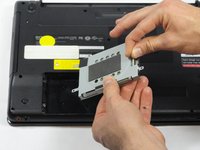
Продолжая удерживать пластиковый язычок, приподнимите правую сторону жесткого диска под углом 45º.
-
Извлеките жесткий диск.
-
-
-
Если вам нужно снять кронштейн с жесткого диска, выполните следующие несколько шагов:
-
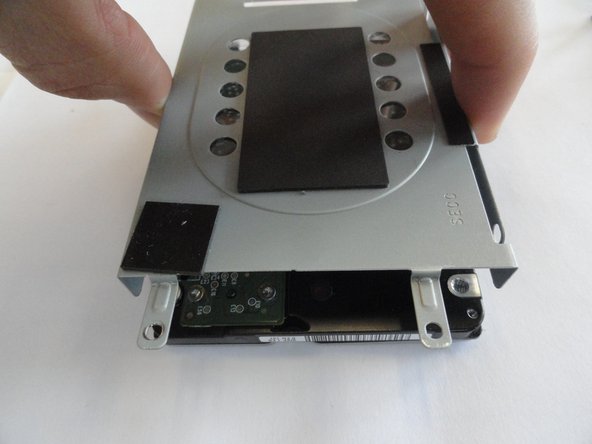
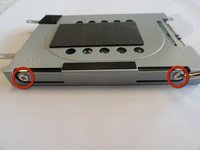
Открутите два винта длиной 3,7 мм с каждой стороны кронштейна с помощью отвертки Phillips #00.
-
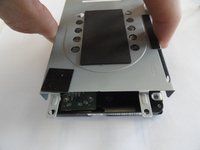
Снимите кронштейн с жесткого диска.
-
-




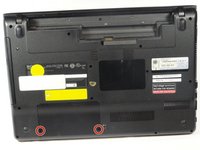
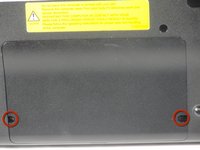
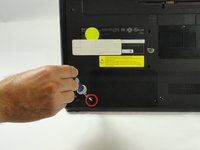


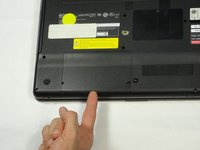



Для сборки устройства выполните эти действия в обратном порядке.
Отменить: Я не выполнил это руководство.
9 человек успешно провели ремонт по этому руководству.

Команда

Cal Poly, Team 18-39, Regan Winter 2013 Участник Cal Poly, Team 18-39, Regan Winter 2013
CPSU-REGAN-W13S18G39
5 членов
Автор 72 руководств
1 Комментарий к руководству
This is very good step by step instructions guide. Loved it and was able to remove my laptop hd very easily. I created this account only to say thanks to writer. Amazing job !! Thaks ton.
