Введение
This guide will inform readers on how to safely uninstall the RAM components of the Sony VAIO VPC-EB33FM laptop.
Выберете то, что вам нужно
-
-
-
Power down the laptop by pressing the power button.
-
Turn the laptop onto its backside.
 Спросите у FixBot
-
-
-
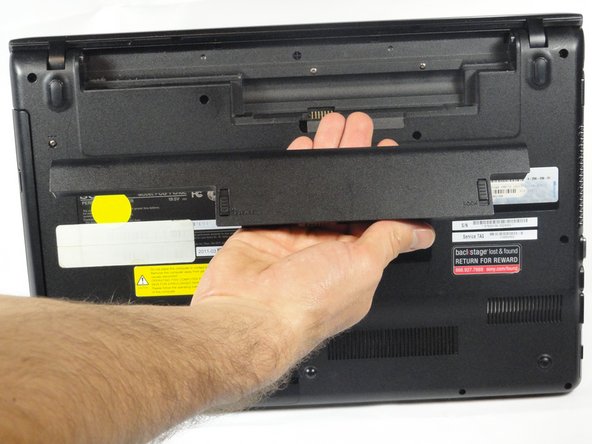
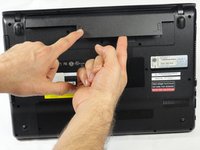
To release the battery, hold both the release button and the unlock button at the same time.
-
-
-
-
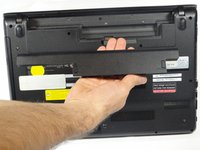
Remove the battery out from the notch while continuing to hold the release button.
-
-
-
-
-
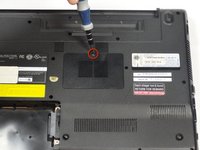
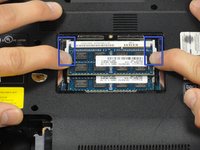
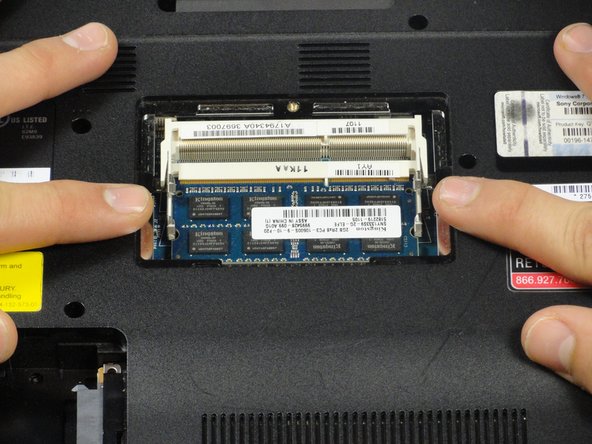
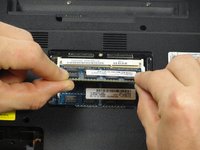
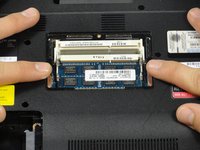
Pull the two retaining arms away from the center of the RAM chip.
-
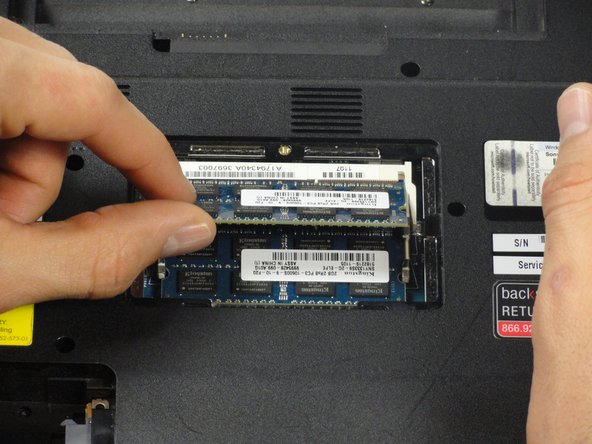
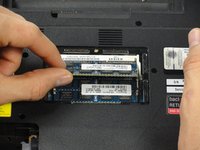
The RAM will make a "pop" sound and the RAM stick will rise for ease of handling.
-
-
-
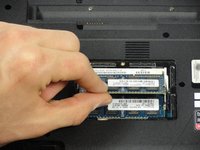
Pull the RAM stick out of its socket.
-
To remove the second stick of RAM, repeat steps six and seven.
-
When installing RAM, make sure sticks are firmly in place or the computer will not register them.
-




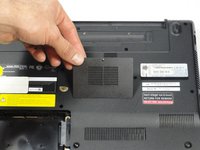
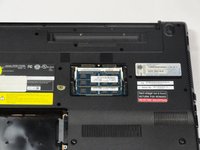



To reassemble your device, follow these instructions in reverse order.
Отменить: Я не выполнил это руководство.
Еще один человек закончил это руководство.

Команда

Cal Poly, Team 18-39, Regan Winter 2013 Участник Cal Poly, Team 18-39, Regan Winter 2013
CPSU-REGAN-W13S18G39
5 членов
Автор 54 руководств
1 Комментарий к руководству
when i press the power button in VAio still black screen with little tick sound,
and one day i just turn it on and leave it for 17 hours and sadnlley it worked but when i tried to restart it it still not working with tick tick tick tick sound !!! any advise !!!?
